Health Hue Hub · Campaigns
Fill the schedule. Without lifting a finger.
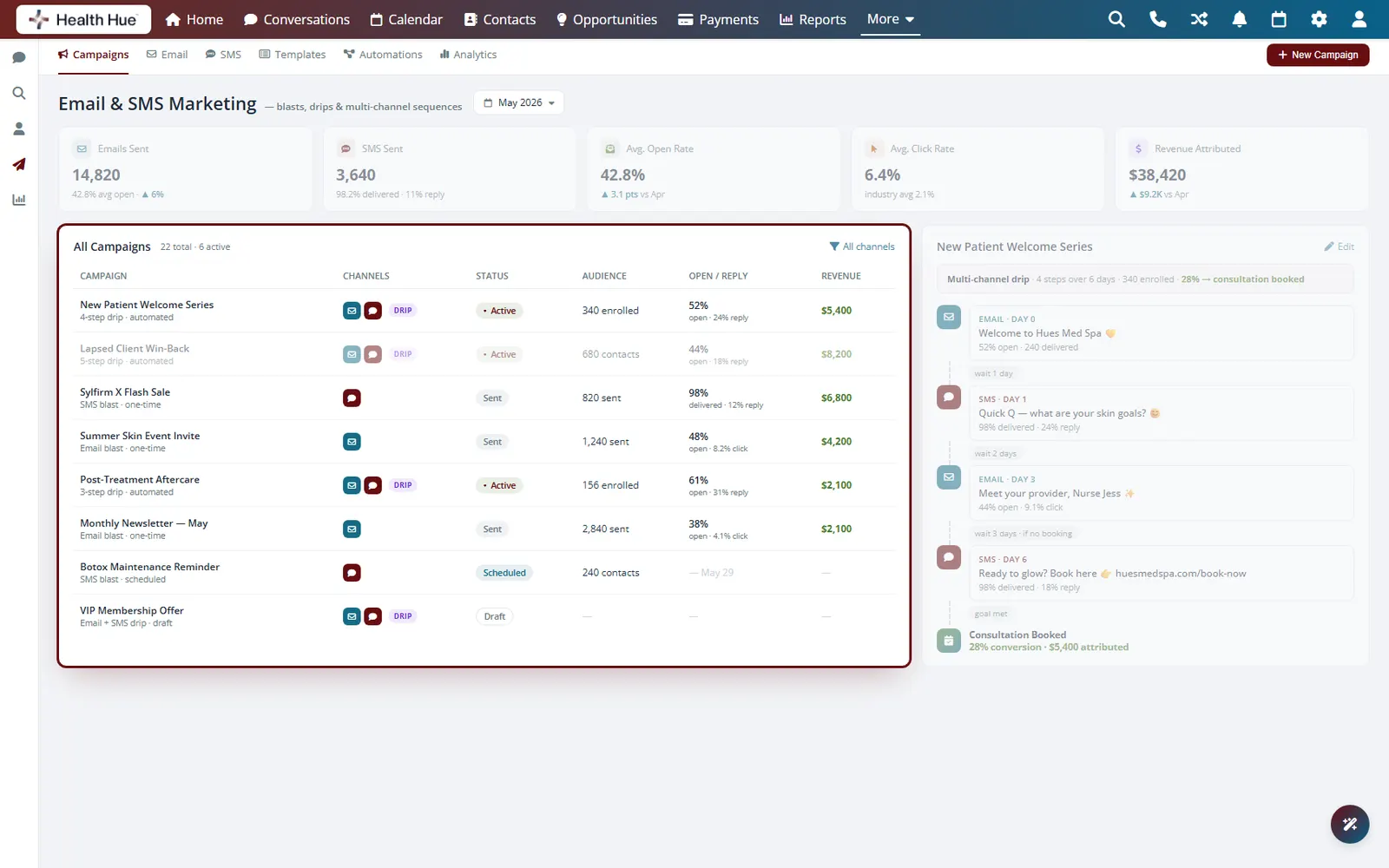
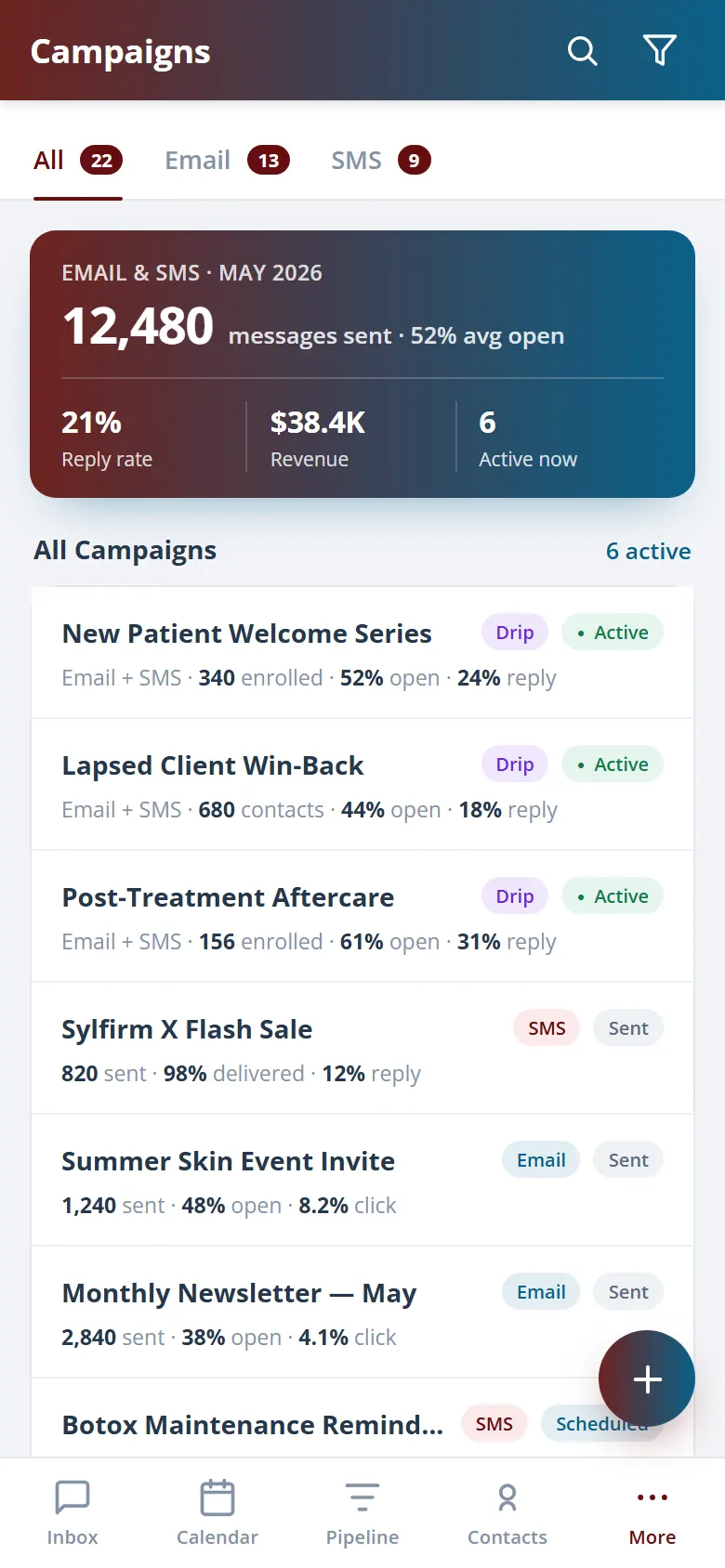
Run email and SMS campaigns straight from the same platform that holds your patient records. Start from a healthcare-ready template, pick the exact patients who should hear from you, schedule the send, and watch booked revenue come back. Every send is PHIPA-compliant before HIPAA, and the patient list builds itself from your own data.

01 · Email & SMS Campaigns
One builder for both channels.
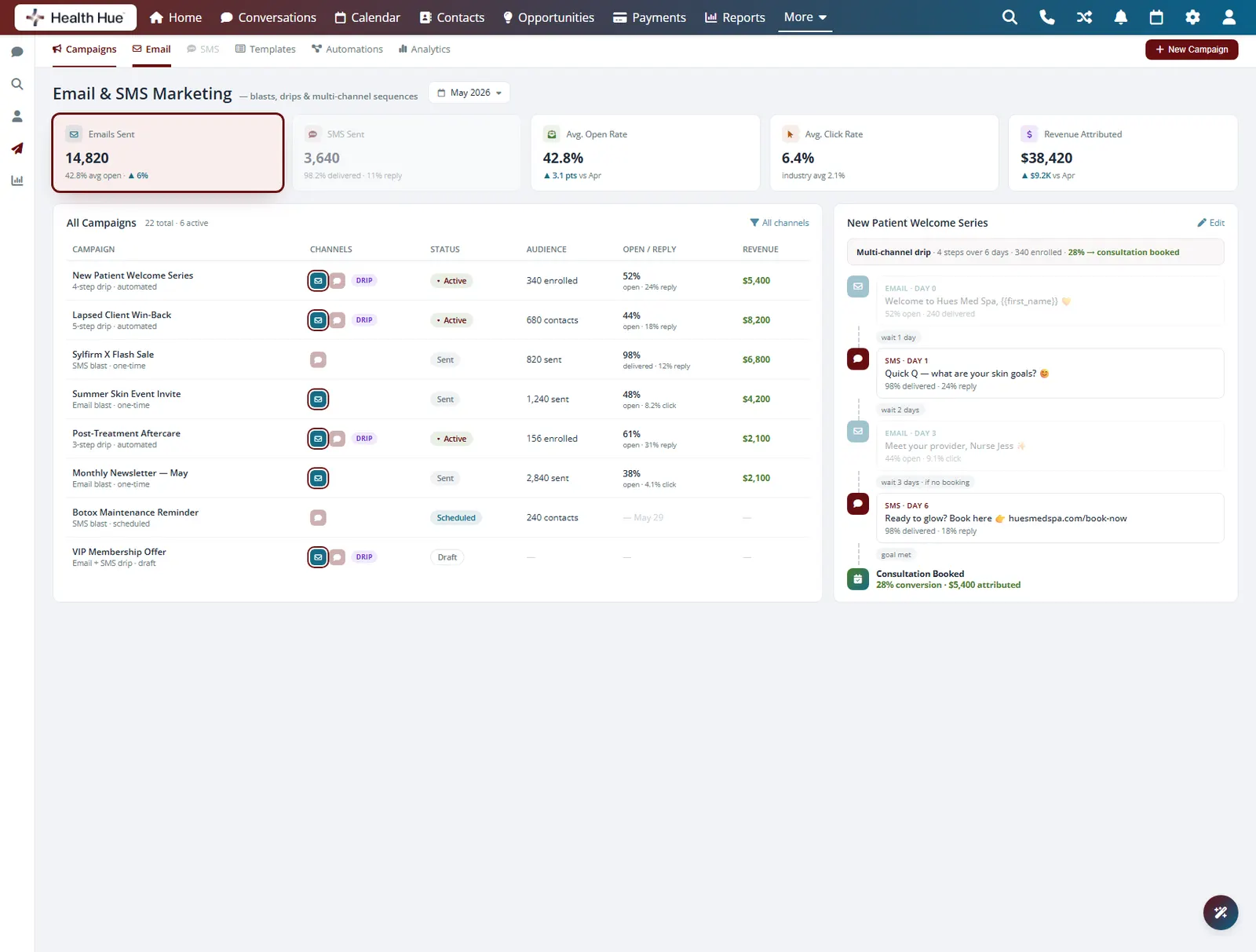
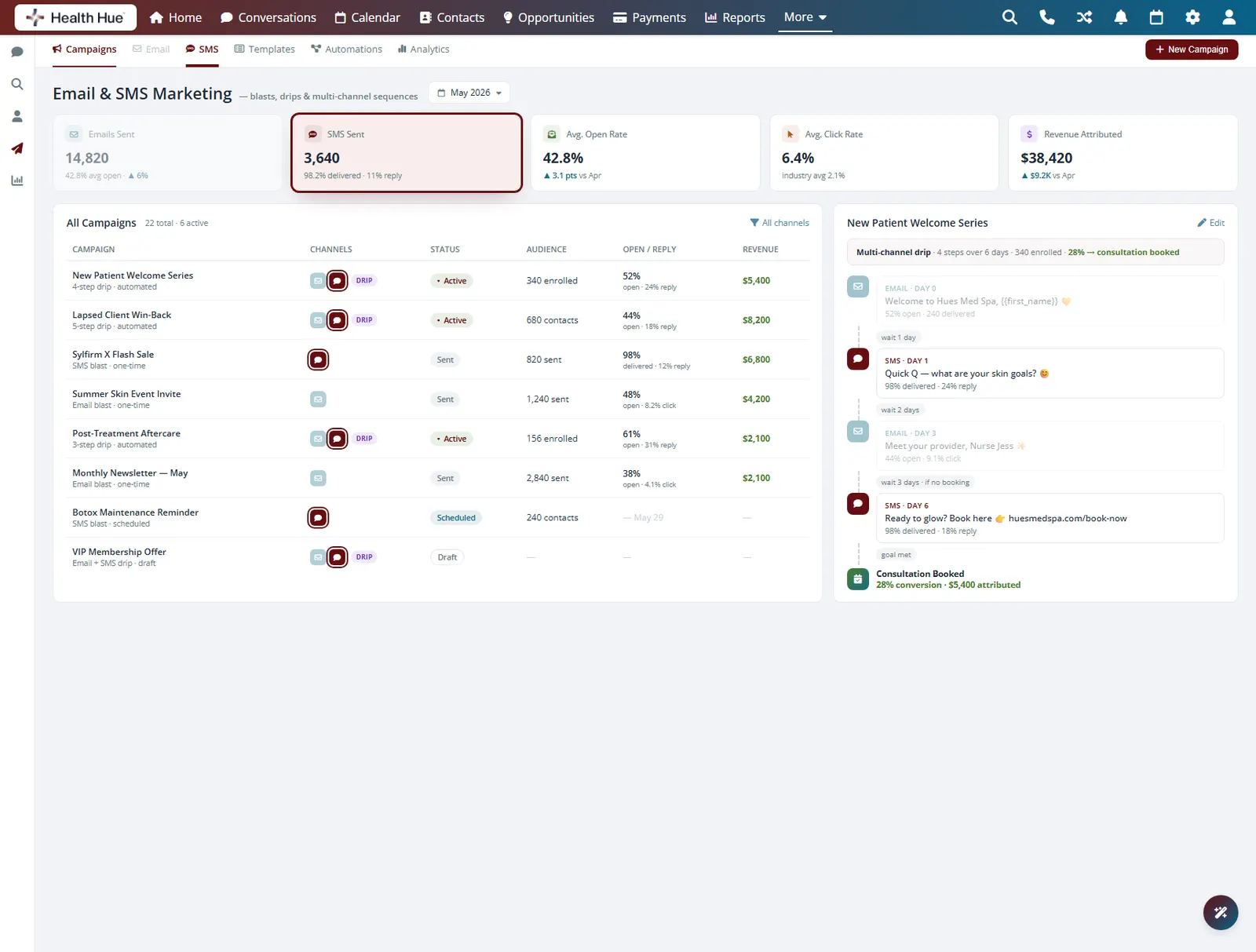
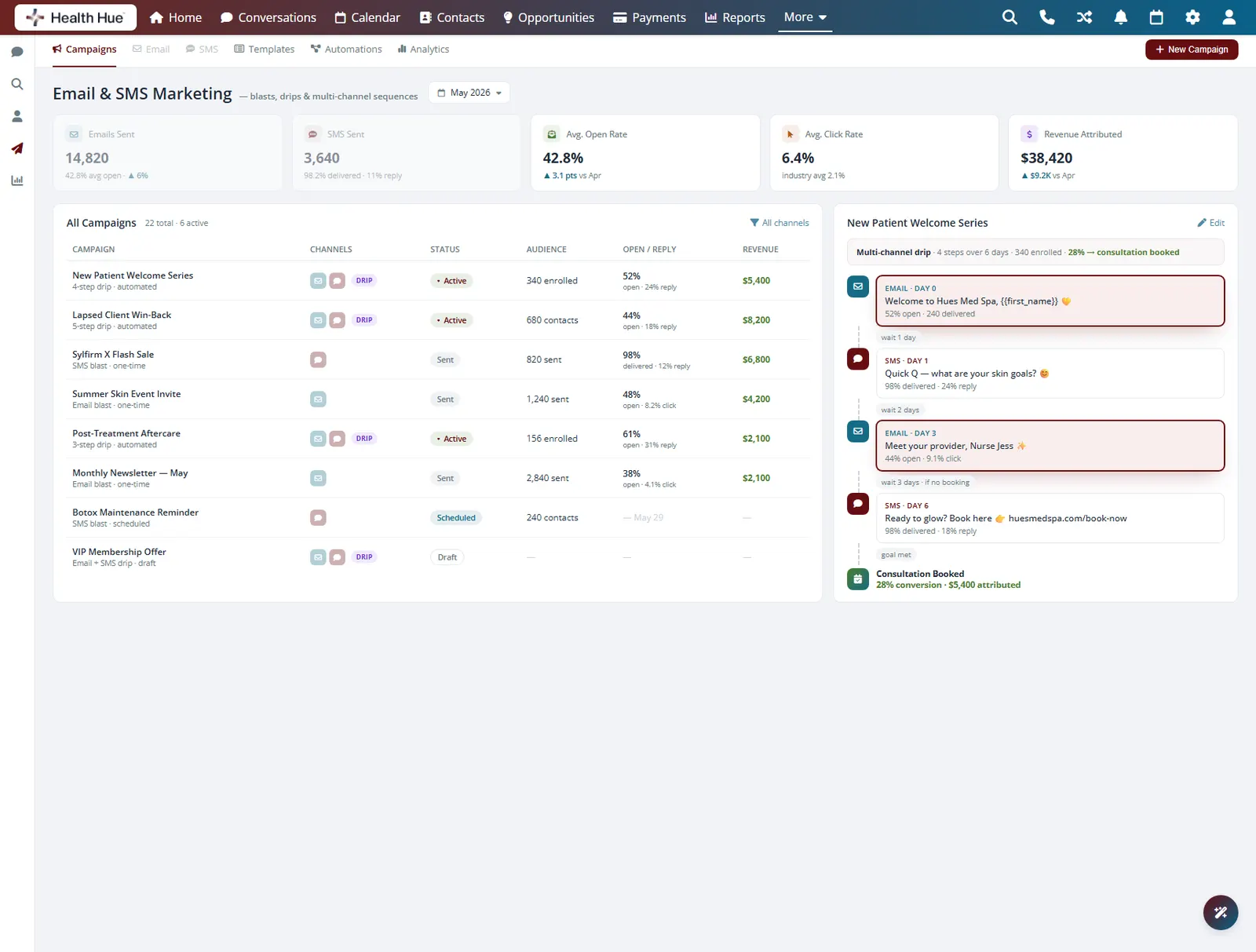
Write an email blast or a text campaign in the same place, then pick which one fits the message. Newsletters and seasonal announcements go by email, while time-sensitive openings and reminders land by SMS where patients actually read them. Personalise every send with merge fields like first name and last visit so it never feels like a mass blast.
Rich, branded emails for newsletters and announcements.
Short texts for openings, reminders, and quick offers.
Merge fields pull each patient’s name and history in.
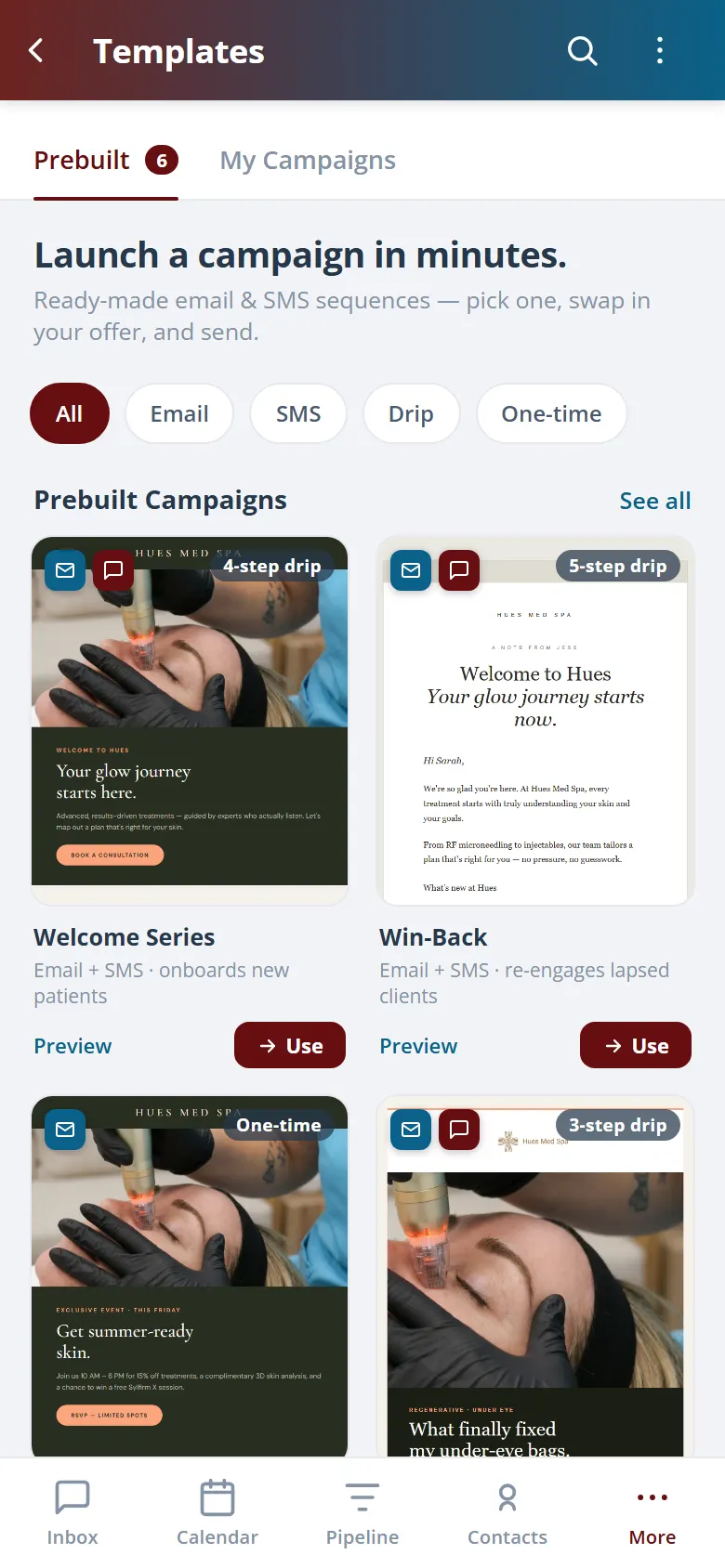
02 · Healthcare Templates
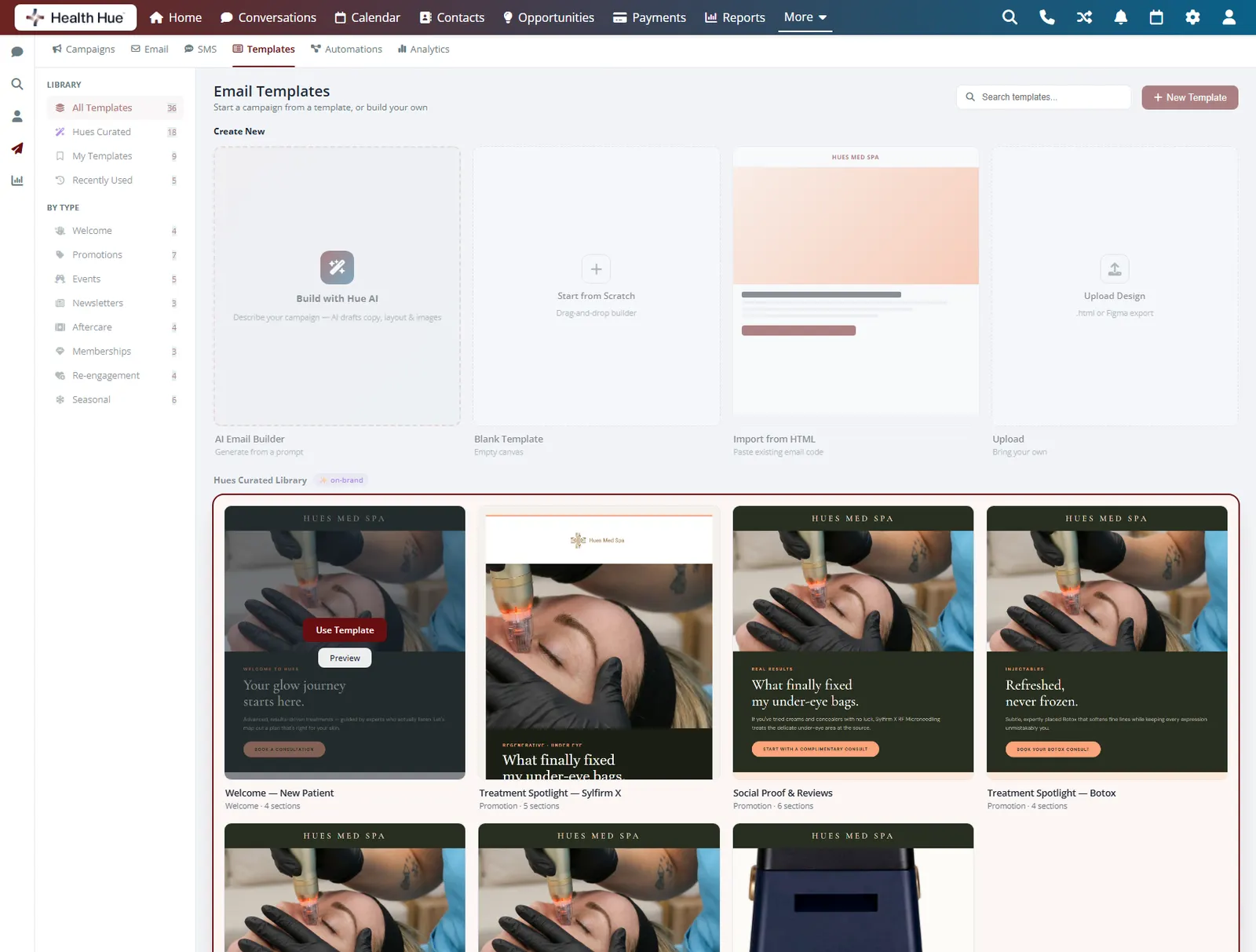
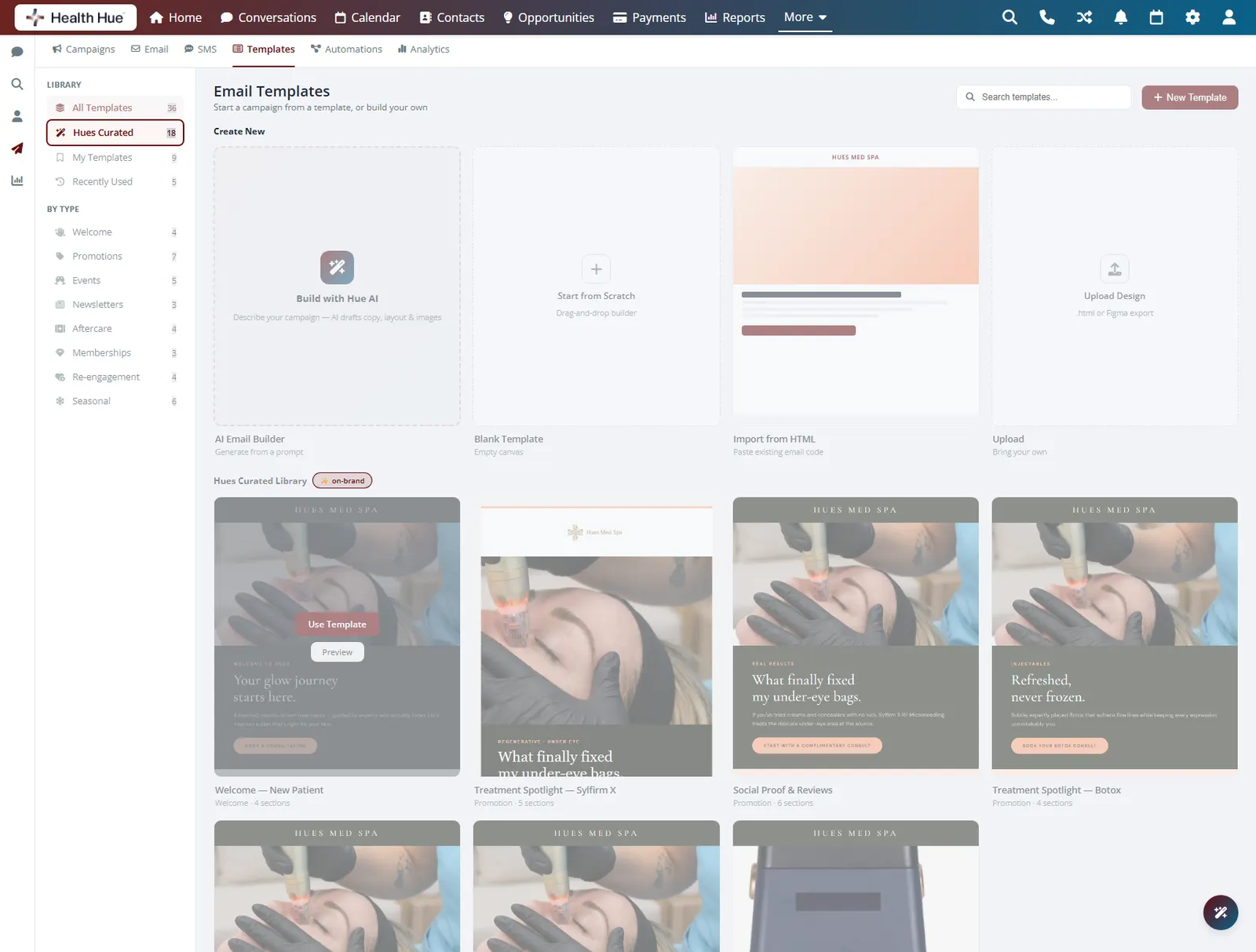
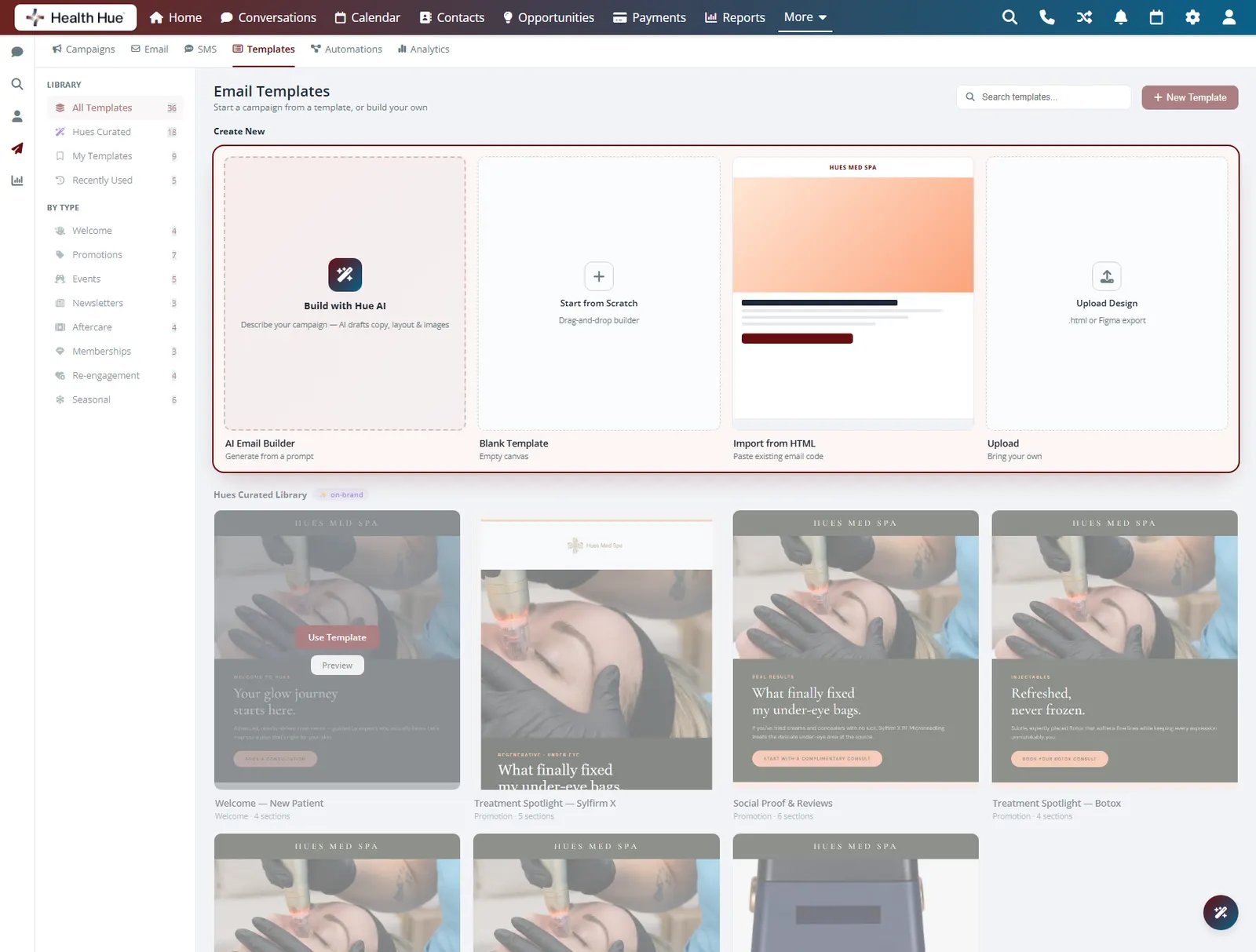
Start from a layout built for clinics.
Choose from prebuilt templates made for aesthetic and wellness practices, then drop in your logo, colours, and photos so every send looks like your clinic. No designer and no blank page, just a polished email that is ready in minutes. The same templates carry your branding across every campaign you run.
Layouts for promotions, newsletters, and re-engagement.
Add your logo and colours once and reuse them.
Edit copy and images right in the builder.
03 · Audience Segments
Send only to the right patients.
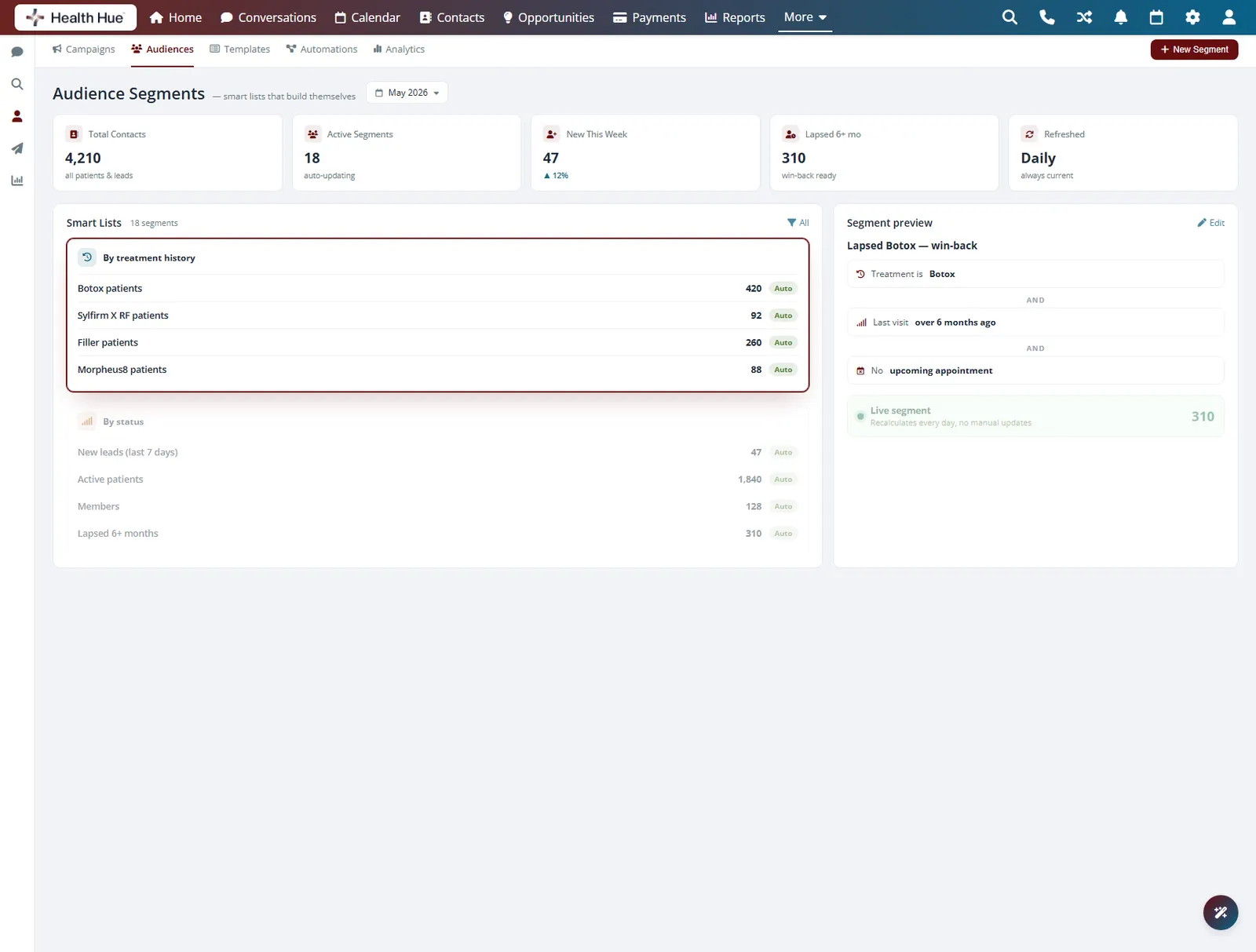
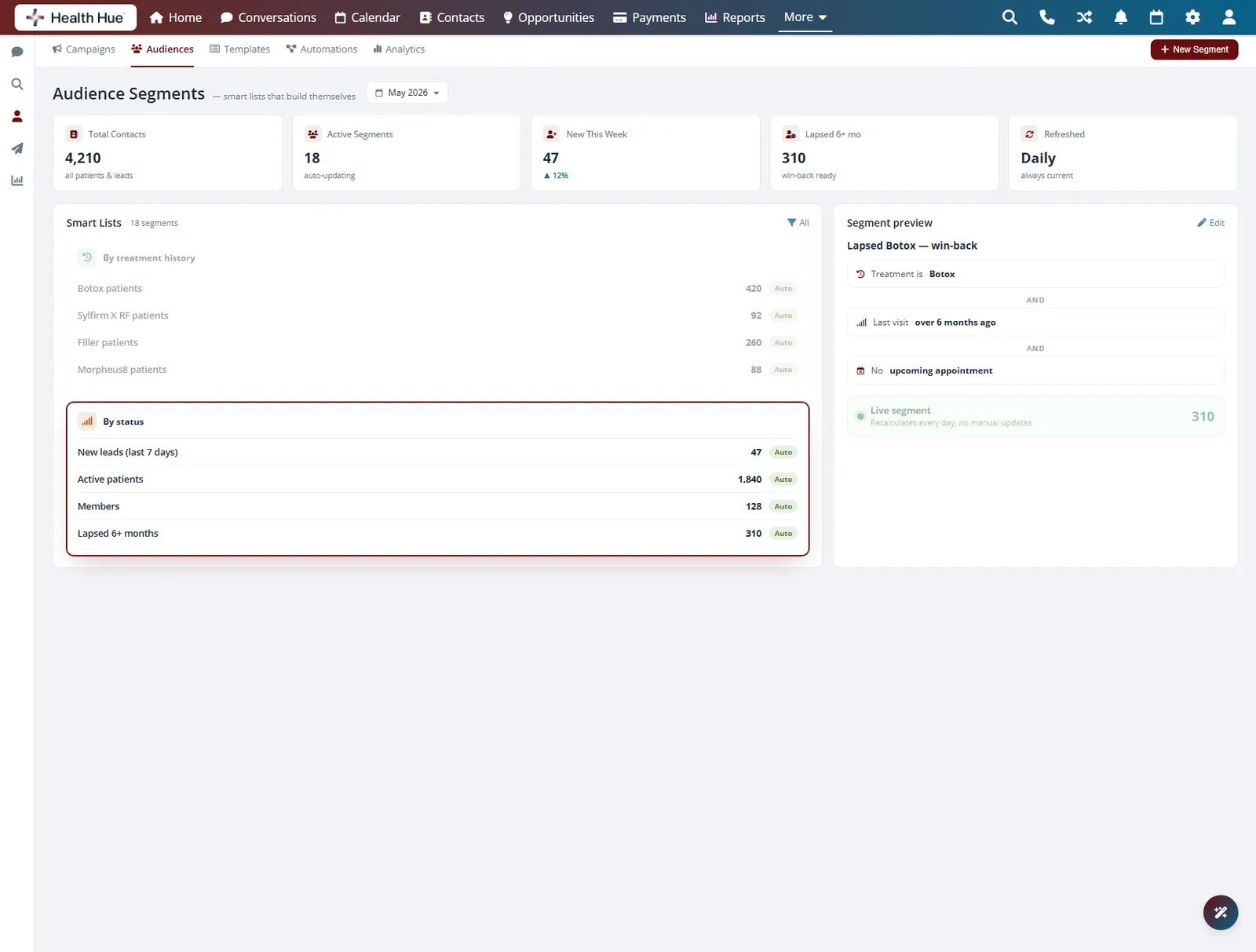
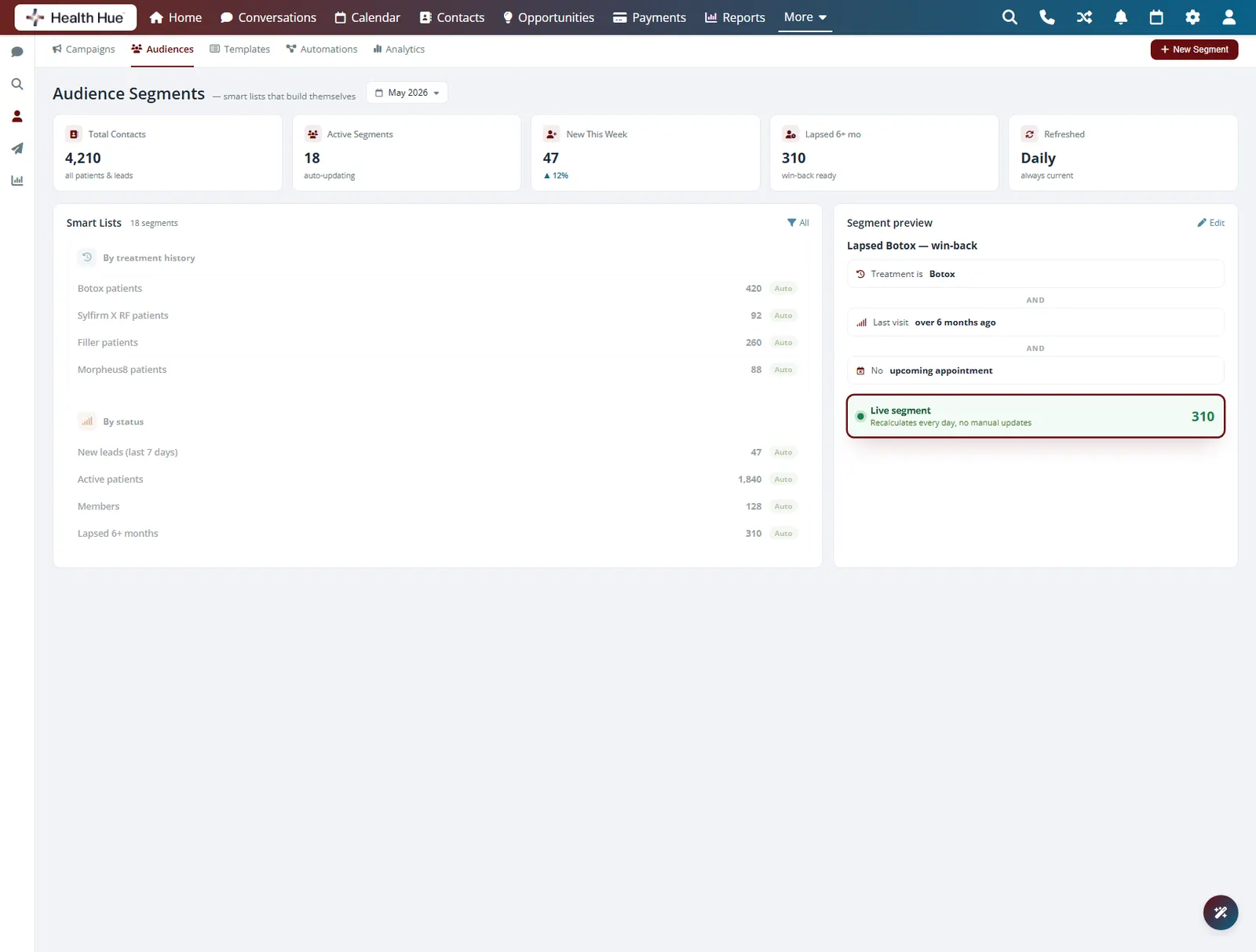
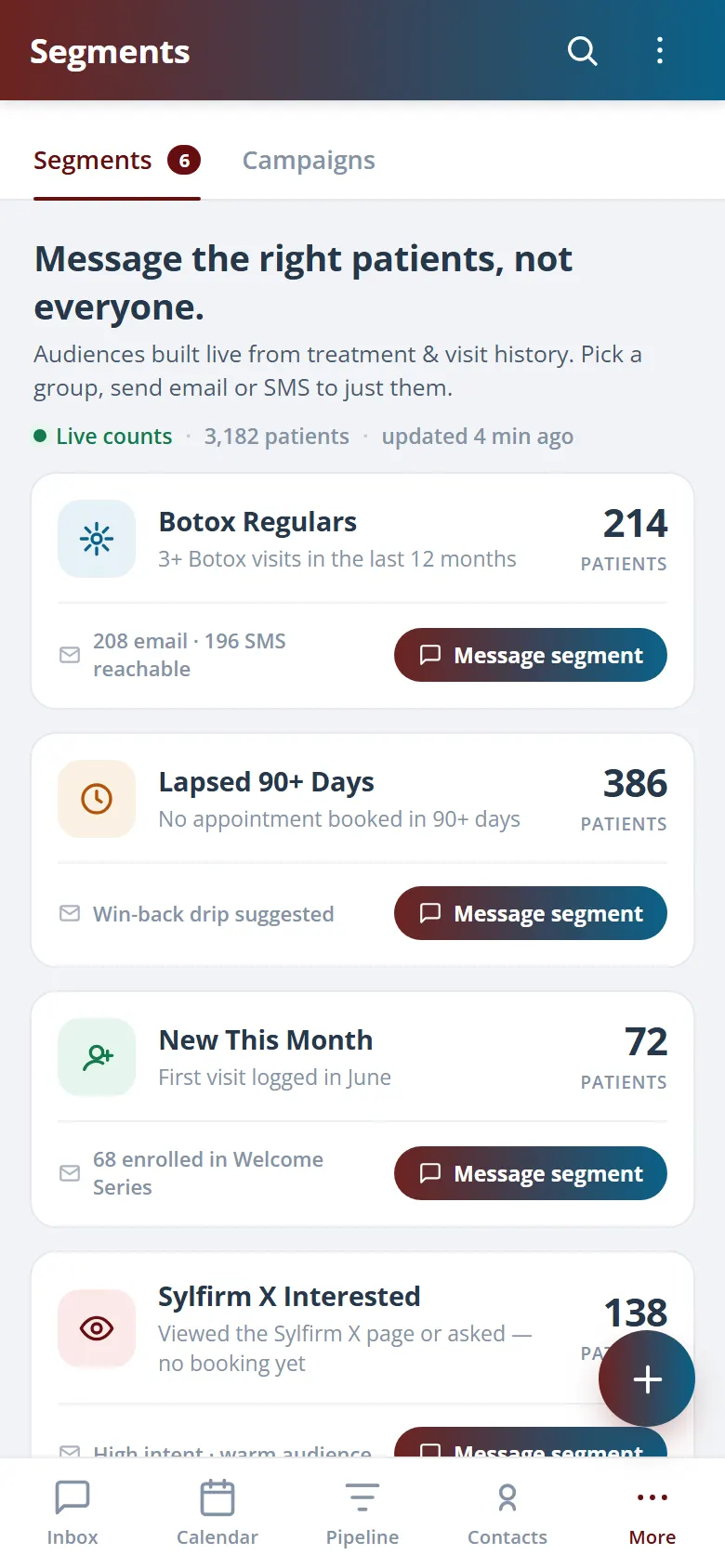
Build a recipient list from the patient data already in the Hub: treatment history, last visit, membership status, lead source, or tags. Reach lapsed patients, members due for a refresh, or everyone who booked a specific treatment, all without exporting a spreadsheet. The list stays current because it pulls live from the same records your front desk uses.
Filter by treatment, last visit, or spend.
Target members, lapsed patients, or new leads.
Segments pull live from your patient records.
04 · Scheduling
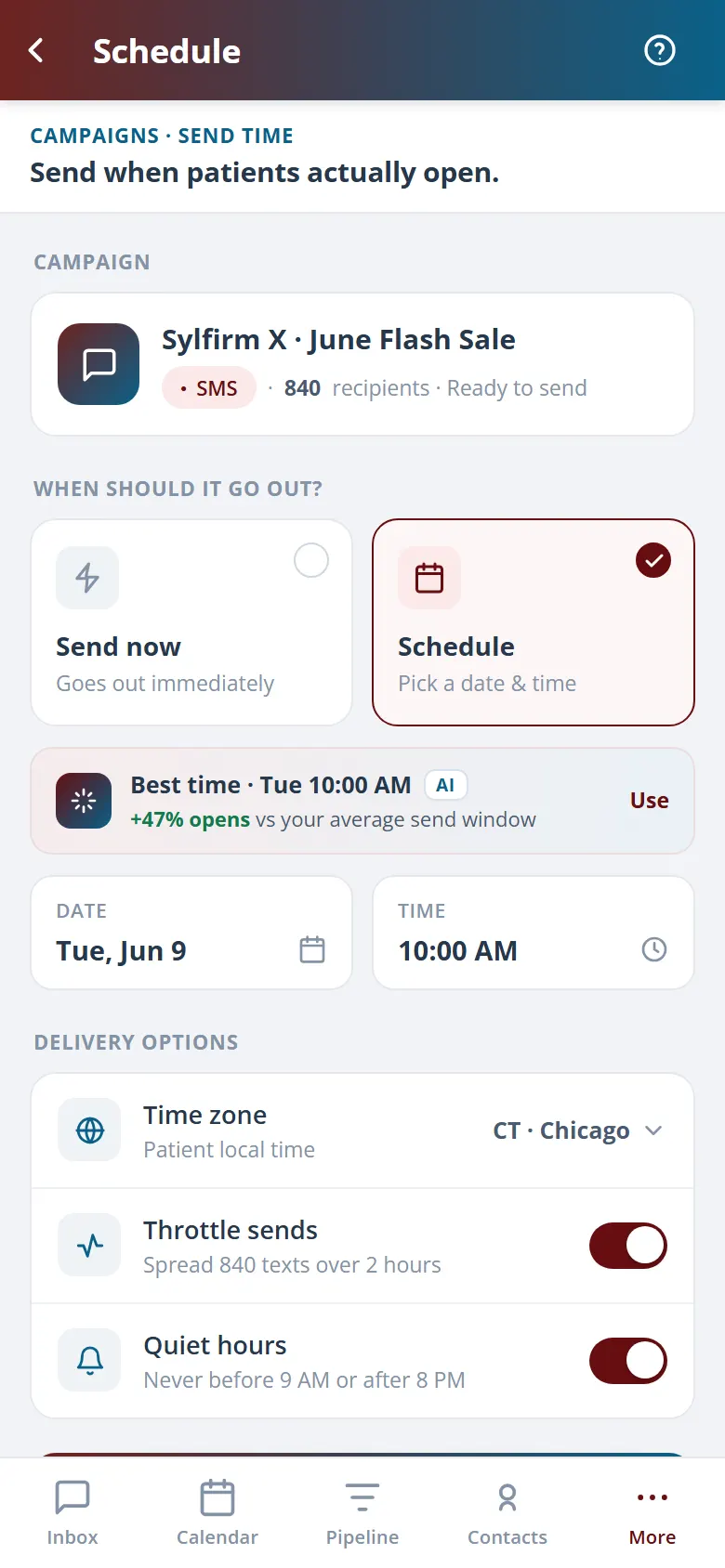
Set the send and walk away.
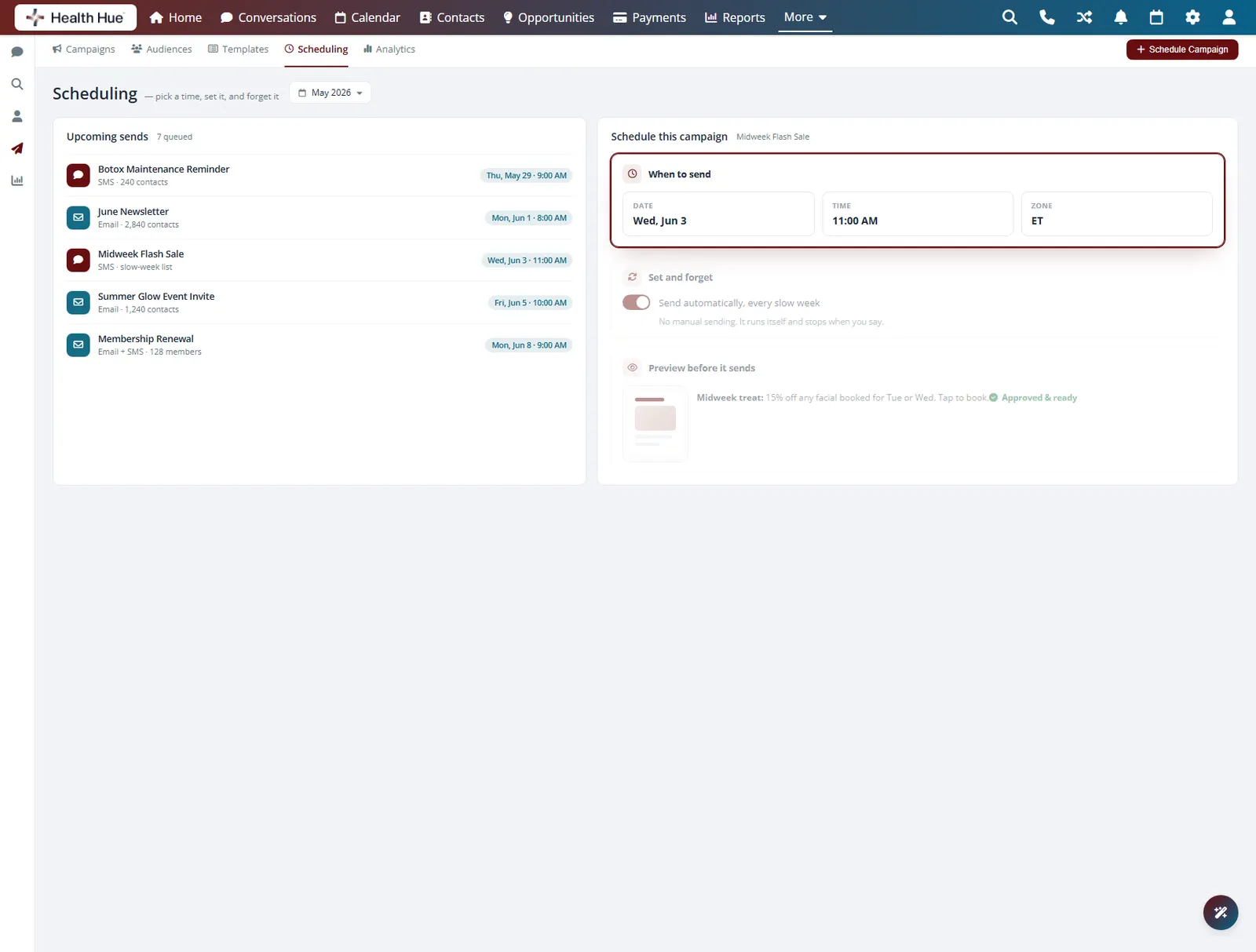
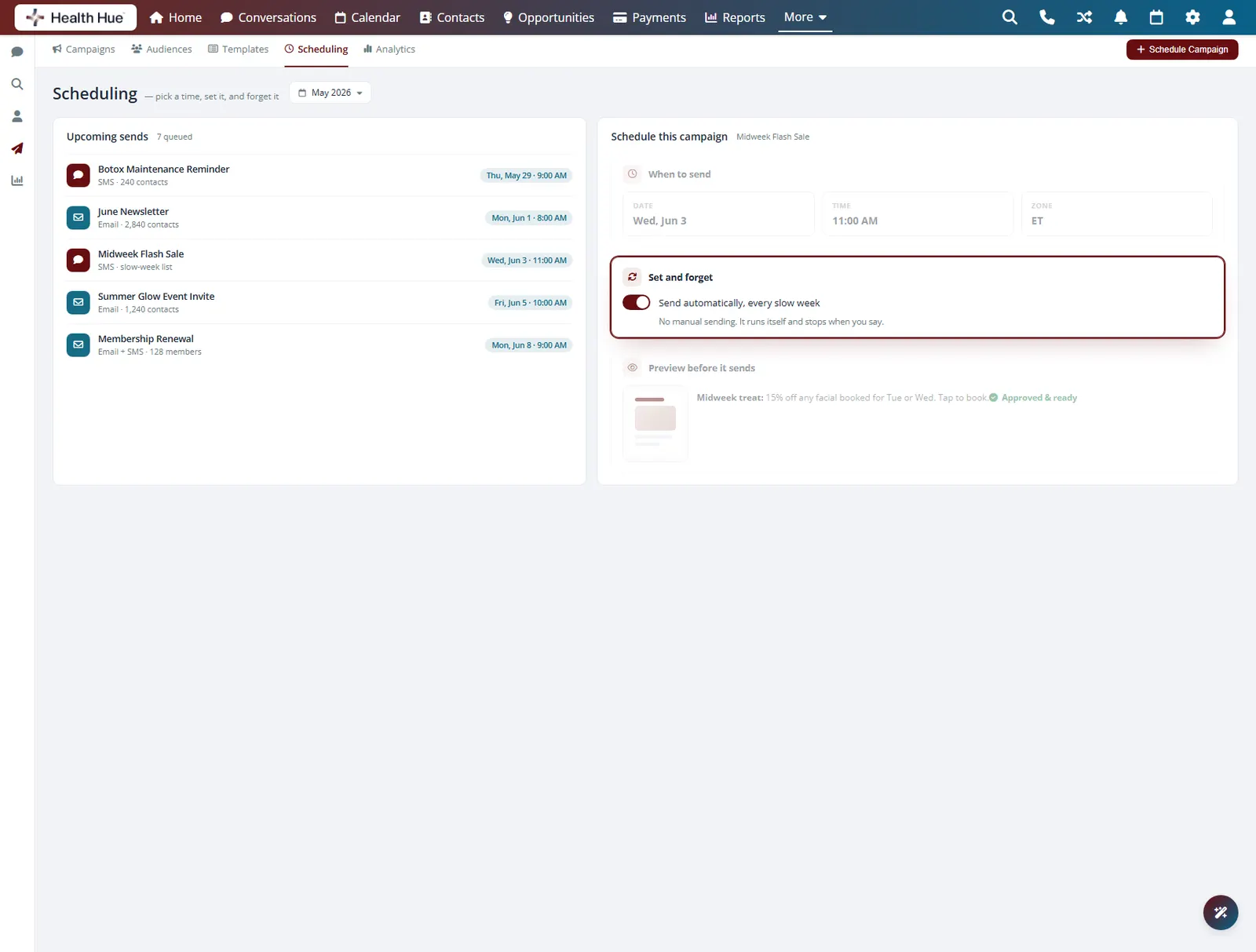
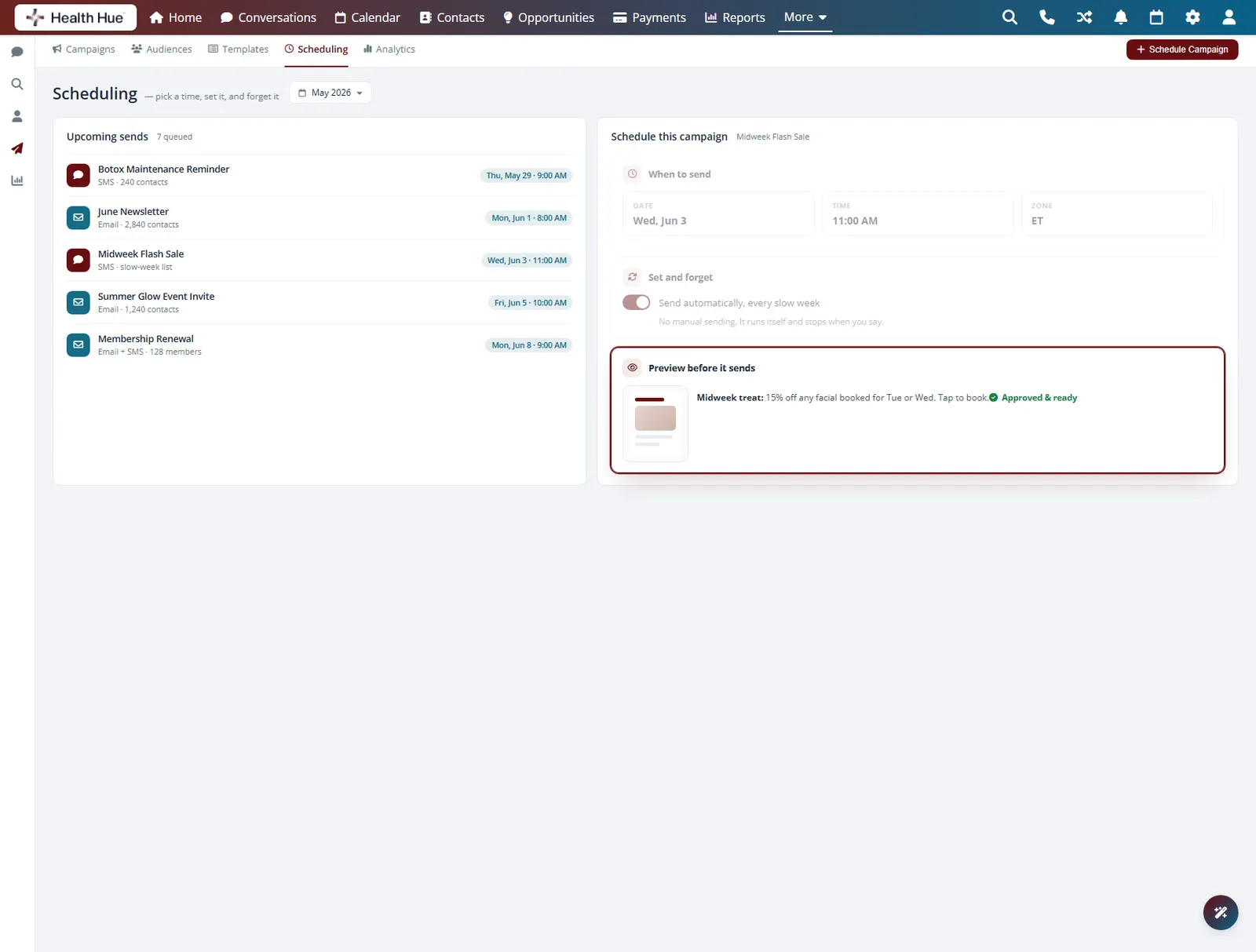
Pick the date and time a campaign should go out and the Hub handles the rest, even after hours. Schedule a promotion to land the morning of a launch or a reminder the week before a season picks up. Review the draft, confirm the audience, and the send fires on time without anyone at the desk.
Choose the exact date and hour to send.
The send fires on schedule with no one watching.
Check the draft and audience before it goes.
05 · Promotions & Offers
Push an offer to exactly who should get it.
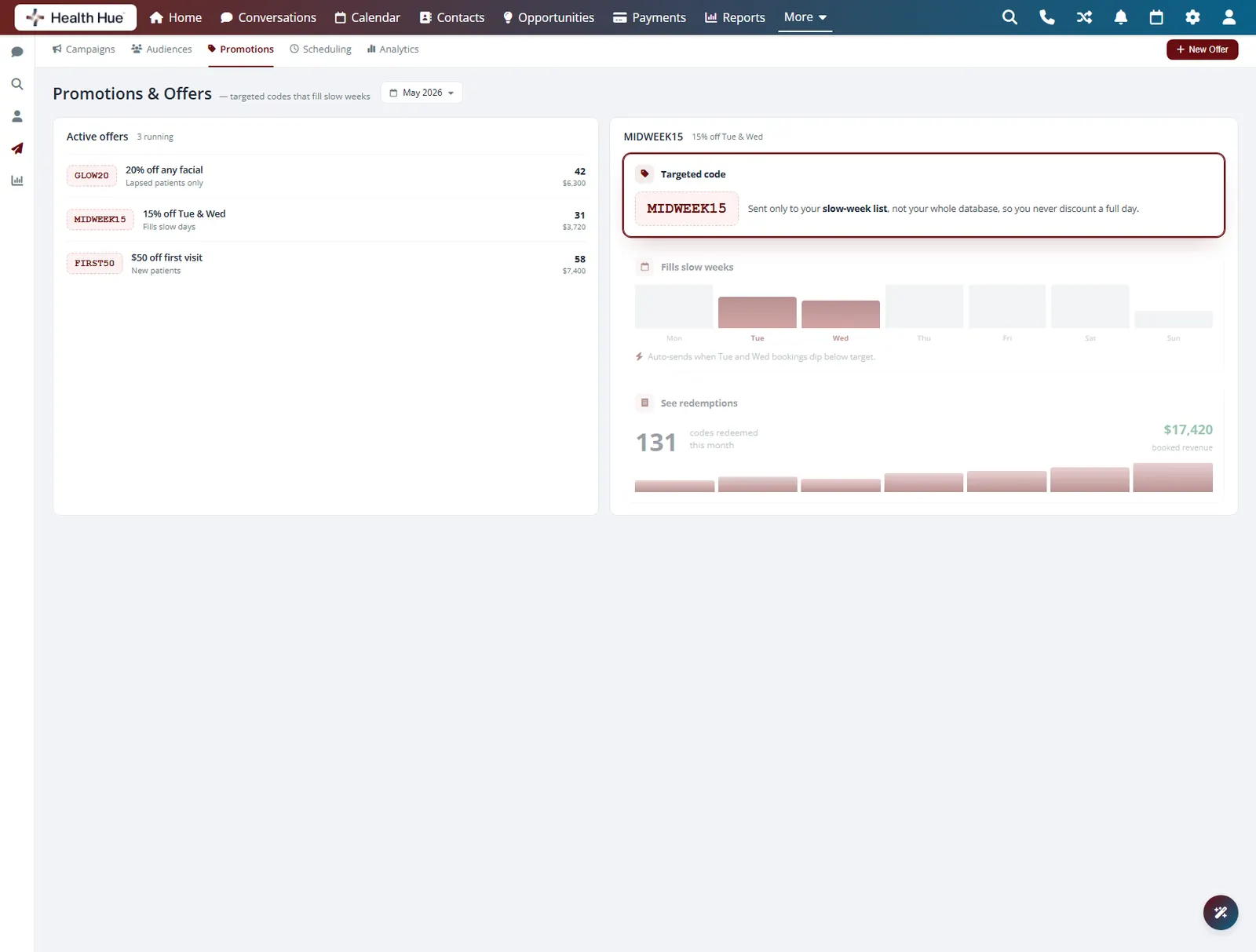
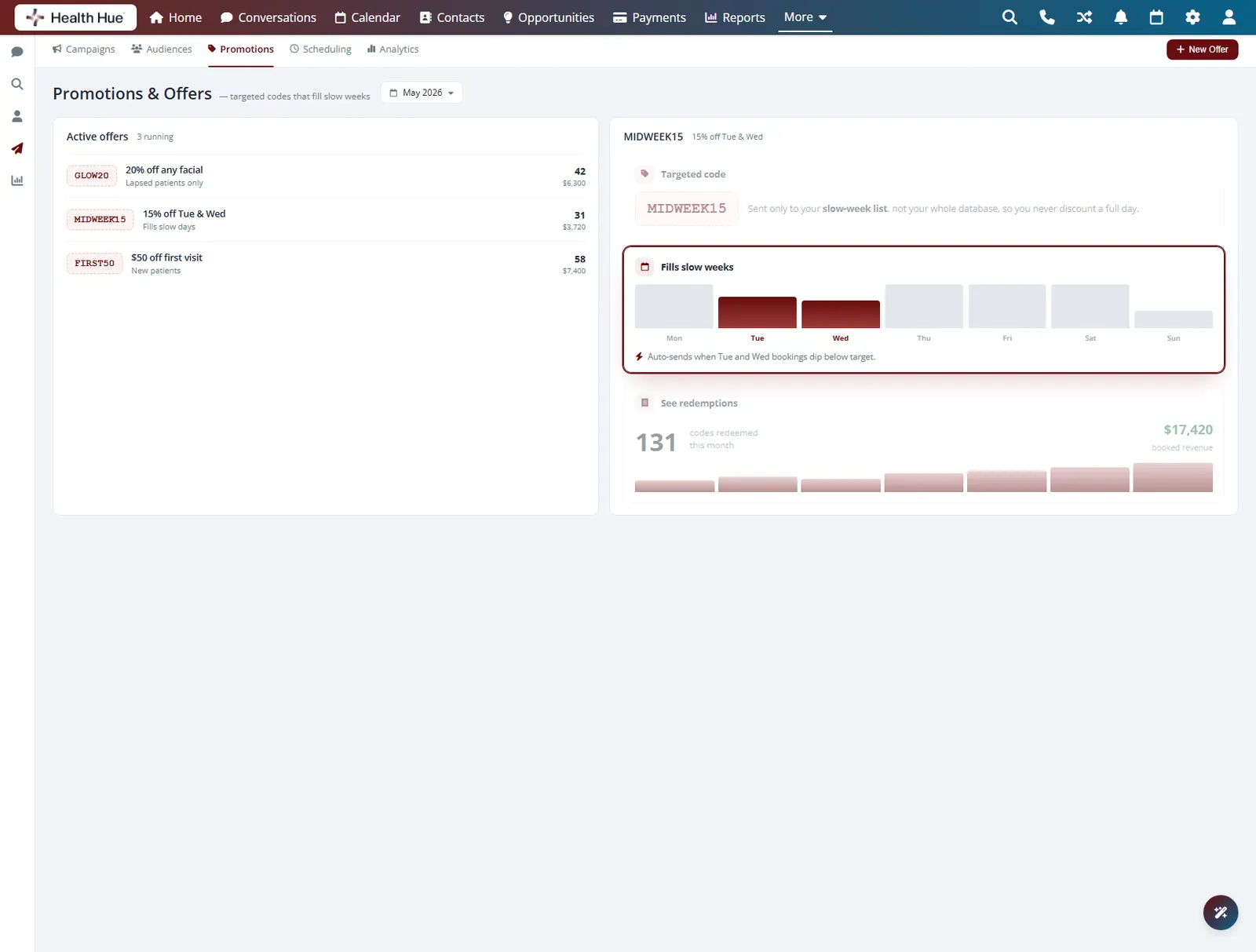
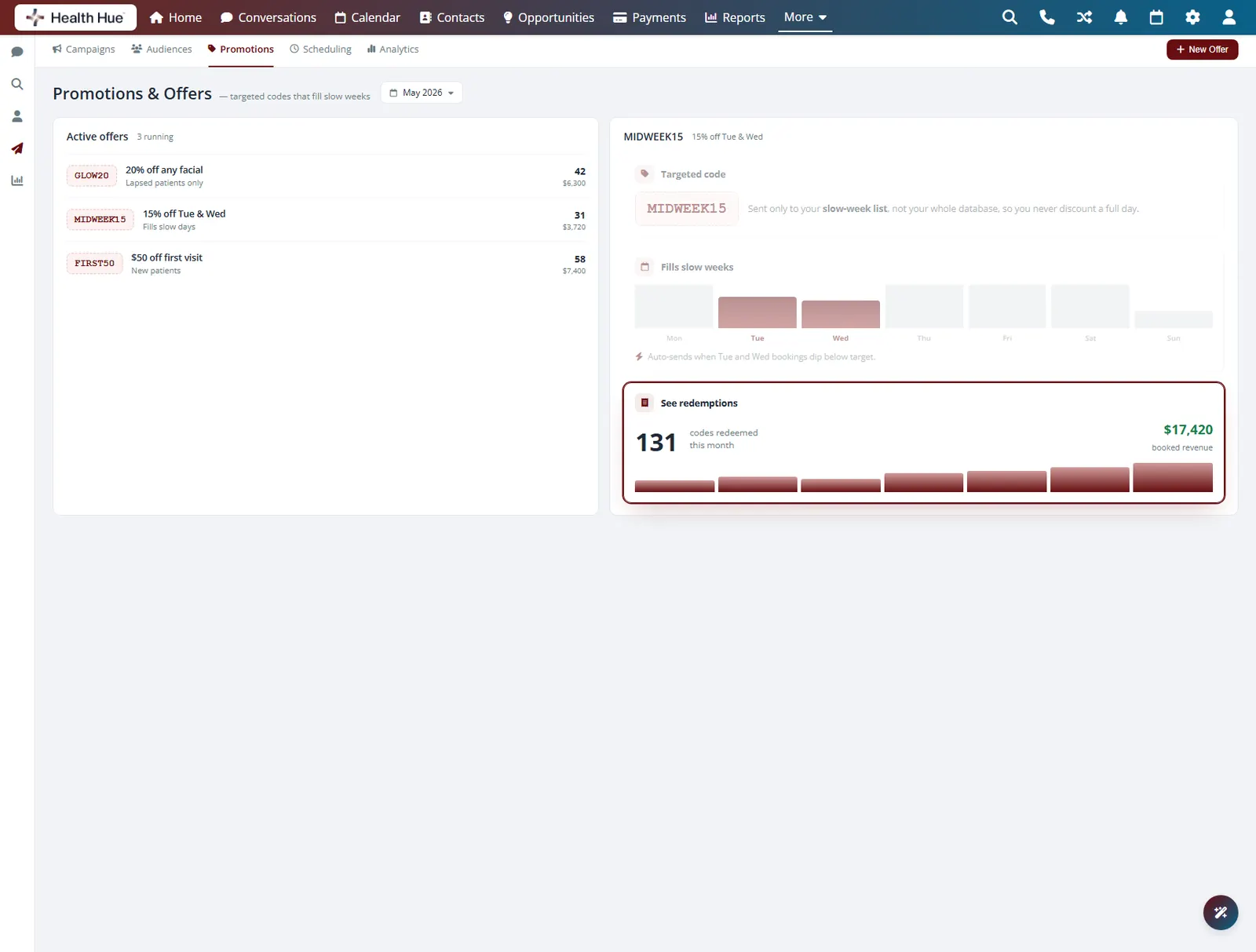
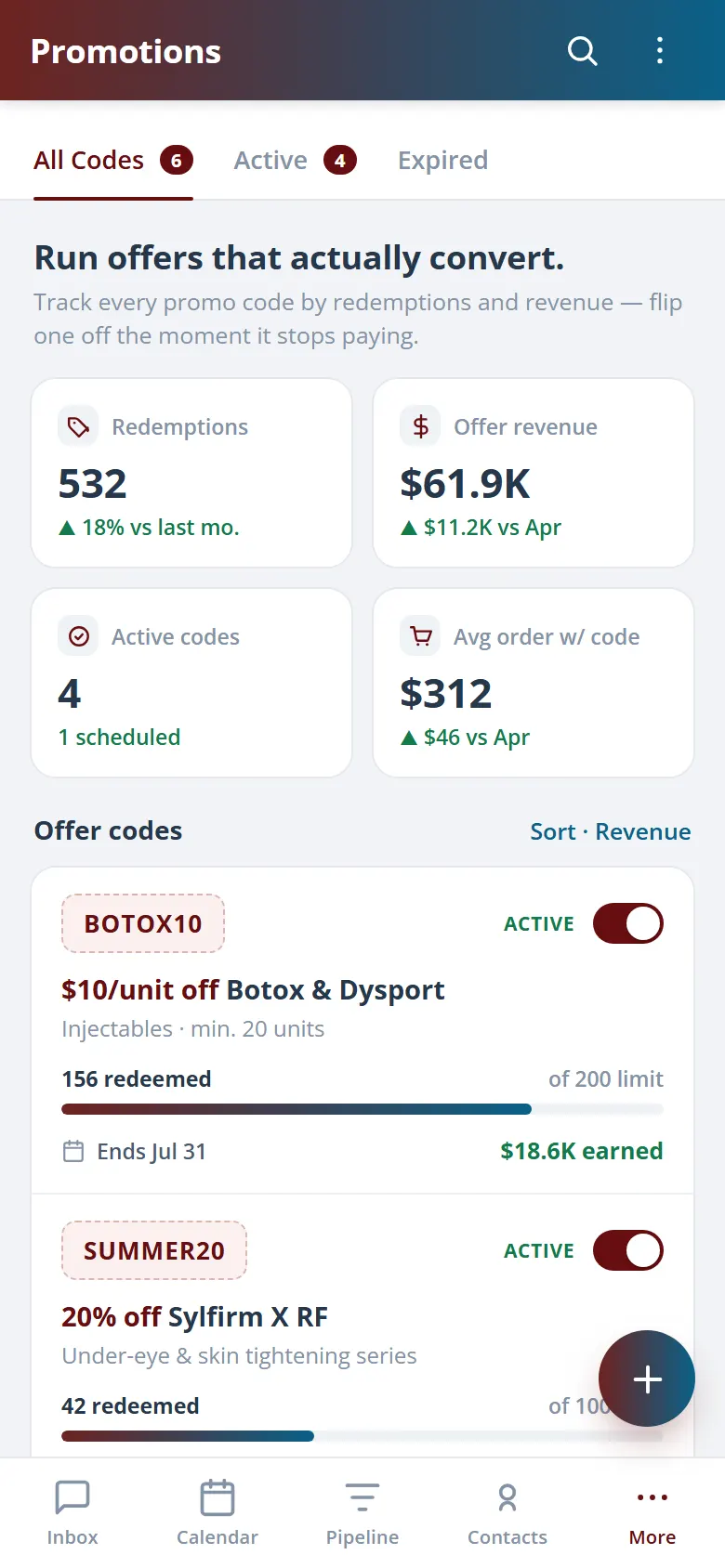
Create a discount or seasonal offer, attach it to a campaign, and send it only to the segment most likely to book. Reward members, win back lapsed patients, or fill a slow week with a targeted code instead of a clinic-wide discount that erodes margin. Because campaigns and patient records live together, you can see who redeemed and who still needs a nudge.
Attach an offer to one segment, not everyone.
Send a timely offer to patients ready to book.
Track who used the code from the same screen.
06 · Revenue Tracking
See what each send actually earned.
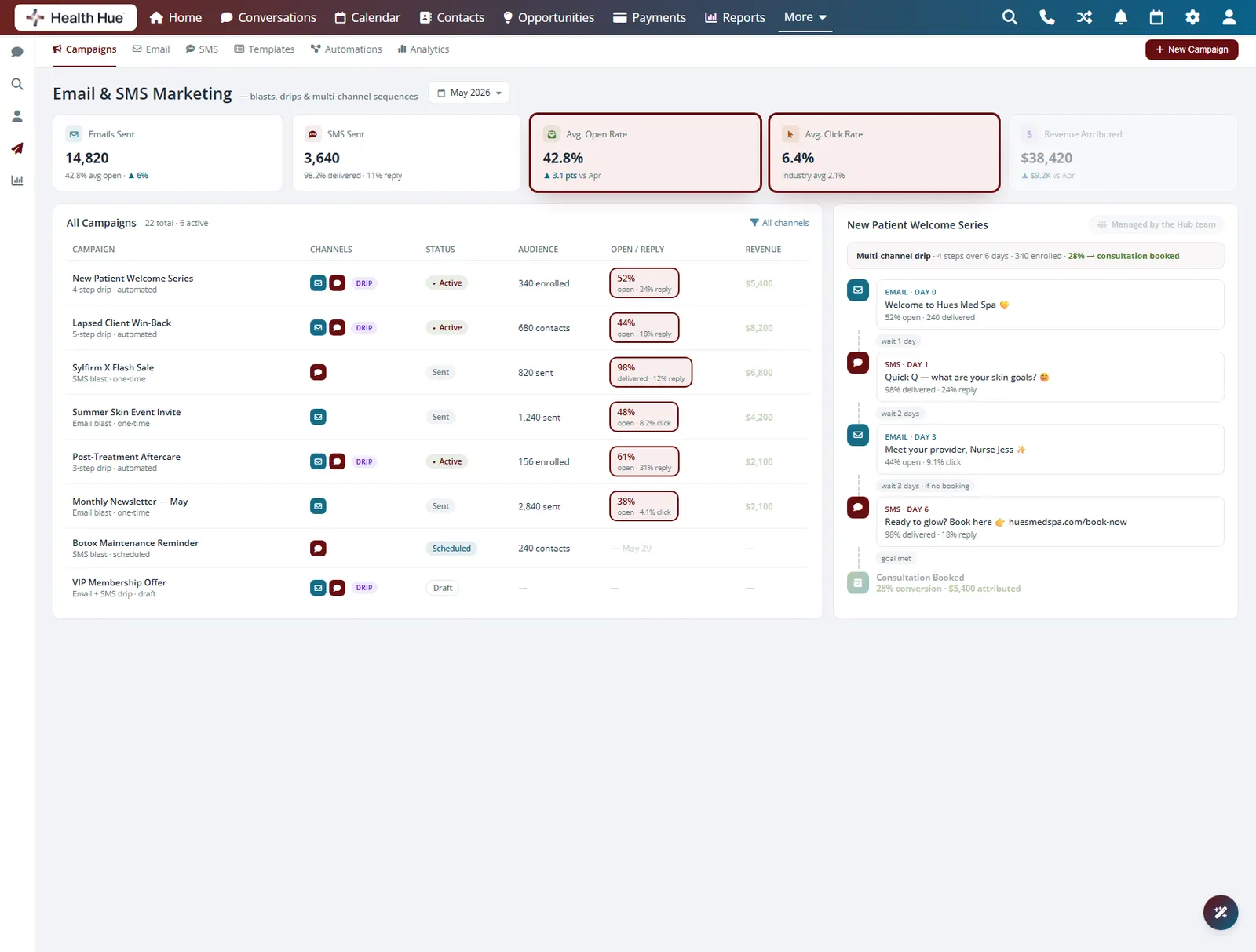
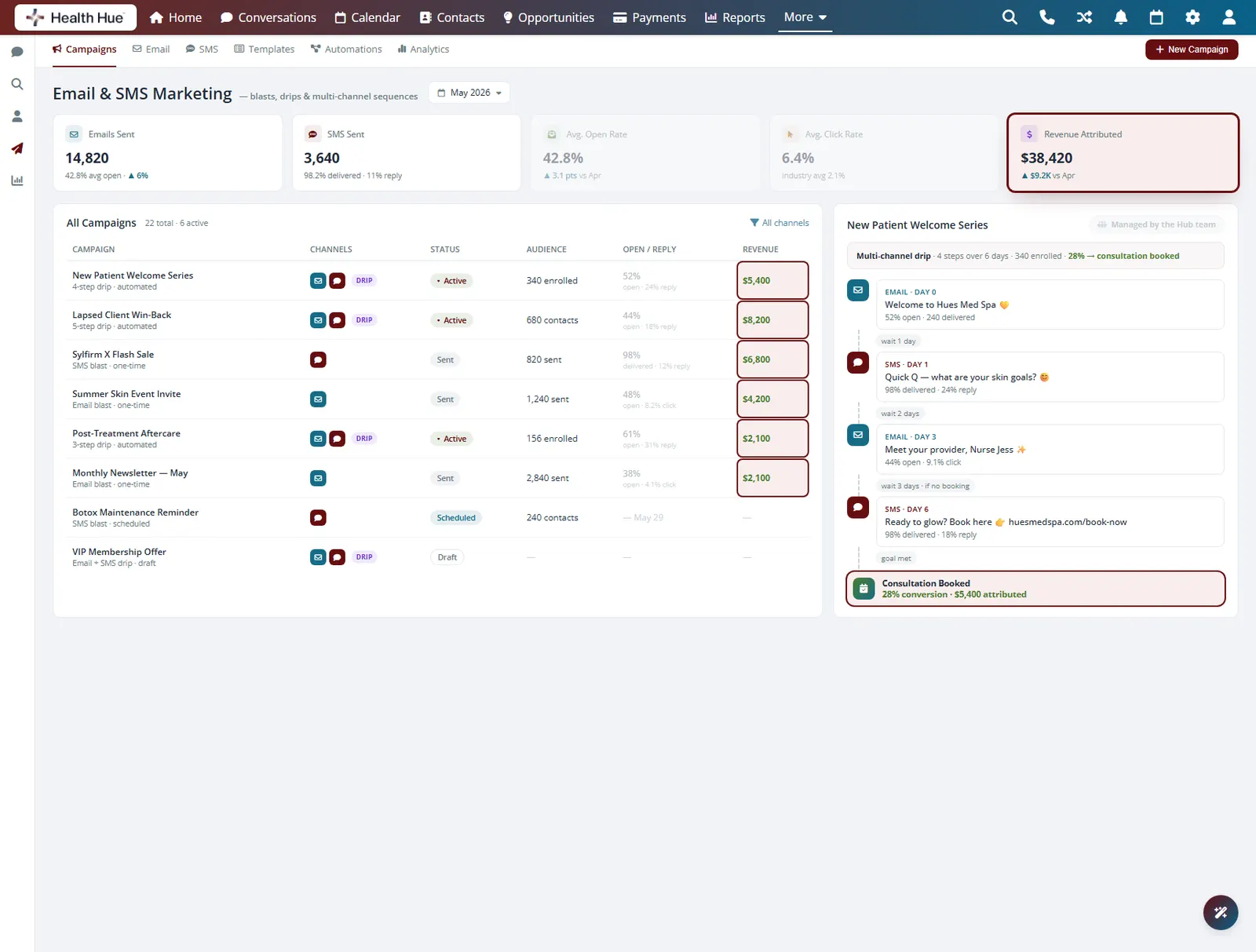
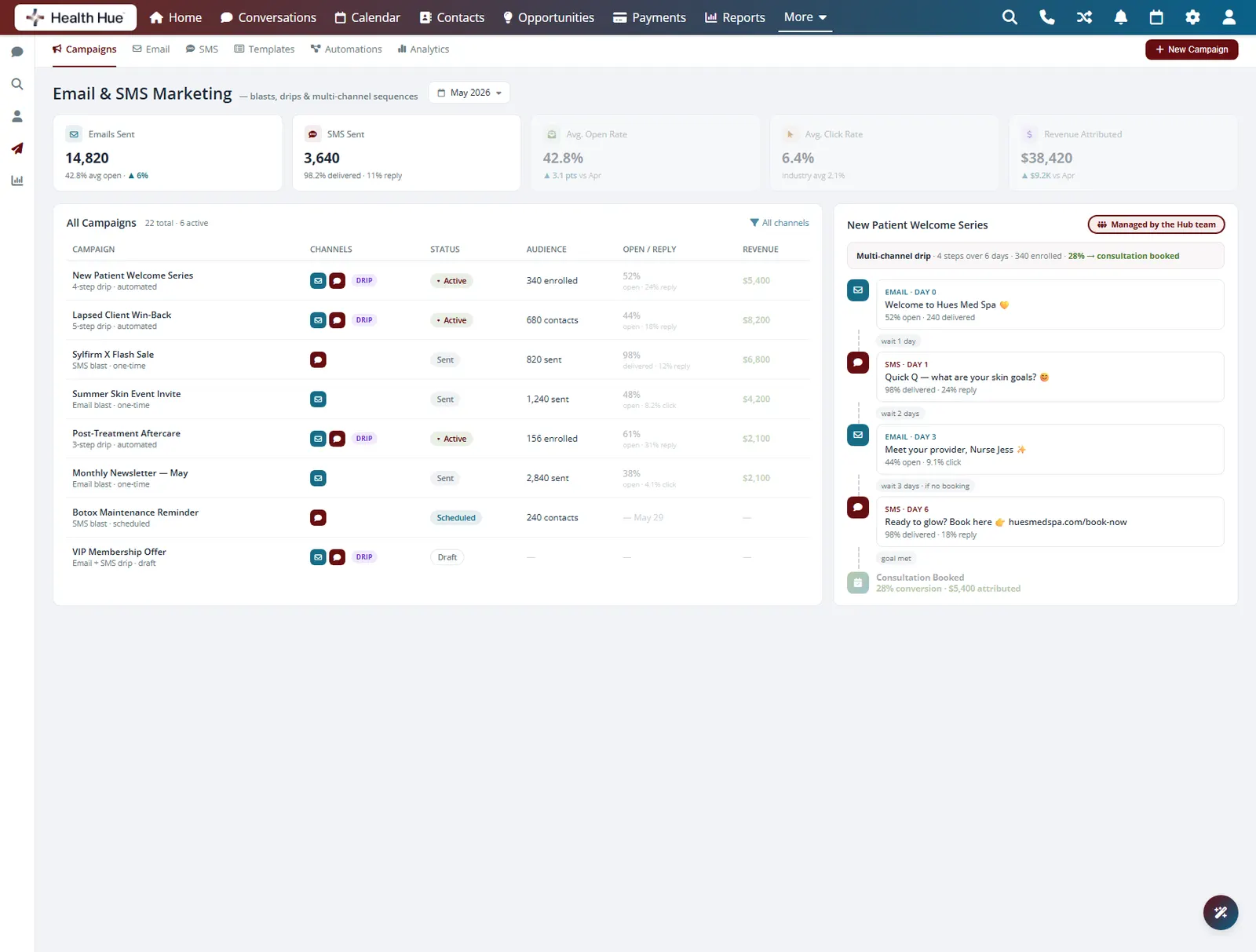
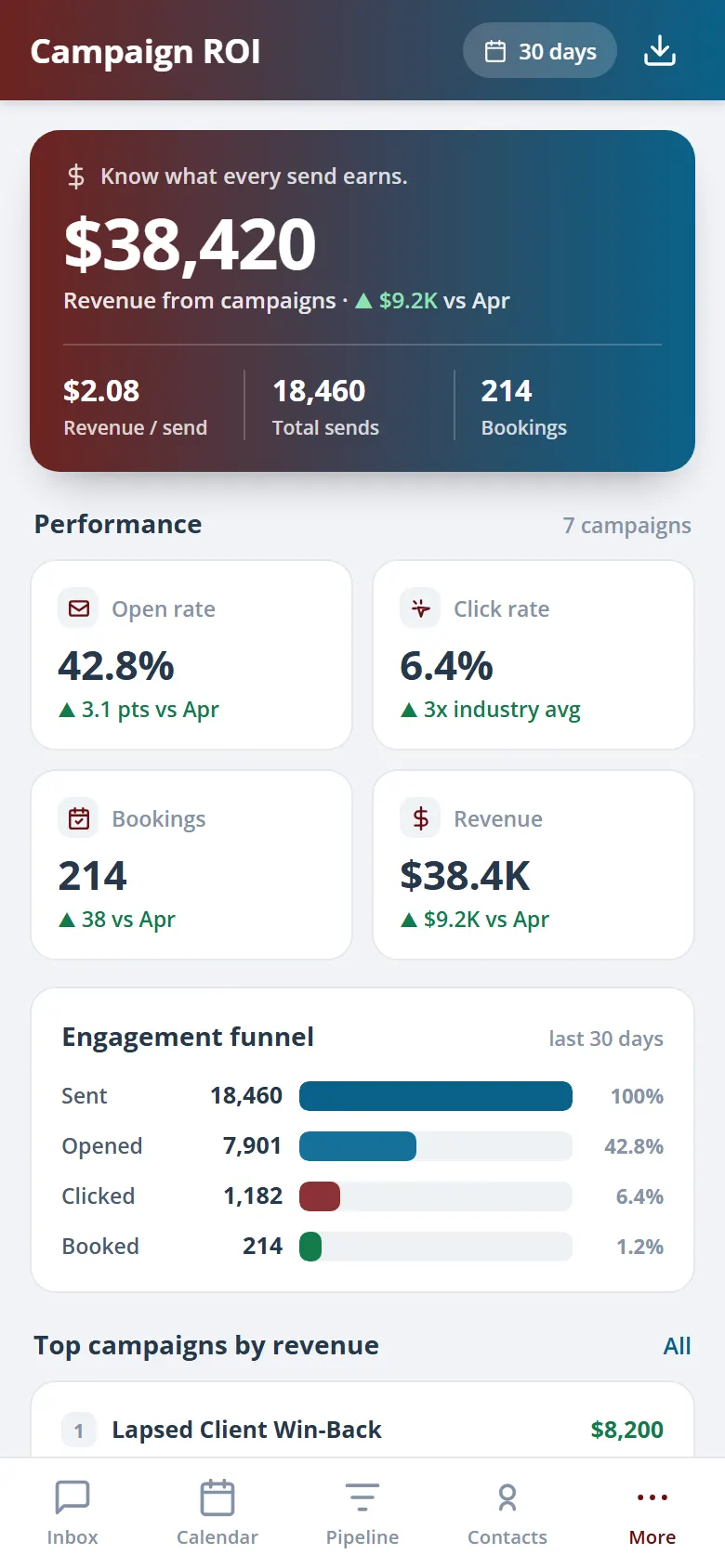
Every campaign reports delivery, open, and click rates, and because bookings flow through the same Hub, you can tie a send back to the appointments and revenue it produced. Stop guessing whether the newsletter worked and see which message filled the schedule. If you would rather not run it yourself, the Hub team can build and send campaigns for you, done for you, on a cadence.
Delivery, open, and click rates for every send.
Tie a campaign to the appointments it produced.
Hand the sends to the Hub team on a cadence.
Secure, compliant, and clinic-ready
Every feature lives in a platform built for clinics from the ground up, with charting, consent, and payments native to the patient record.
PHIPA & HIPAA-aware
Patient data is encrypted and handled to Canadian health-privacy standards.
Consent & audit
Consents, signatures, and changes log to the record automatically.
Role-based access
Granular permissions keep charts and contact details on a need-to-know basis.
One source of truth
Scheduling, payments, messages, and records in one place. Nothing siloed.
Explore more of the Hub
Campaigns is one part of the Health Hue Hub, your AI-powered clinic operating system.
Conversations
One inbox for SMS, calls, web chat, and DMs.
Patient Records
Every patient in one complete profile.
Calendar & Scheduling
AI booking, reminders, and provider sync.
Payments & POS
Text-to-pay, deposits, and fast checkout.
Memberships
Recurring revenue, packages, and perks.
Automated Flows
Triggers and multi-channel follow-up.
FAQ