Health Hue Hub · Email Builder
On-brand emails, in minutes.
Drag, drop, and send. Your colours, fonts, and logo are already in the builder, so every email looks designed without a designer. Start from a saved template, let Hue draft the copy, and ship a campaign that fills the calendar in the time it used to take to brief one.
01 · Drag-and-Drop
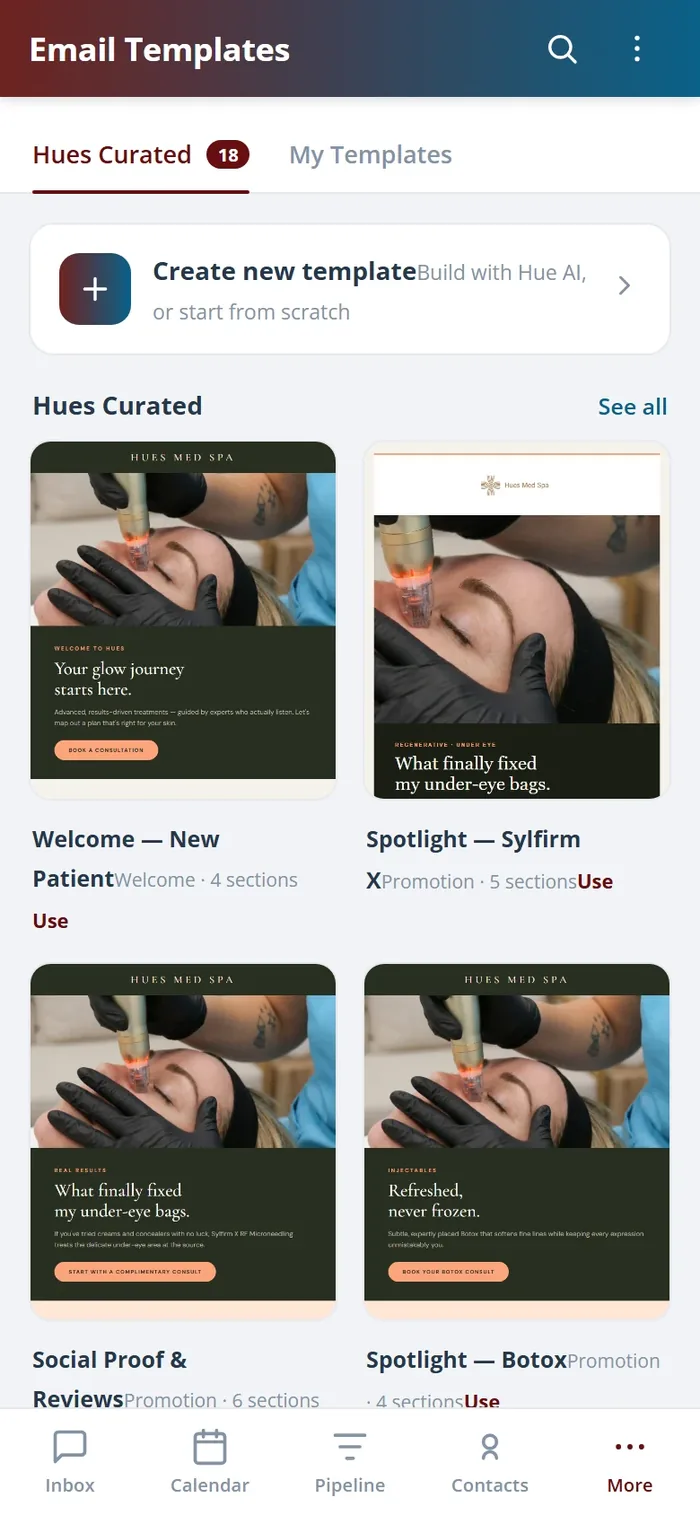
Build a polished email without code.
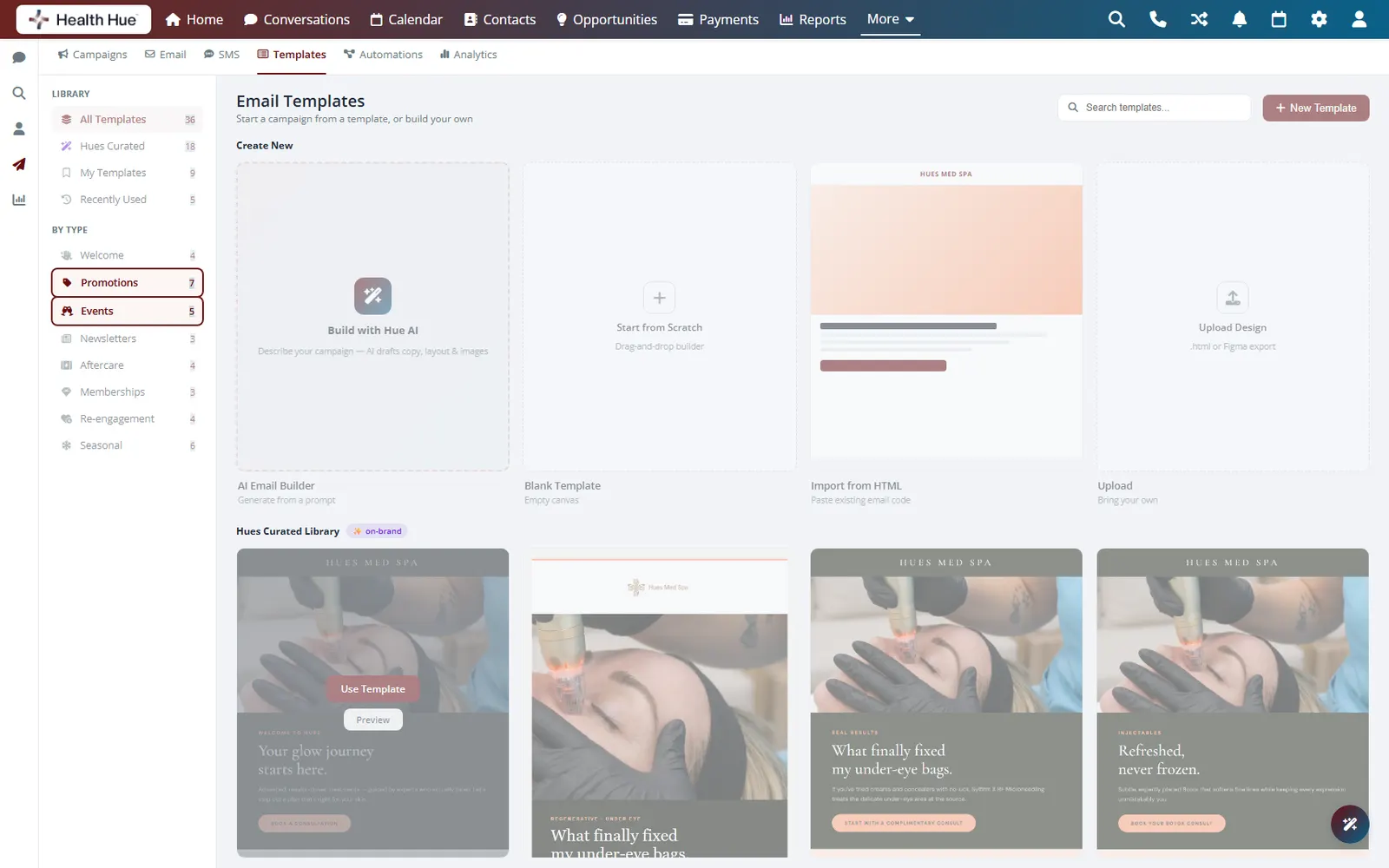
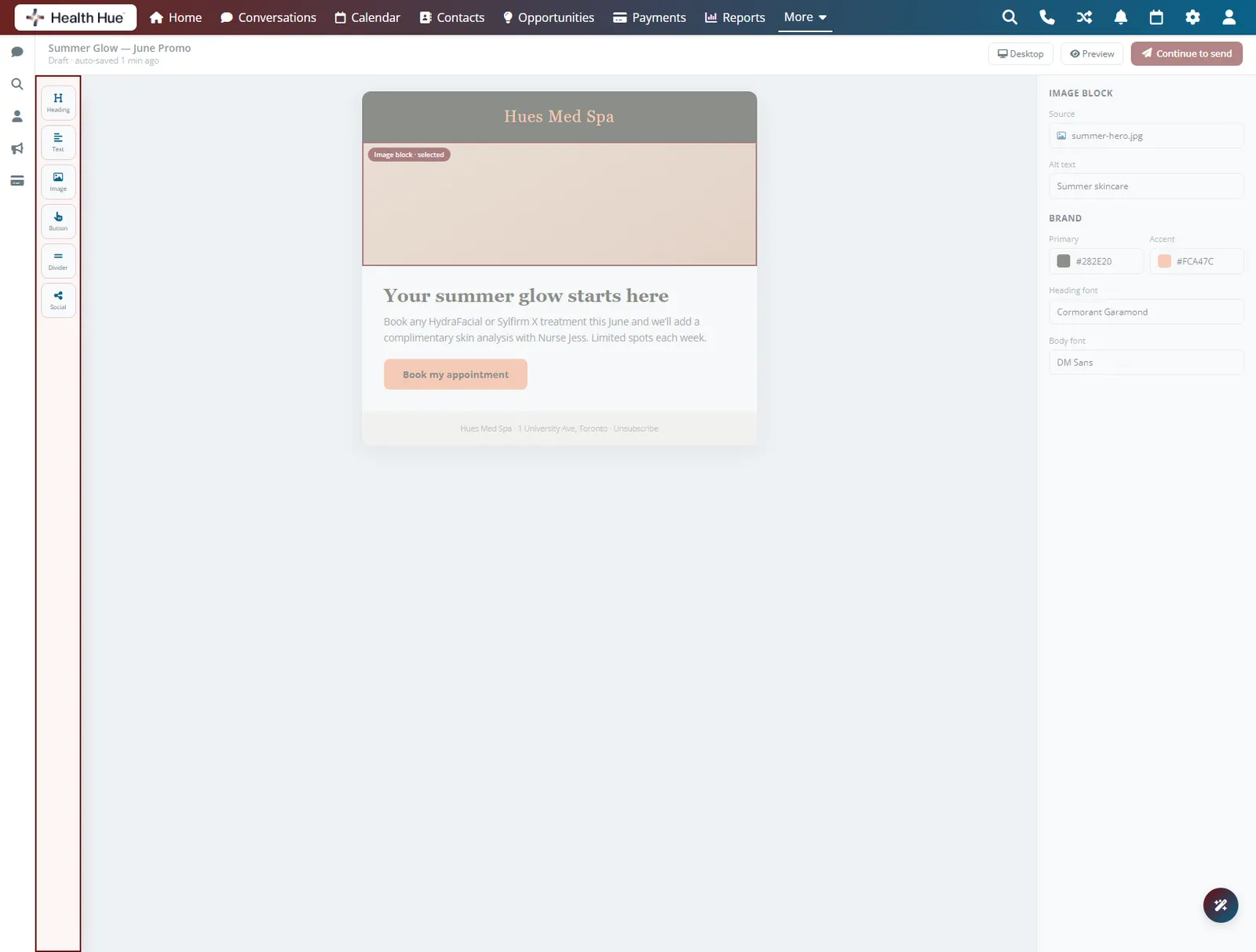
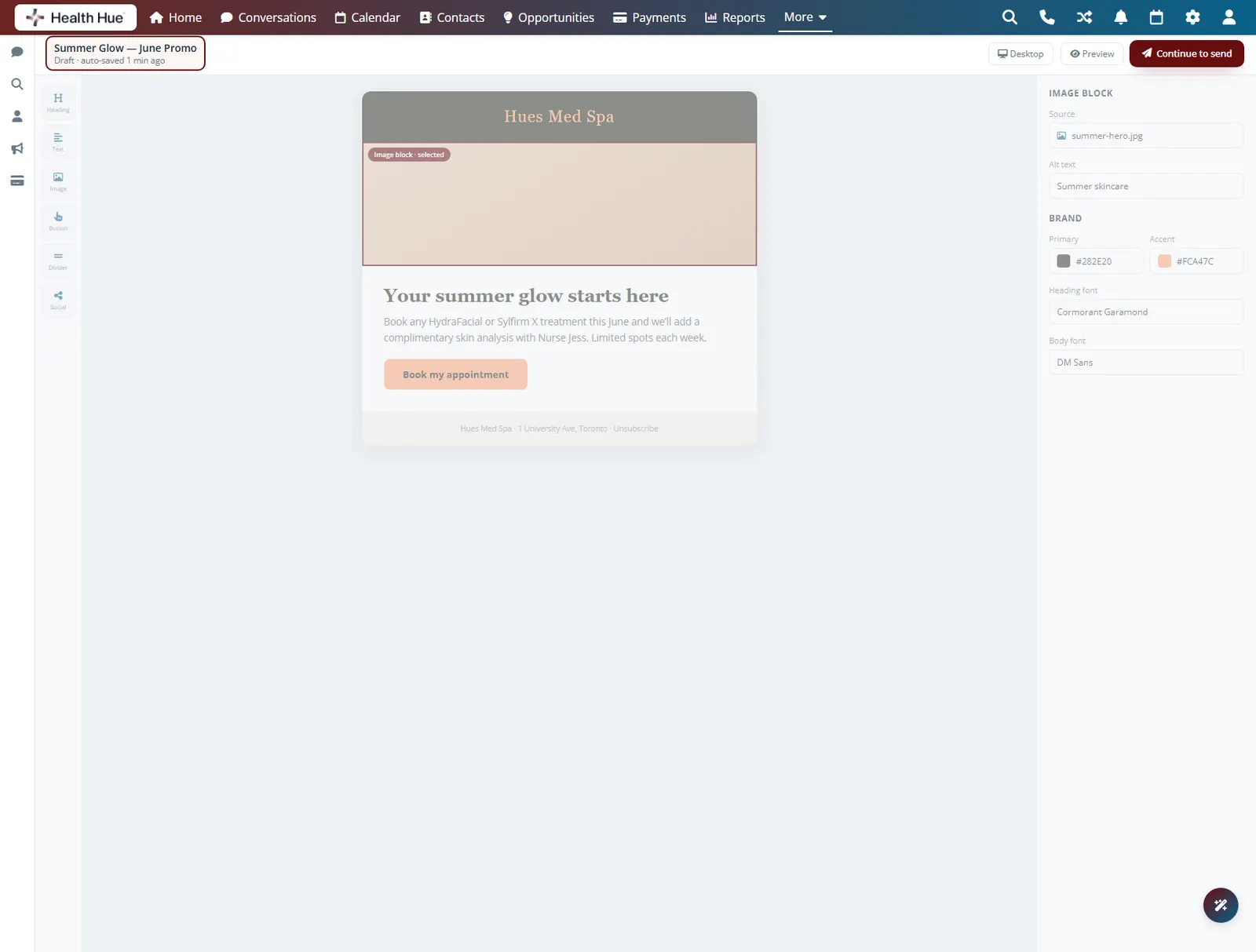
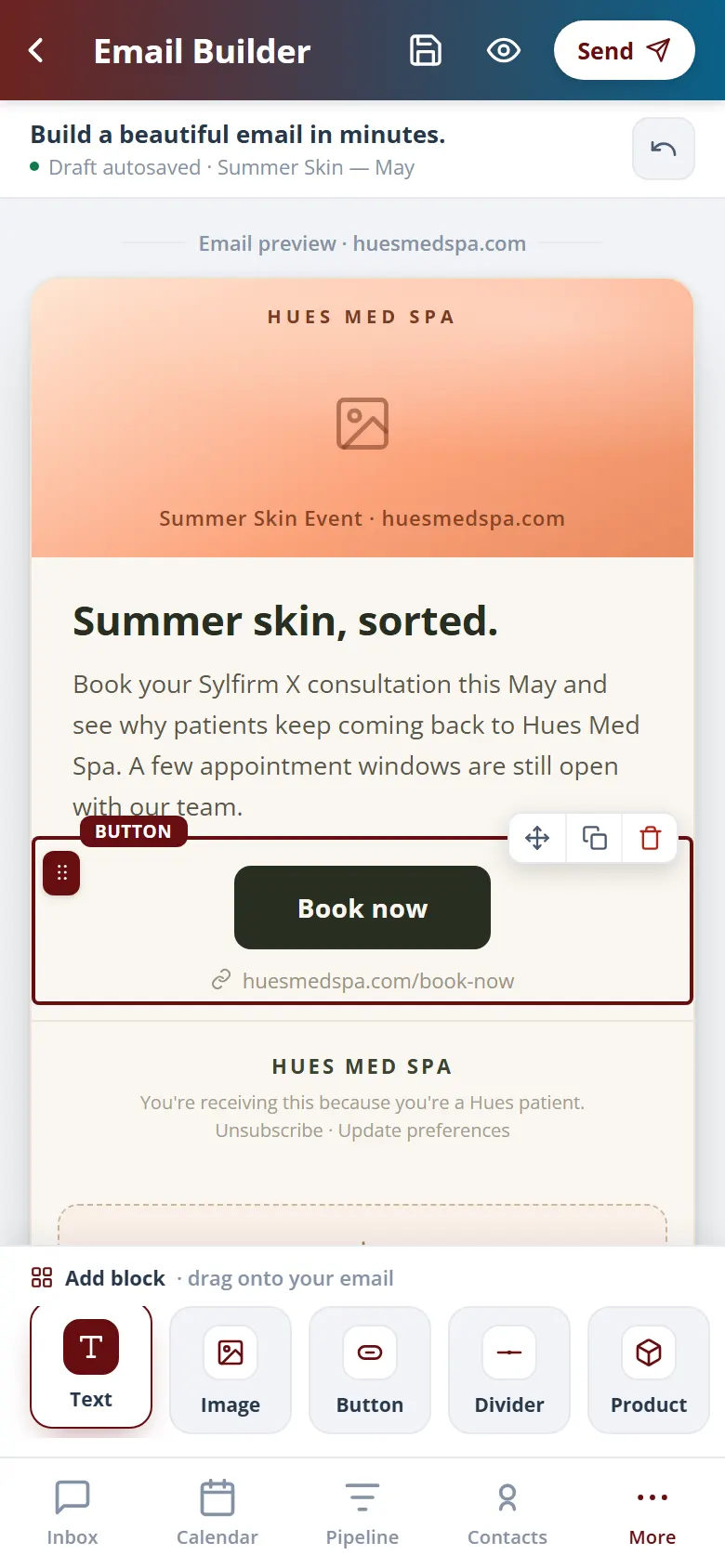
Drop in a heading, an image, a button, and a block of text, and the email comes together the way it will look in the inbox. There is no HTML to wrestle and nobody to brief, so an offer you think of in the morning can be in front of patients by lunch.
Drag blocks into place and see the result as you go.
Build a clean email with nothing to hand-code.
An idea this morning can reach patients today.
02 · Brand Baked In
Look designed, every time.
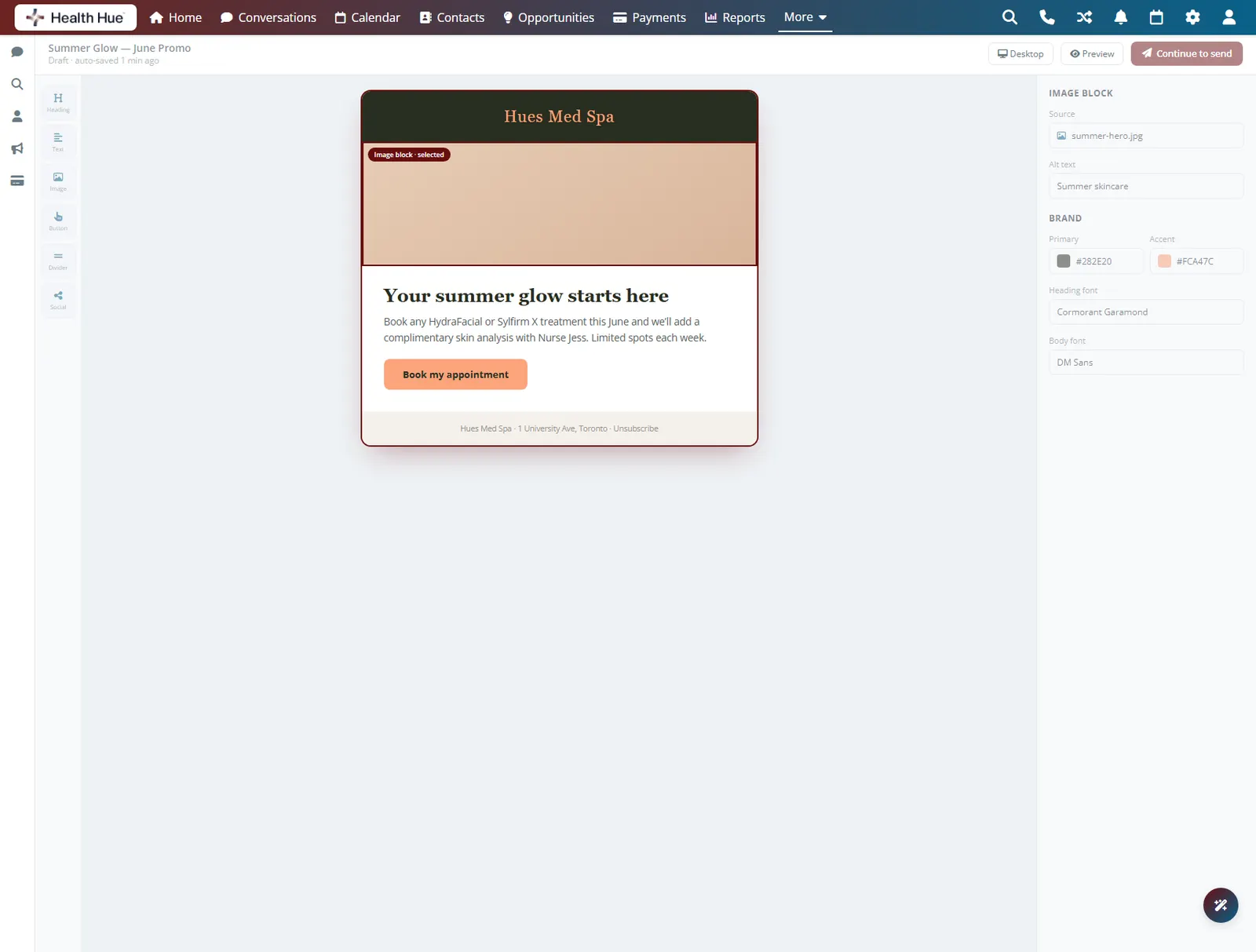
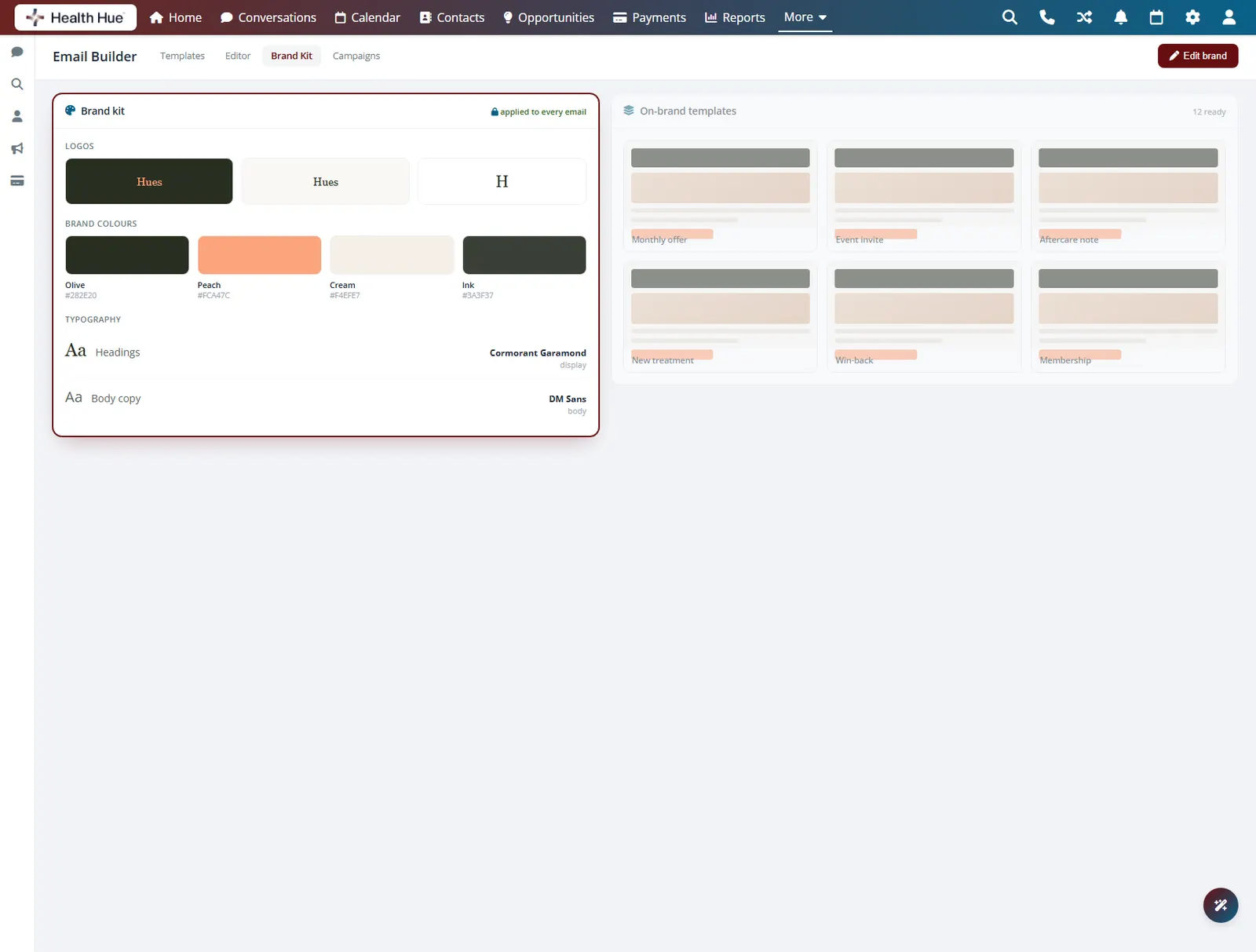
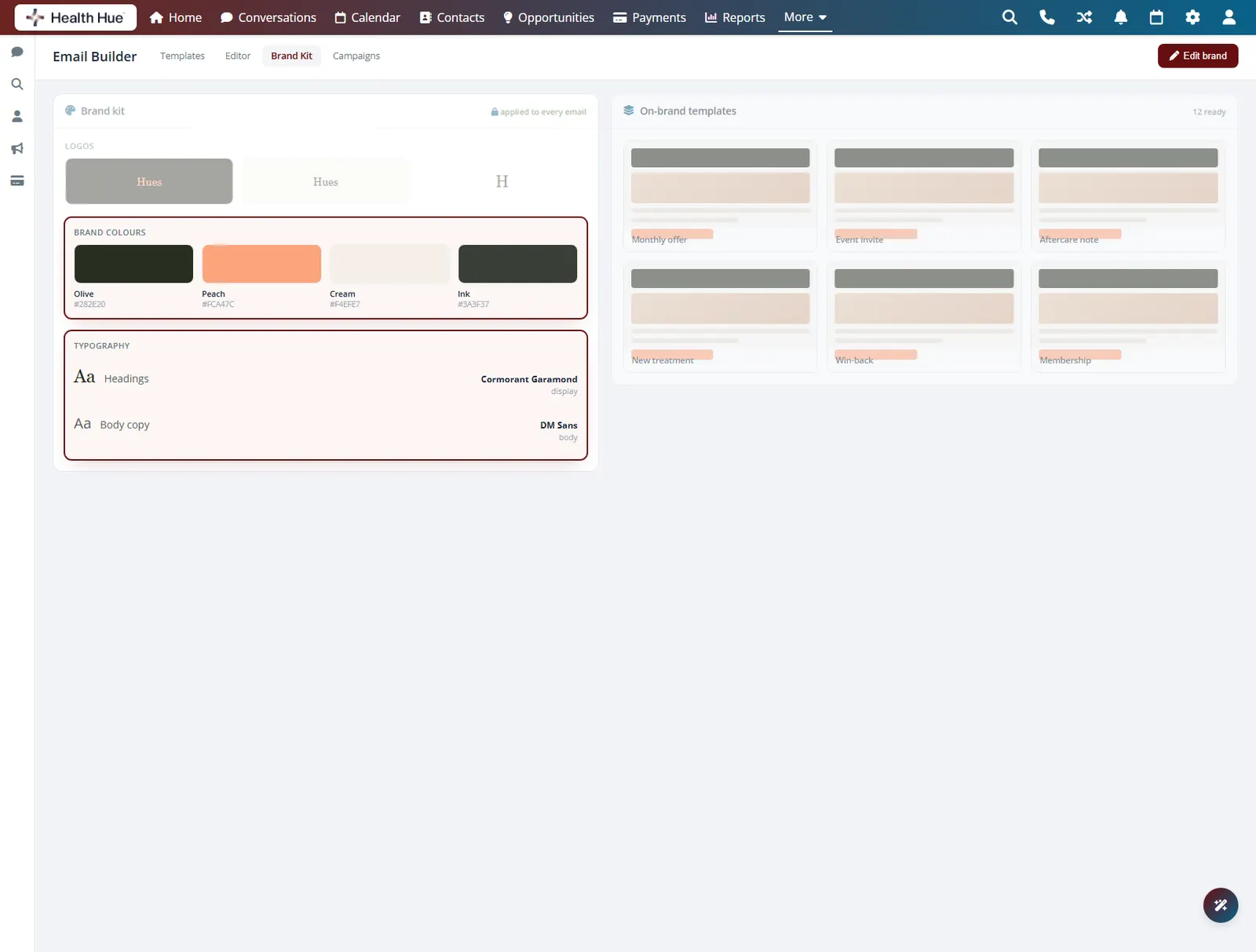
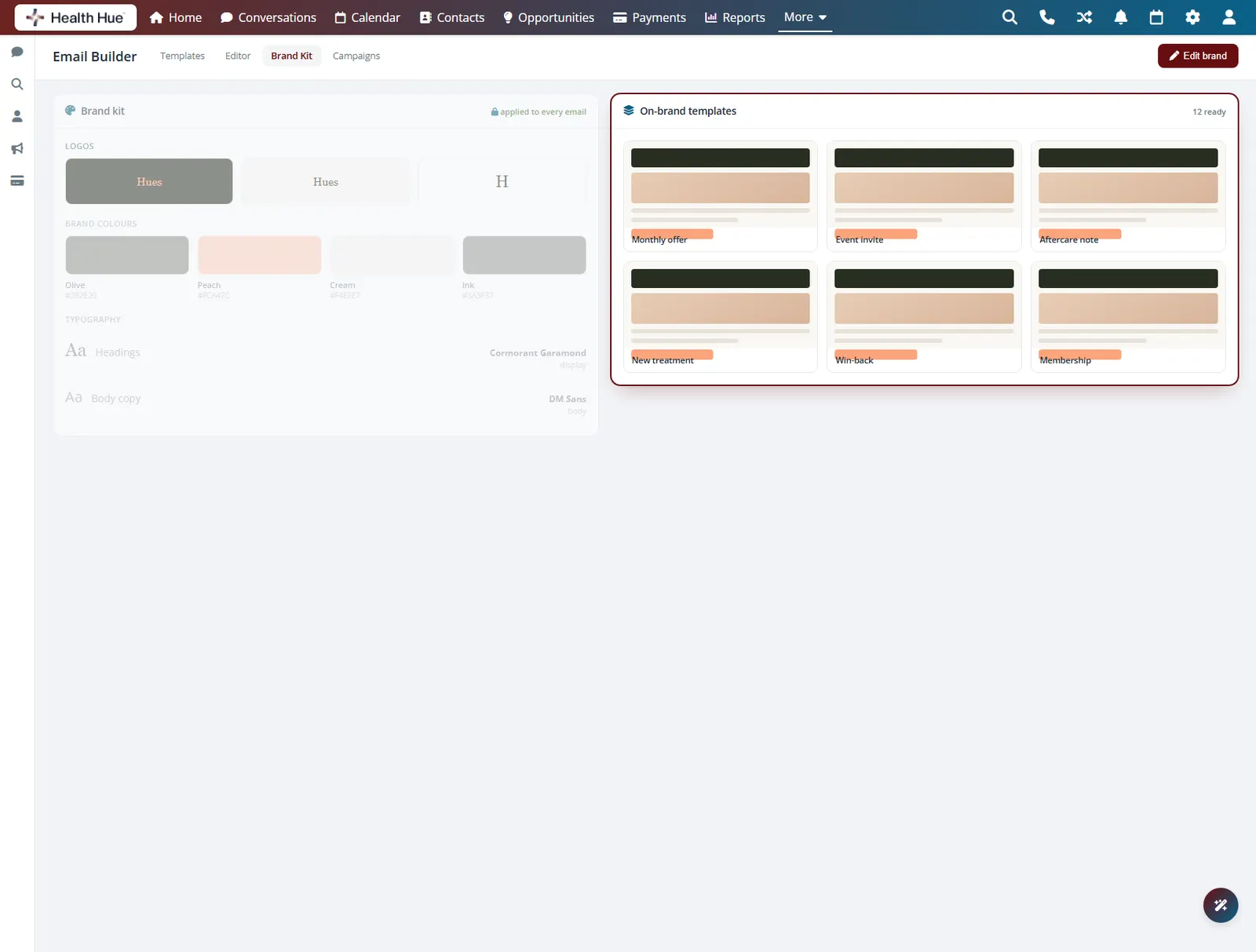
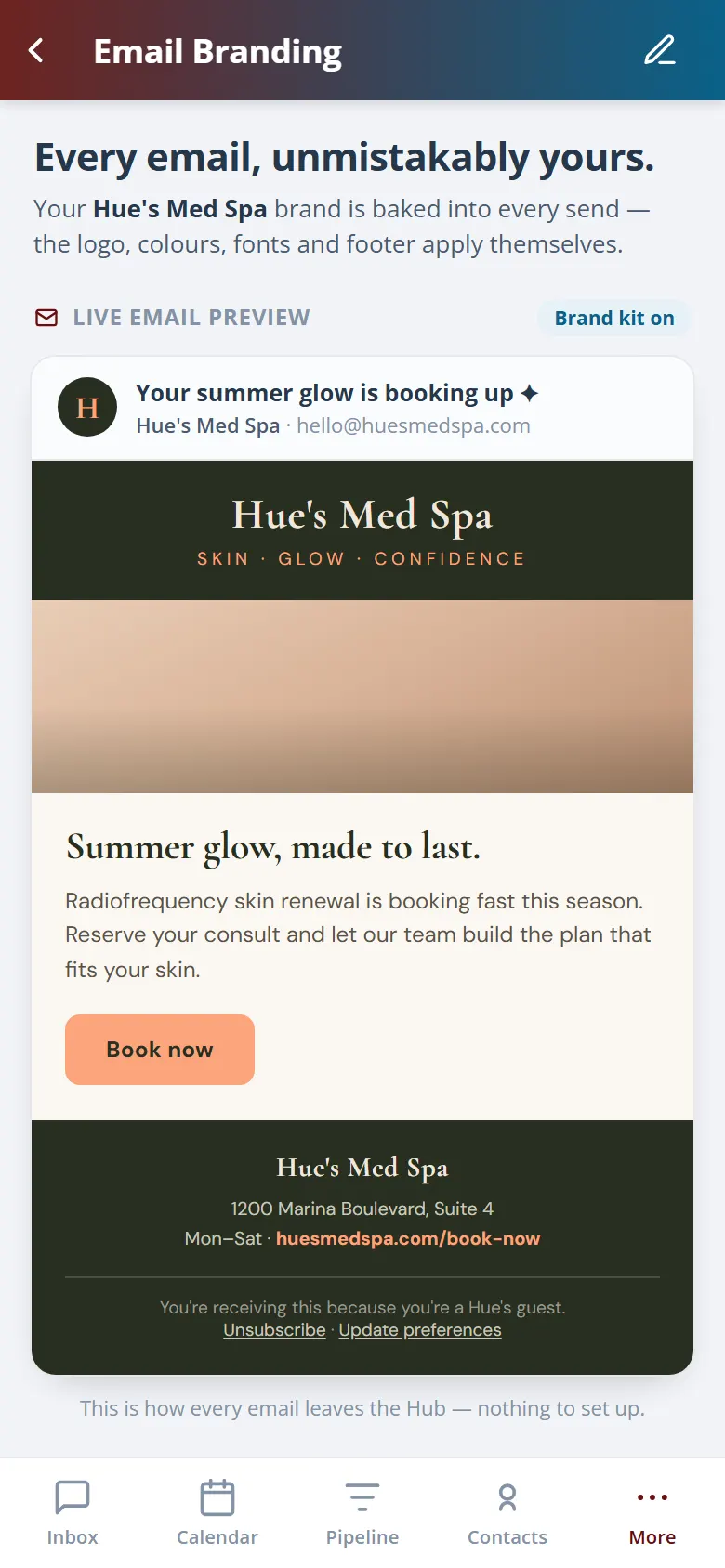
Your colours, fonts, and logo are loaded into the builder once, so every email you send is on brand without a thought. Patients see a clinic that looks as polished in the inbox as it does in the treatment room, and nothing goes out looking like a default template.
Load your brand and it applies to every email after.
Colours, fonts, and logo stay right across campaigns.
No email goes out looking like a stock template.
03 · Reusable Templates
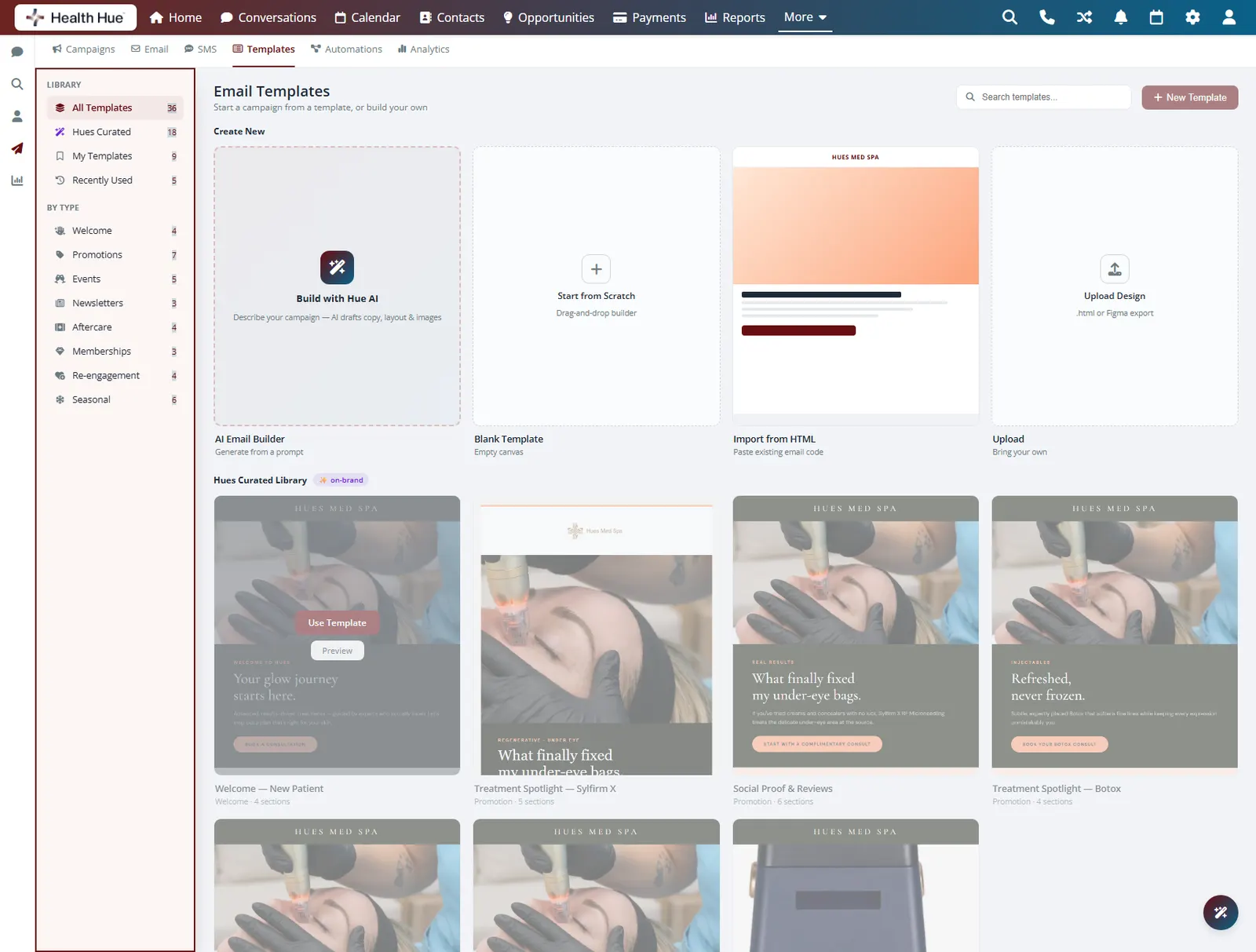
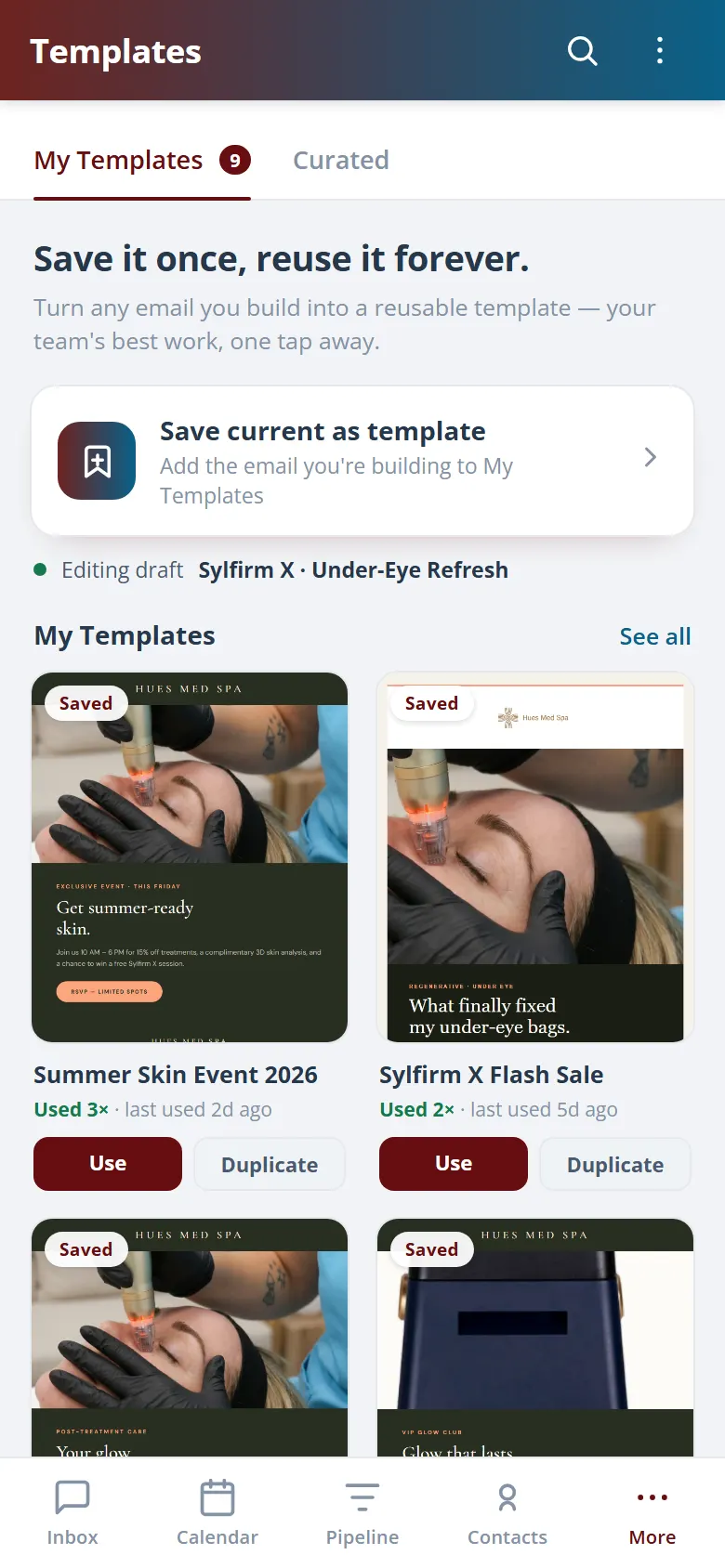
Save it once, reuse it forever.
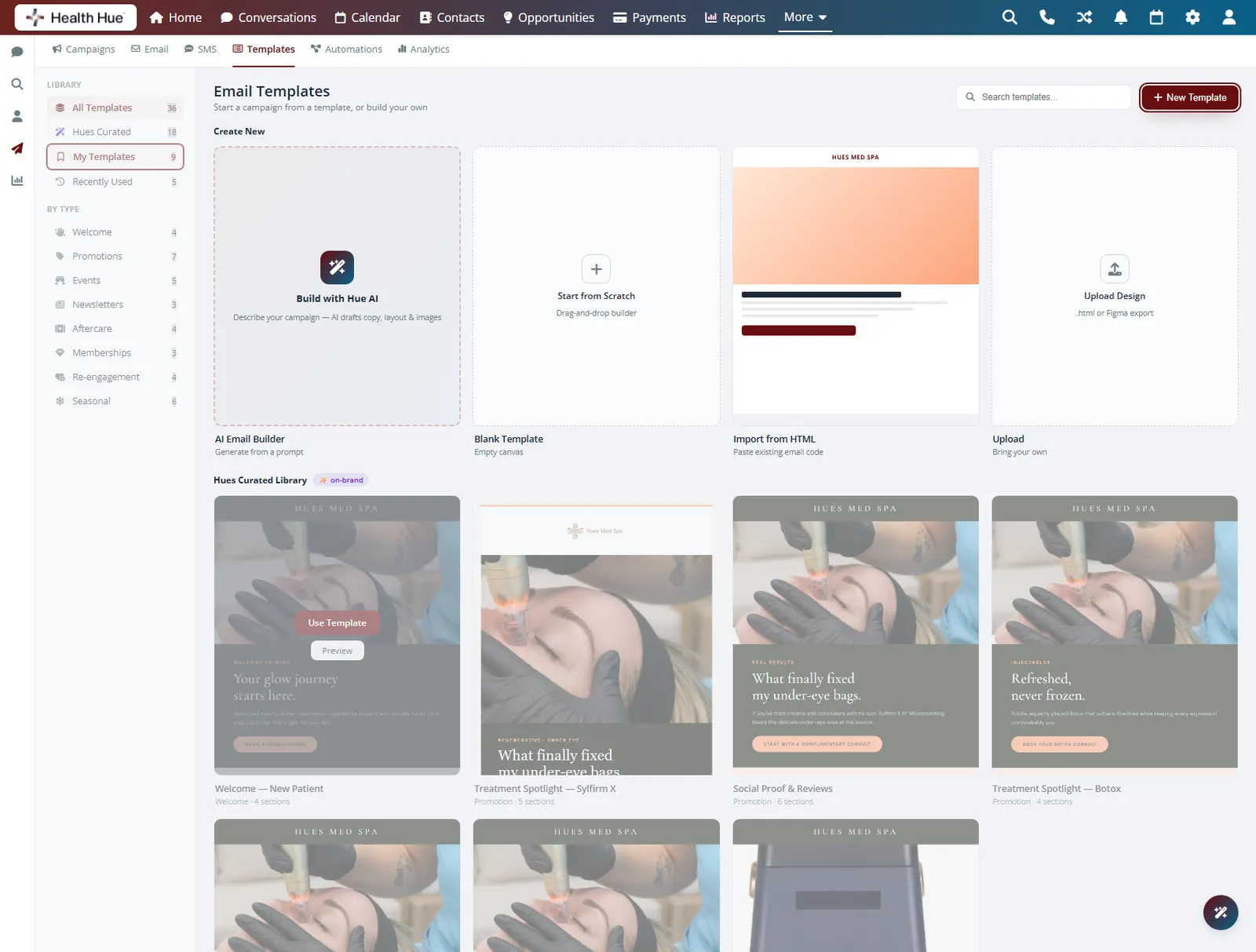
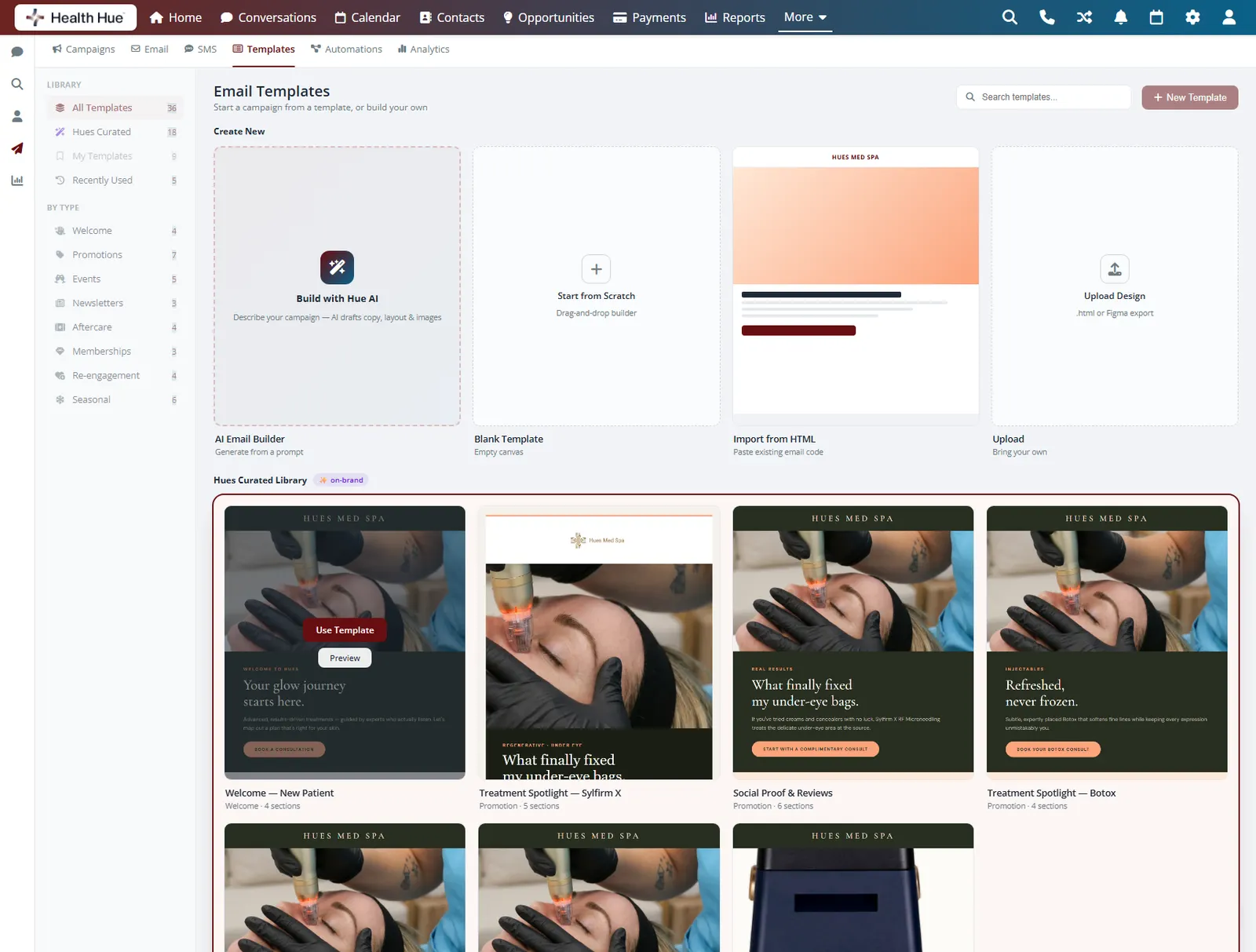
Turn any email into a template and the next campaign starts from a finished layout instead of a blank page. Your monthly offer, your event invite, and your aftercare note become repeatable in a click, so the team ships consistent emails without rebuilding them each time.
Keep a finished design as a reusable template.
Open a template and the layout is already done.
Every campaign keeps the same proven structure.
04 · AI-Drafted Copy
Let Hue write the first draft.
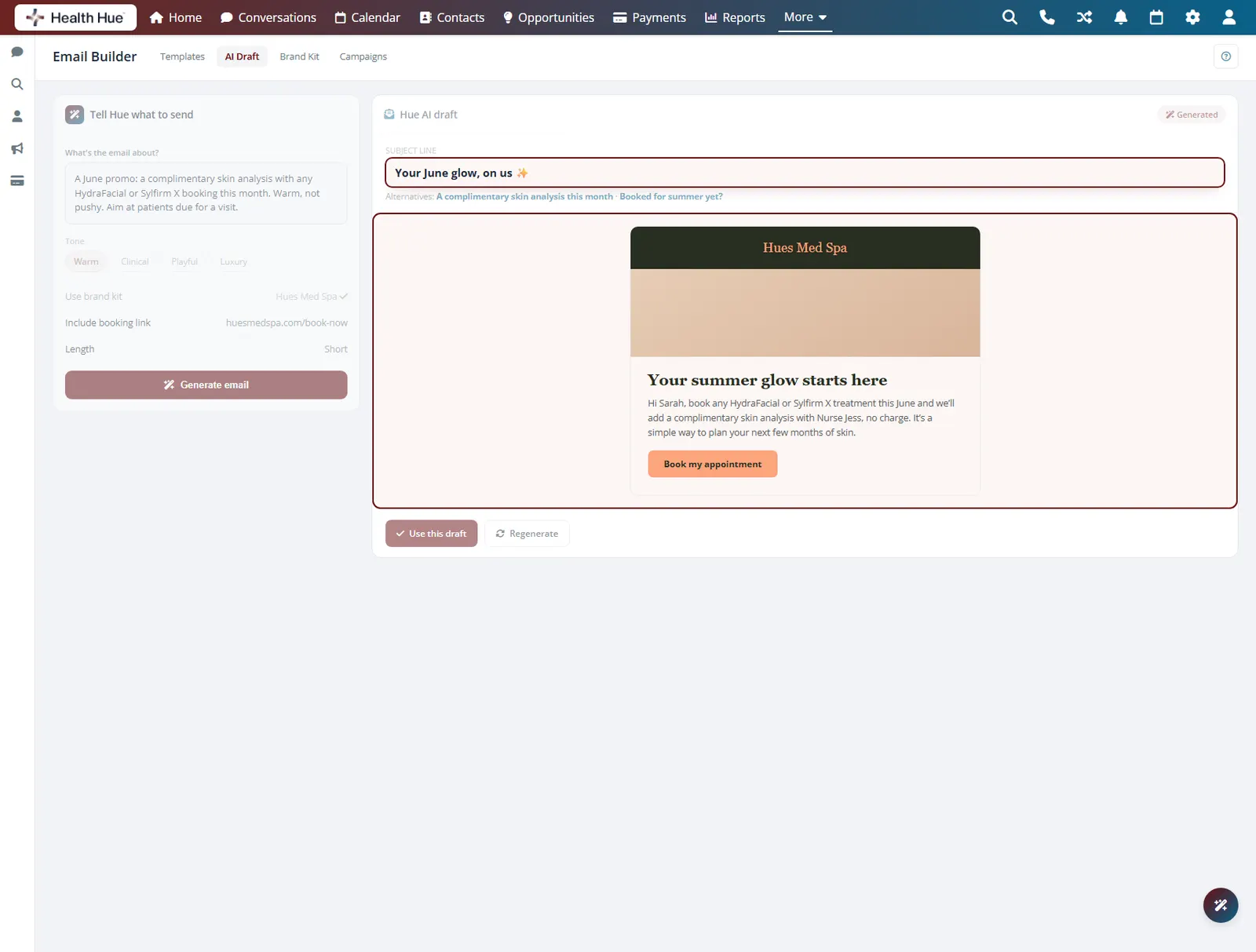
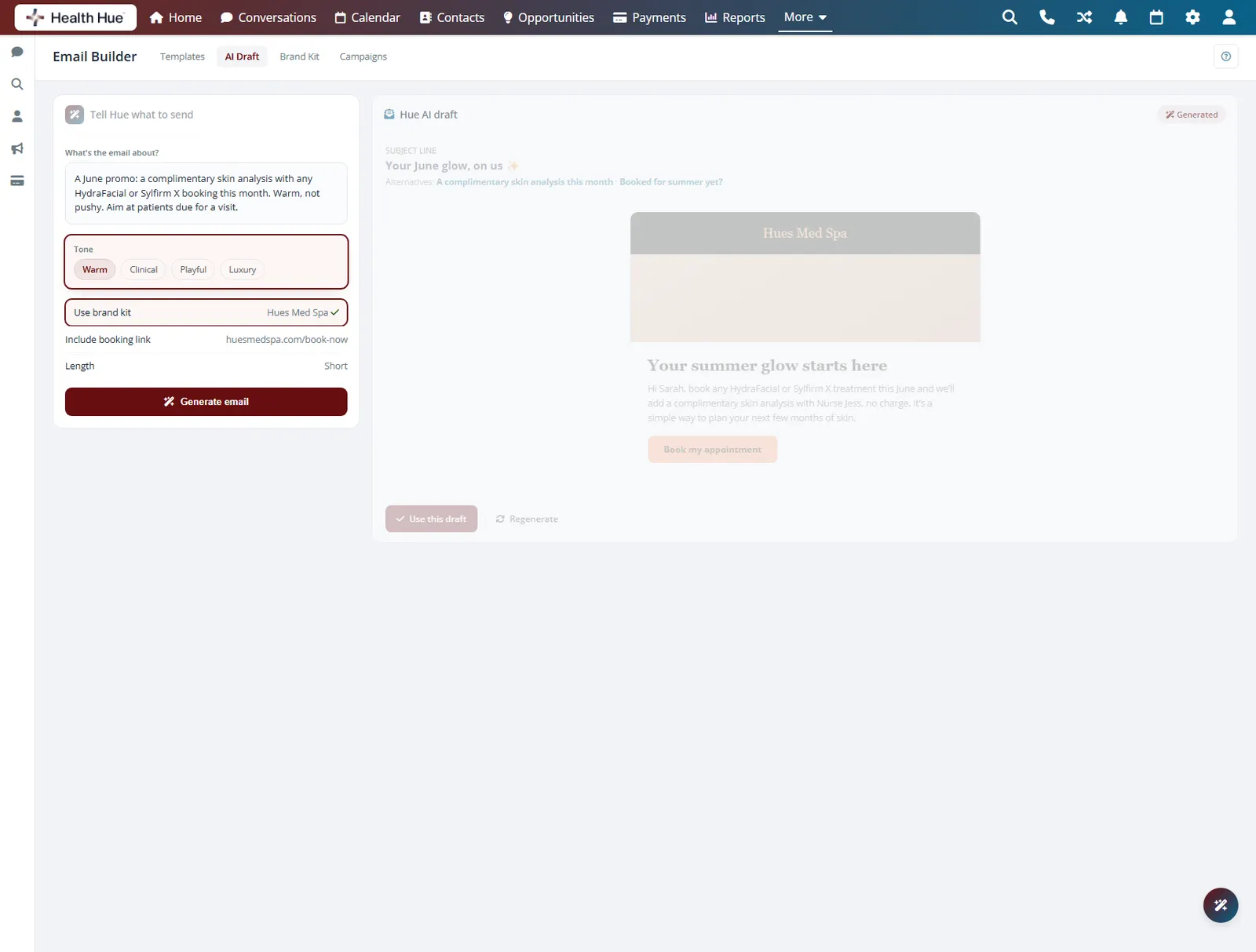
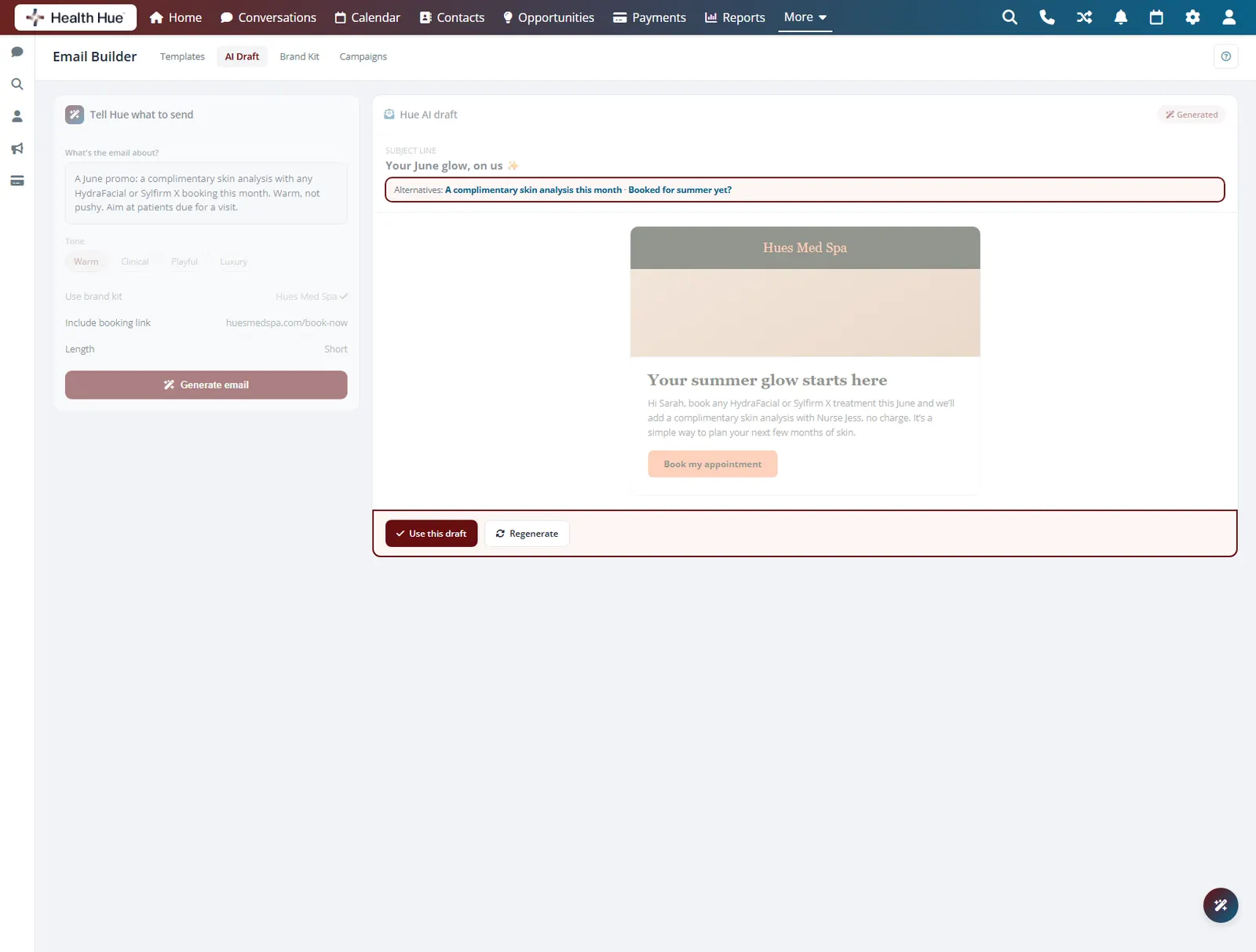
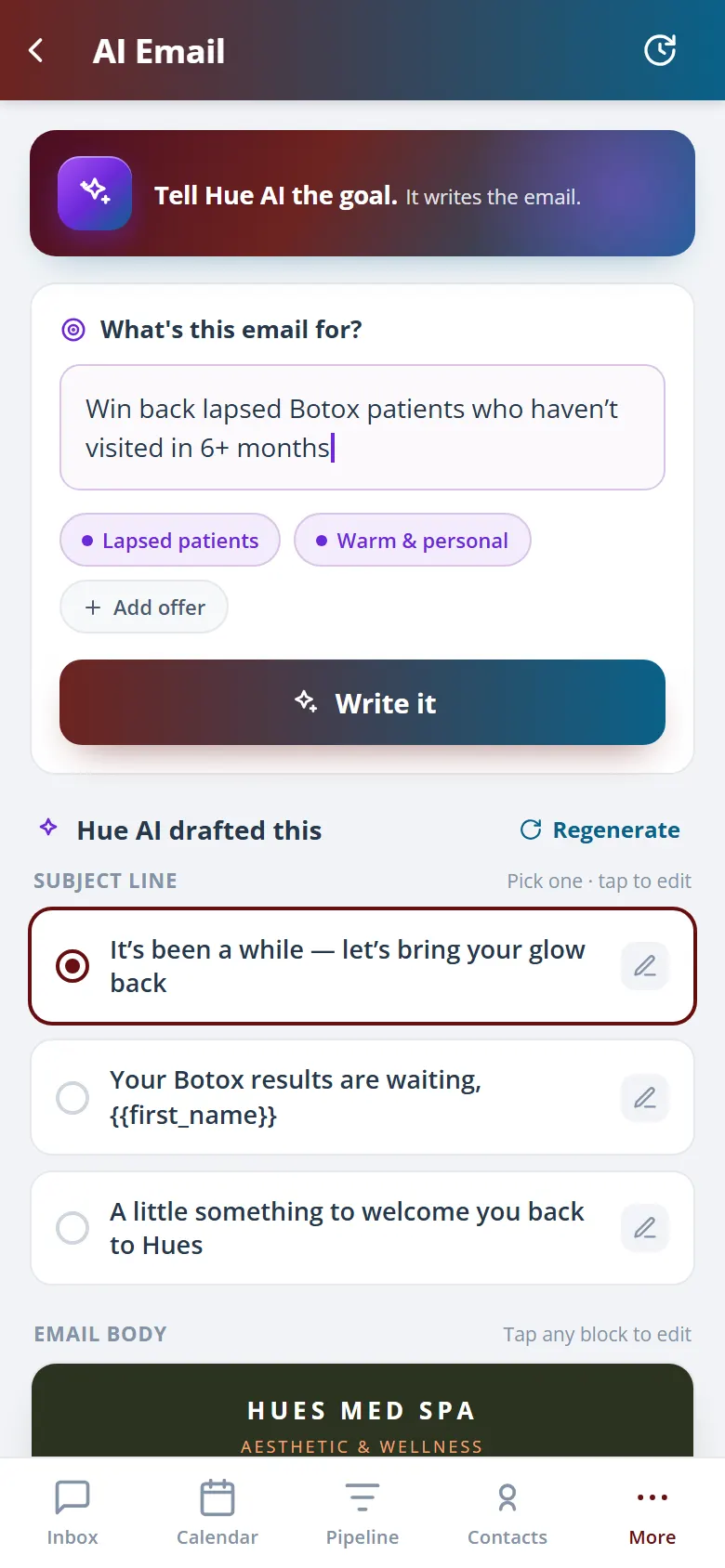
Tell Hue the offer and it drafts the subject line and body in your clinic voice, ready to edit. The blank page that stalls most clinic emails disappears, so the bottleneck stops being the writing and the campaign actually goes out.
Hue drafts the whole email from your offer.
Copy matches how your clinic talks to patients.
Start from a draft instead of a blank page.
05 · Send & Measure
Reach the right patients, then see what booked.
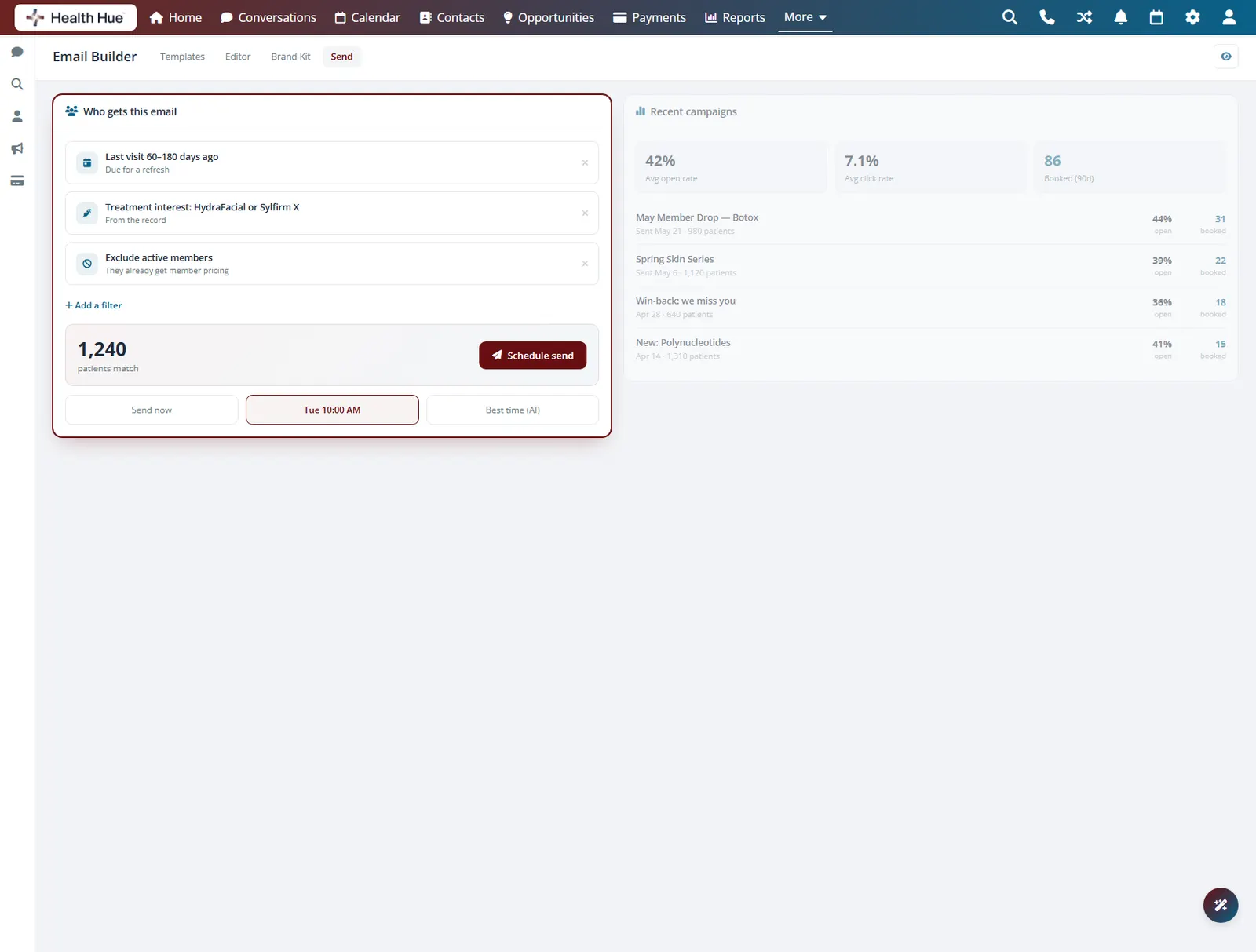
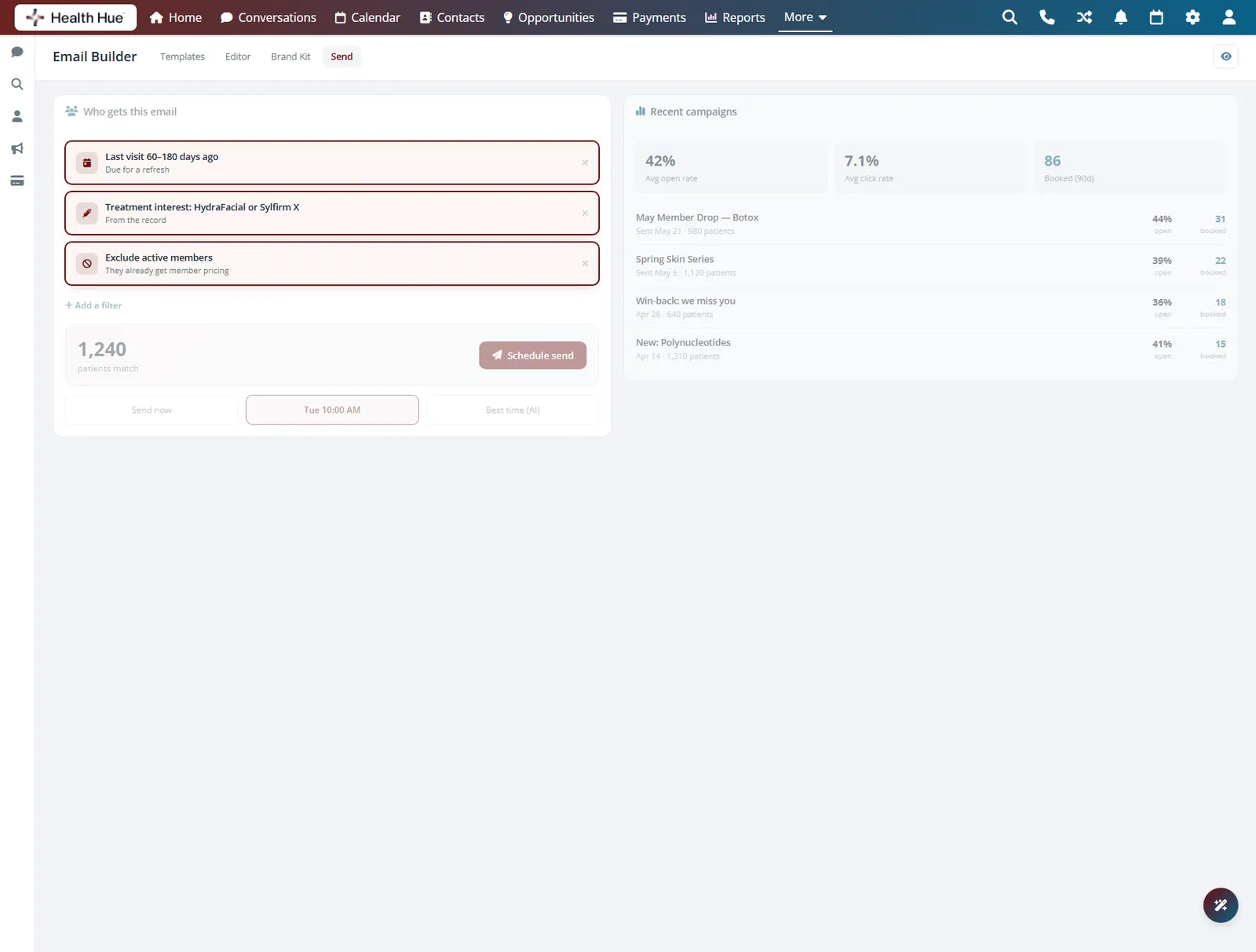
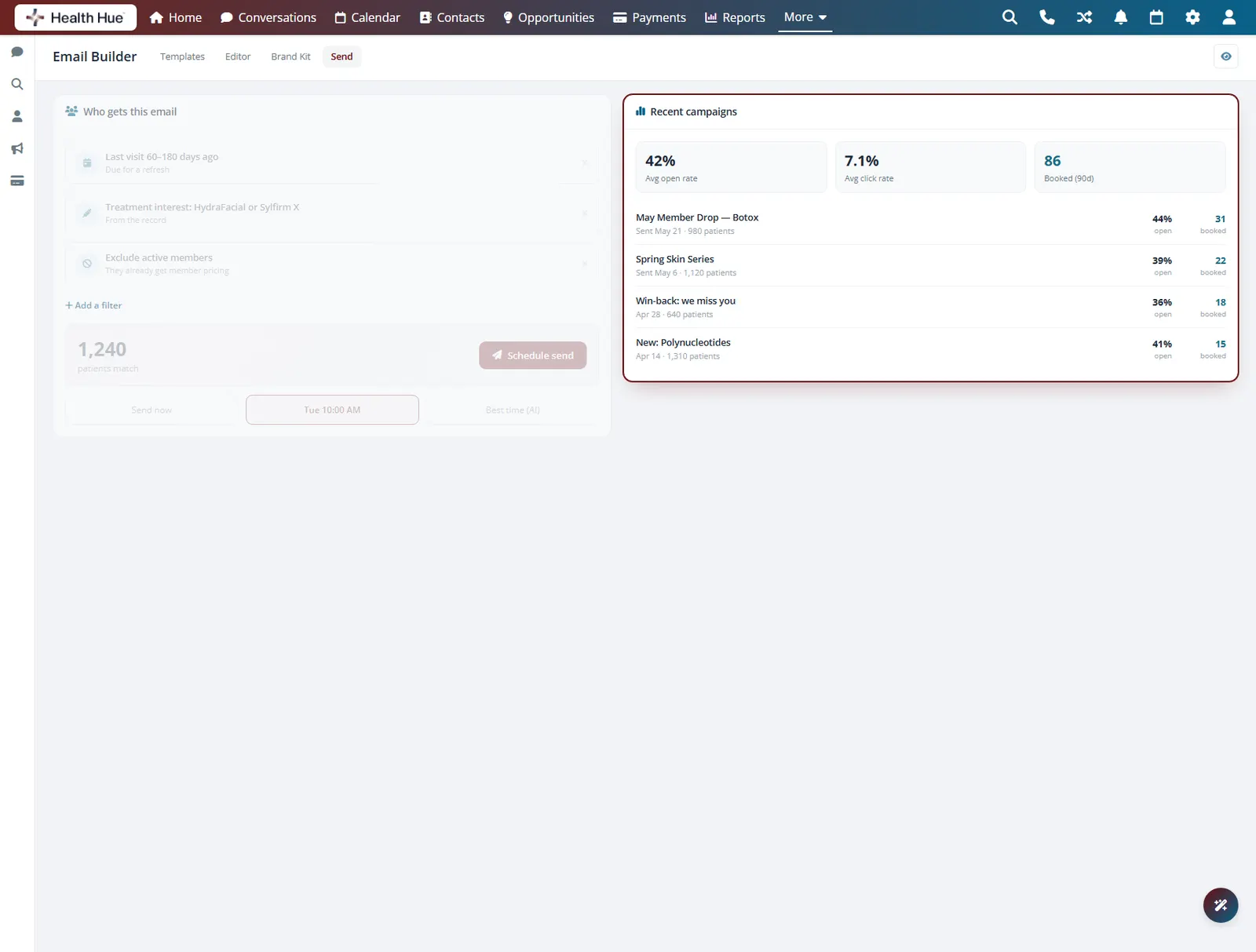
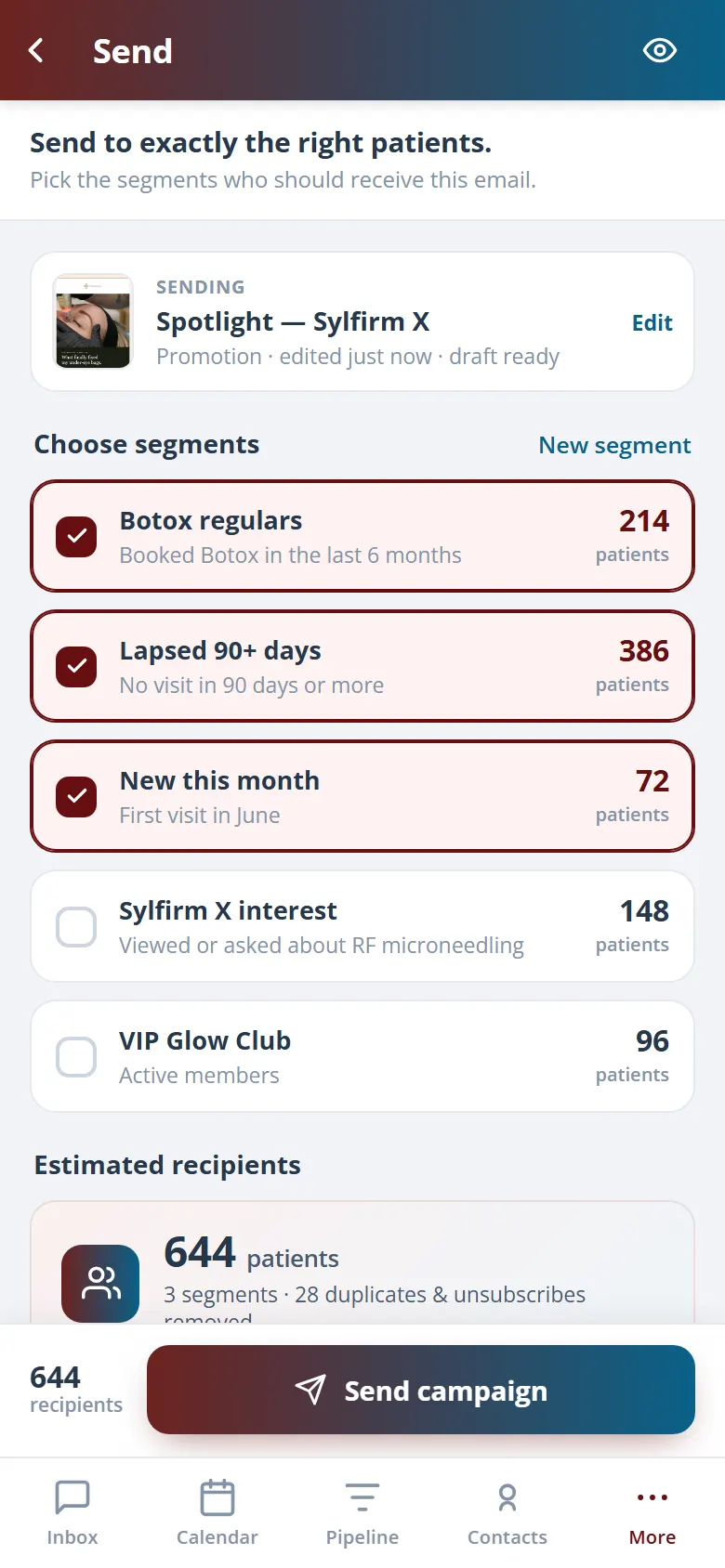
Send to a segment built from your own records, last visit, treatment interest, or membership status, so the right offer reaches the right patients. Because the Hub holds the bookings too, you see who opened, who clicked, and who actually booked, not just who received the email.
Target by last visit, treatment interest, or membership.
Lists build from the patient data you already hold.
See who booked, not just who opened.
Secure, compliant, and clinic-ready
Every feature lives in a platform built for clinics from the ground up, with charting, consent, and payments native to the patient record.
PHIPA & HIPAA-aware
Patient data is encrypted and handled to Canadian health-privacy standards.
Consent & audit
Consents, signatures, and changes log to the record automatically.
Role-based access
Granular permissions keep charts and contact details on a need-to-know basis.
One source of truth
Scheduling, payments, messages, and records in one place. Nothing siloed.
Explore more of the Hub
Email Builder is one part of the Health Hue Hub, your AI-powered clinic operating system.
Conversations
One inbox for SMS, calls, web chat, and DMs.
Patient Records
Every patient in one complete profile.
Calendar & Scheduling
AI booking, reminders, and provider sync.
Payments & POS
Text-to-pay, deposits, and fast checkout.
Memberships
Recurring revenue, packages, and perks.
Automated Flows
Triggers and multi-channel follow-up.
FAQ