Health Hue Hub · Payments & Point-of-Sale
Take payment anywhere. Get paid faster.
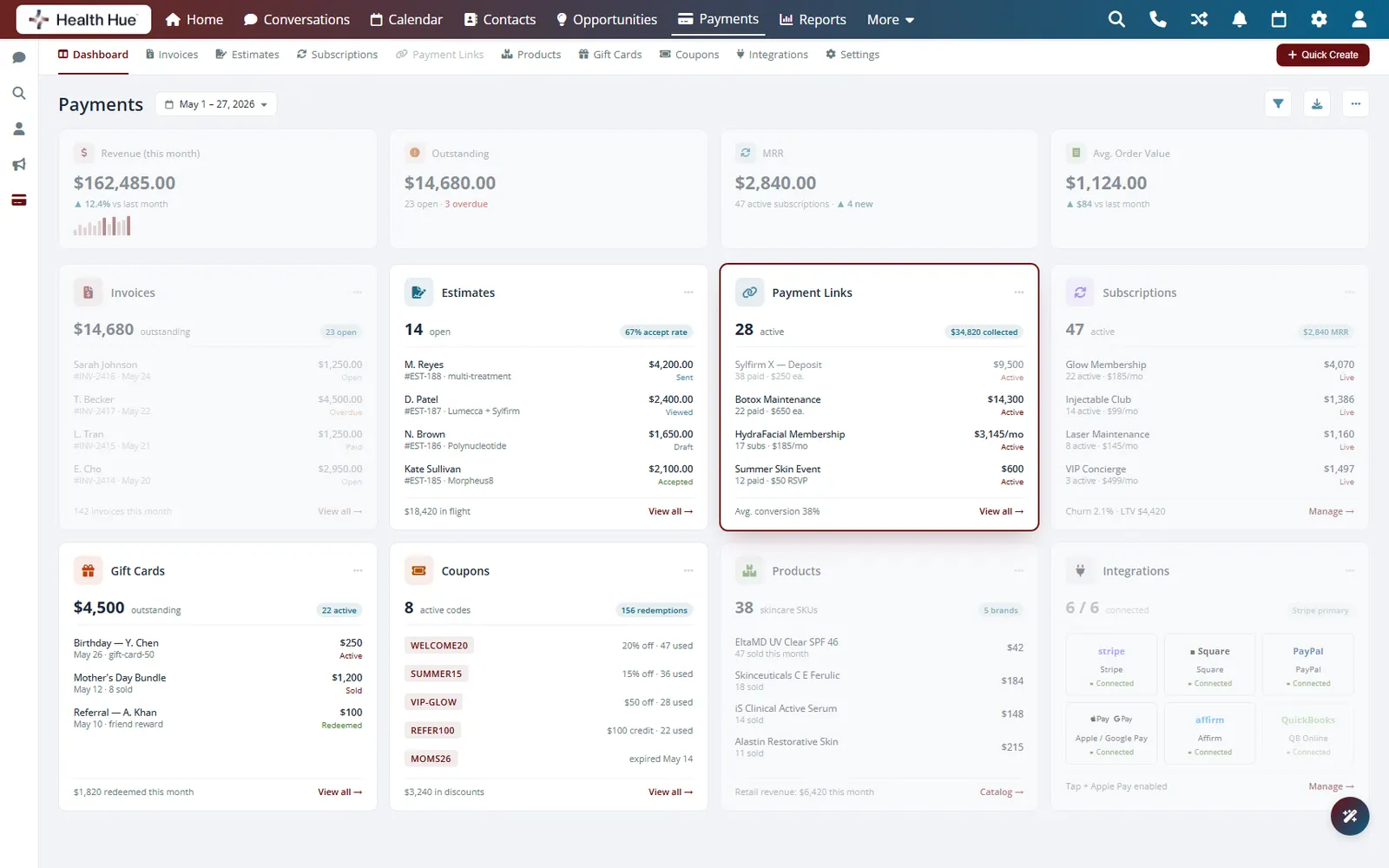
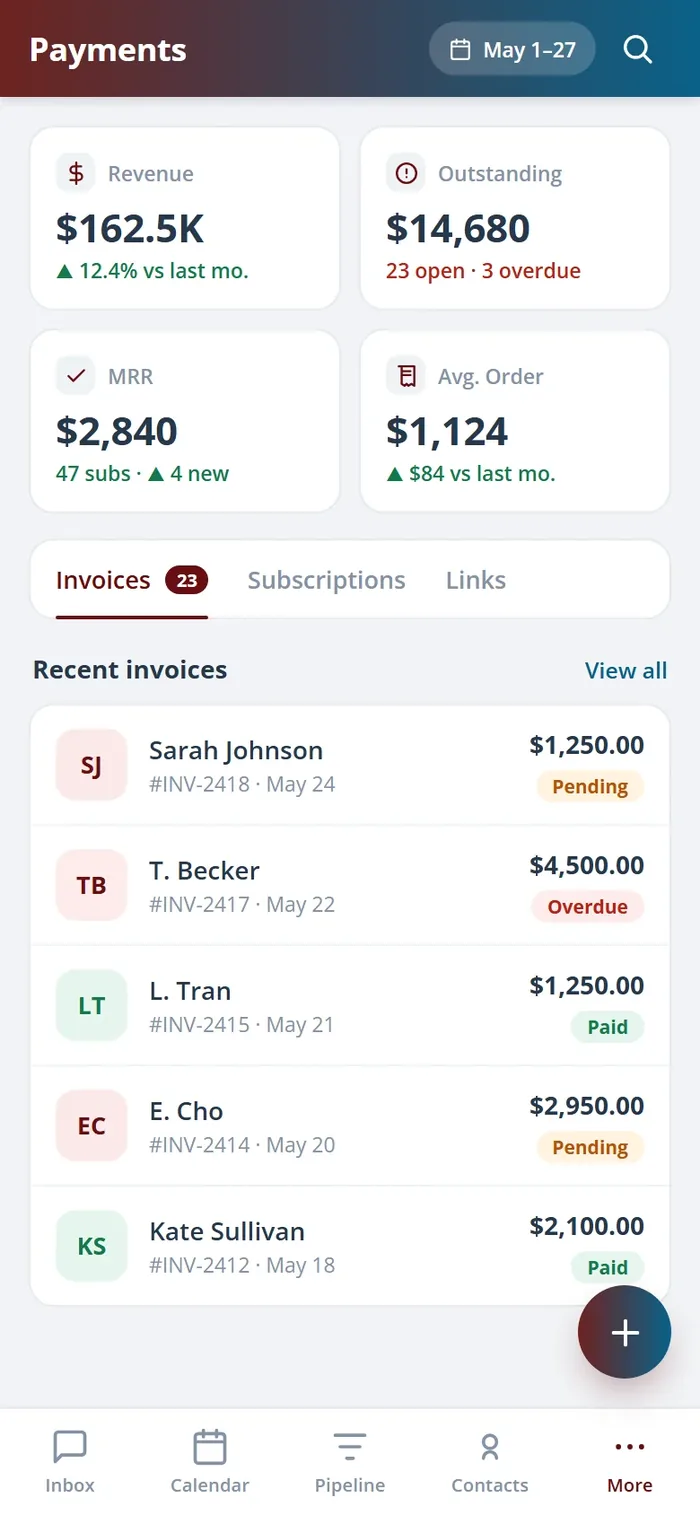
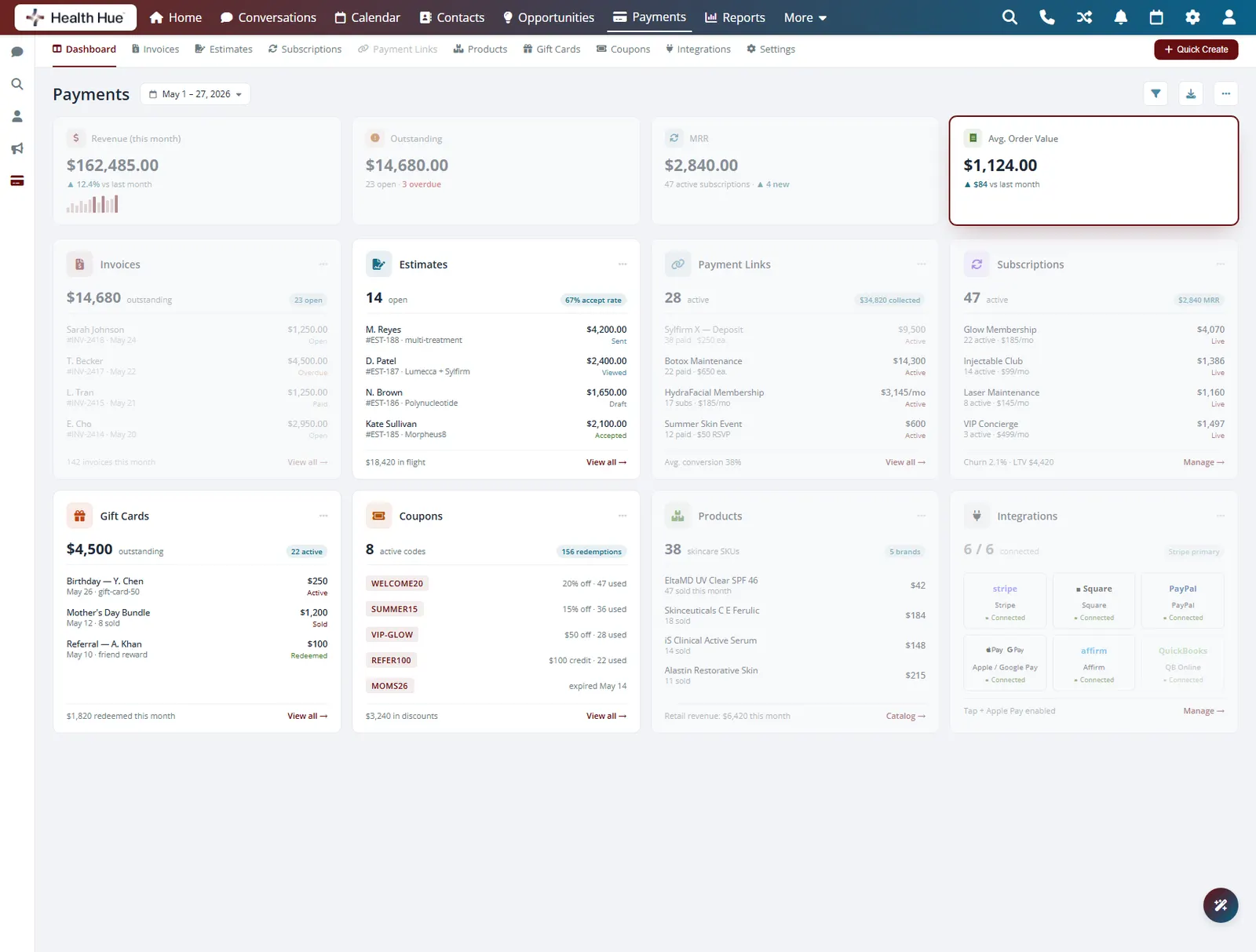
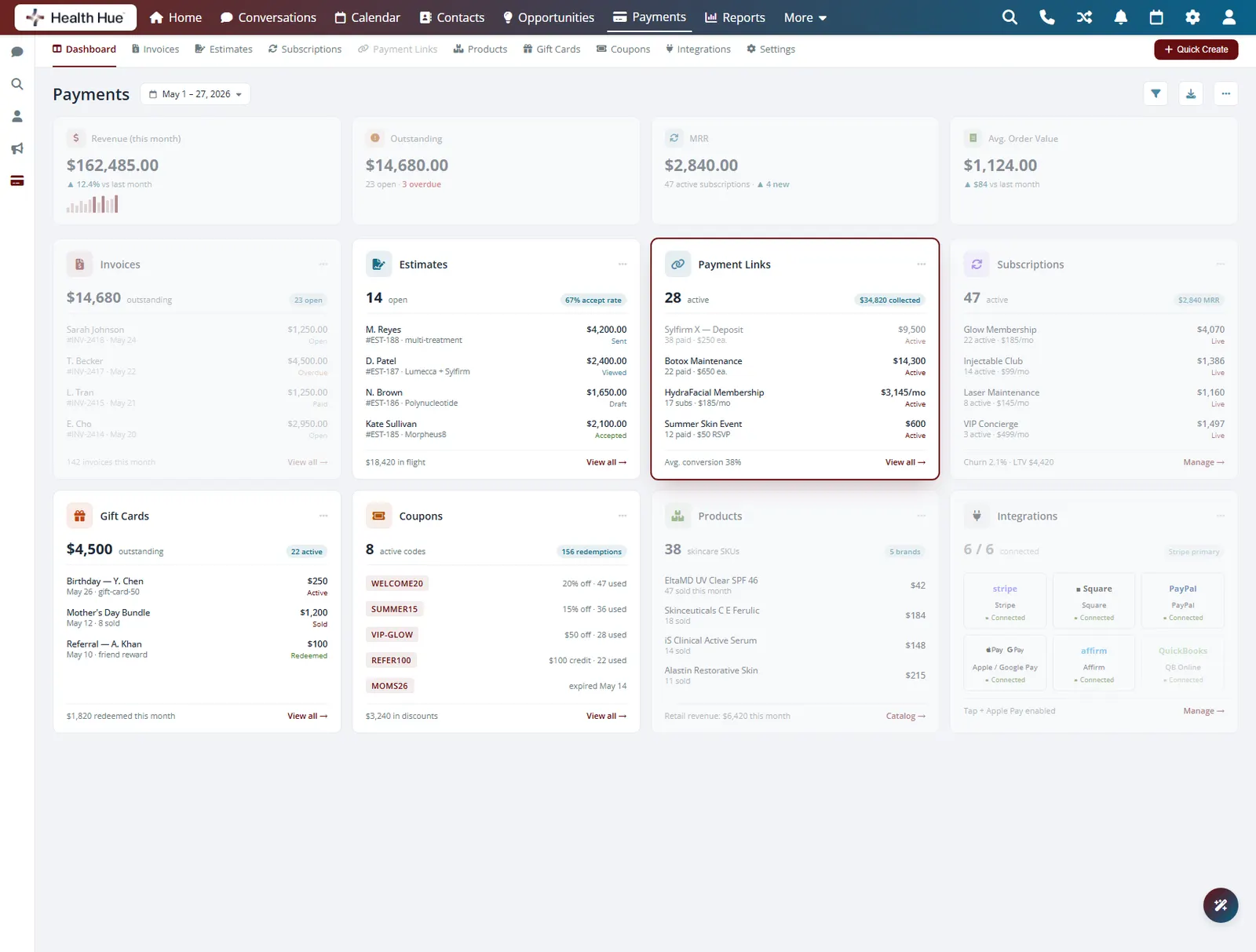
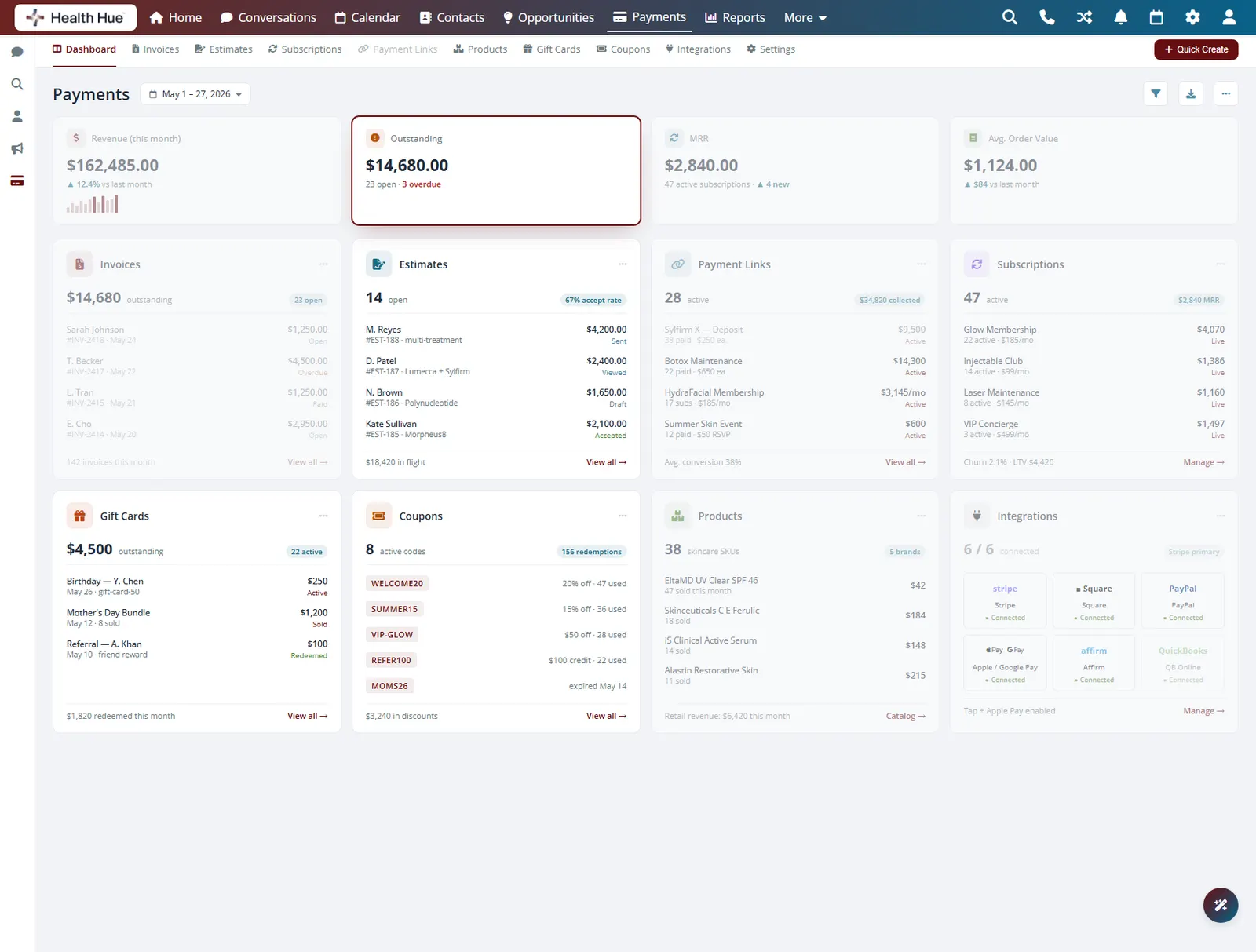
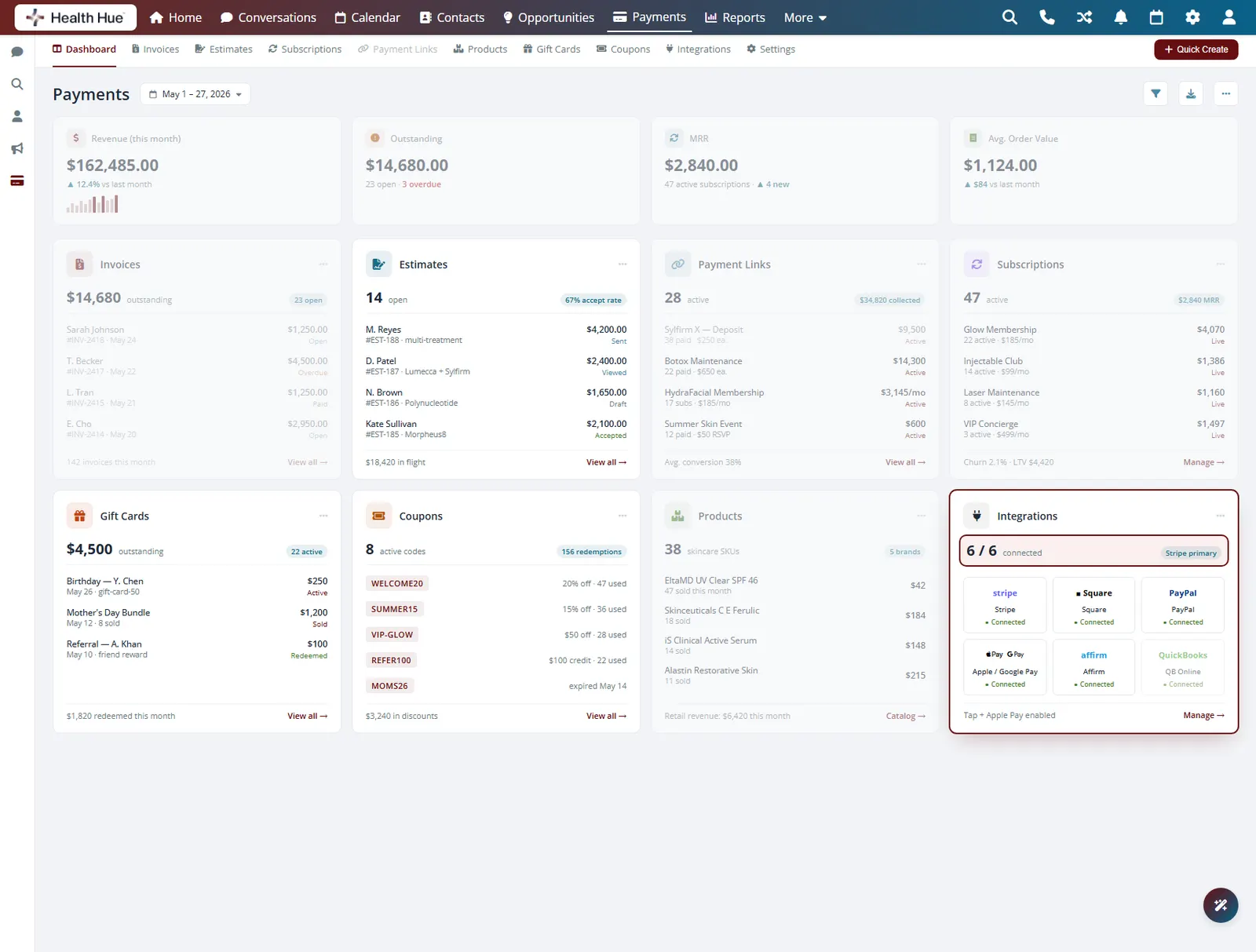
Charge a card at the front desk, send a text-to-pay link, or collect a deposit at booking, all from the same Hub that runs your schedule. Every payment lands on the patient record and flows straight into your reporting and your books, so there’s no double entry and no chasing balances.
01 · Text-to-Pay
Send a pay link and get paid in minutes.
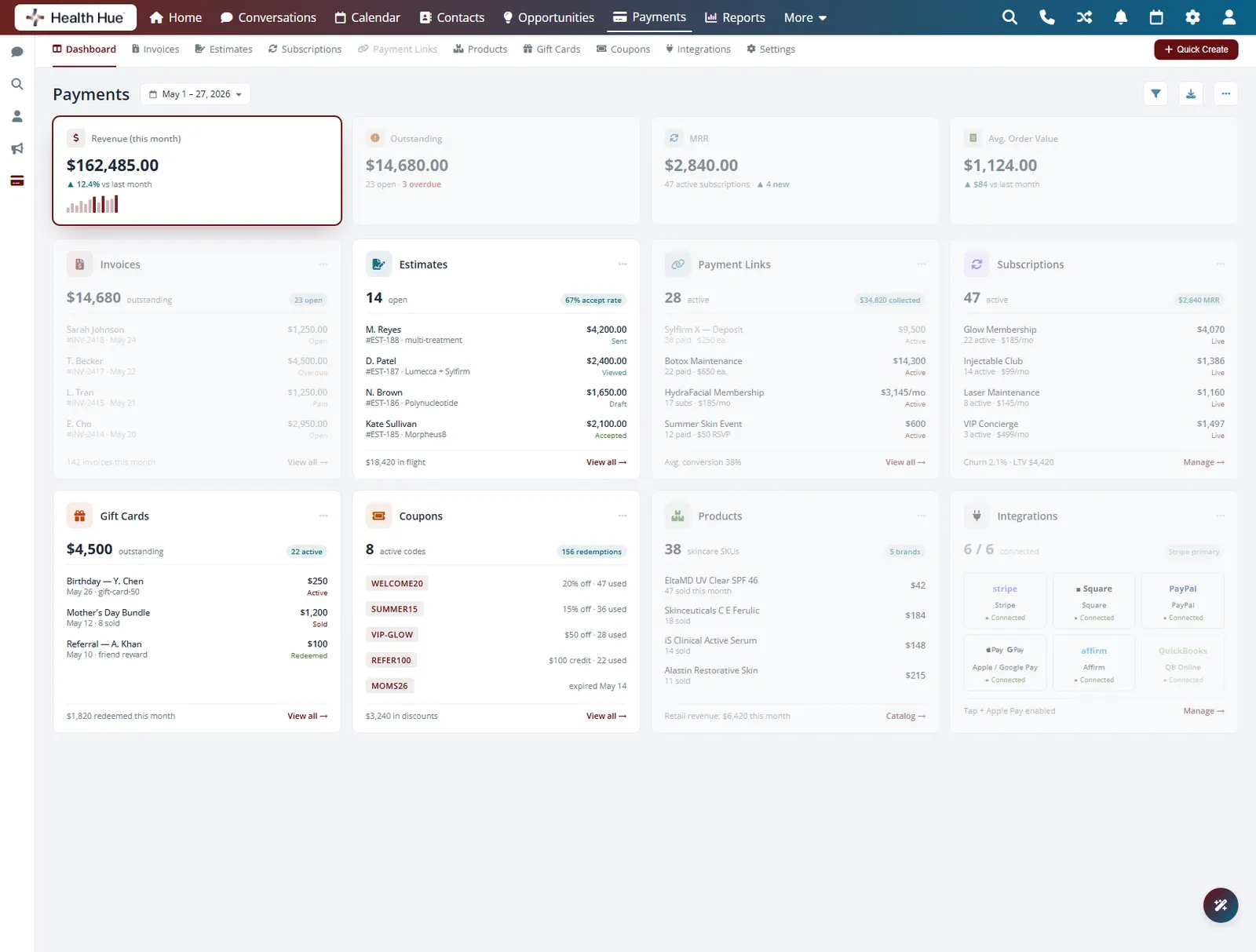
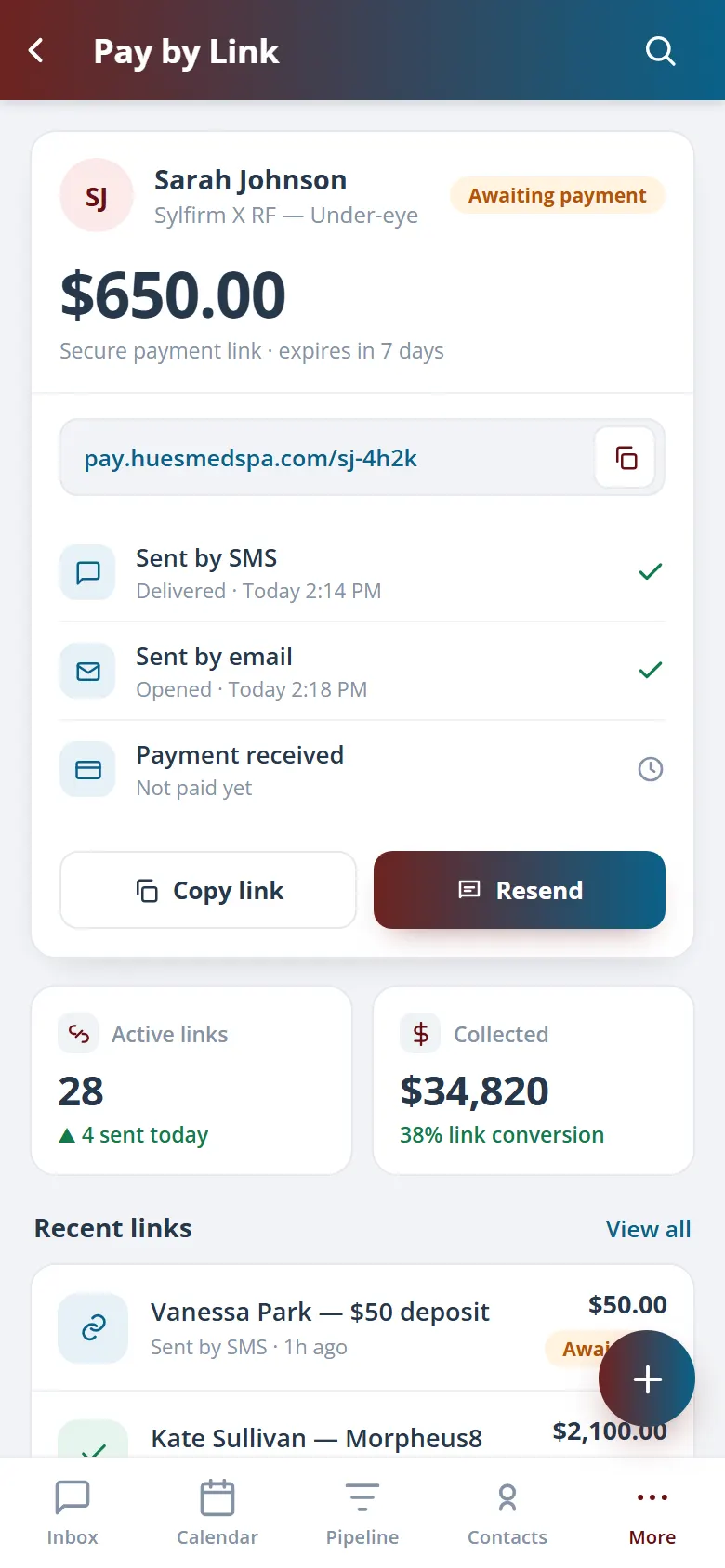
When a patient can’t pay at the desk or books over the phone, send a secure pay link by text or email in one tap. They pay from their own phone, and the balance clears against their record the moment it goes through. No card numbers read aloud, no follow-up calls.
Send a secure pay link by text or email from any record.
They check out on their own phone, no app to download.
The balance clears on the record the instant it’s paid.
02 · In-Person & Online Checkout
One checkout for every counter.
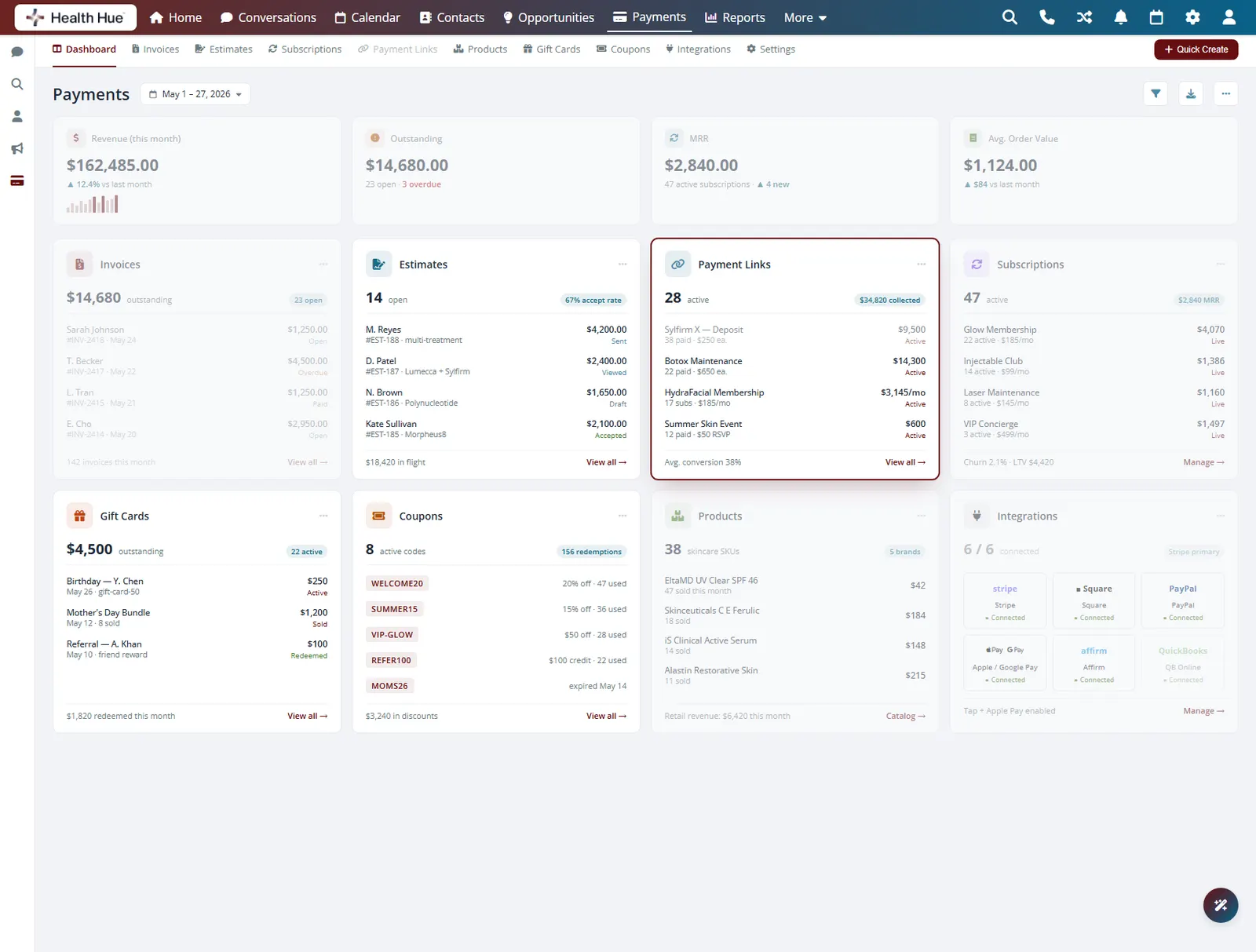
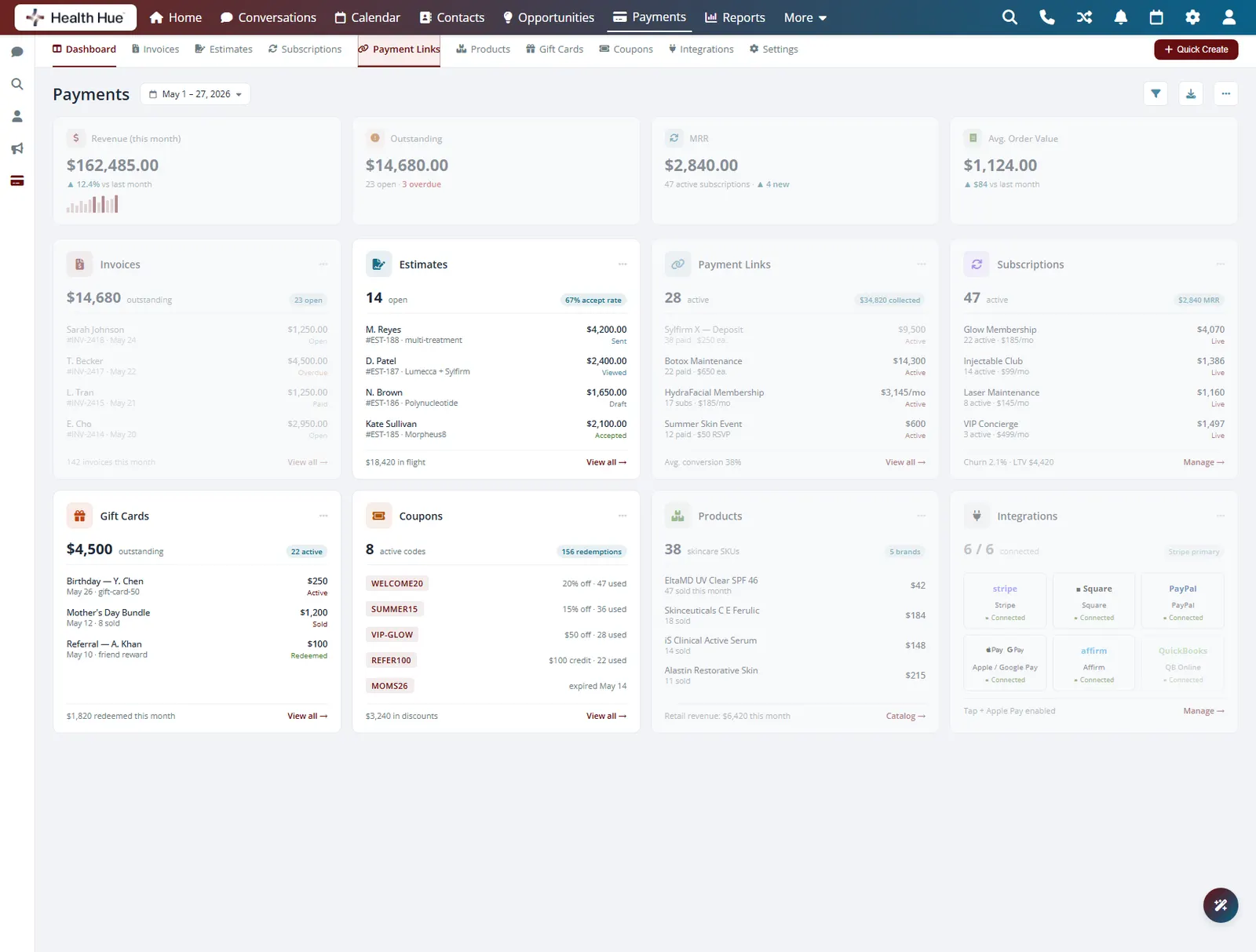
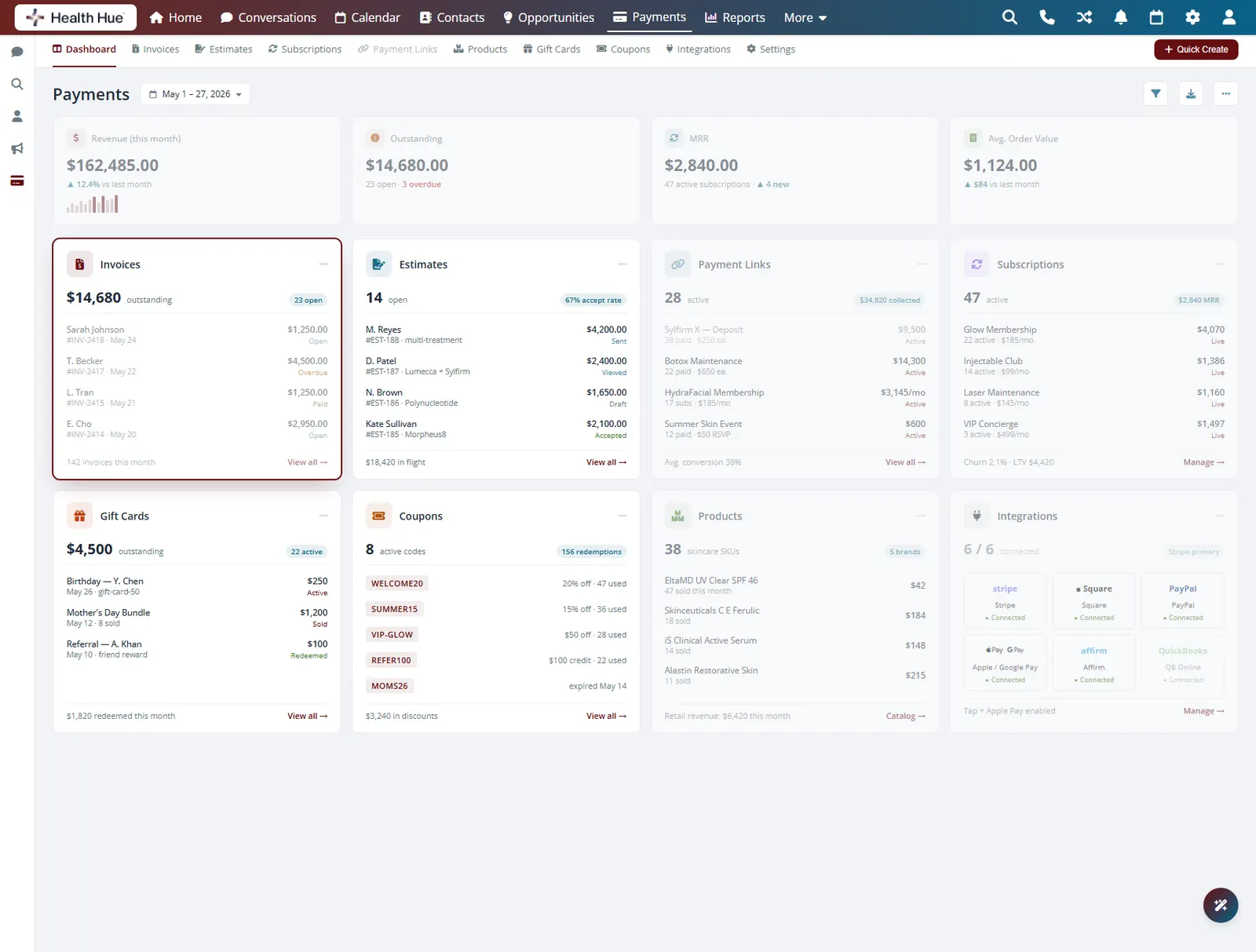
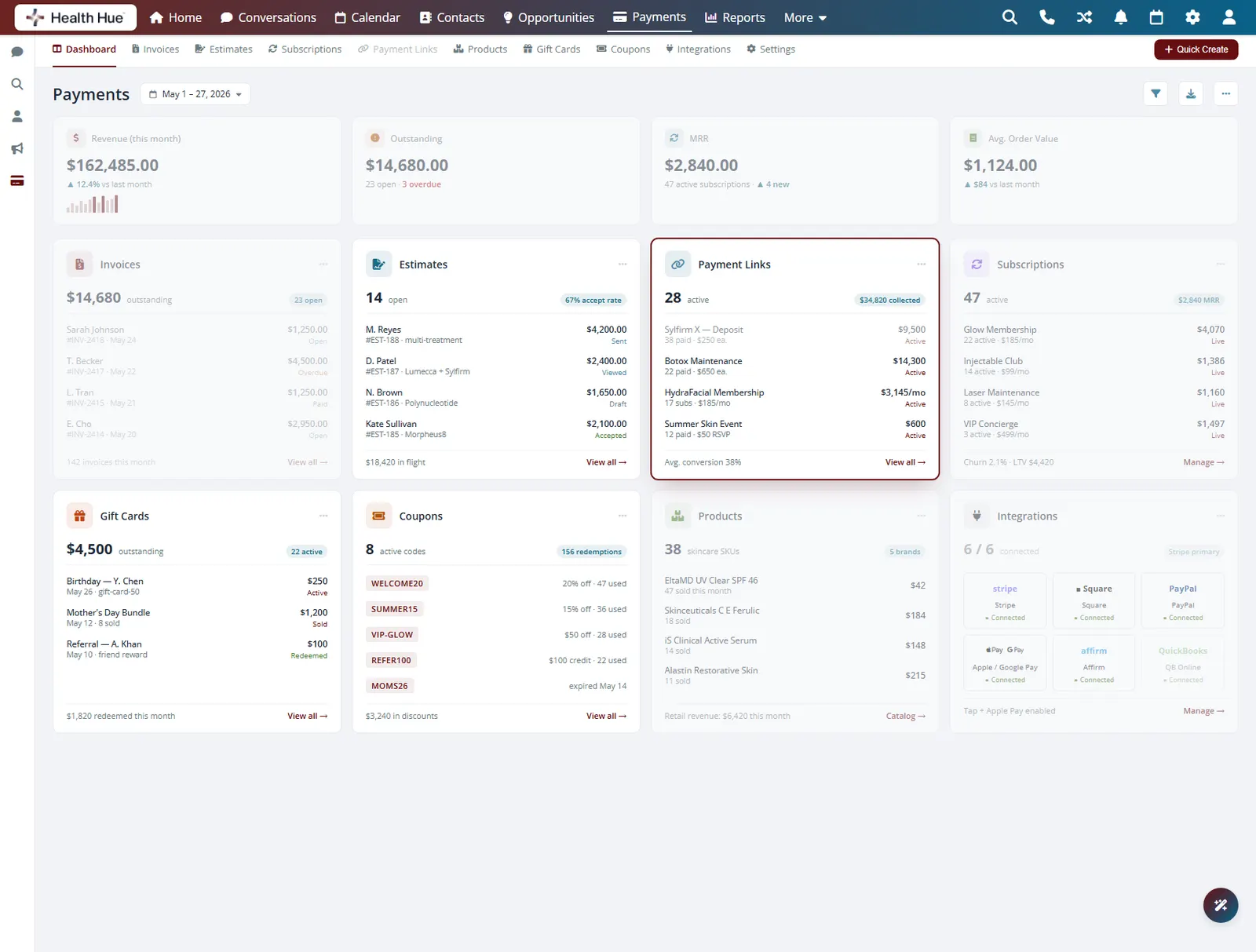
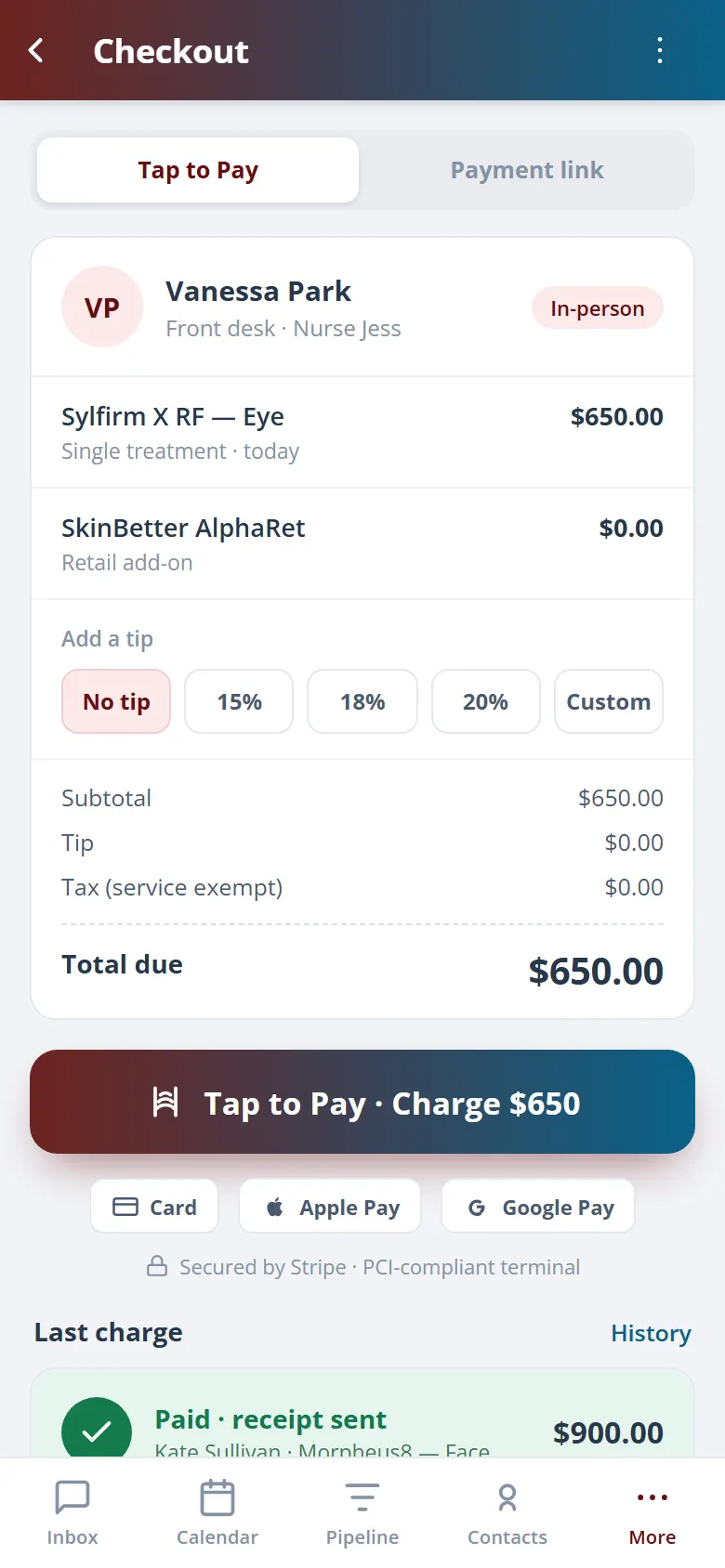
Run a card at the front desk with a connected reader, or let the patient pay online before they leave. Tips, taxes, and treatment line items are calculated for you, and the same checkout works whether the patient is standing there or paying from home.
Swipe, tap, or insert a card with a connected reader.
Patients pay through a secure link from anywhere.
Tips, taxes, and line items are tallied automatically.
03 · Deposits & No-Show Fees
Protect the chair before they book.
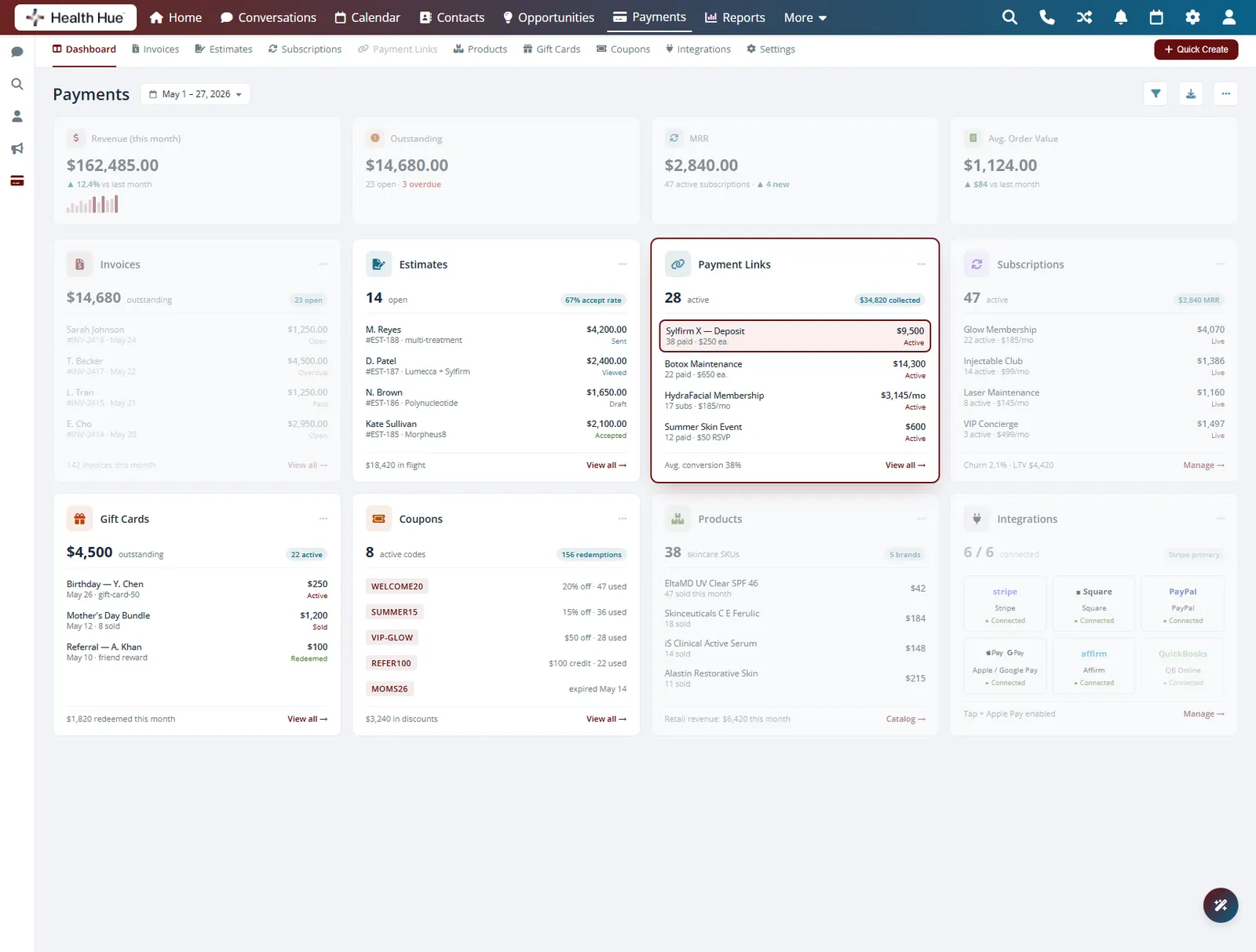
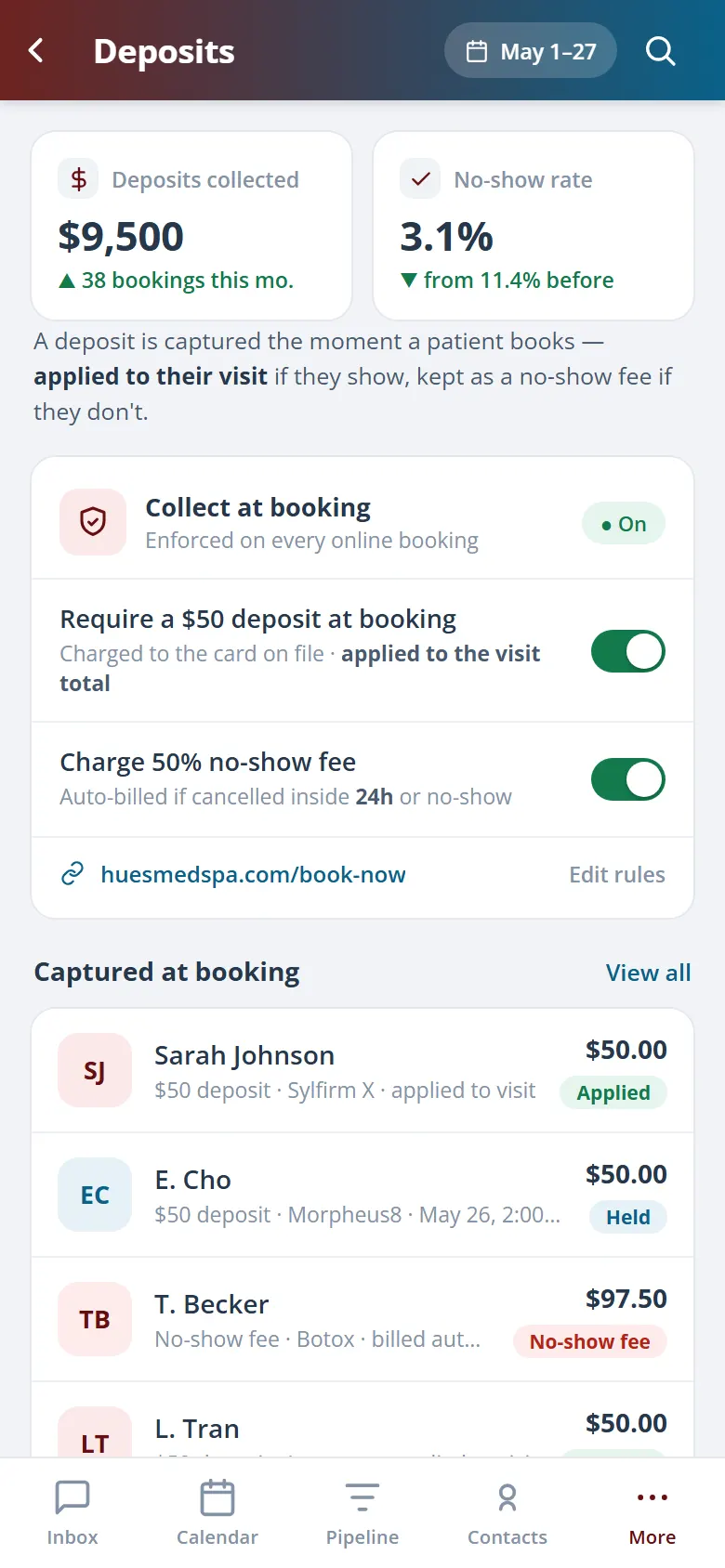
Require a deposit or full prepayment at booking for the treatments that cost you most when a slot goes empty. If a patient no-shows or cancels late, the policy you set applies the fee automatically, so the schedule pays for itself instead of leaking revenue.
Collect a deposit or full prepayment when the patient books.
Late cancels and no-shows trigger the fee you set.
Apply policies only to the high-value slots that need them.
04 · Cards On File & Memberships
Store the card once, bill it on autopilot.
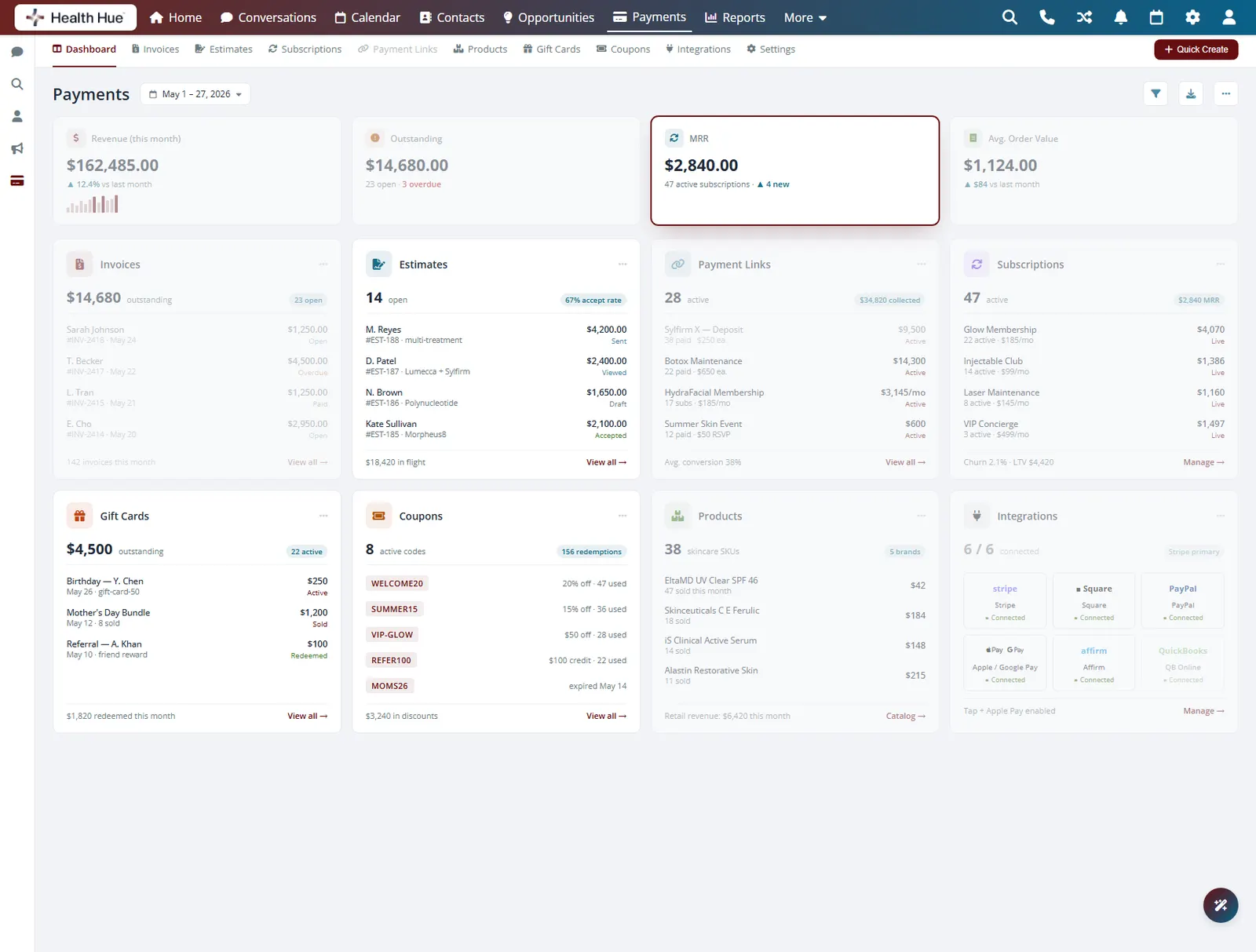
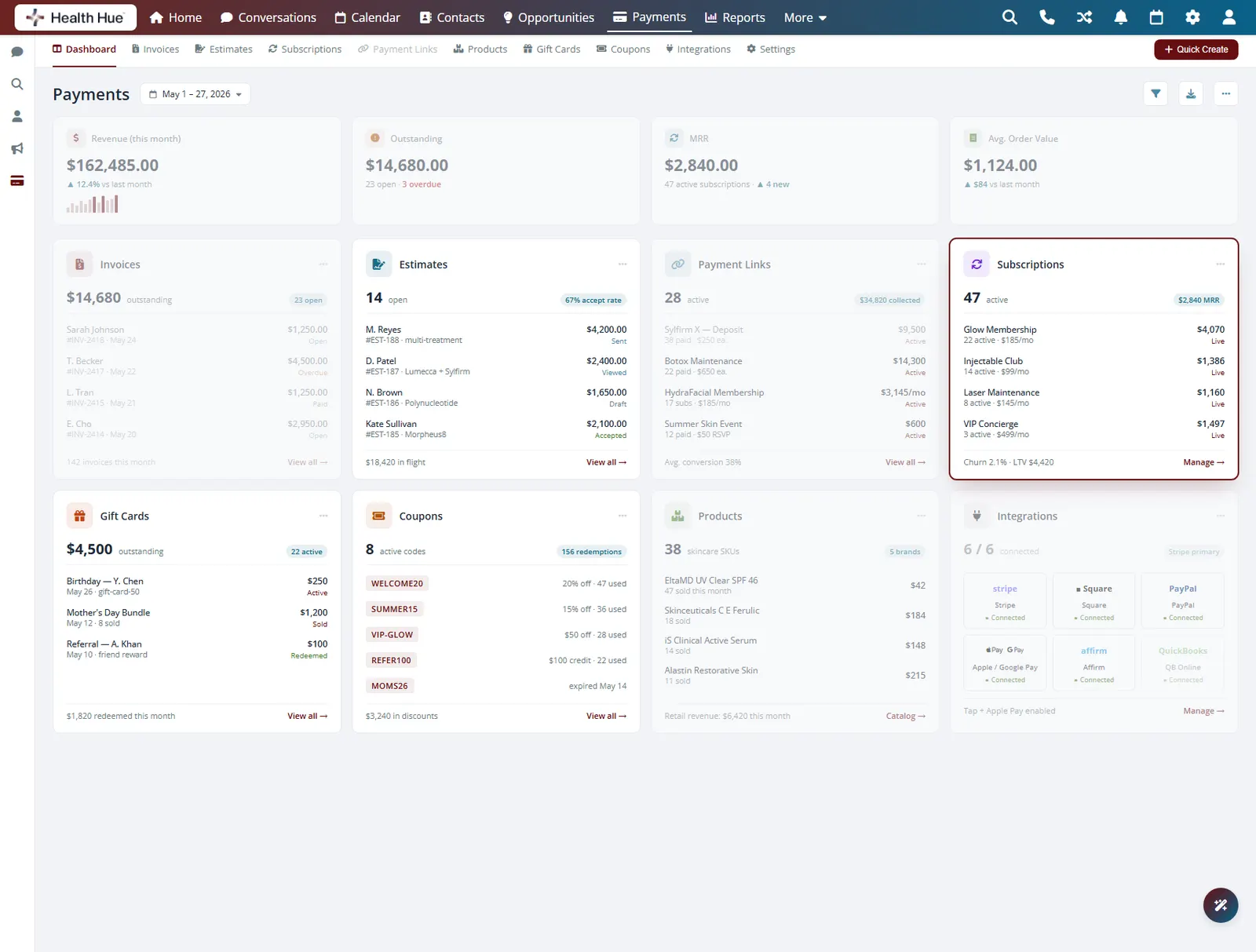
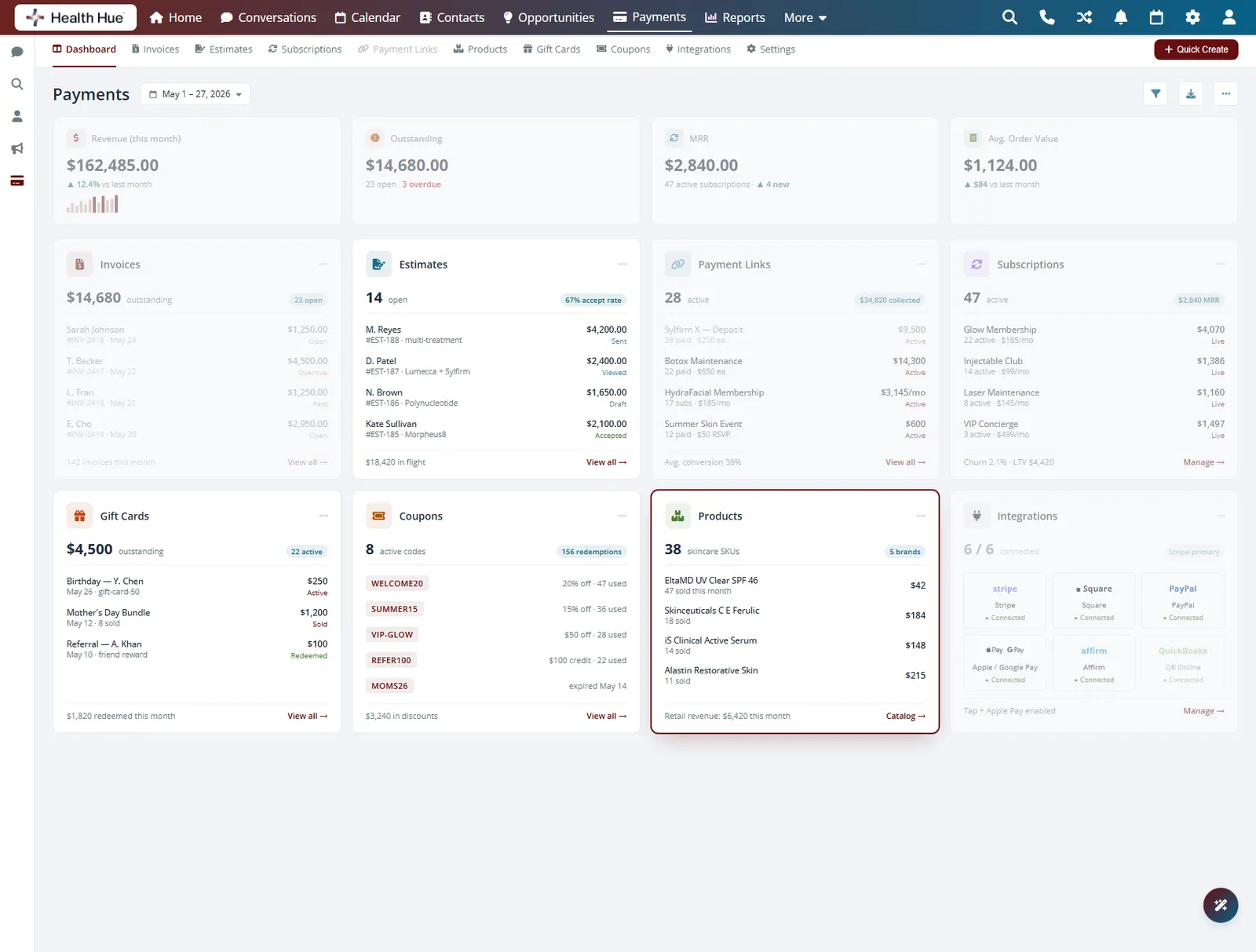
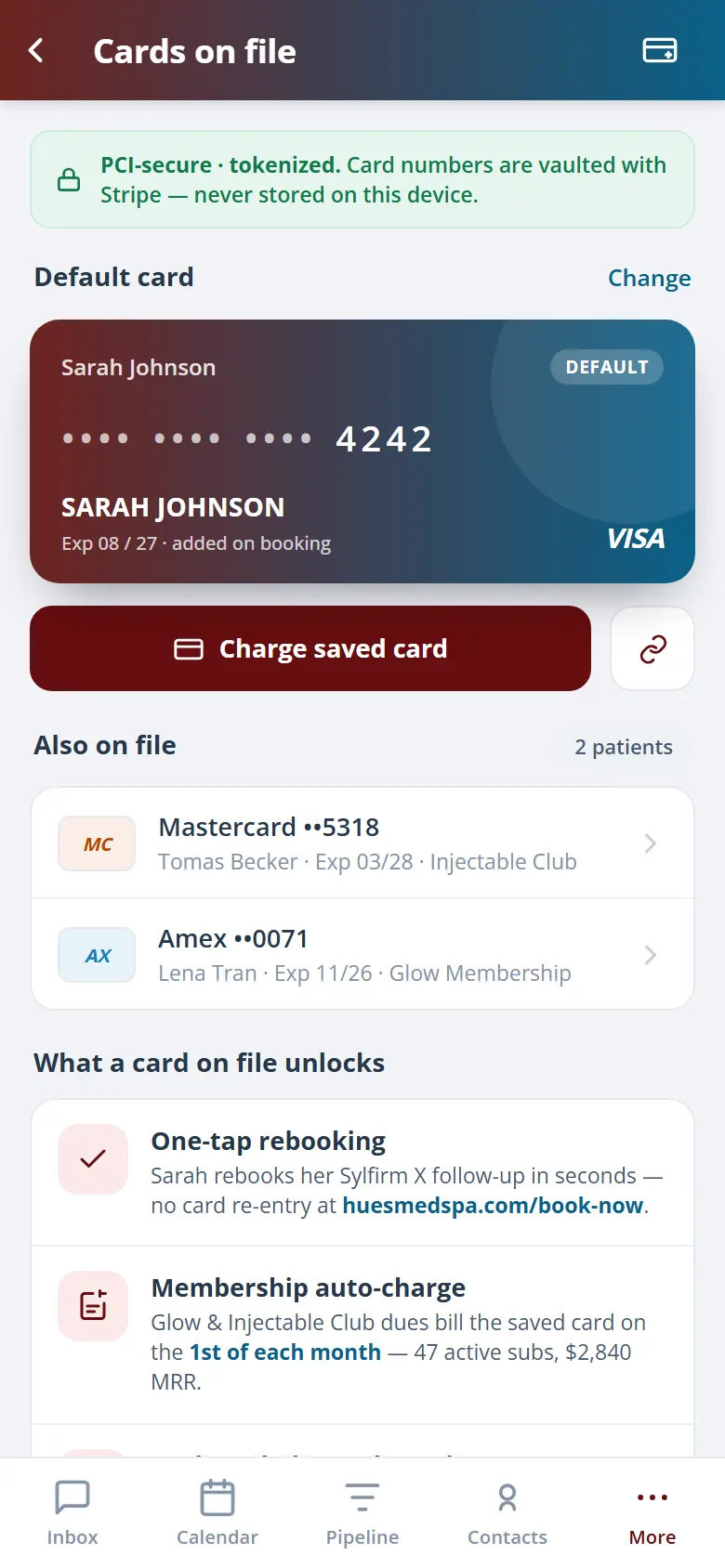
Save a patient’s card securely so checkout is one tap next time and no-show fees can be honoured without a phone call. The same card on file powers recurring membership and package billing, so monthly plans charge themselves and your recurring revenue runs without manual invoices.
Store cards securely for fast, one-tap checkout.
Recurring plans charge the card on file automatically.
Pre-paid packages draw down as treatments are used.
05 · Branded Invoices & Receipts
Every invoice looks like your clinic.
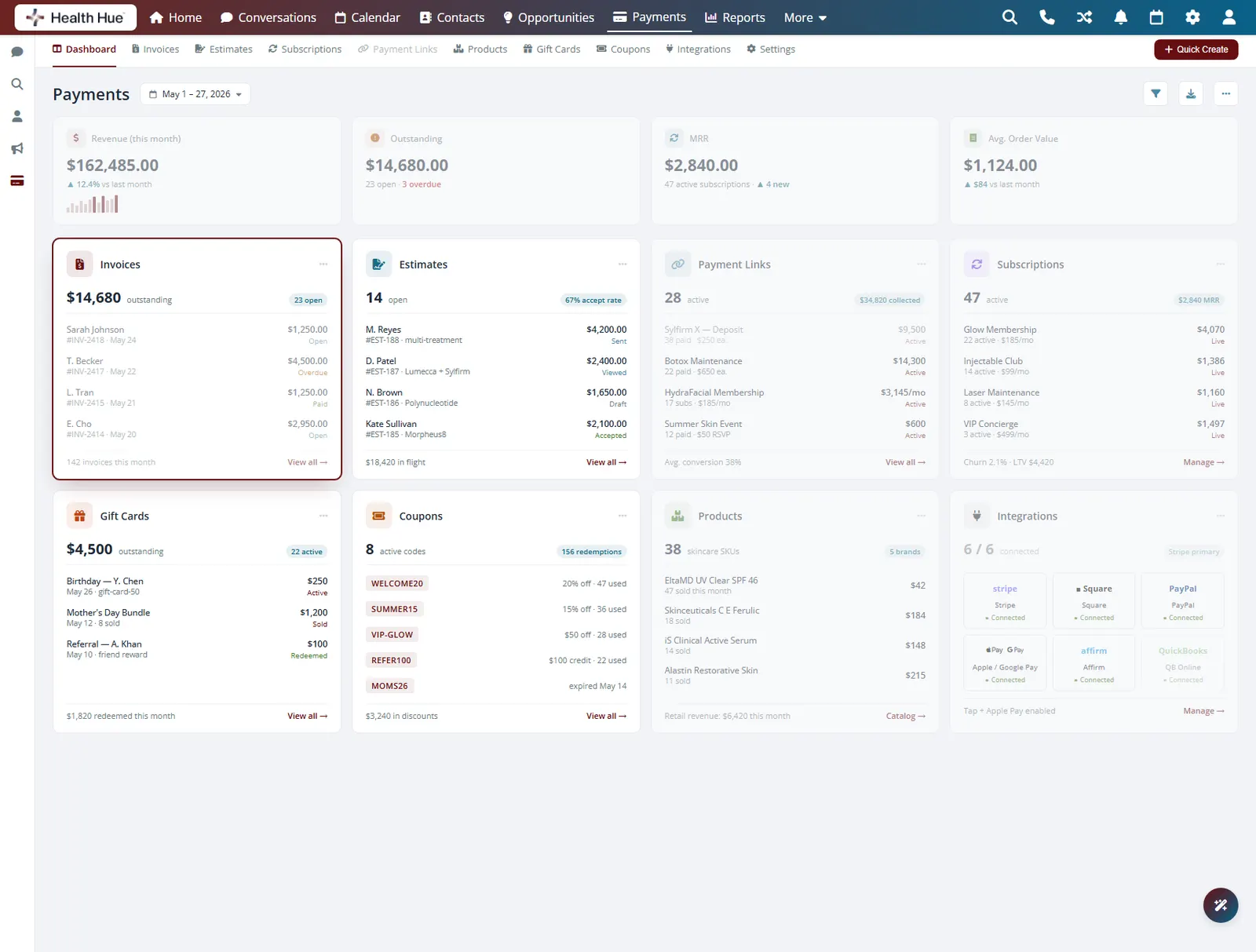
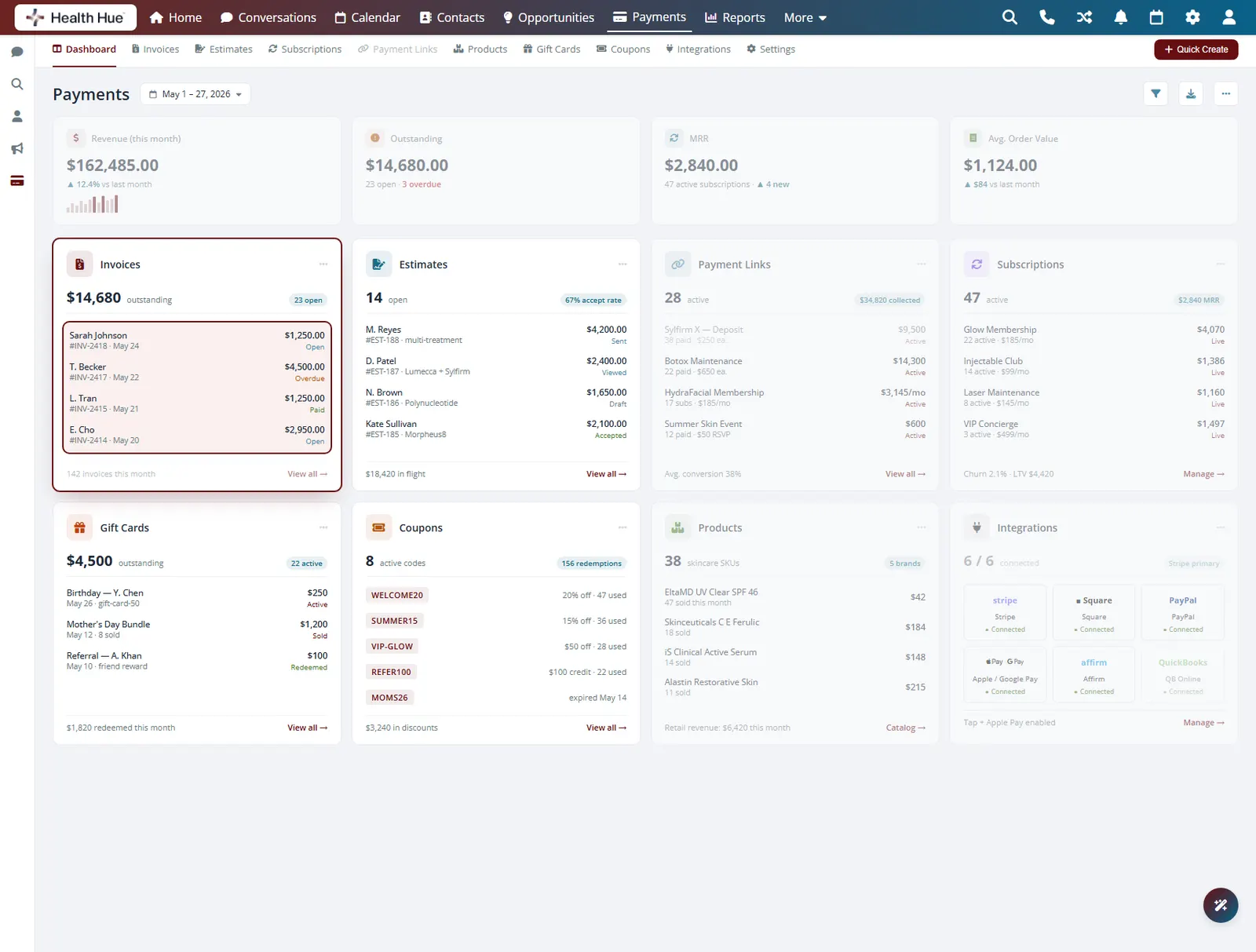
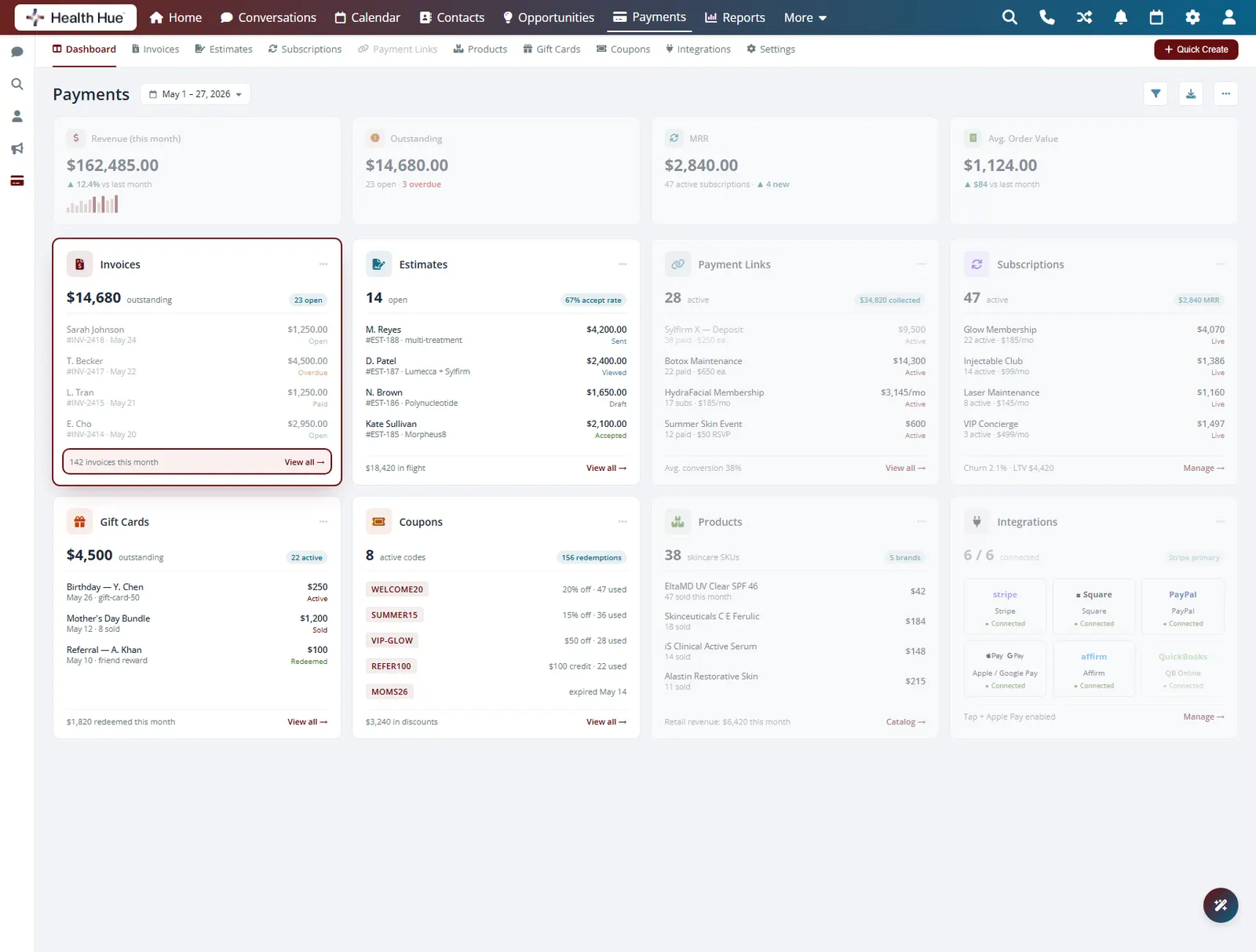
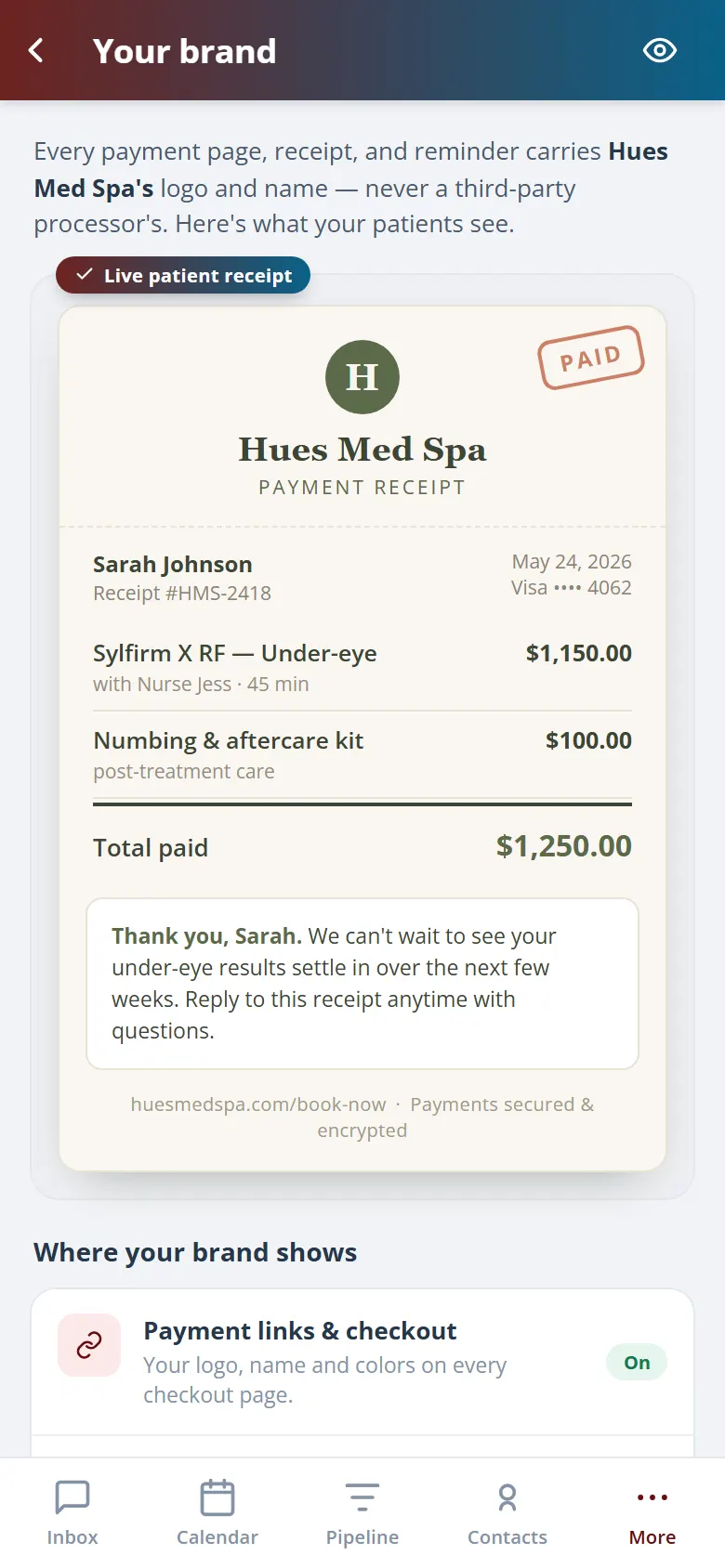
Send professional invoices and receipts carrying your logo, your clinic name, and your line items, never a generic processor template. Patients get a clear record of exactly what they paid for, and you keep a tidy paper trail on every transaction.
Invoices and receipts carry your logo and clinic name.
Treatments, products, tax, and tips, itemised.
Receipts go out by email or text the moment payment clears.
06 · QuickBooks Sync & Treatment Revenue
Get paid once, see it everywhere.
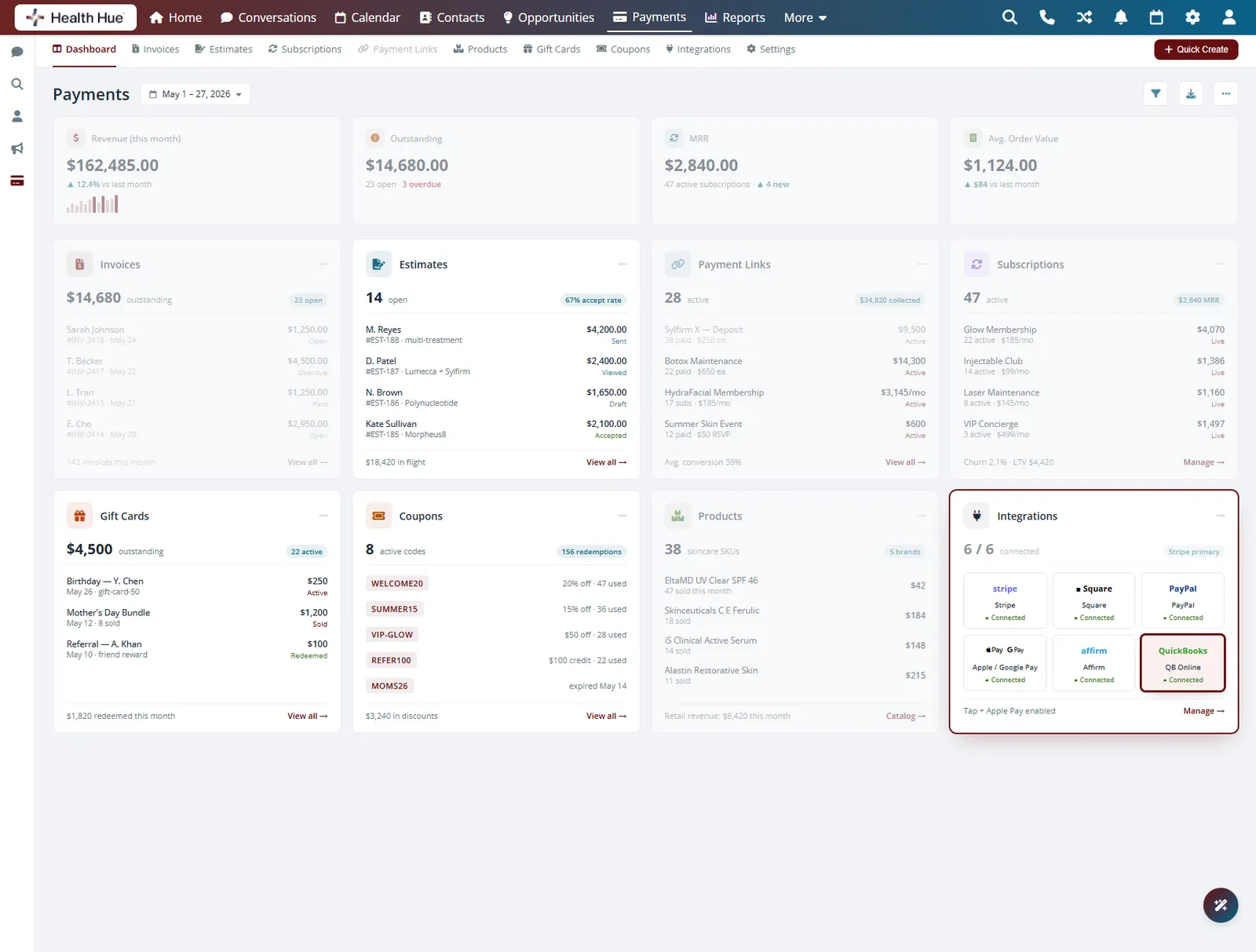
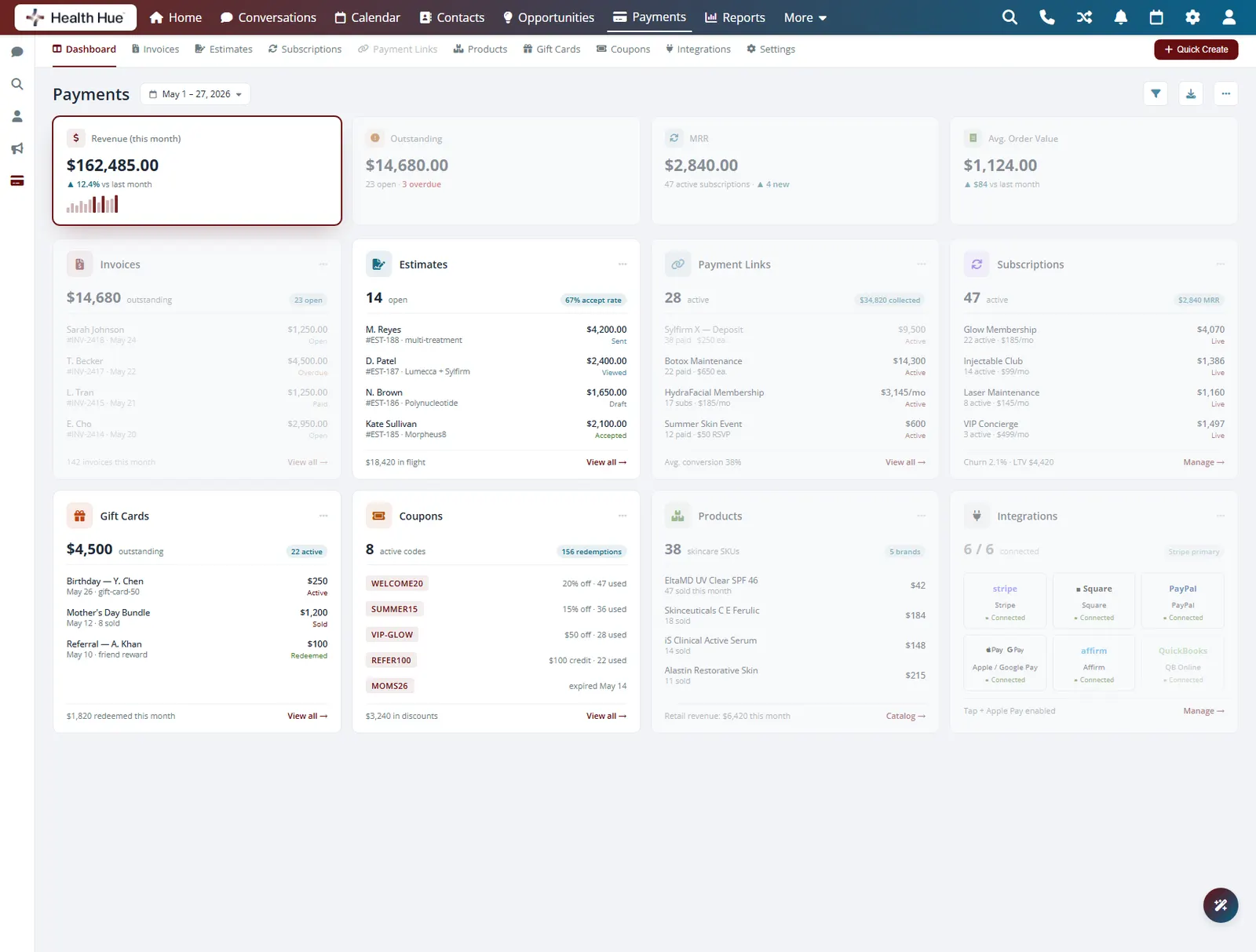
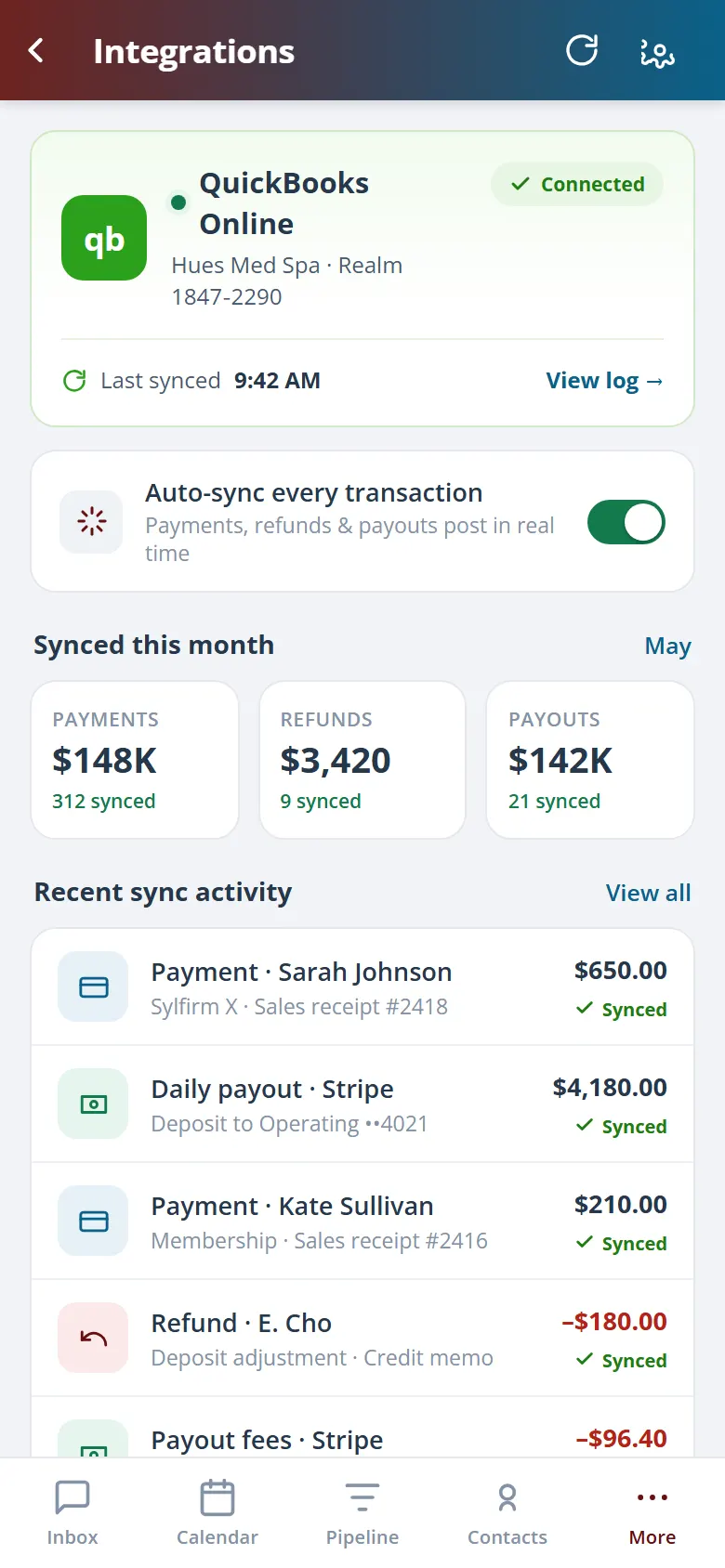
Every payment posts to your reporting by treatment, so you know which services actually drive revenue, and syncs to QuickBooks so your books stay current without re-keying a thing. PHIPA-compliant by design and HIPAA-aware, patient payment data stays inside the Hub instead of scattered across tools.
Payments sync to your books, no double entry.
Revenue breaks down by service so you see what sells.
PHIPA-compliant and HIPAA-aware payment handling.
Secure, compliant, and clinic-ready
Every feature lives in a platform built for clinics from the ground up, with charting, consent, and payments native to the patient record.
PHIPA & HIPAA-aware
Patient data is encrypted and handled to Canadian health-privacy standards.
Consent & audit
Consents, signatures, and changes log to the record automatically.
Role-based access
Granular permissions keep charts and contact details on a need-to-know basis.
One source of truth
Scheduling, payments, messages, and records in one place. Nothing siloed.
Explore more of the Hub
Payments & Point-of-Sale is one part of the Health Hue Hub, your AI-powered clinic operating system.
Conversations
One inbox for SMS, calls, web chat, and DMs.
Patient Records
Every patient in one complete profile.
Calendar & Scheduling
AI booking, reminders, and provider sync.
Memberships
Recurring revenue, packages, and perks.
Automated Flows
Triggers and multi-channel follow-up.
Campaigns
Email and SMS that fill the calendar.
FAQ