Health Hue Hub · Express Booking™

Book the patient before they hang up.

Your front desk texts the patient a booking link and they finish on their own phone in seconds. There’s no app to download and no account to create. The appointment, card on file, and cancellation policy are all captured before they walk out the door.

1
Link to Send
0
Apps to Download
0
Logins to Create
01 · Text-to-Book Link

Send the booking link without picking up the phone.

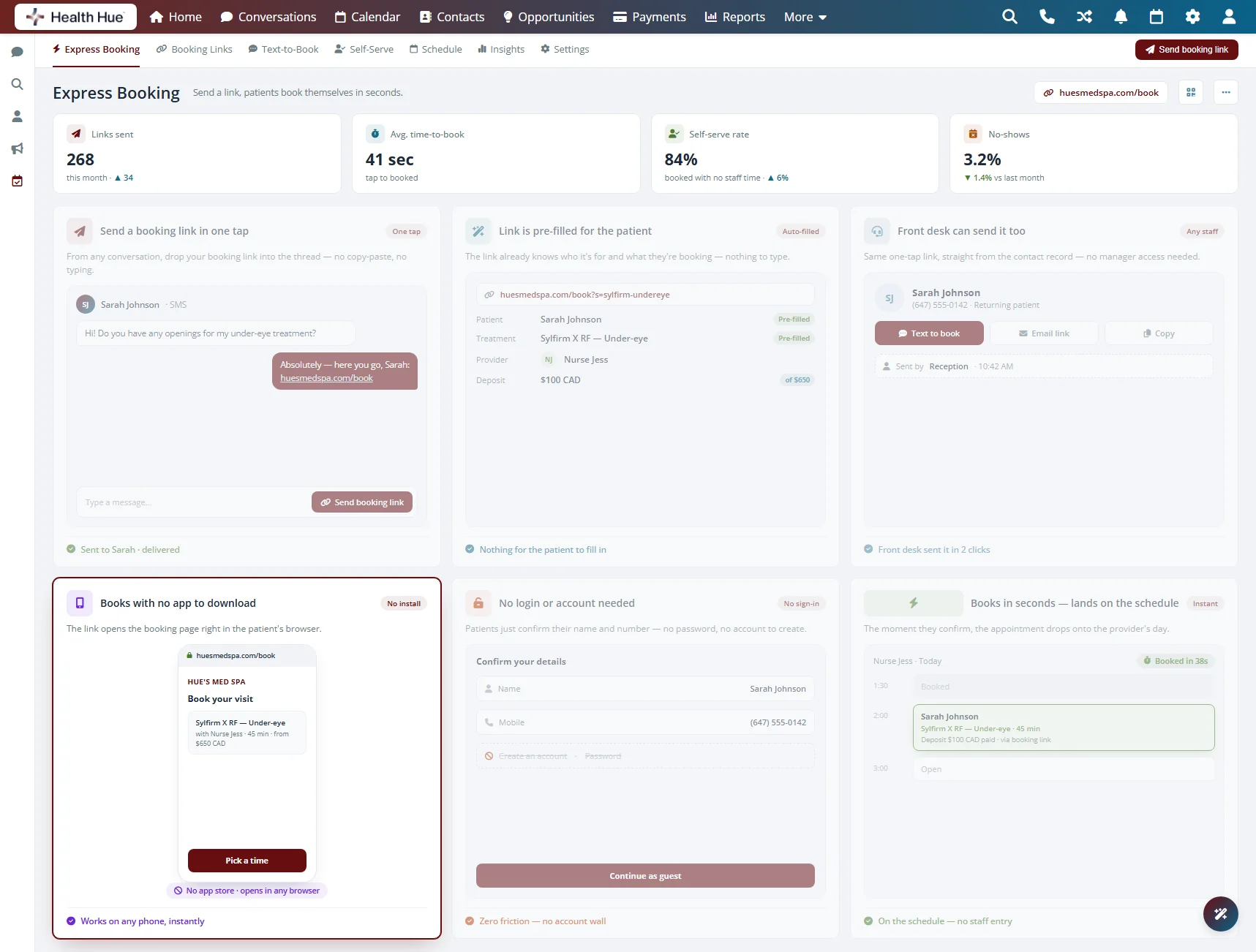
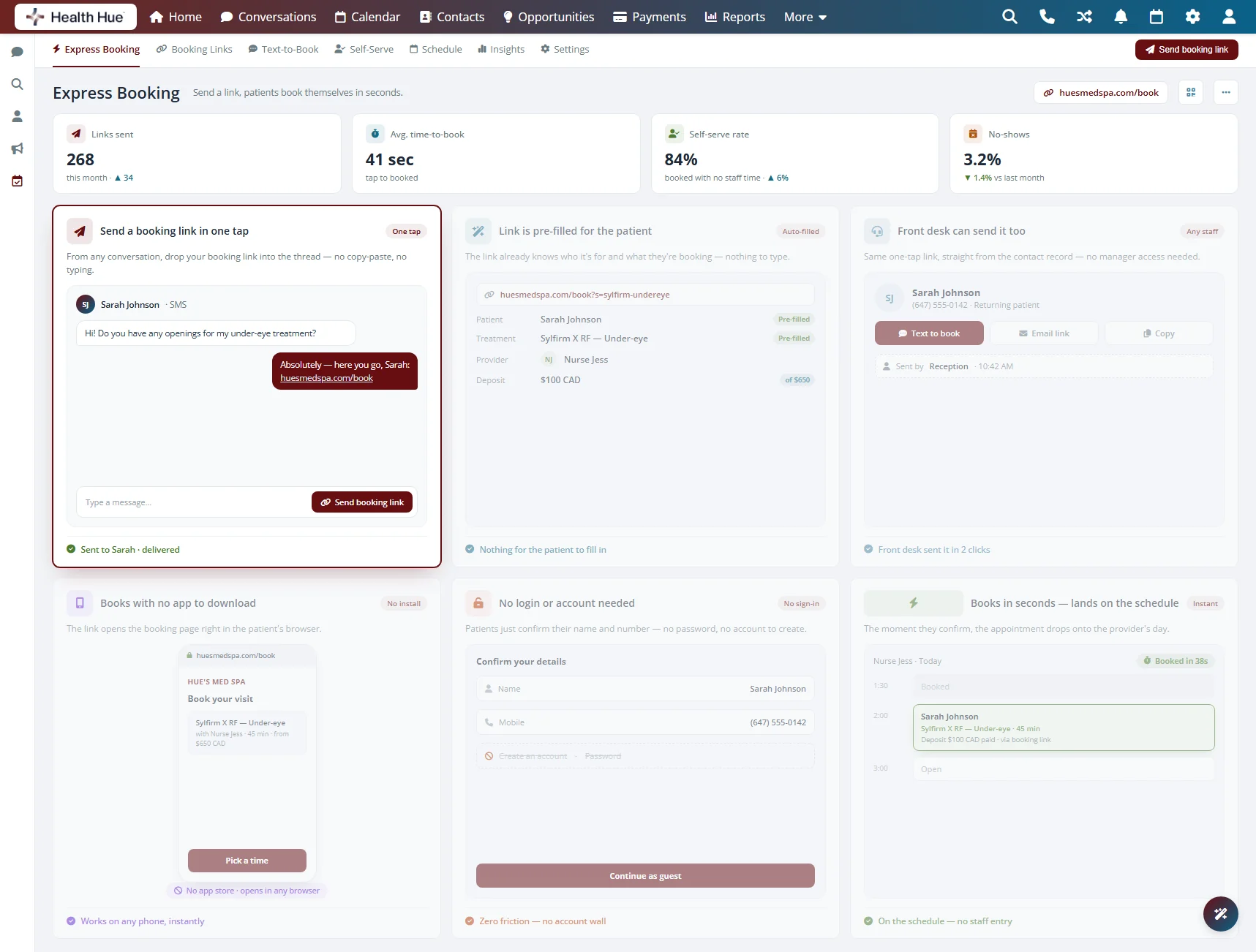
From the calendar or a conversation, your front desk picks the treatment and texts the patient a personalised booking link. There’s no back-and-forth on hold and no manual data entry. The link opens straight to the right service so the patient just confirms a time.

Start a booking link from the calendar or the message thread.

The link opens to the treatment your team selected.

Your team starts it, the patient simply finishes it.
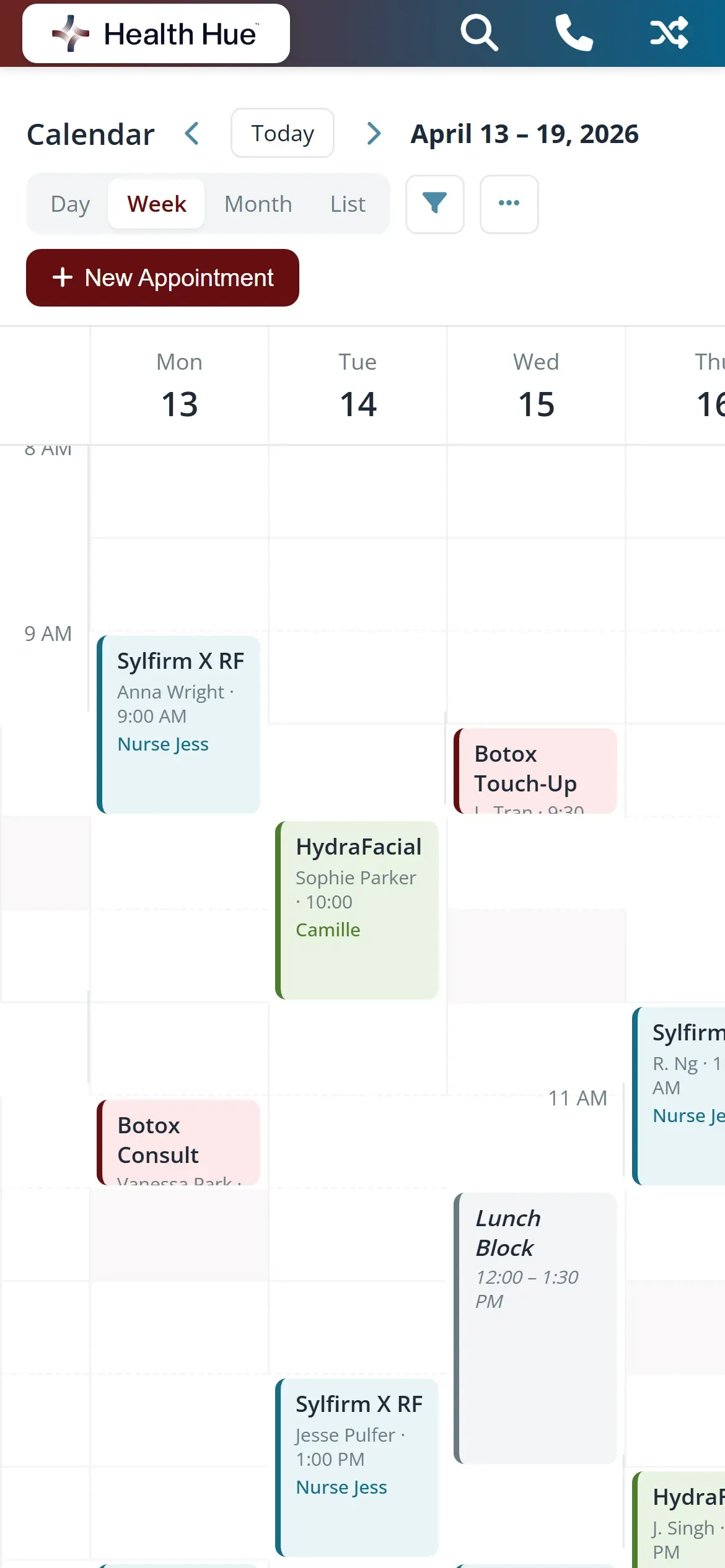
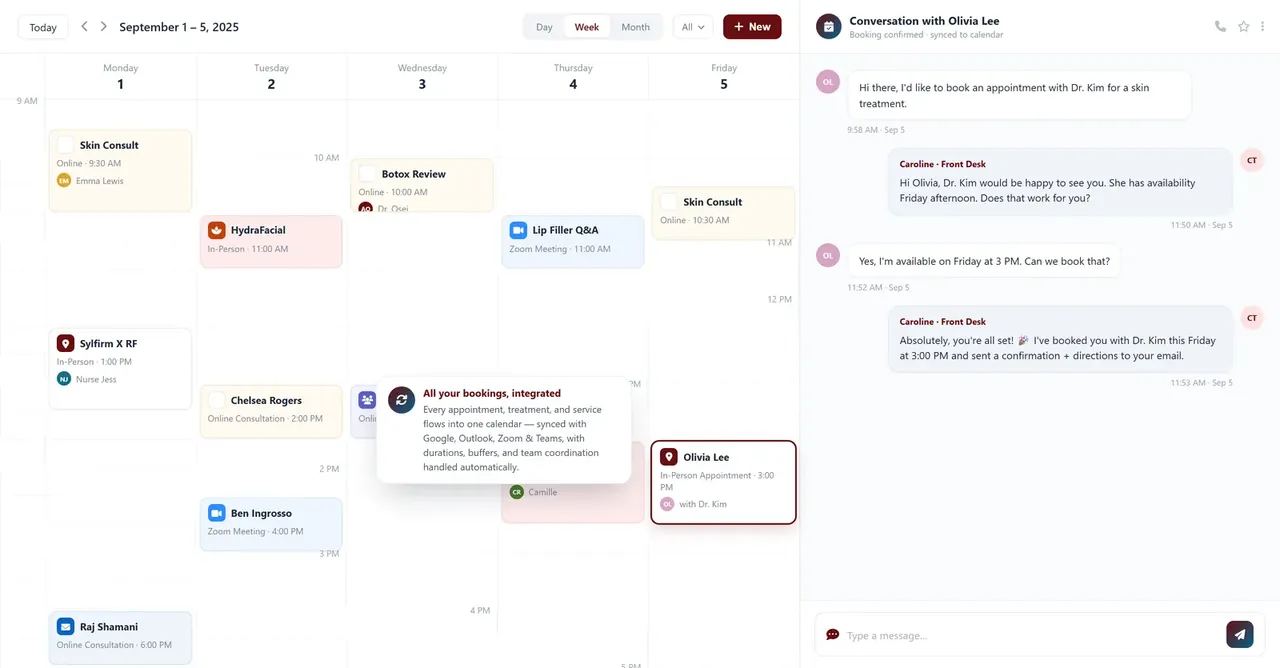
The Health Hue Hub booking panel on the calendar, where the front desk selects a treatment and sends the patient a link by text.

02 · Finish on Their Phone

Patients book in seconds, not minutes.

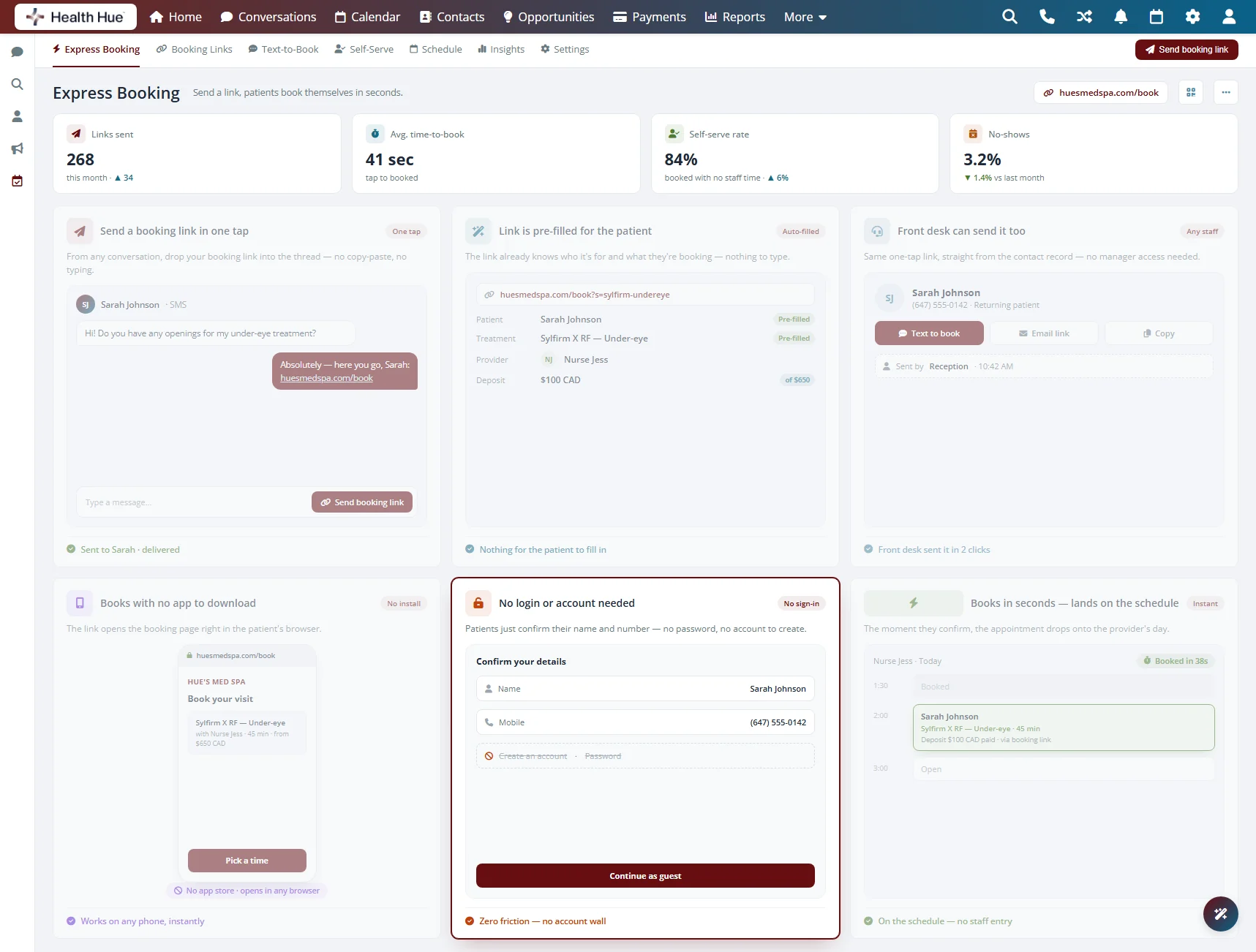
The patient taps the text, picks a time, and confirms, all on their own phone. There’s nothing to download and no account to create. Because the request came from your clinic, the form is short and the booking is done before they leave the room.

The link opens in any phone browser, nothing to install.

No password and no account to set up.

Pick a time, confirm, and the appointment is booked.

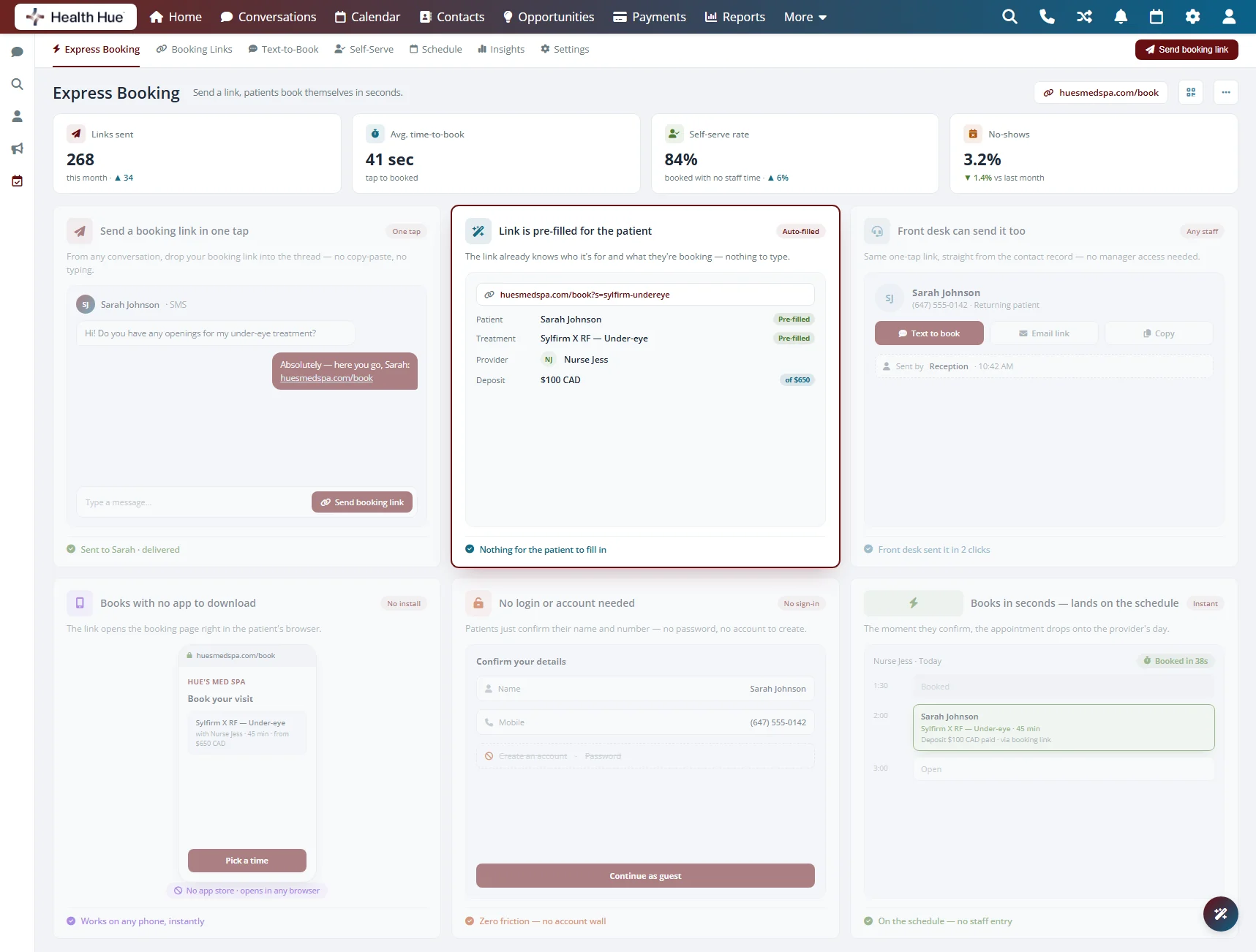
The Health Hue Hub booking flow on a patient’s phone, picking a time and confirming an appointment with no app and no login.

03 · Card on File & Deposits

Take the deposit off the phone call.

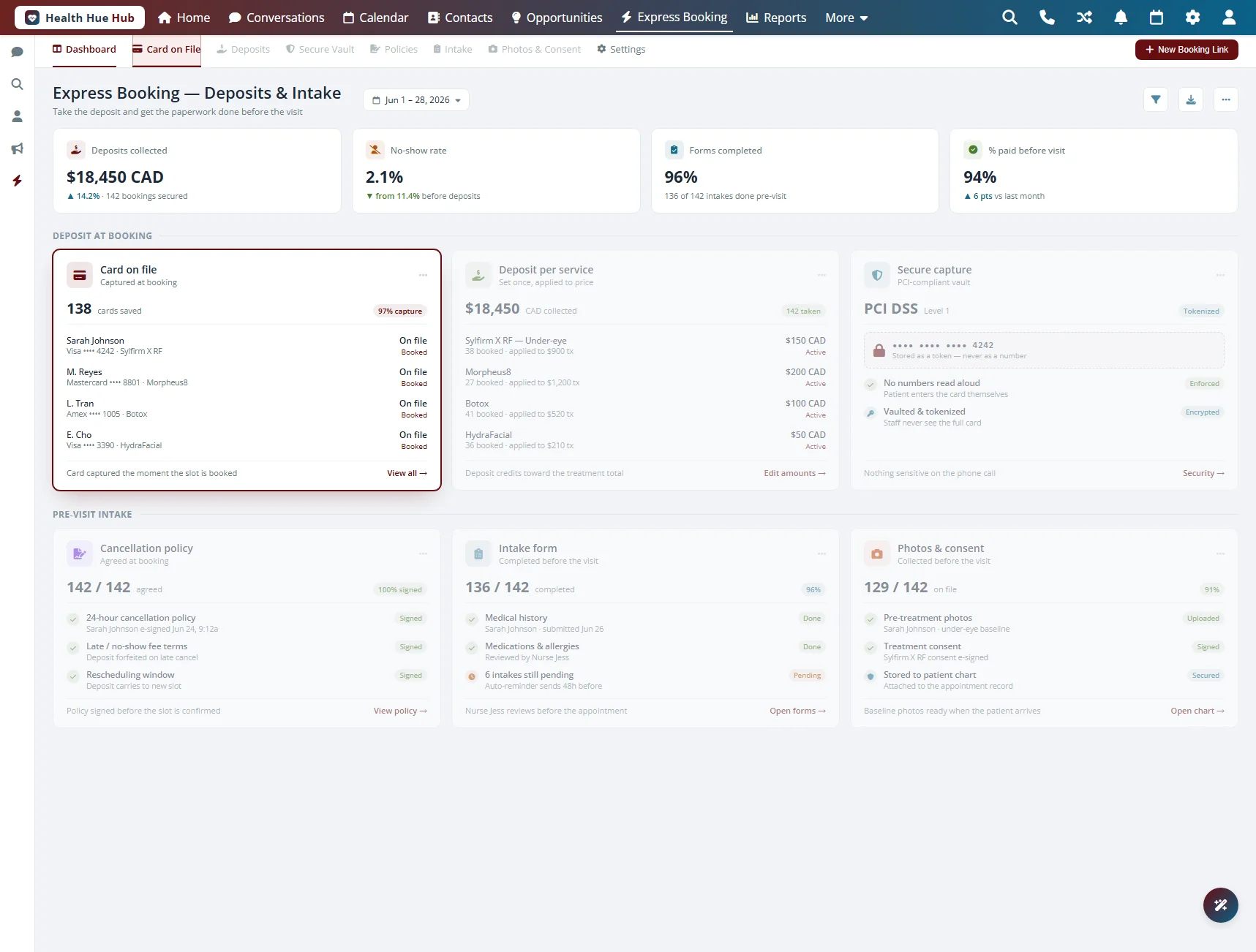
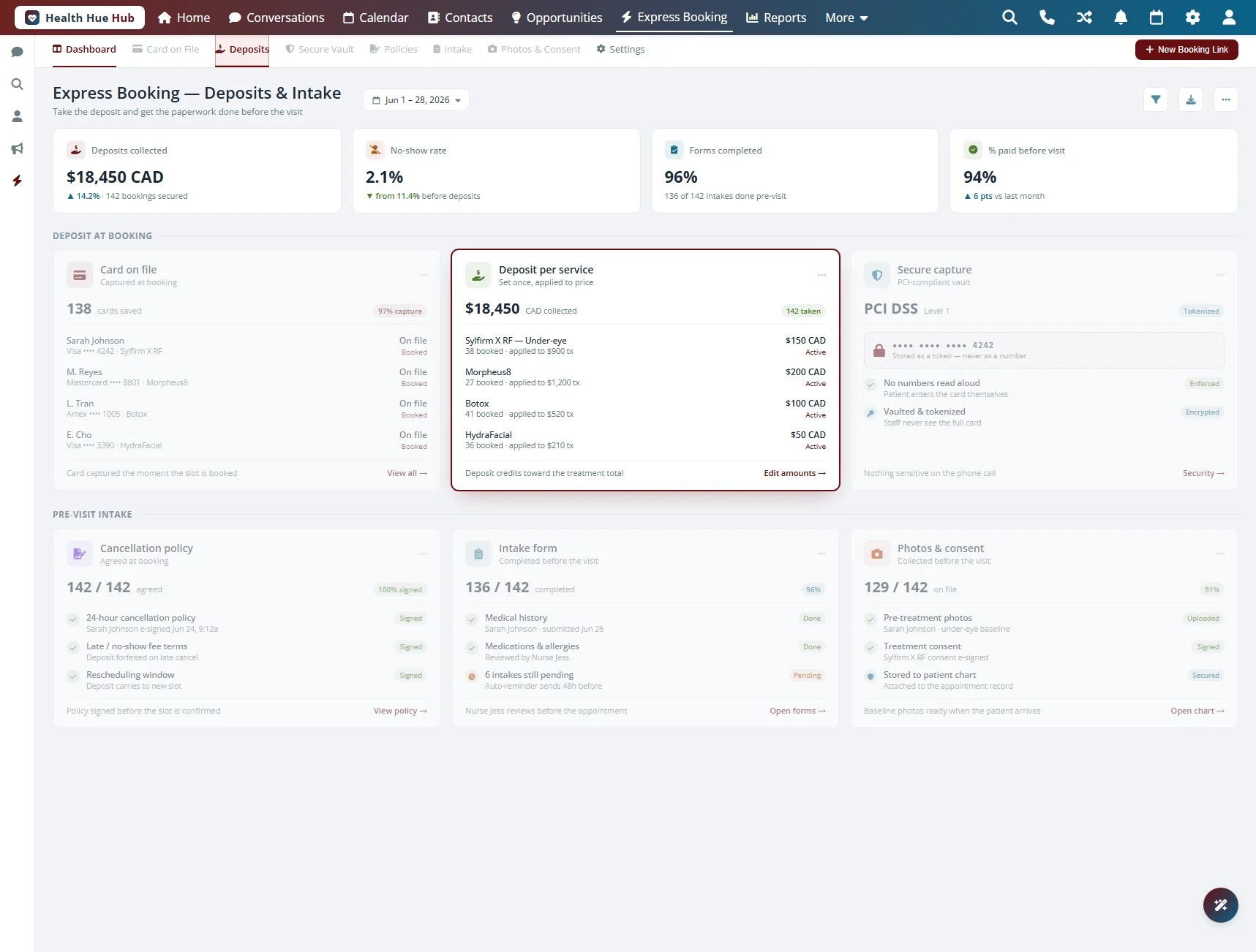
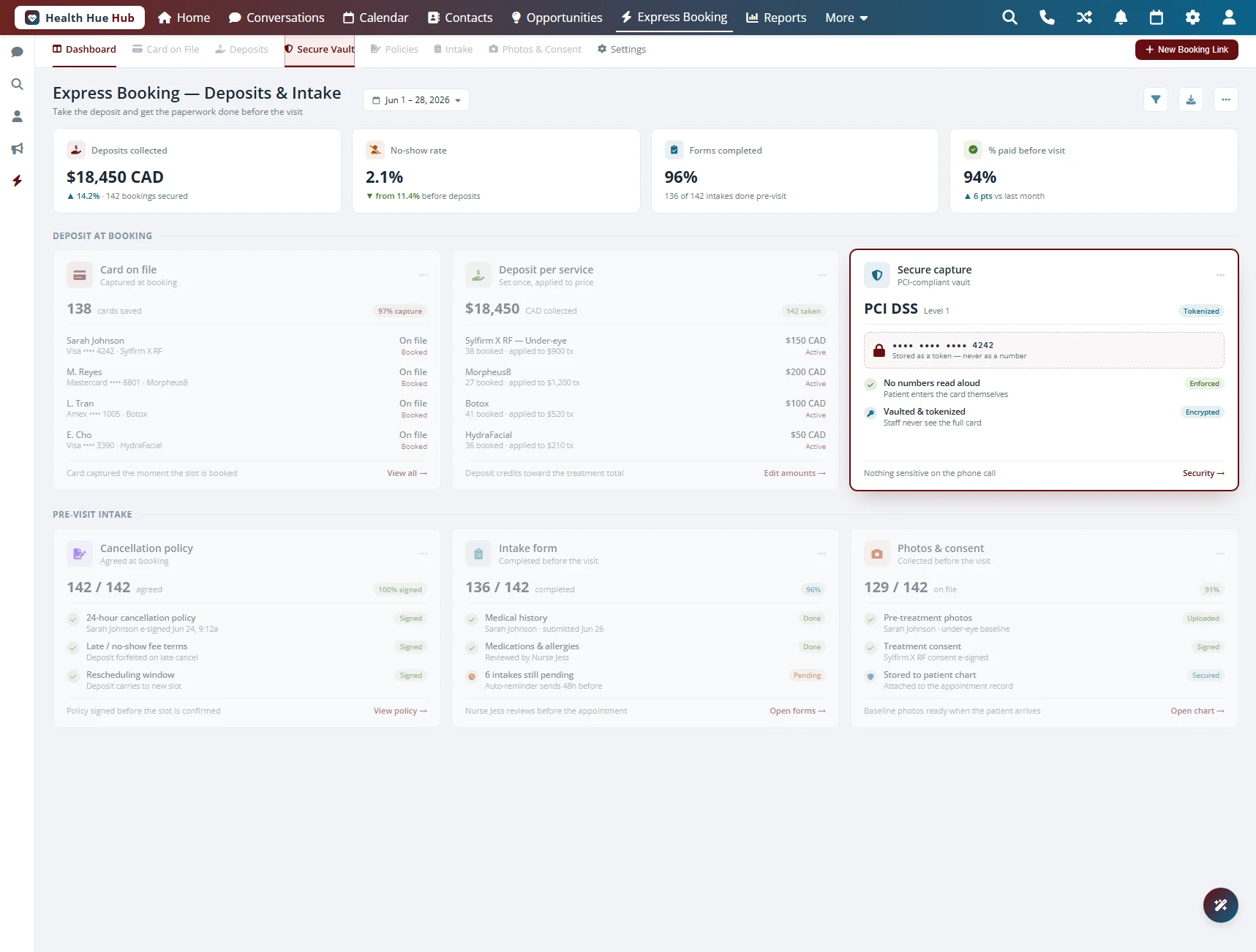
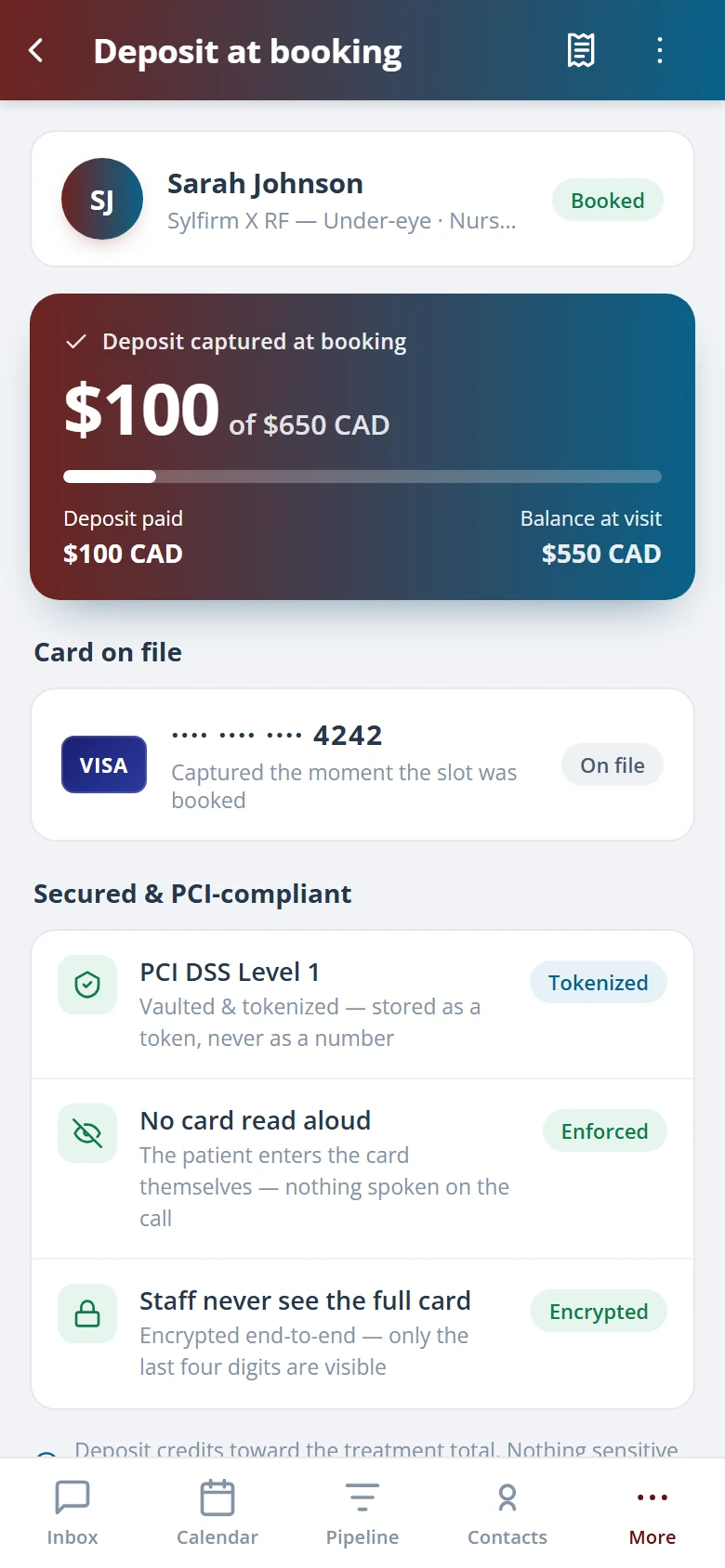
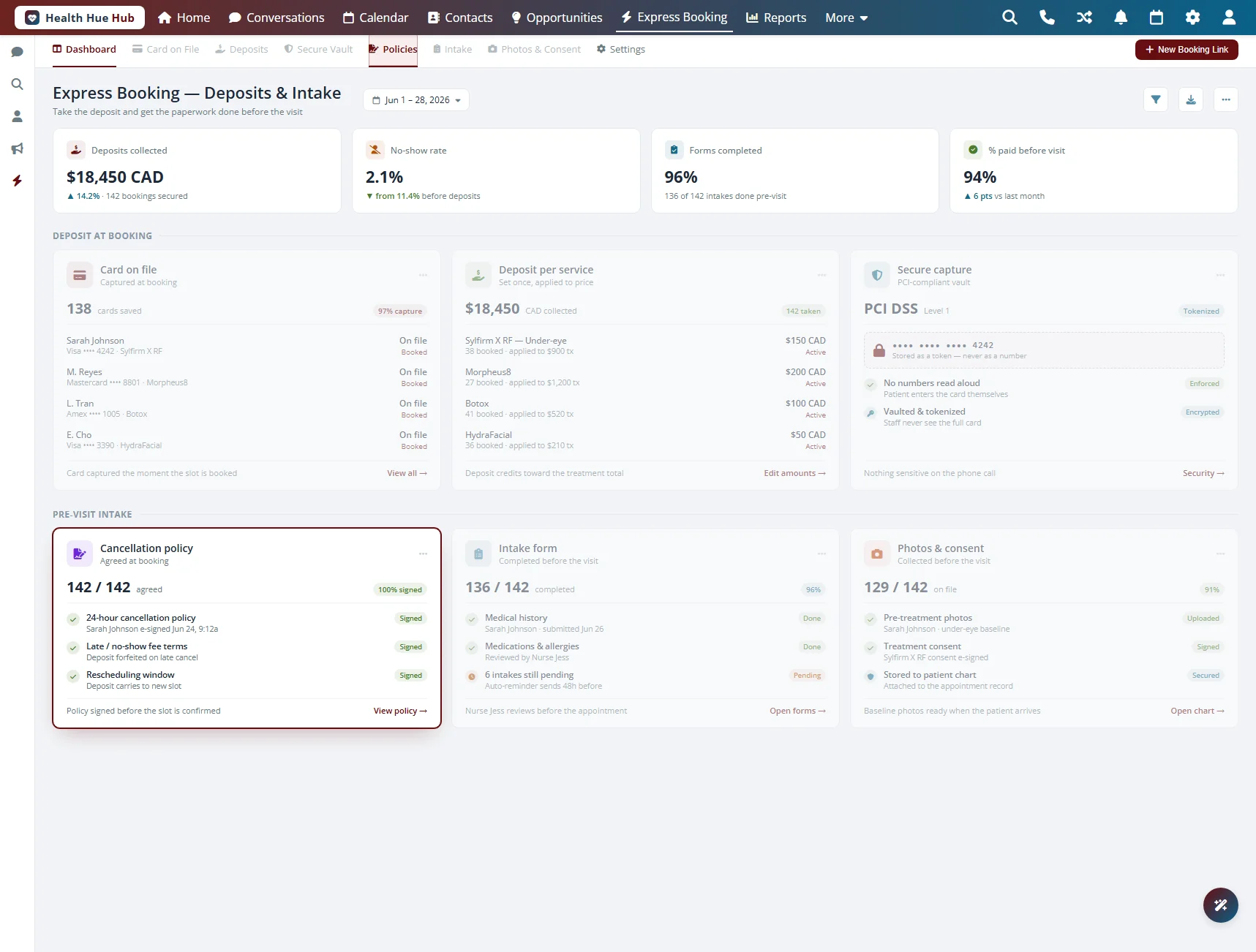
The patient adds a card on file or pays a deposit right inside the booking link, entered on their own device. Your front desk never reads a card number aloud or keys it in by hand. The card is stored securely so no-shows and late cancellations are covered by your policy.

The patient saves a card during booking for future visits.

Collect a deposit upfront to hold the appointment.

Card details are entered on the patient’s device, never over the phone.

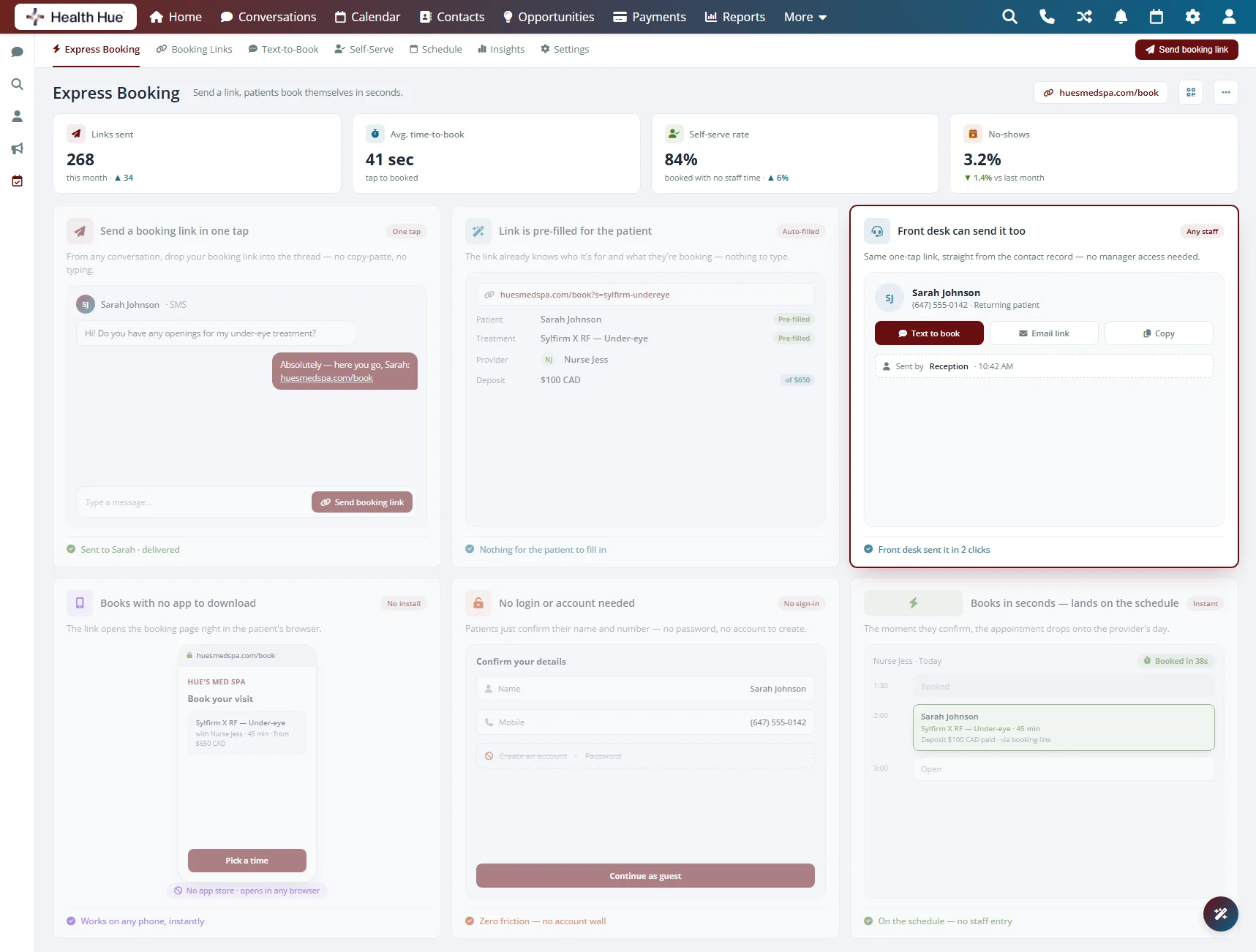
The Express Booking payment step in the Health Hue Hub, where a patient adds a card on file or pays a deposit during booking.

06 · In the Message Thread

Everything lives in the same conversation.

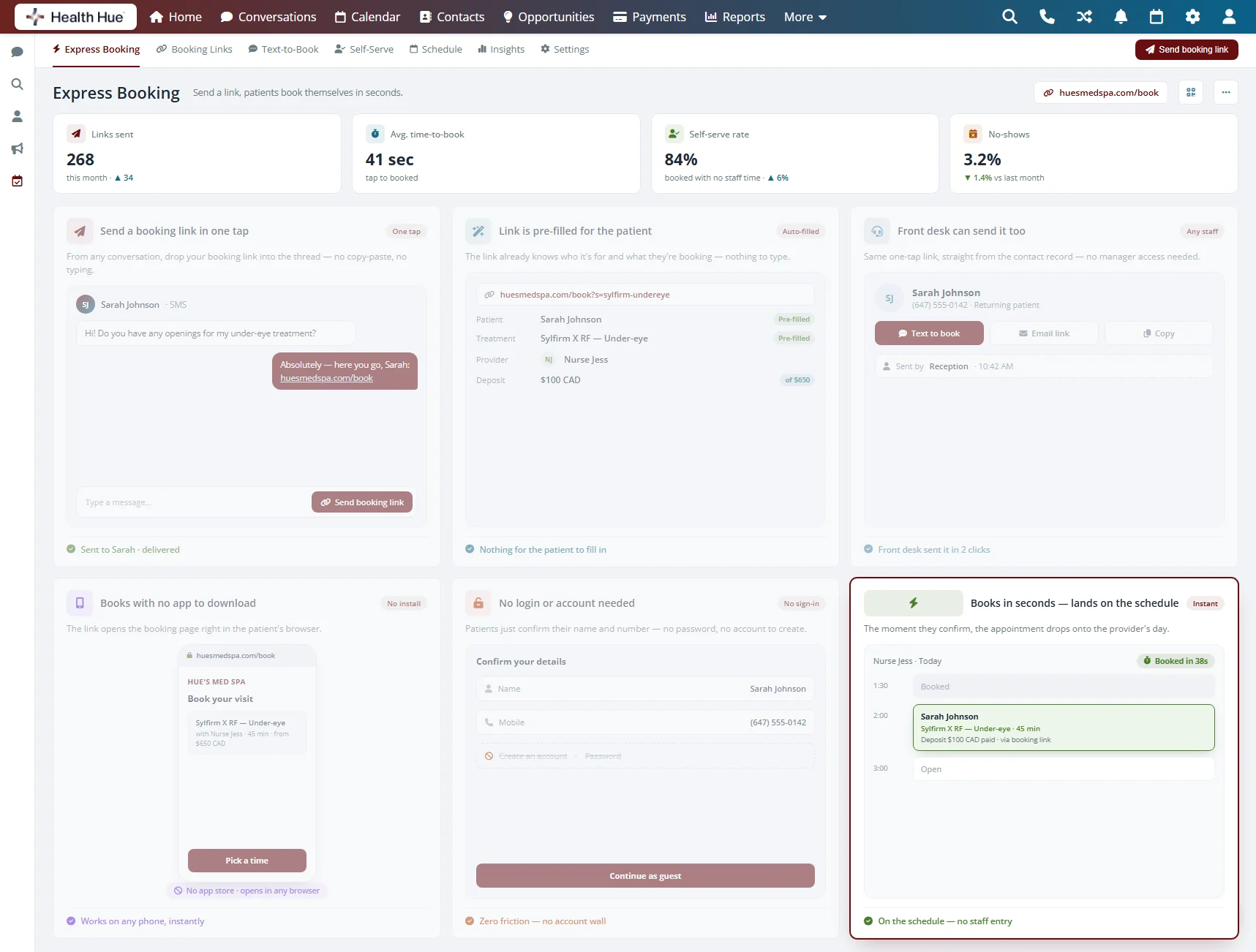
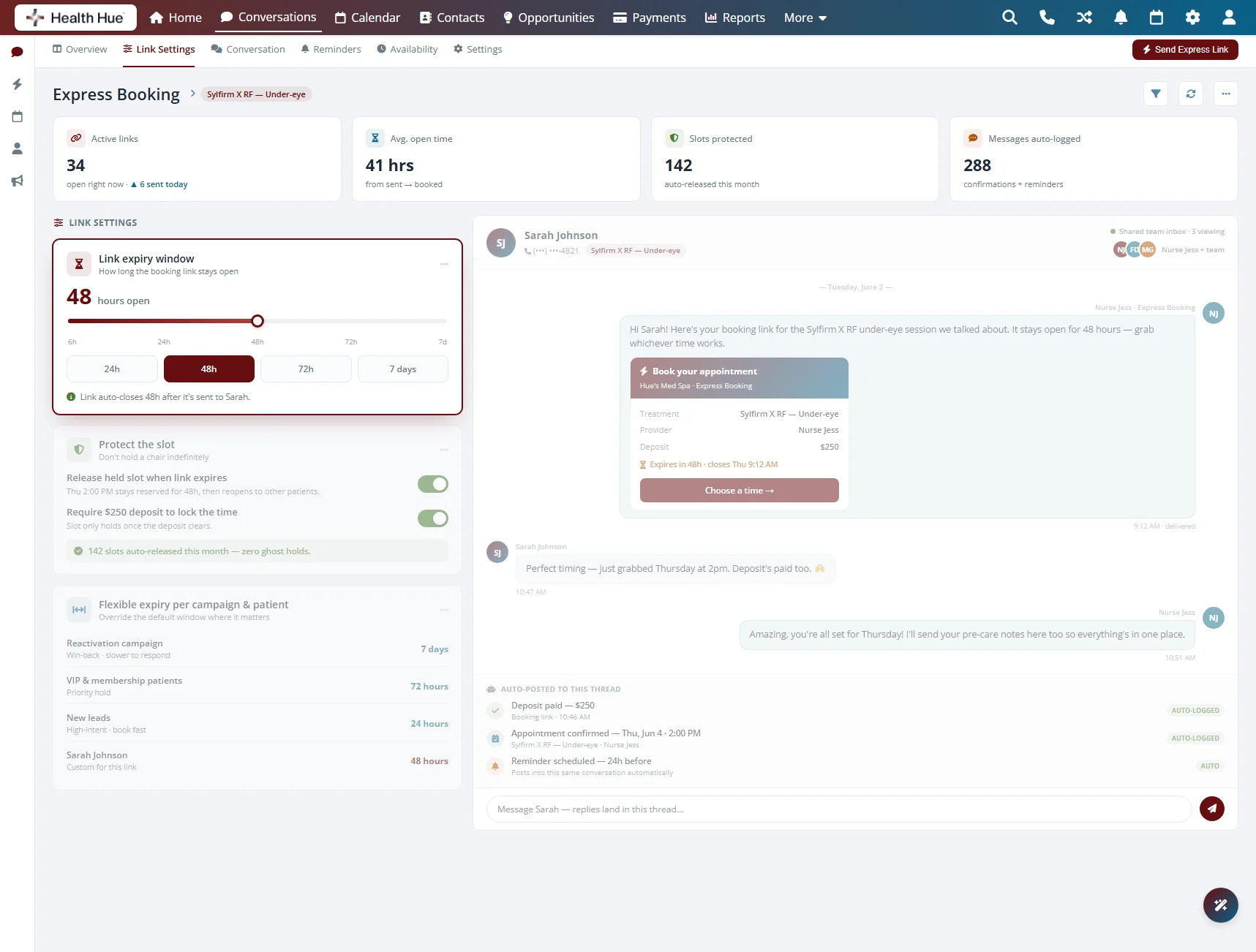
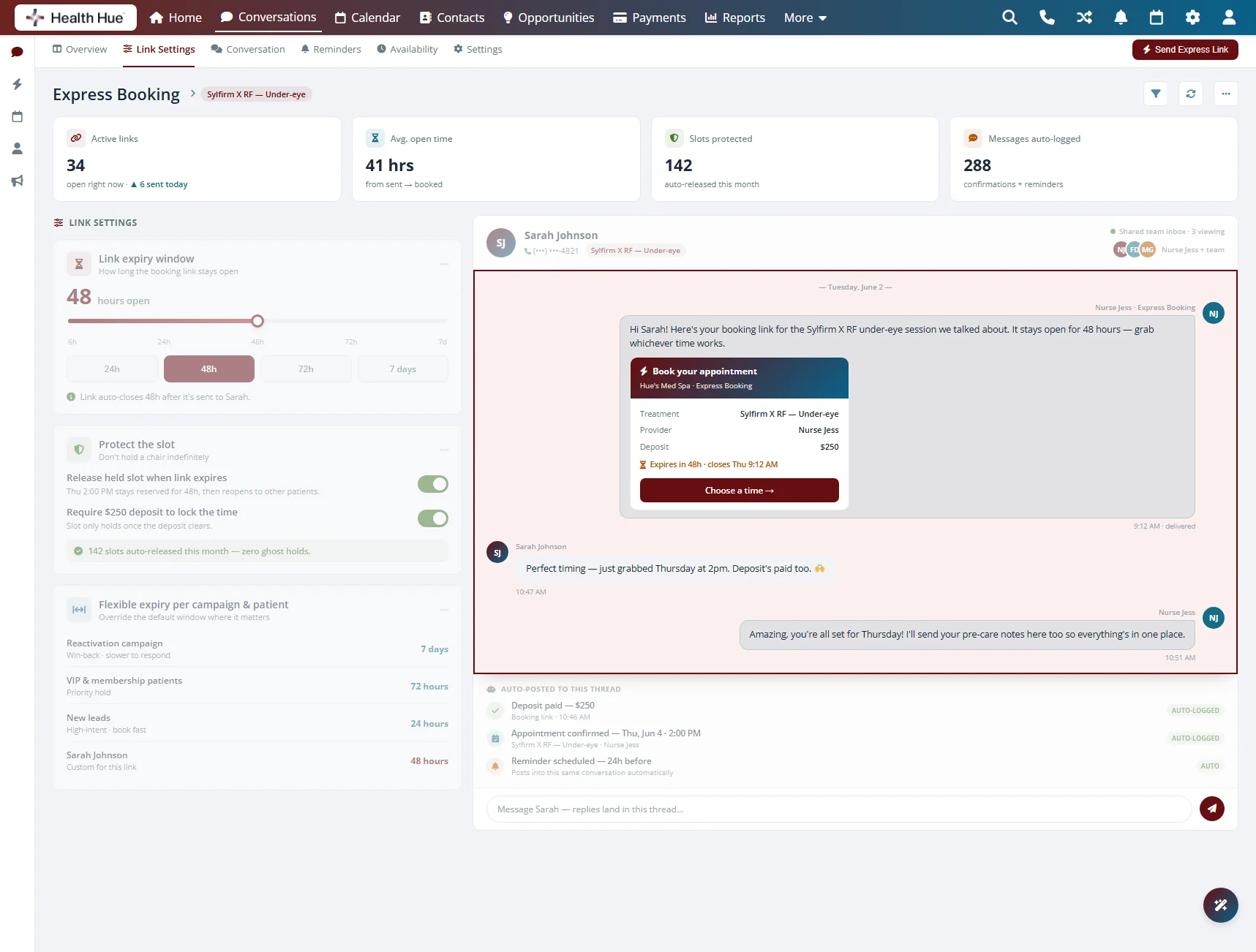
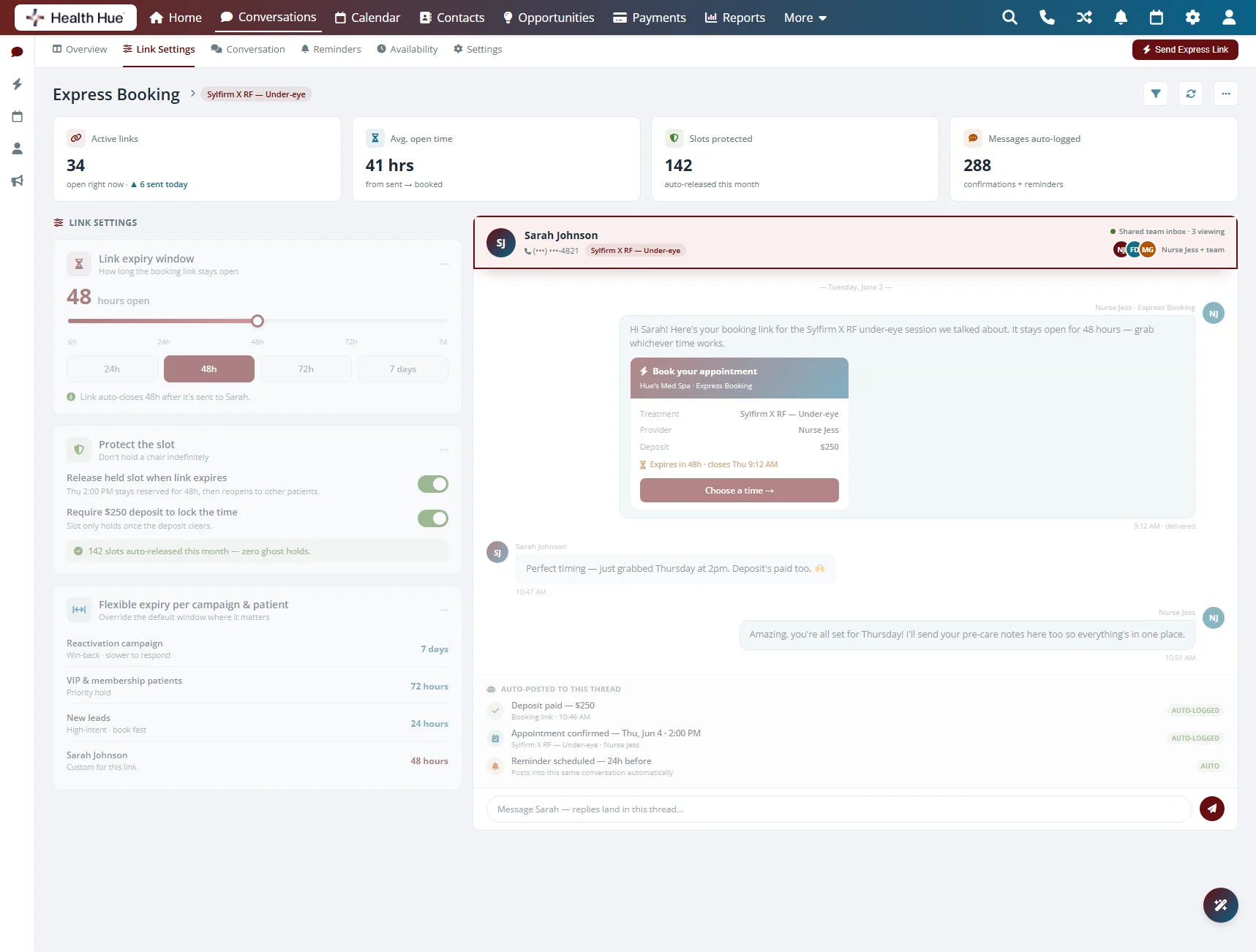
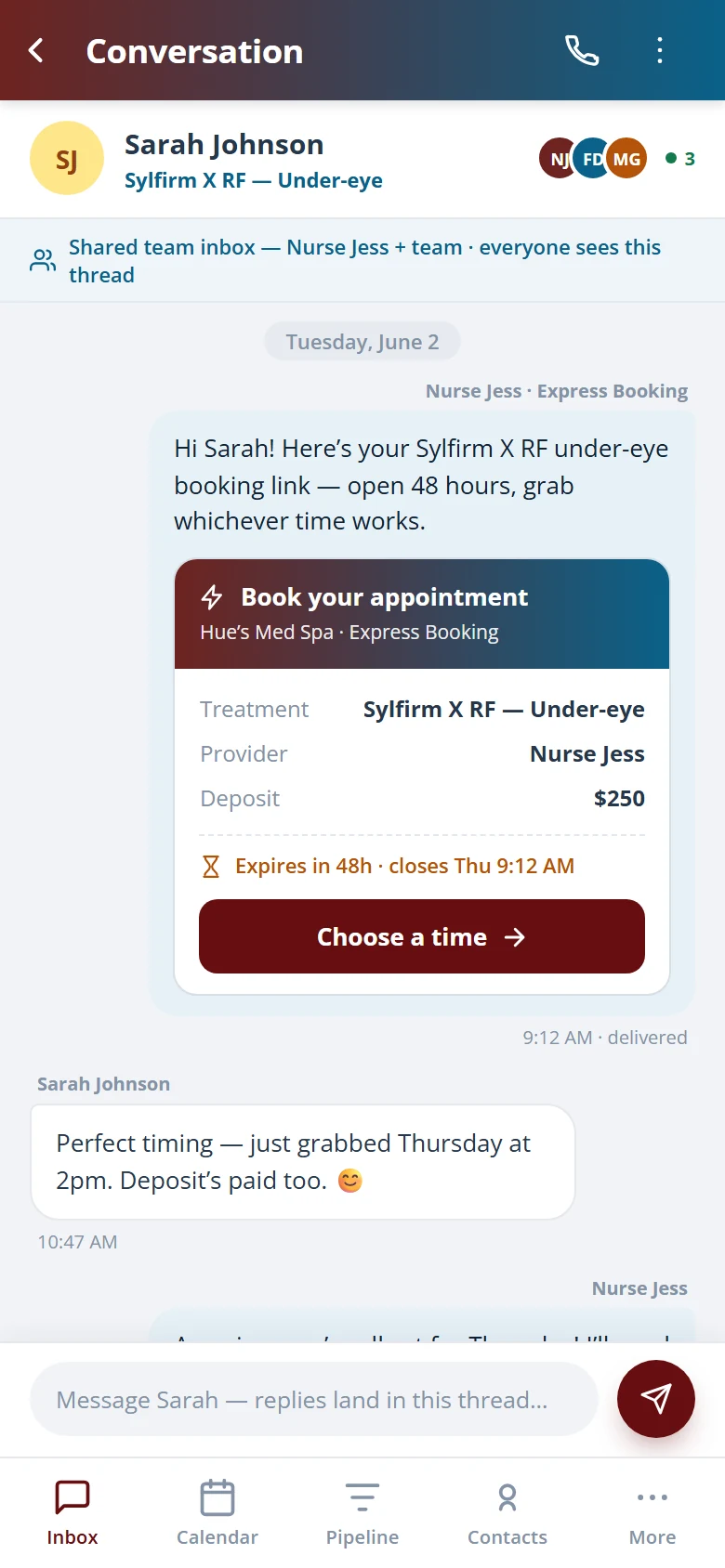
The booking link, the patient’s reply, and the confirmation all sit in one SMS thread your whole team can see. There’s no separate inbox to check and no guessing whether a link was sent. When the patient books, the appointment posts to the calendar and the thread shows it’s done.

The link and the confirmation live in the patient’s conversation.

Any team member can see what was sent and what came back.

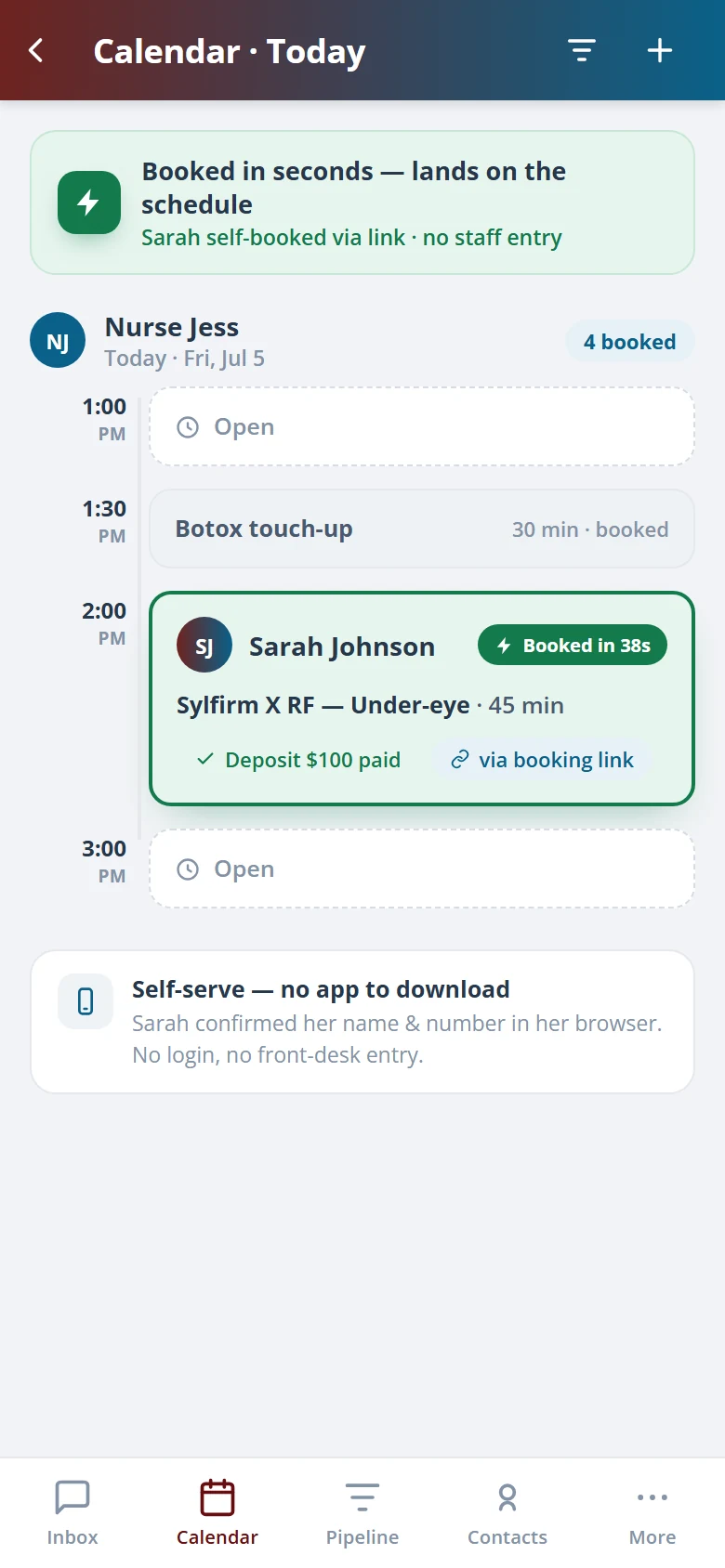
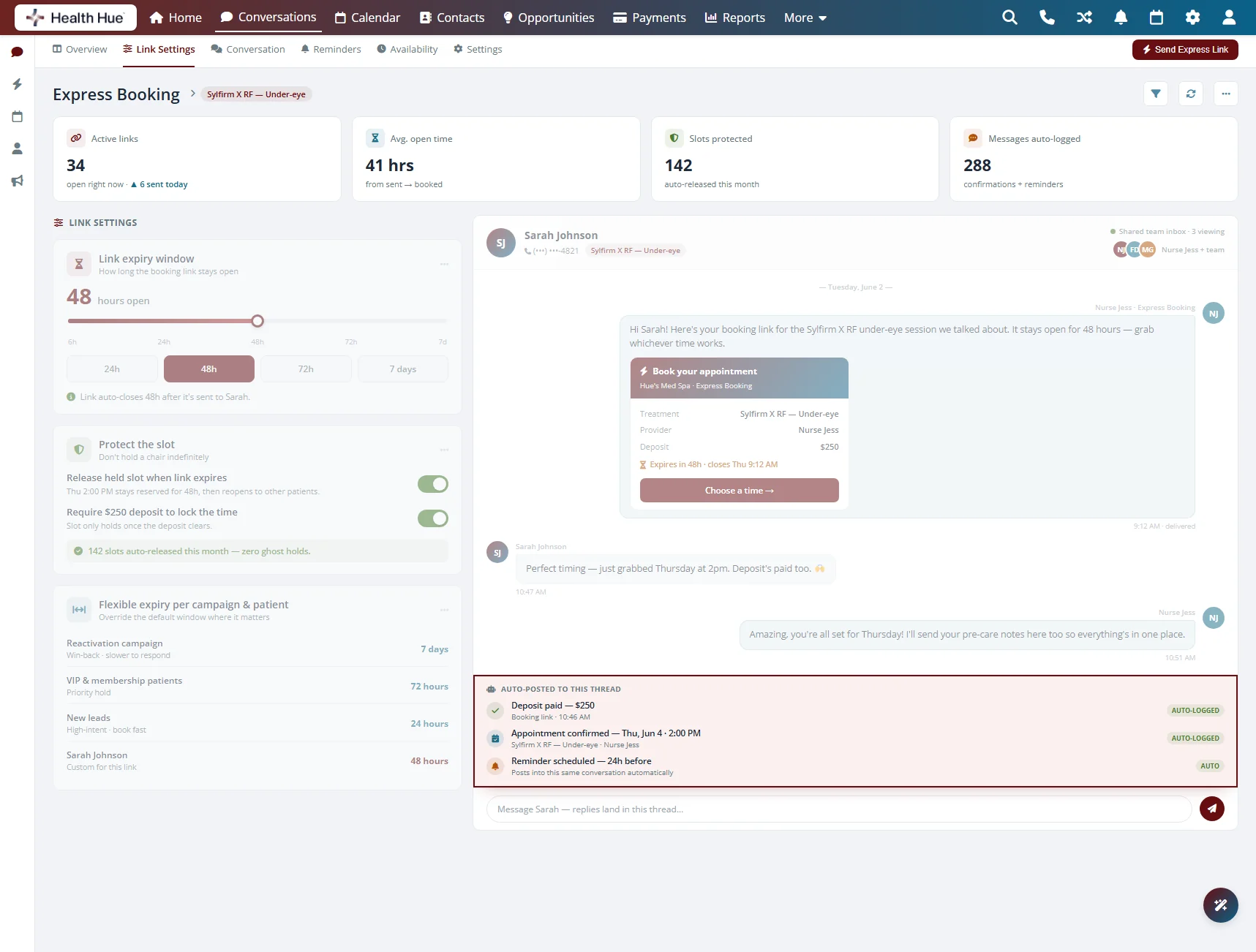
Booking confirmations post to the calendar and the thread.

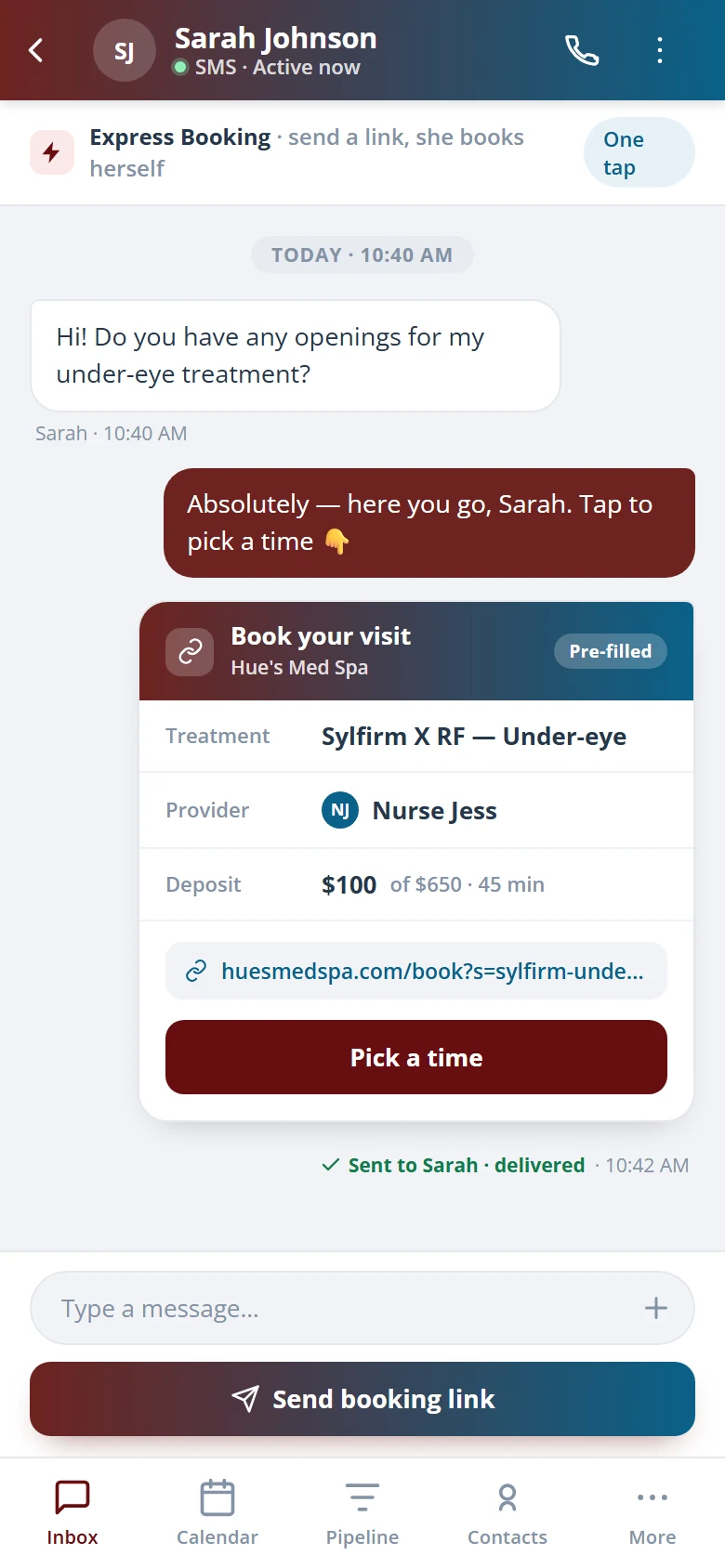
A patient SMS conversation in the Health Hue Hub showing the Express Booking link, the patient reply, and the booking confirmation.
Built for healthcare

Secure, compliant, and clinic-ready

Every feature lives in a platform built for clinics from the ground up, with charting, consent, and payments native to the patient record.

PHIPA & HIPAA-aware

Patient data is encrypted and handled to Canadian health-privacy standards.

Consent & audit

Consents, signatures, and changes log to the record automatically.

Role-based access

Granular permissions keep charts and contact details on a need-to-know basis.

One source of truth

Scheduling, payments, messages, and records in one place. Nothing siloed.

One platform

Explore more of the Hub

Express Booking™ is one part of the Health Hue Hub, your AI-powered clinic operating system.

See Express Booking™ on your own clinic.

Book a 20-minute demo and we’ll show you Express Booking™ in the Health Hue Hub, running on your clinic’s workflows.

FAQ

Questions about Express Booking™.

How does Express Booking™ work?
Your front desk selects a treatment and texts the patient a booking link from the calendar or a conversation. The patient opens the link on their phone, picks a time, adds a card if required, and confirms. The appointment posts to the Health Hue Hub calendar automatically.
Does the patient need an app or an account?
No. The booking link opens in any phone browser, so there’s nothing to download and no password to create. Because your team started the booking, the patient just confirms the details and a time.
Can I collect a card on file or a deposit?
Yes. The patient can save a card on file or pay a deposit inside the booking link, entered on their own device. Your front desk never reads or keys in a card number, and the stored card supports your no-show and cancellation policy.
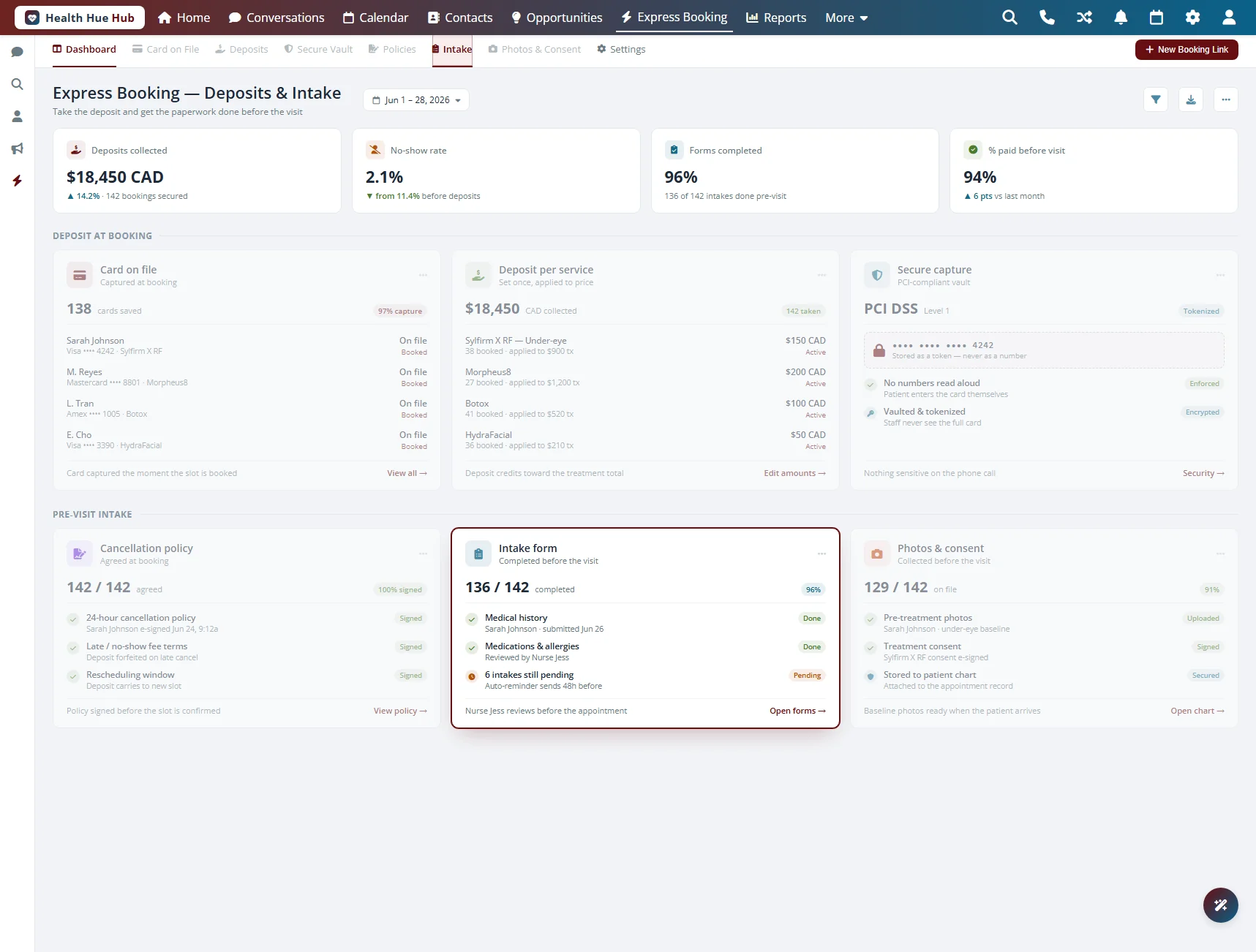
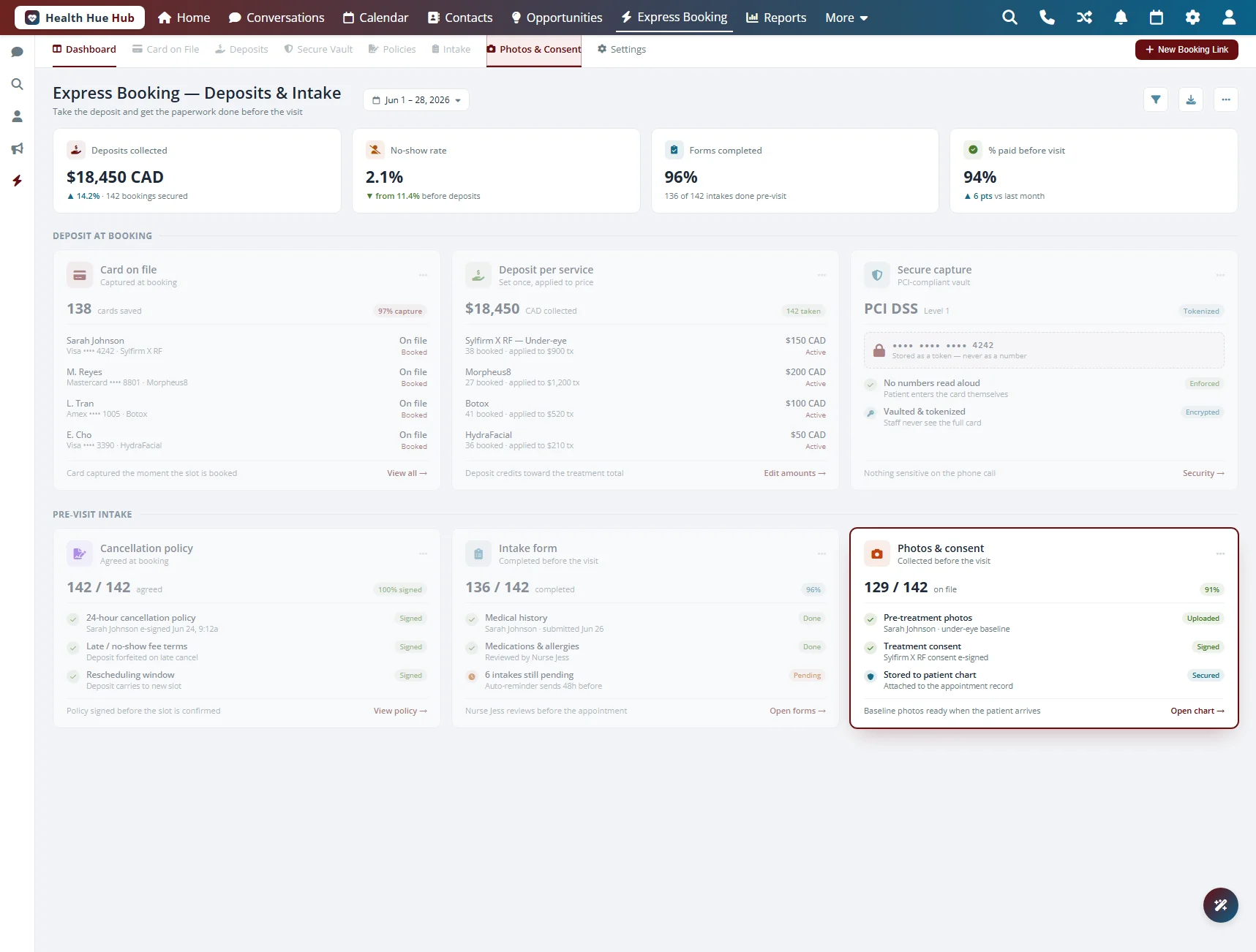
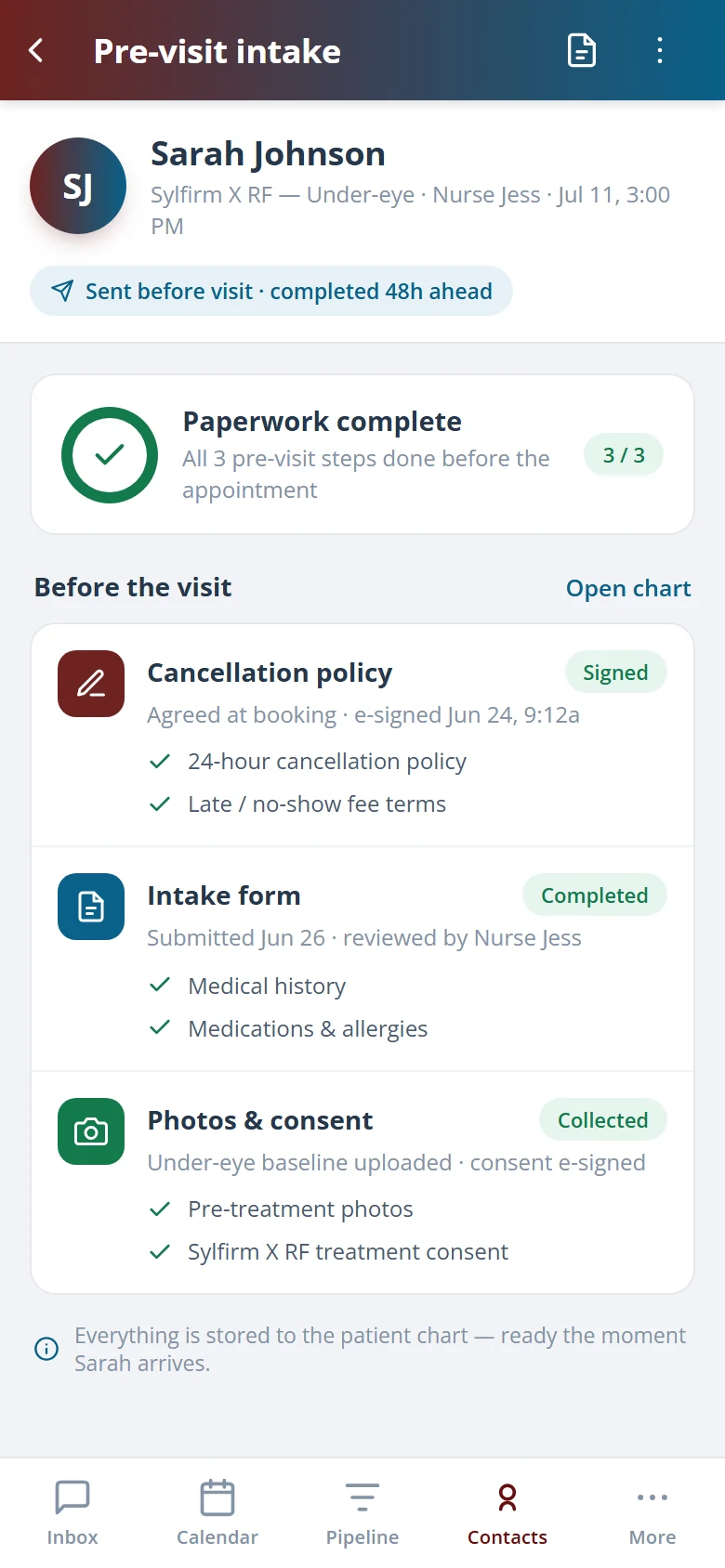
Can patients accept my cancellation policy and complete intake?
Yes. The same link can ask the patient to accept your cancellation policy, answer intake questions, and upload photos. It’s PHIPA-compliant and HIPAA-aware, so consent and details flow into the patient record automatically.
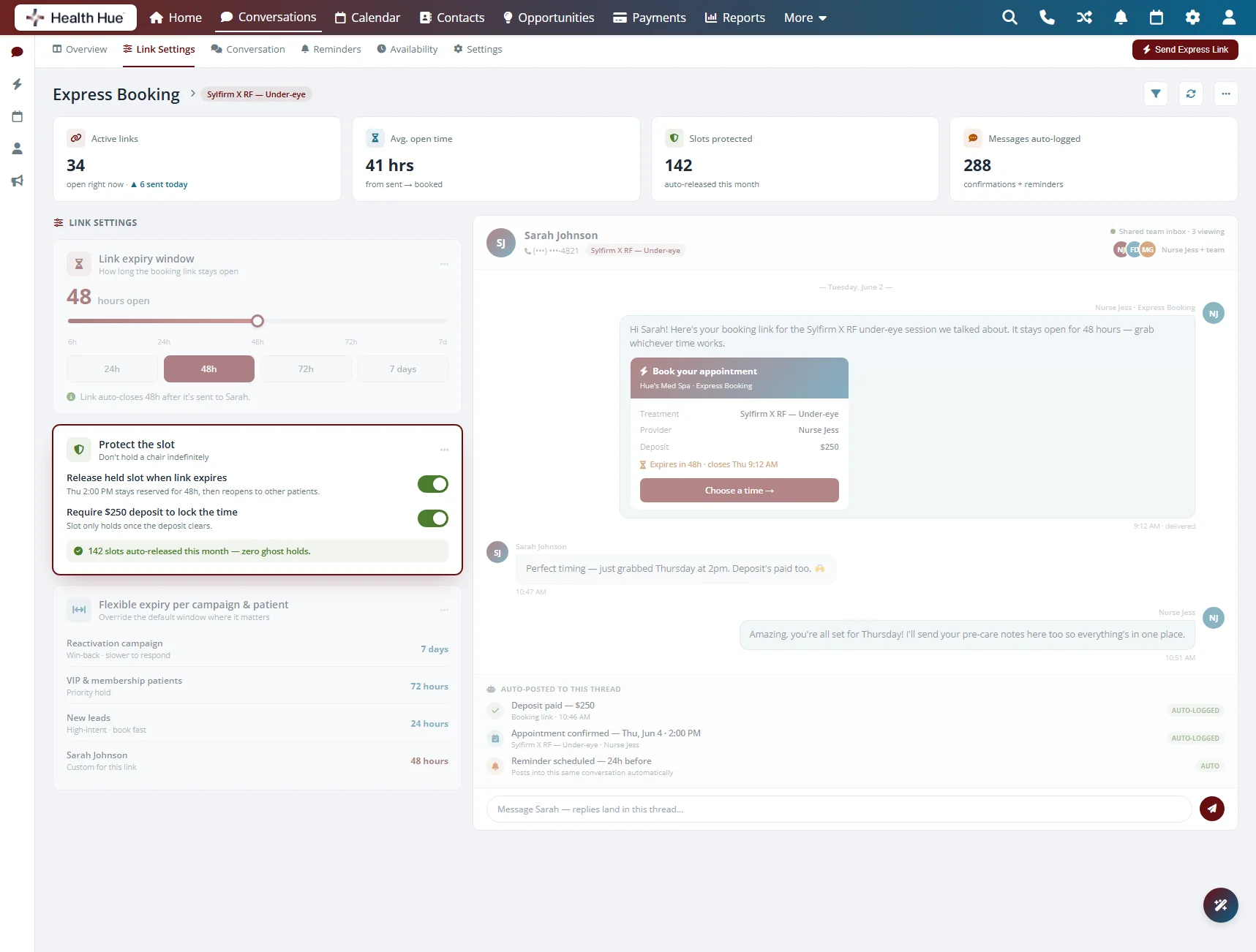
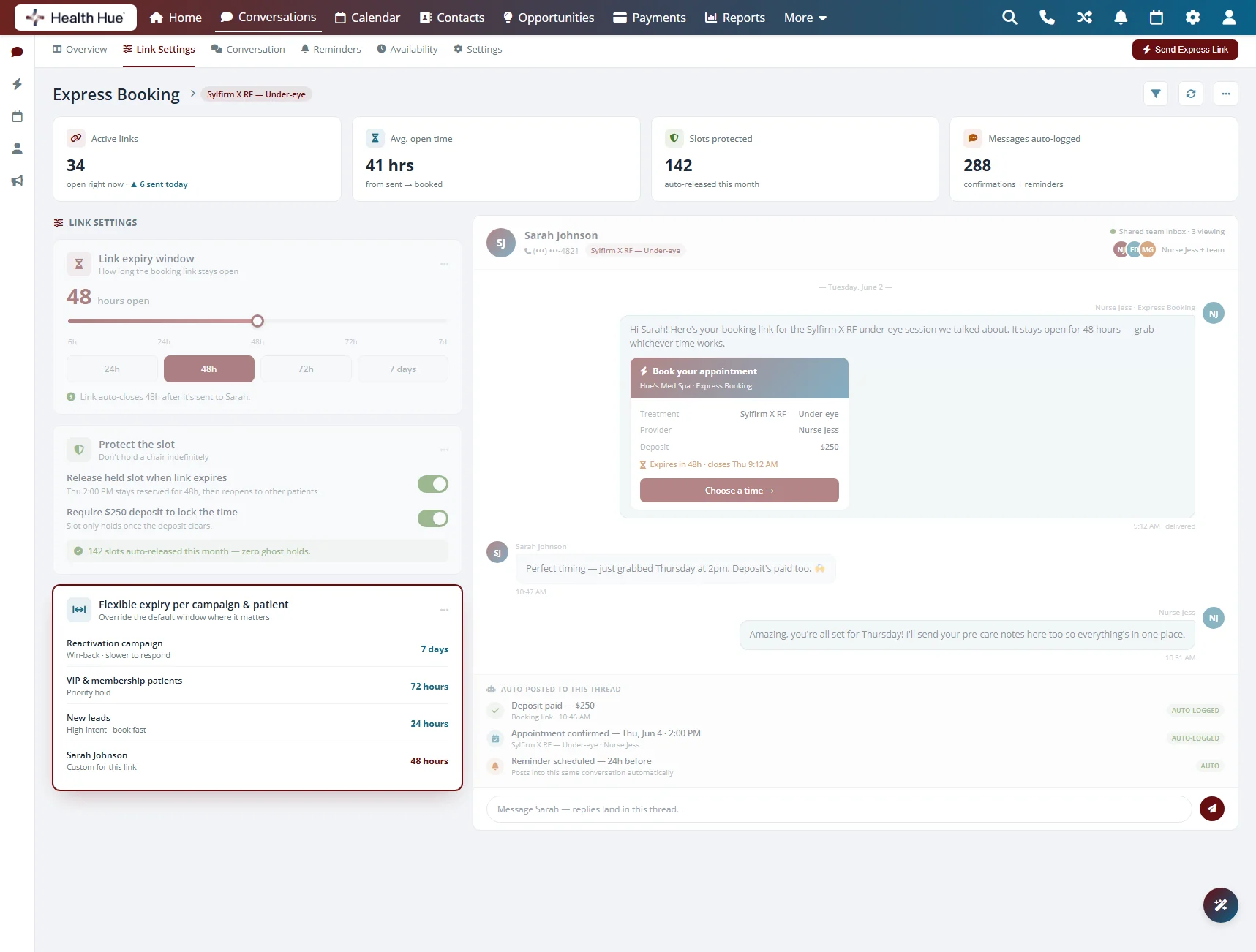
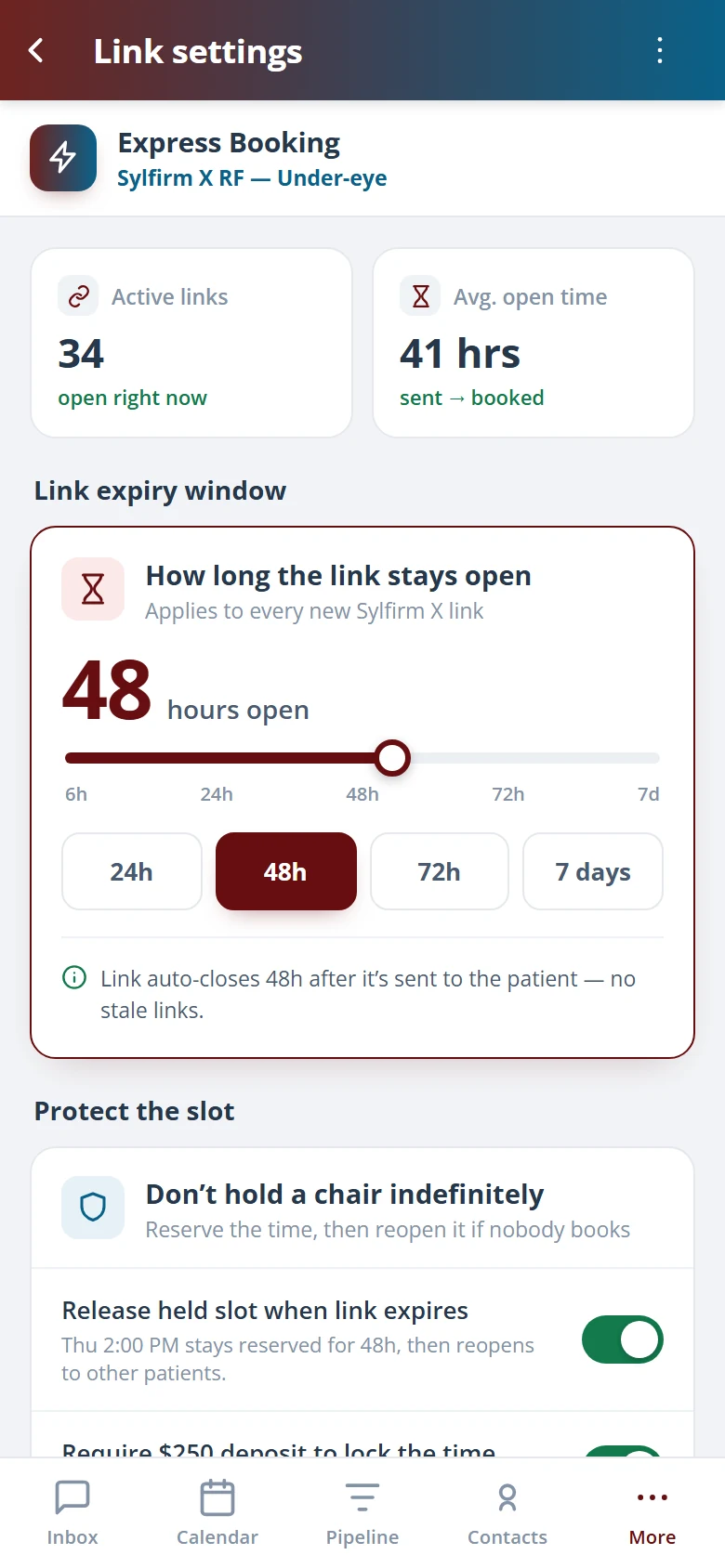
Can I control how long a booking link stays active?
Yes. You set an expiry window for each link, from a few hours to several days. Short windows keep a held slot from sitting empty, while longer windows give a busy patient time to decide.
Where does the booking link live after I send it?
In the patient’s SMS conversation inside the Health Hue Hub. The link, the patient’s reply, and the confirmation all sit in one shared thread your whole team can see, and the booking posts to the calendar when it’s done.