Health Hue Hub · Social
Show up, consistently.
Plan a month of content, schedule it across Instagram and Facebook, and publish from one calendar. The Hub keeps your clinic visible between visits, drafts captions in your voice, and reuses the reviews and before-and-after photos you are already collecting, so staying top of mind stops depending on a free afternoon.
01 · Plan the Month
Map a month in one sitting.
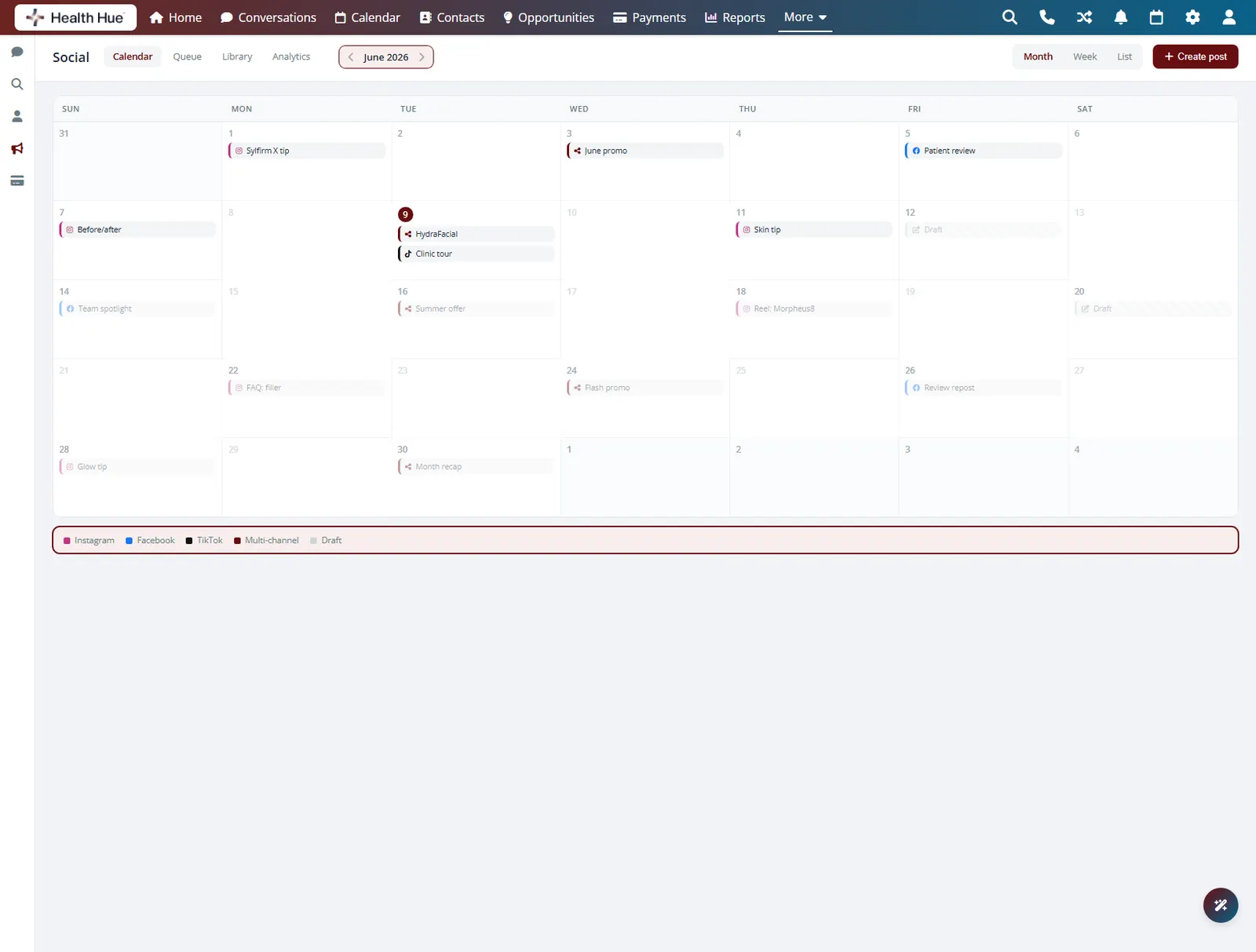
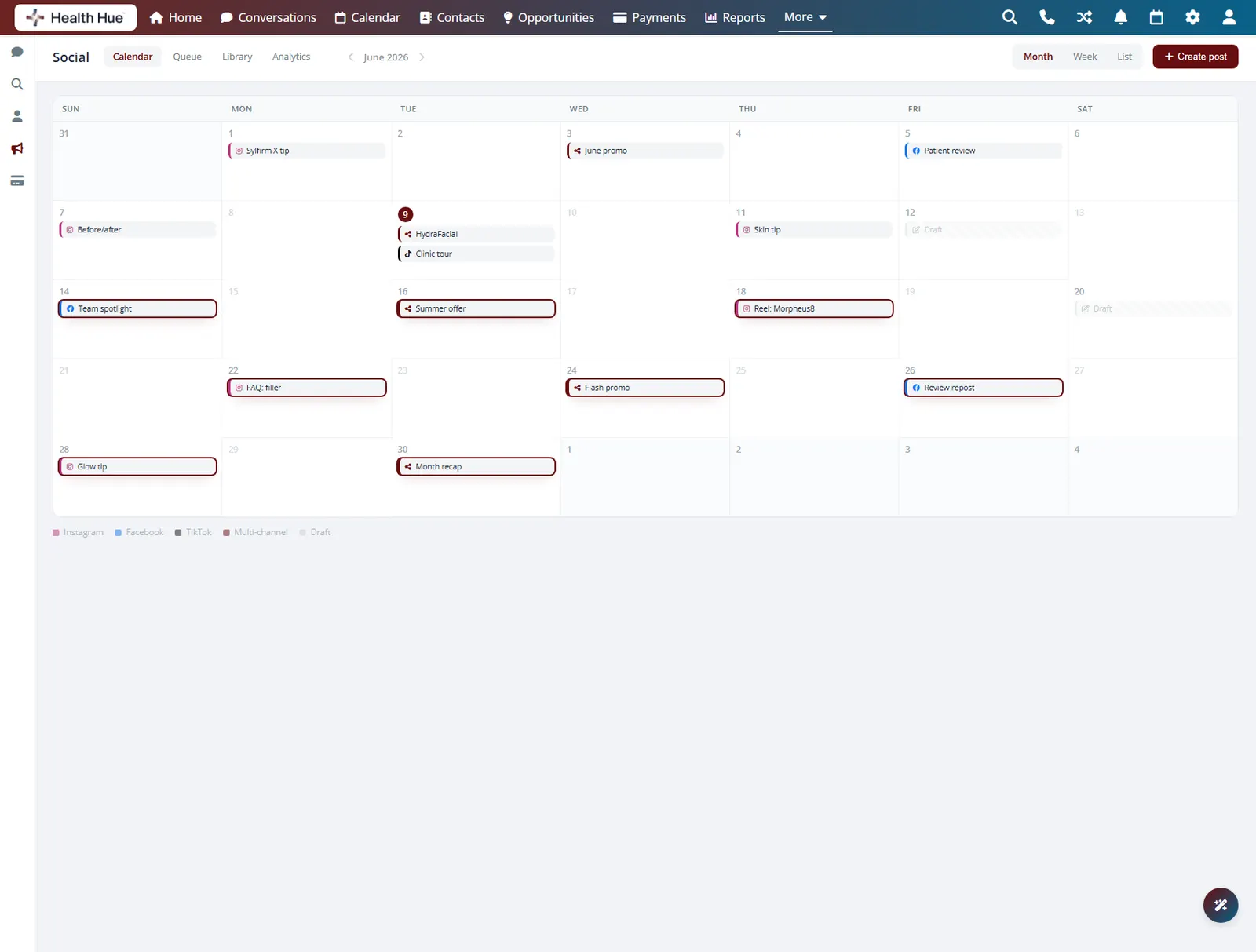
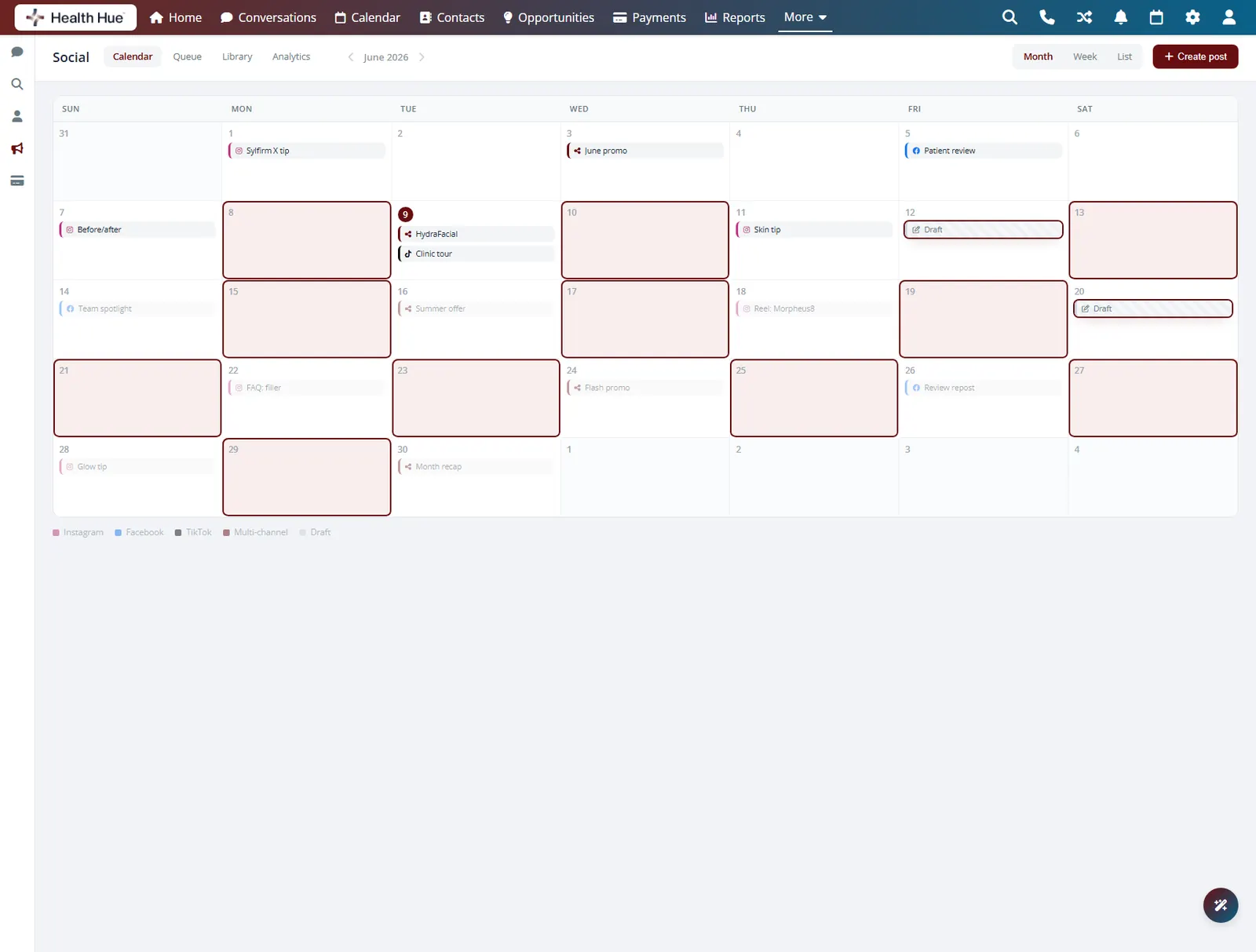
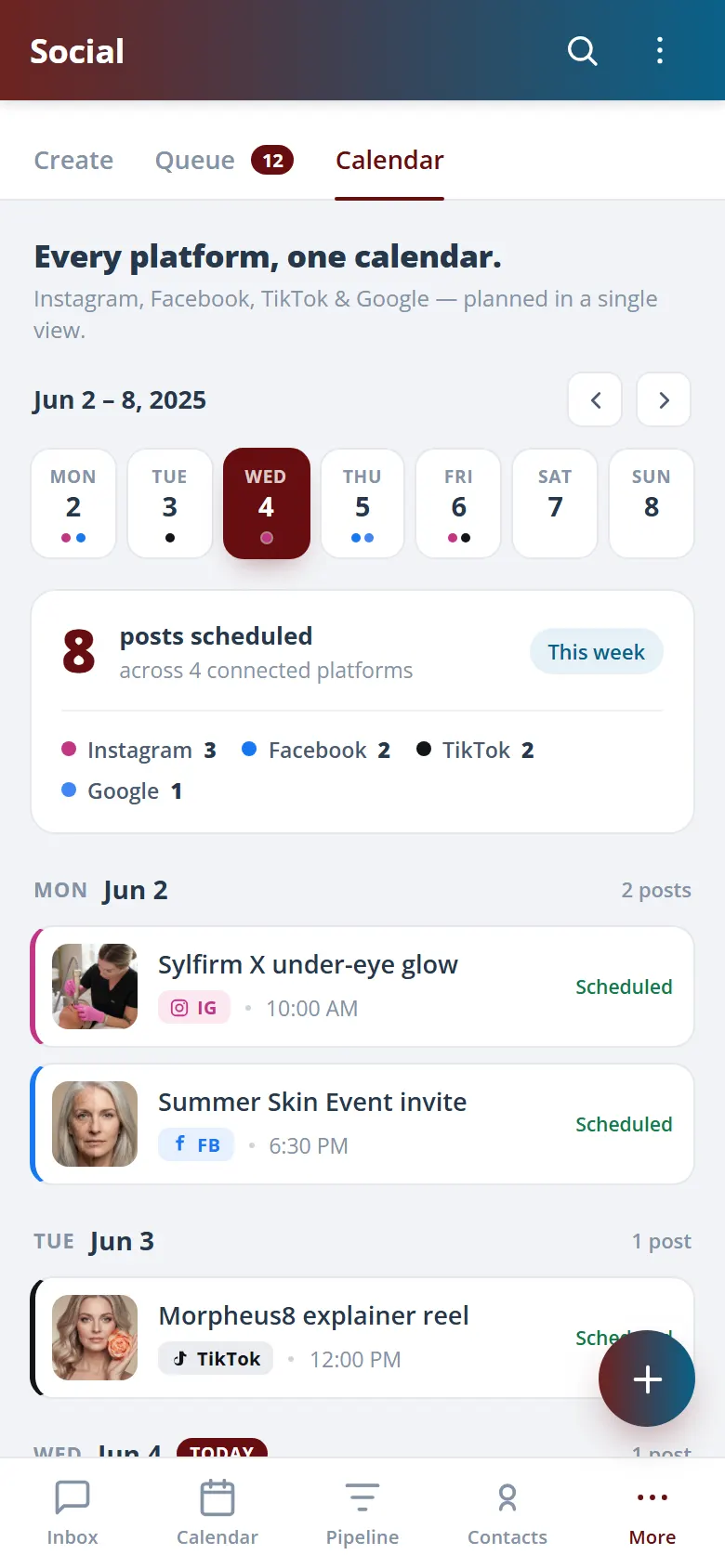
Lay out a month of posts on a single calendar so you can see the whole story at a glance instead of scrambling for something to post today. Block in treatment highlights, offers, and education in advance, and the gaps in your week are obvious before they happen, not after.
Every channel and post date in a single view.
Block a month of content so no day sits empty.
Spot a quiet week before it becomes a quiet feed.
02 · Schedule Everywhere
Post to every channel at once.
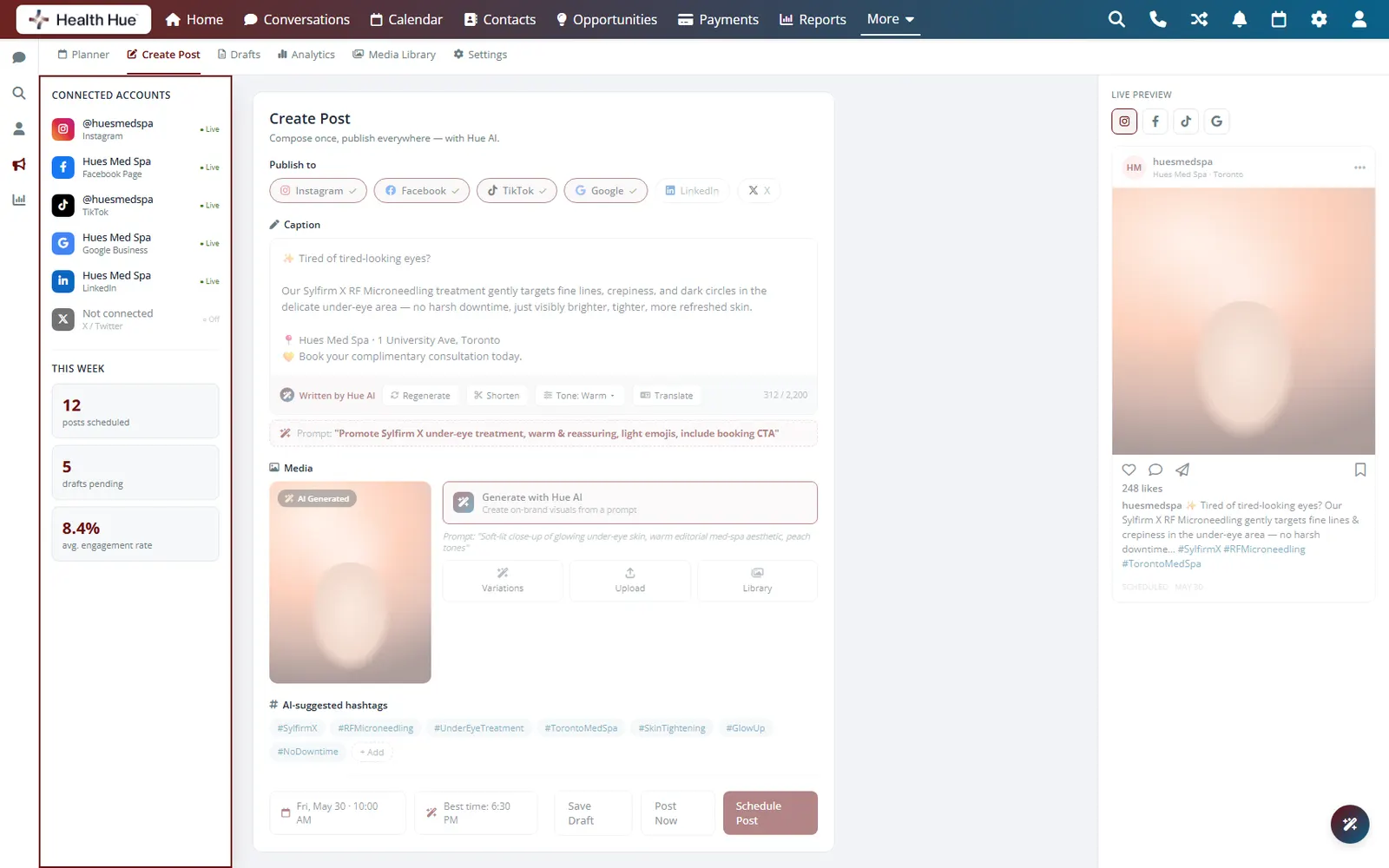
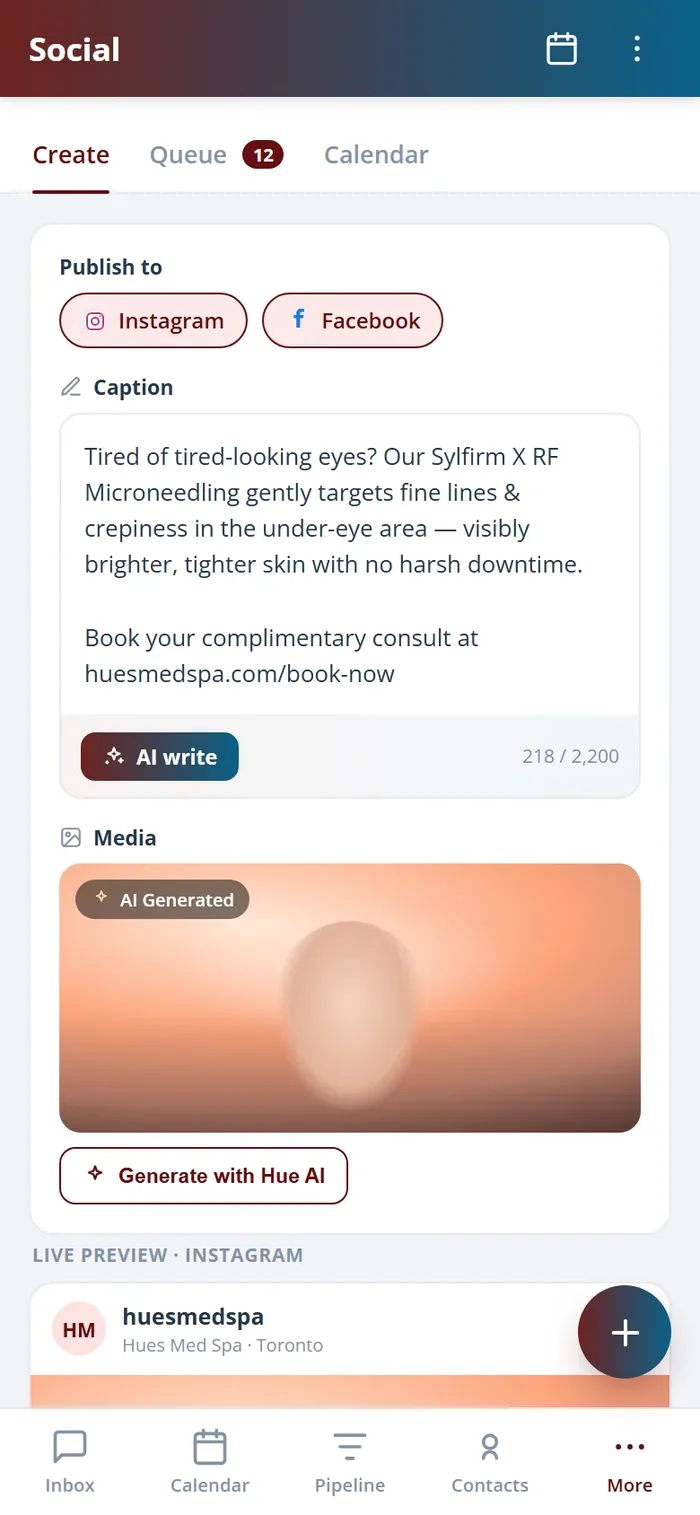
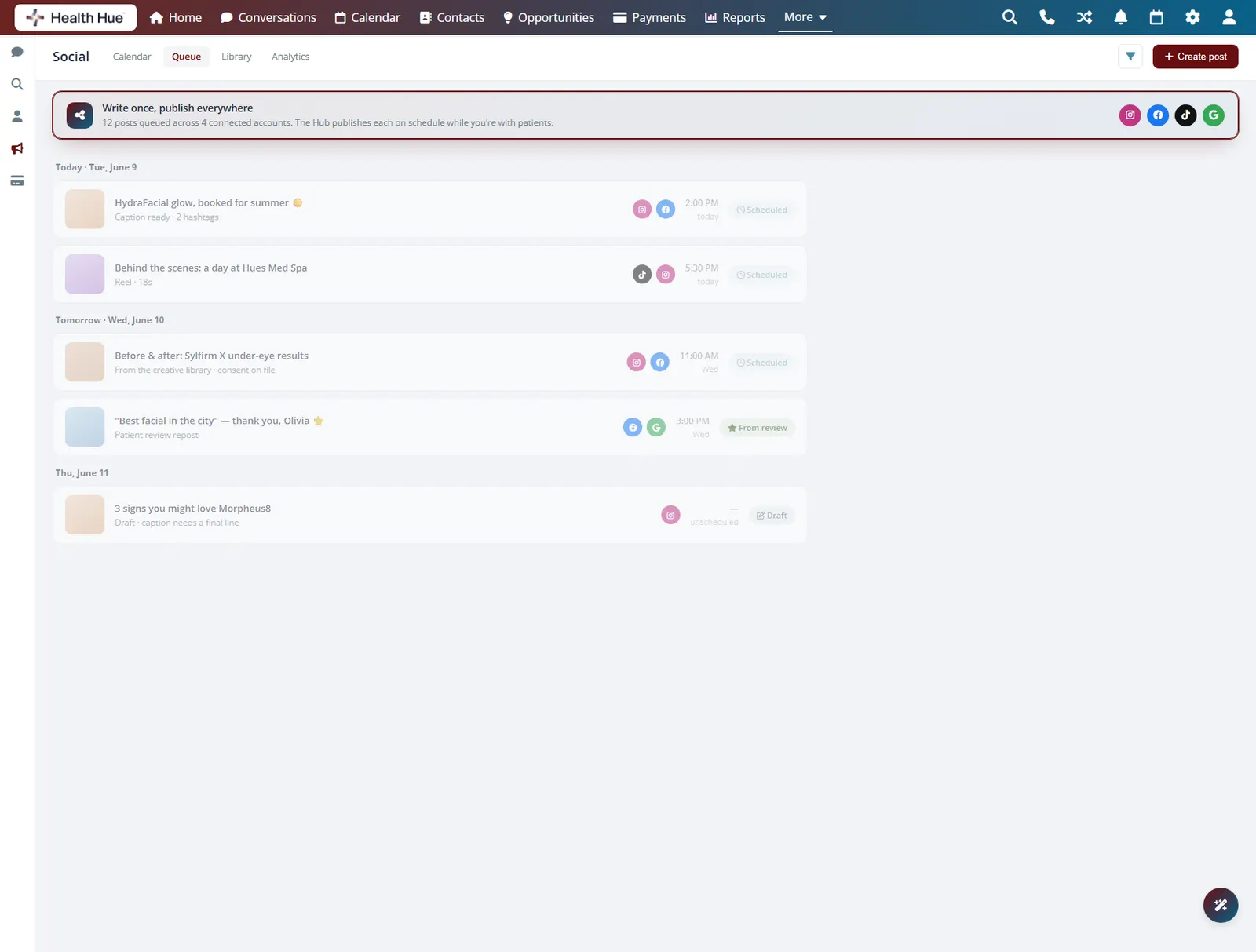
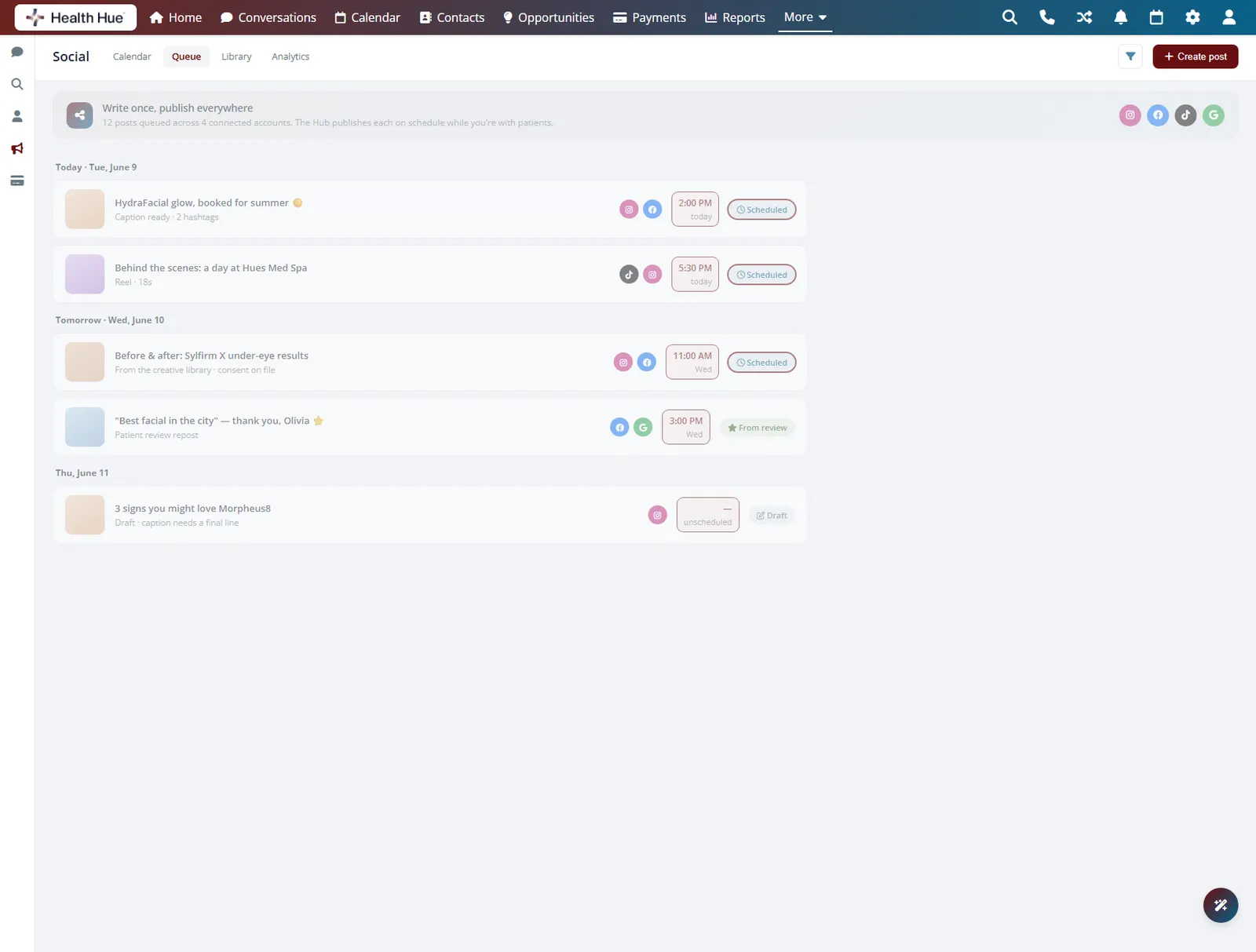
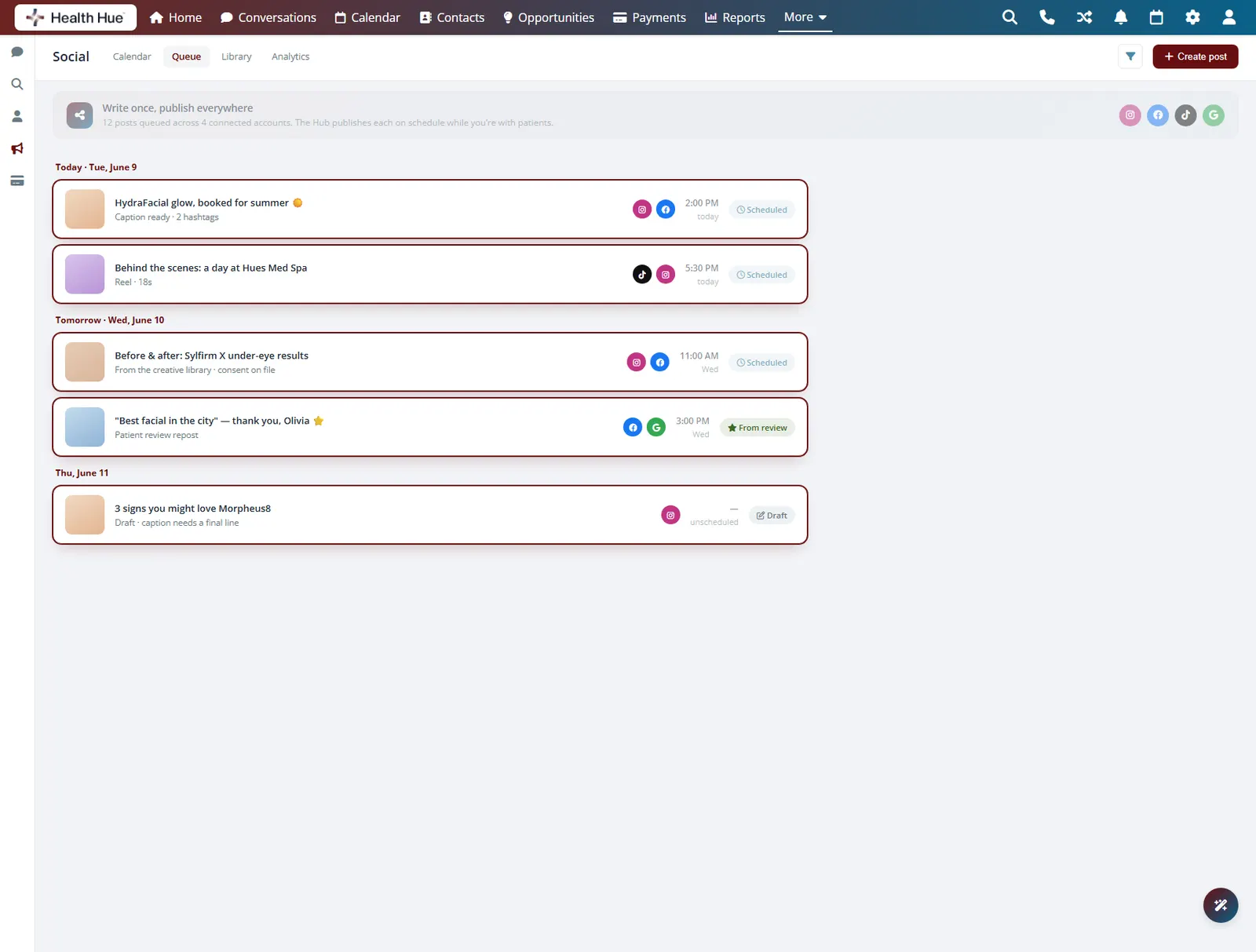
Write a post once and queue it to Instagram, Facebook, and more in the same step, with the timing set for each. The Hub publishes on schedule while you are with patients, so your feed stays active on the days you are fully booked and never goes dark because the clinic got busy.
One post queues to every channel you choose.
Schedule the time and the Hub publishes for you.
Your feed keeps moving on your busiest days.
03 · AI Captions
Draft captions in your voice.
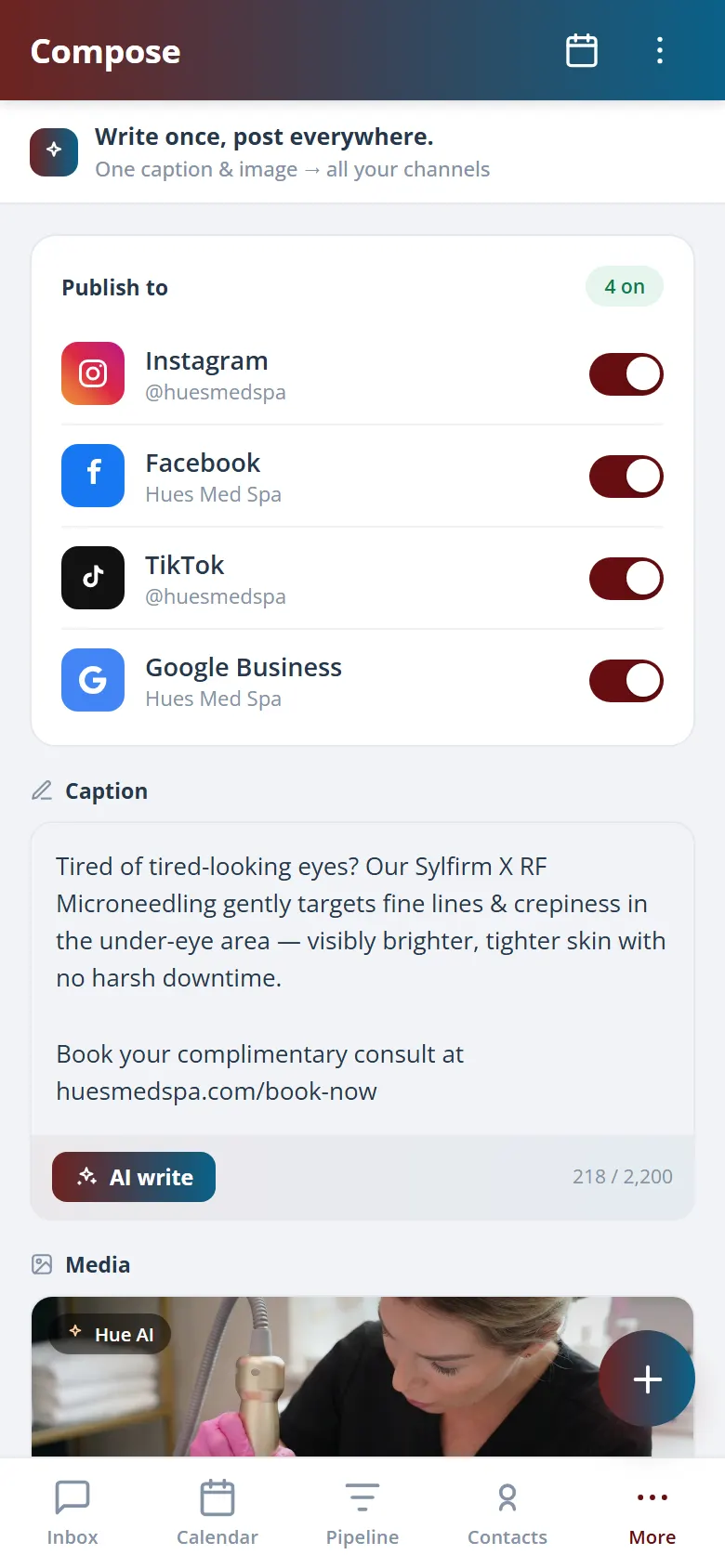
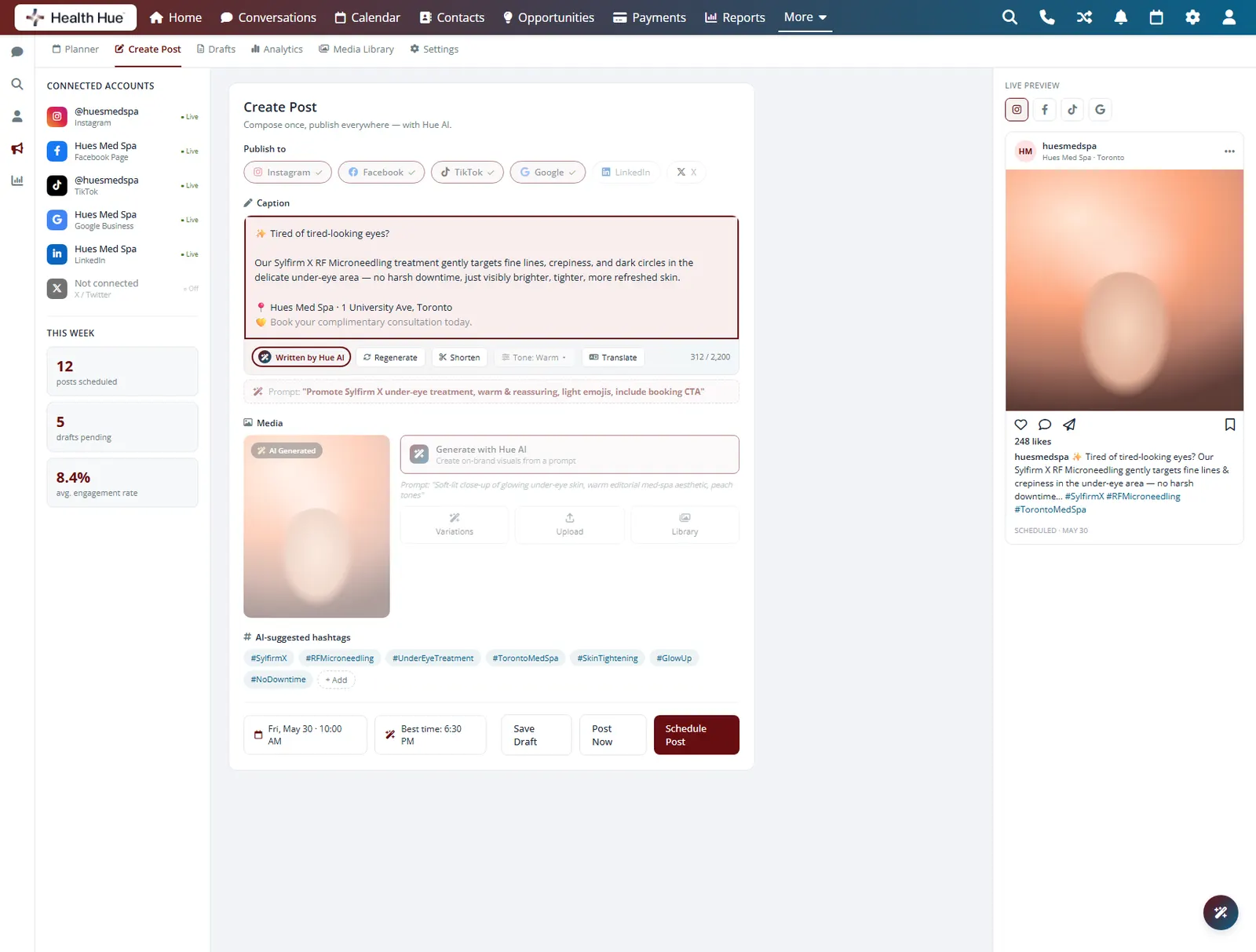
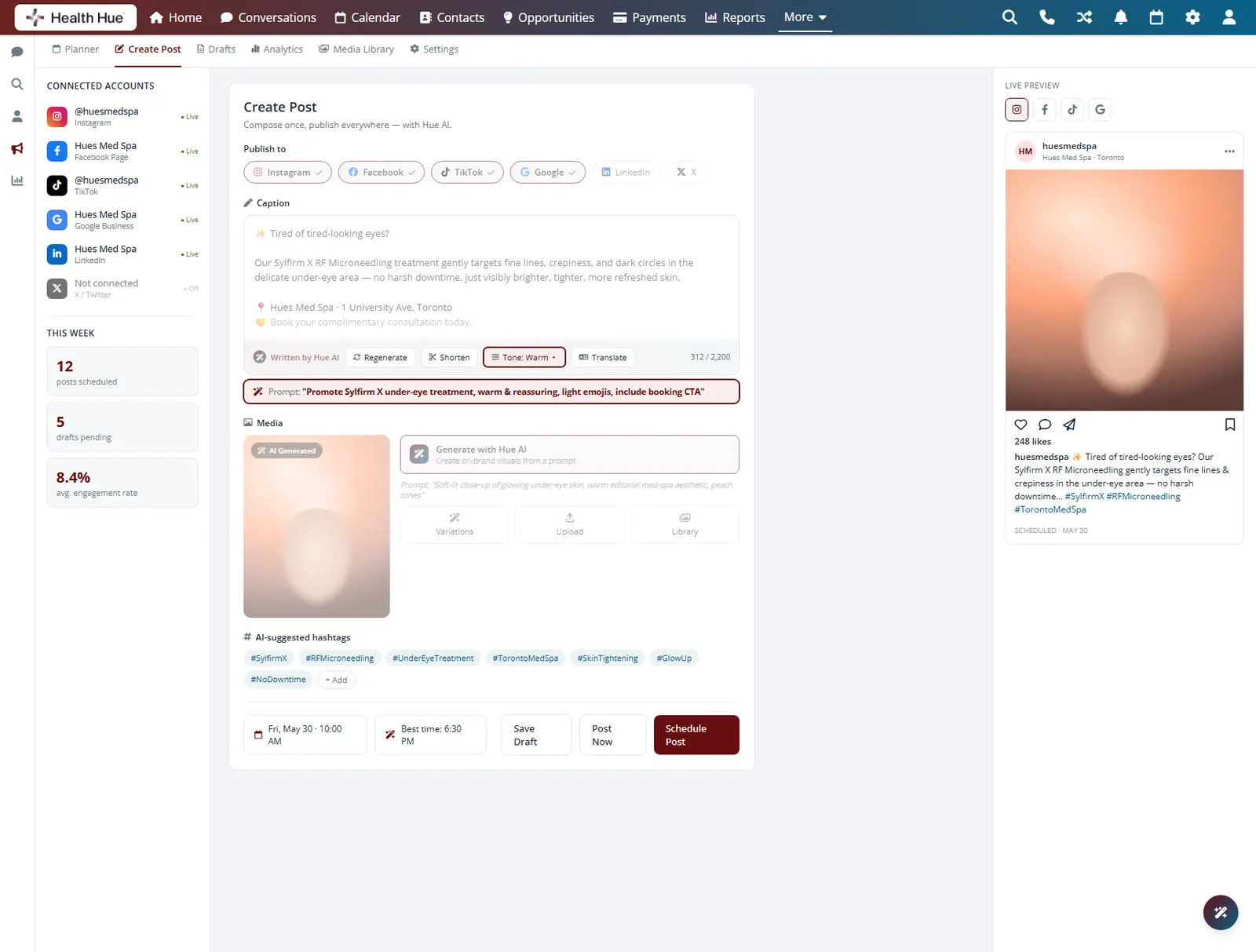
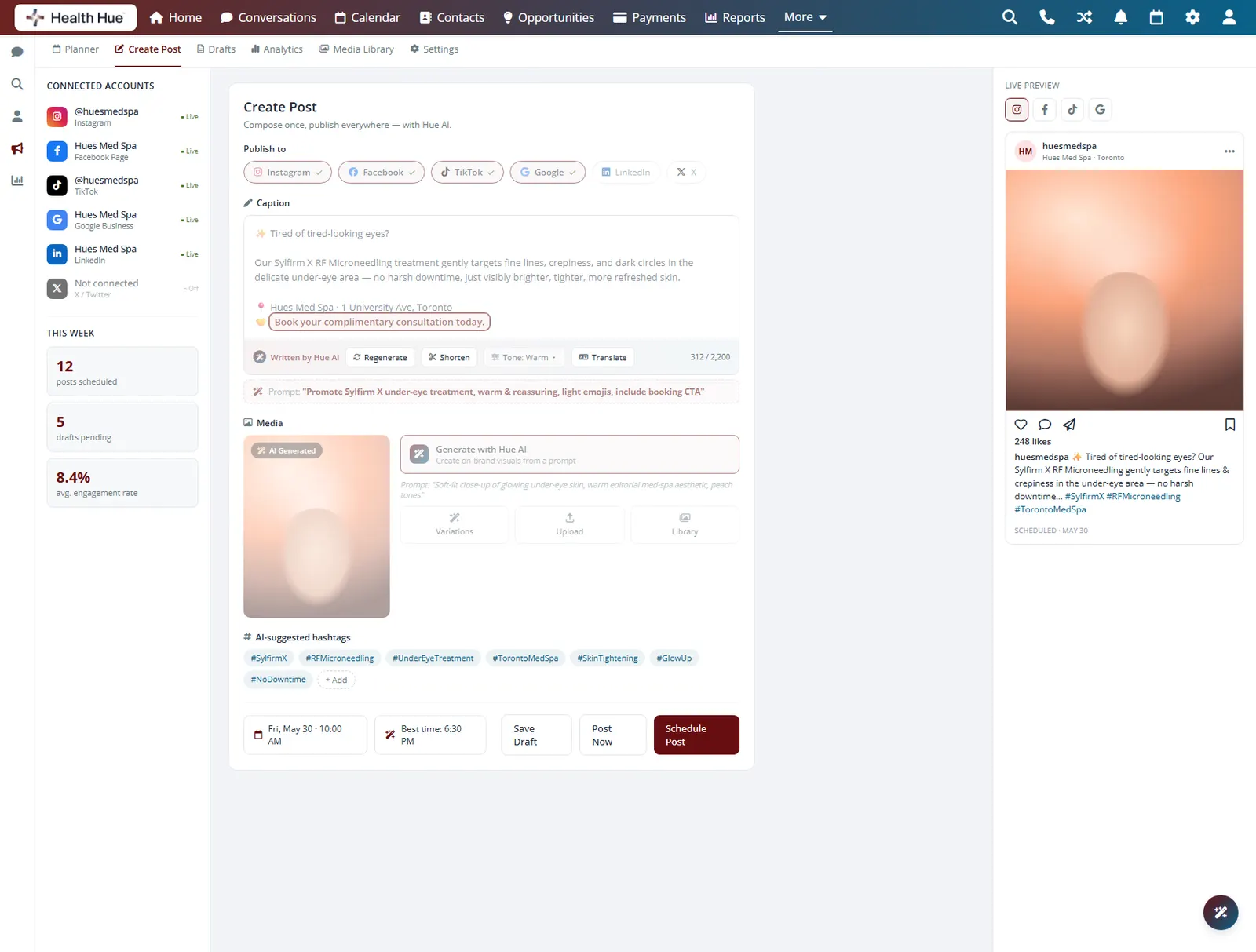
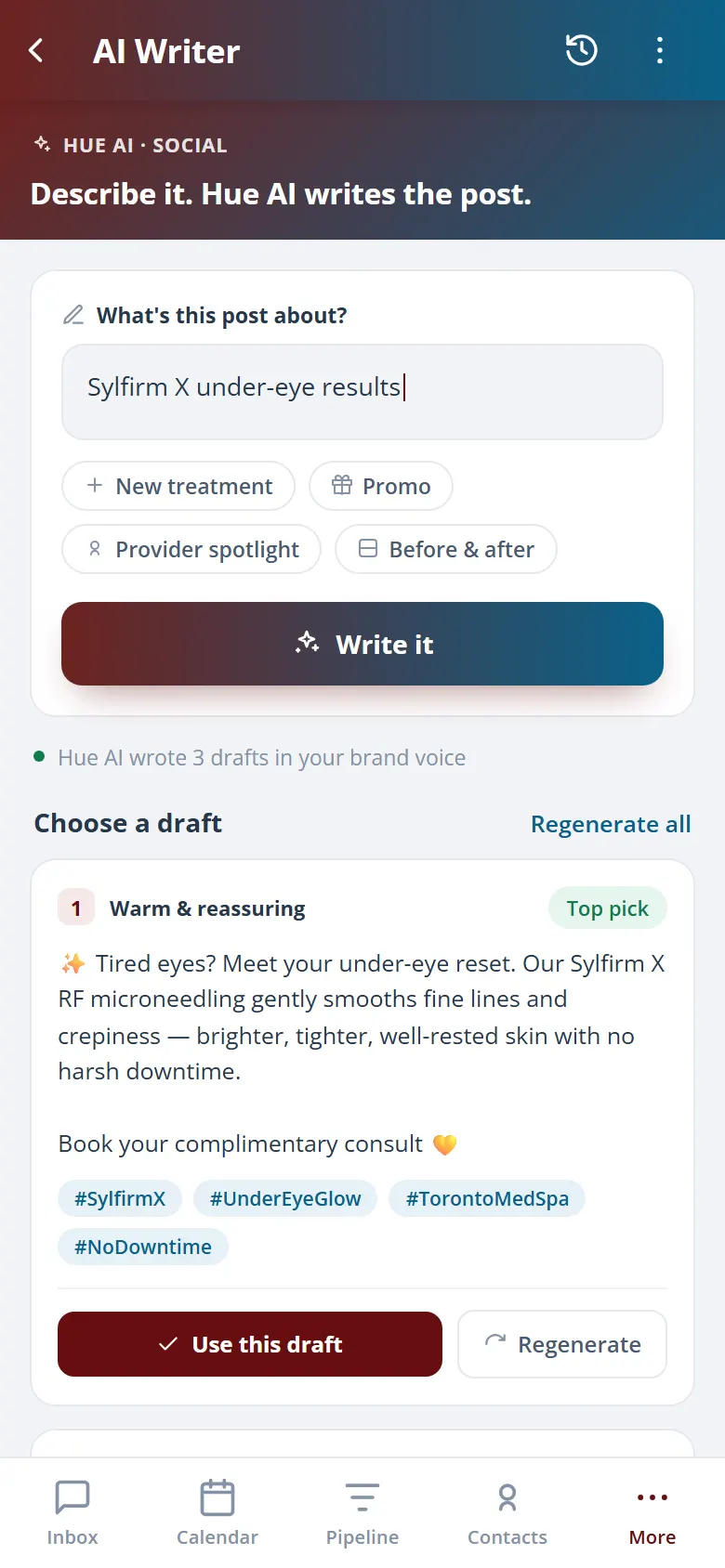
Hue writes a first-draft caption for each post in your clinic voice, with hashtags and a clear call to book. You edit instead of staring at a blank box, so the part of social that usually stalls a busy owner takes a minute rather than an evening.
Hue writes the caption so you start from words, not a blank box.
Captions match how your clinic actually sounds.
Each post ends with a clear way to book.
04 · Reuse Your Proof
Turn results into content.
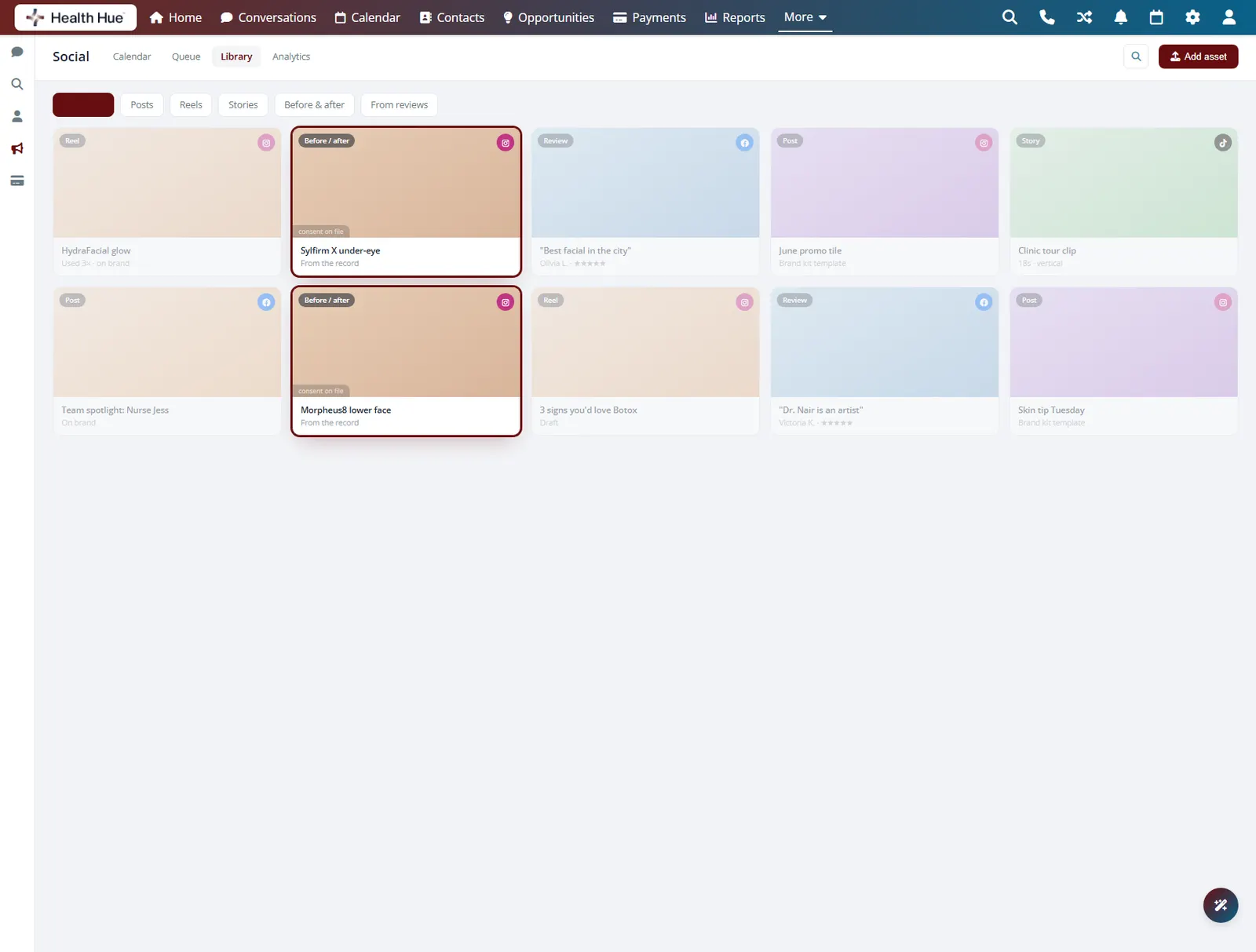
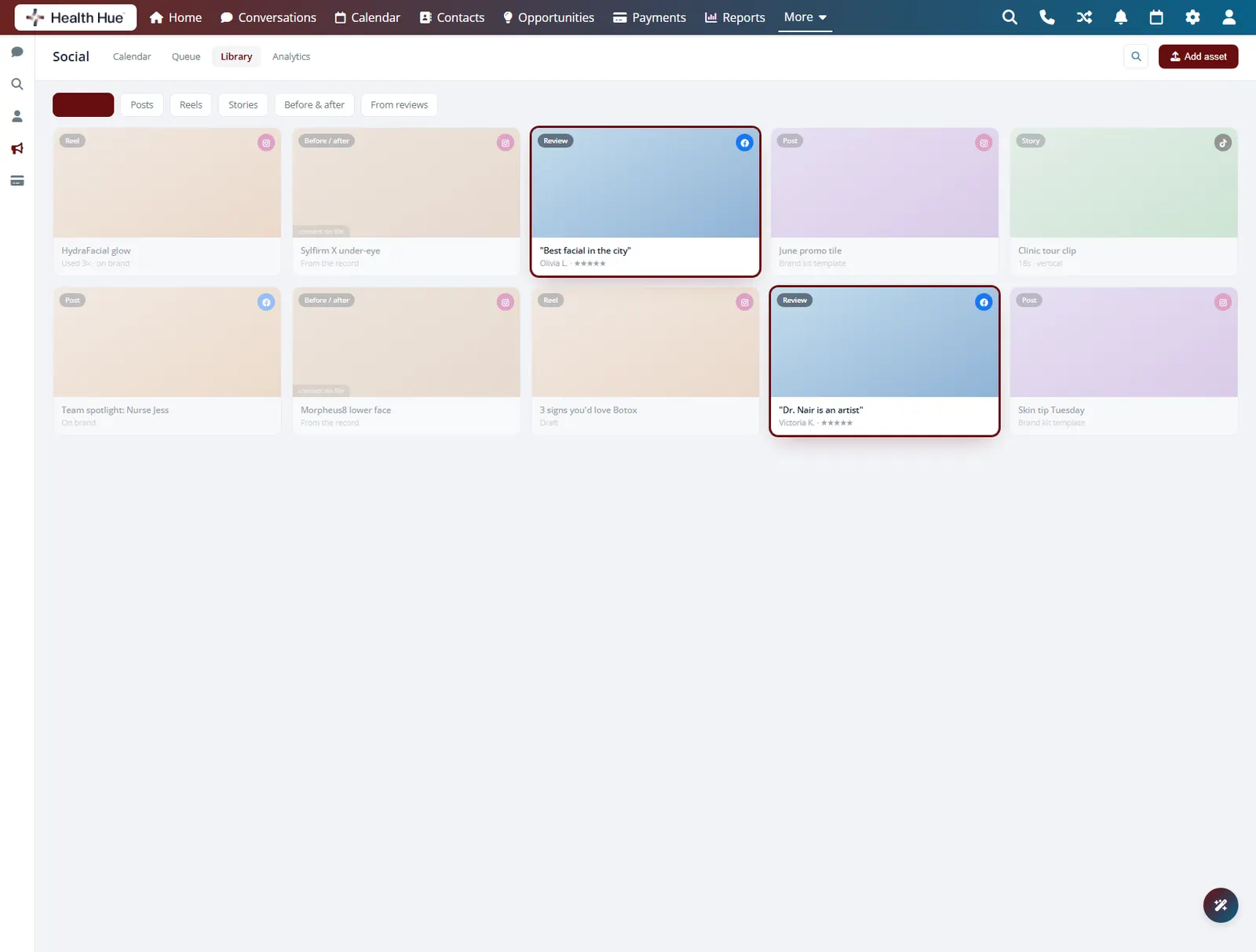
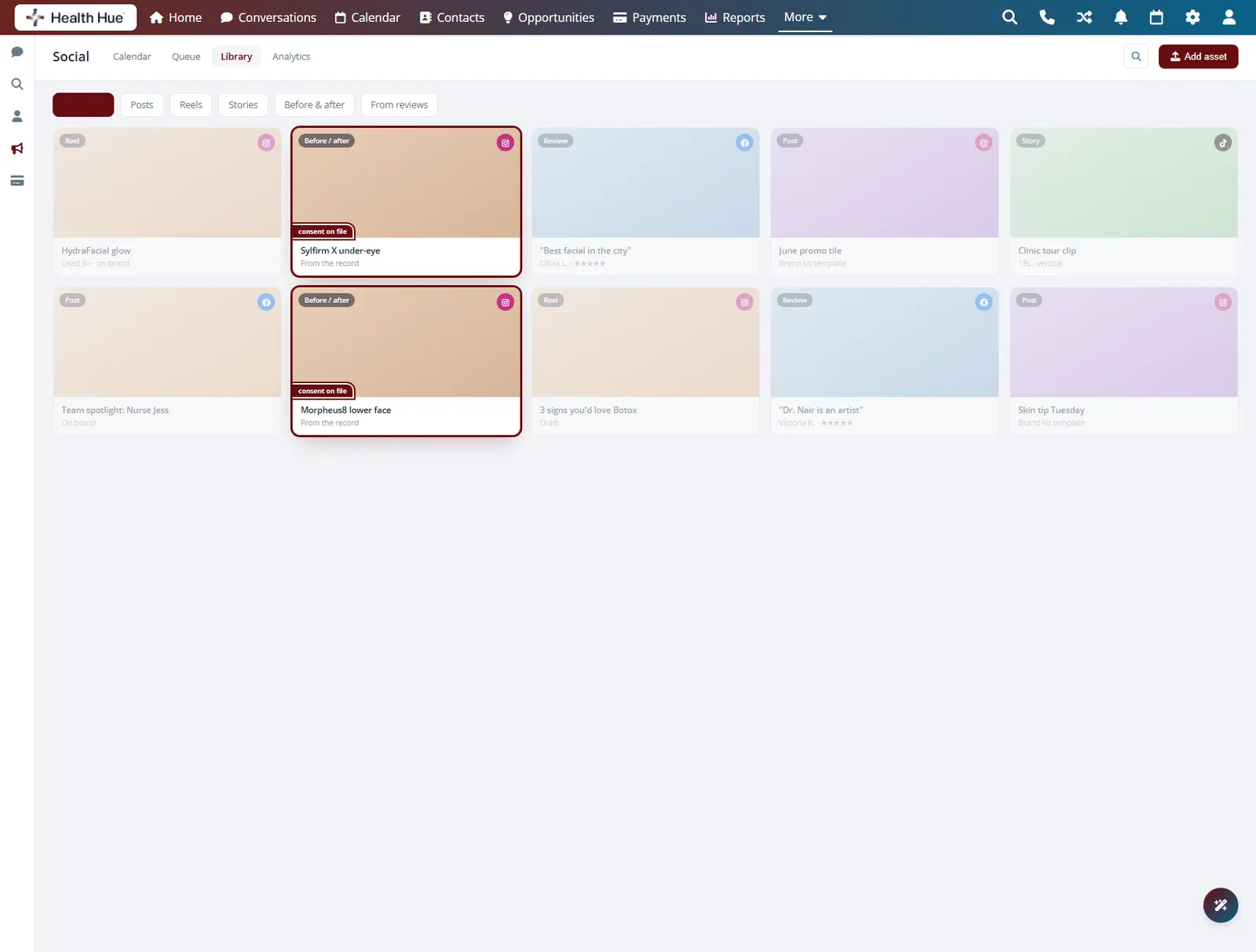
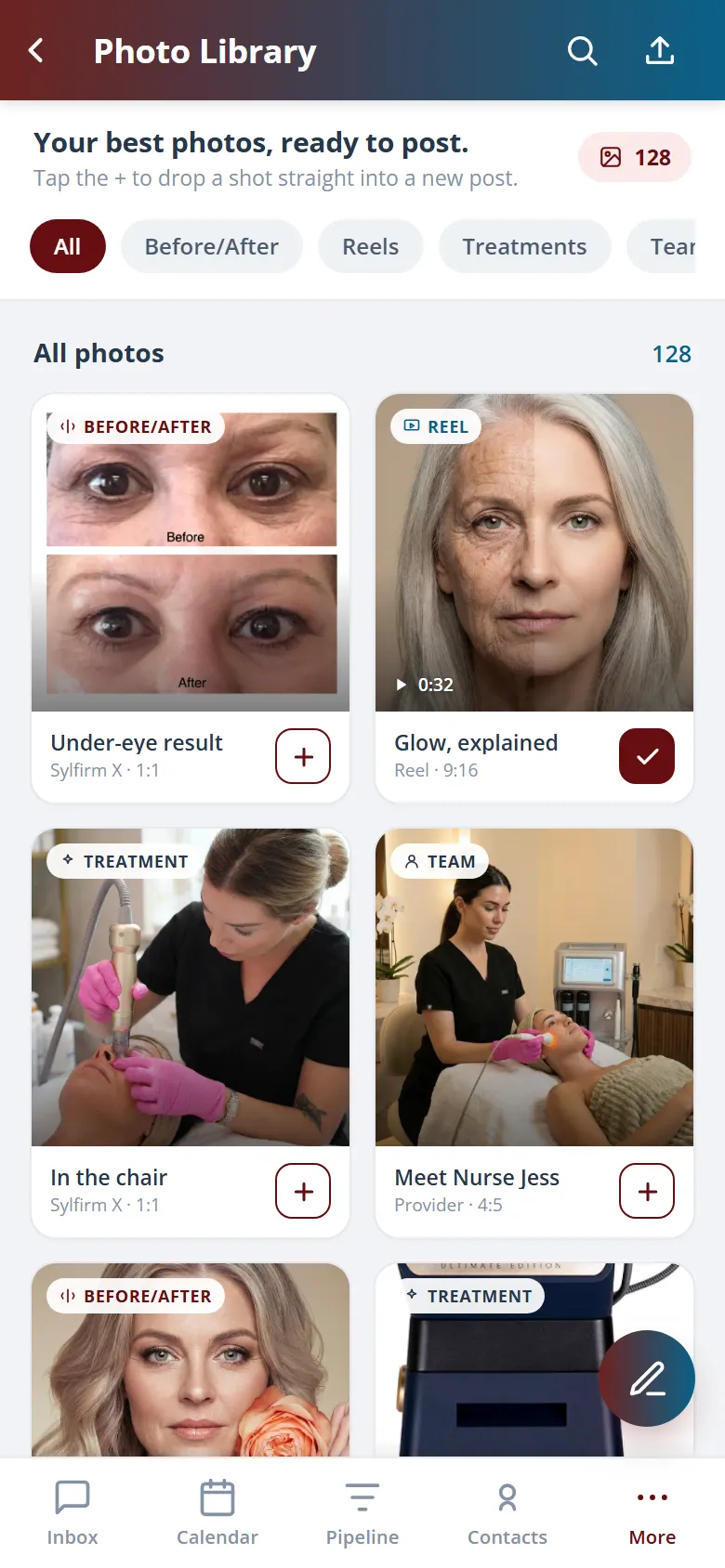
The reviews and before-and-after photos you collect on the patient record are right there when you build a post, so your strongest proof becomes your best content without a separate hunt for assets. Real results and real words from real patients fill the calendar instead of stock images.
Pull approved before-and-after images straight in.
Turn five-star feedback into ready-made content.
Only media cleared for sharing is offered up.
05 · Publish & Track
Publish, then see what landed.
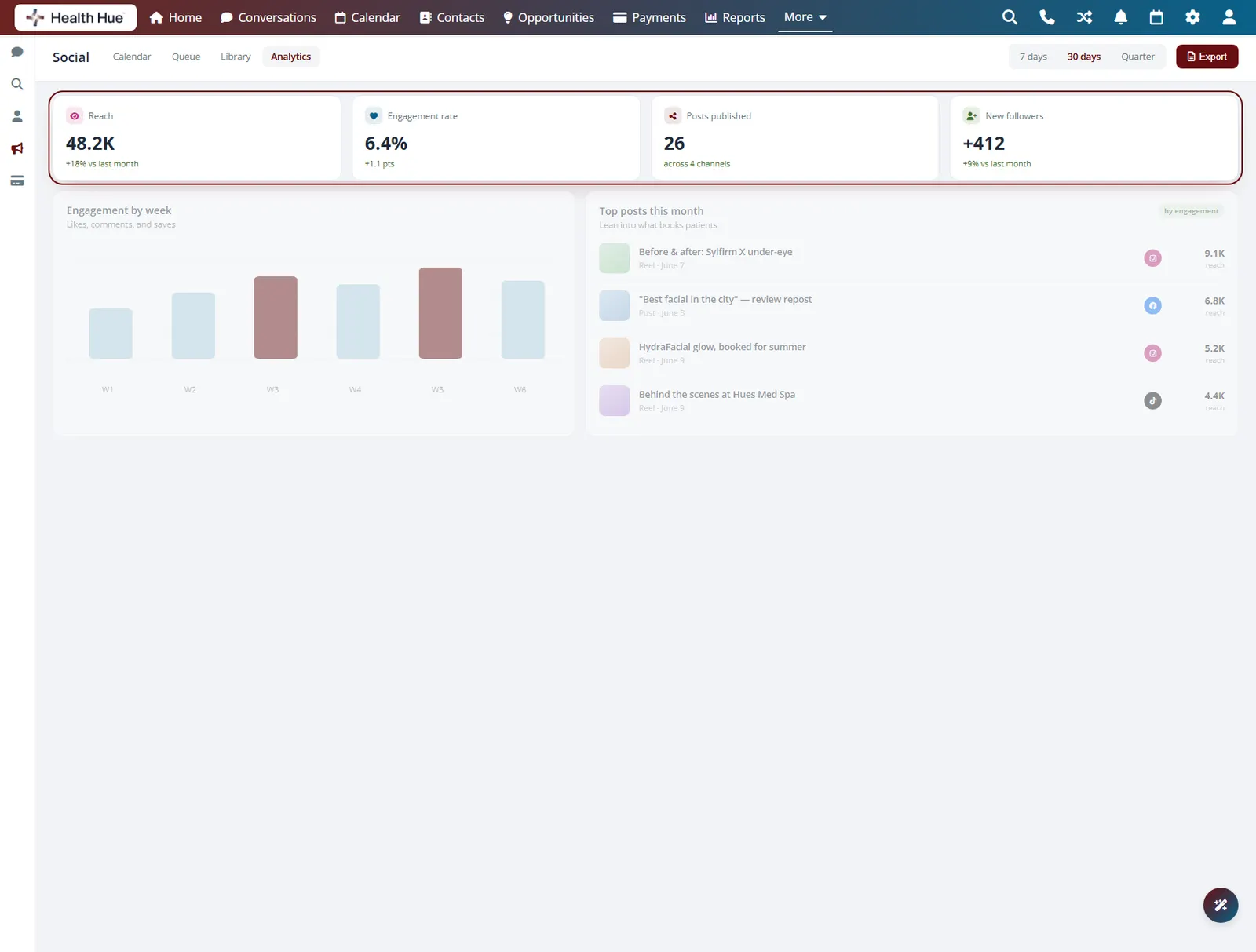
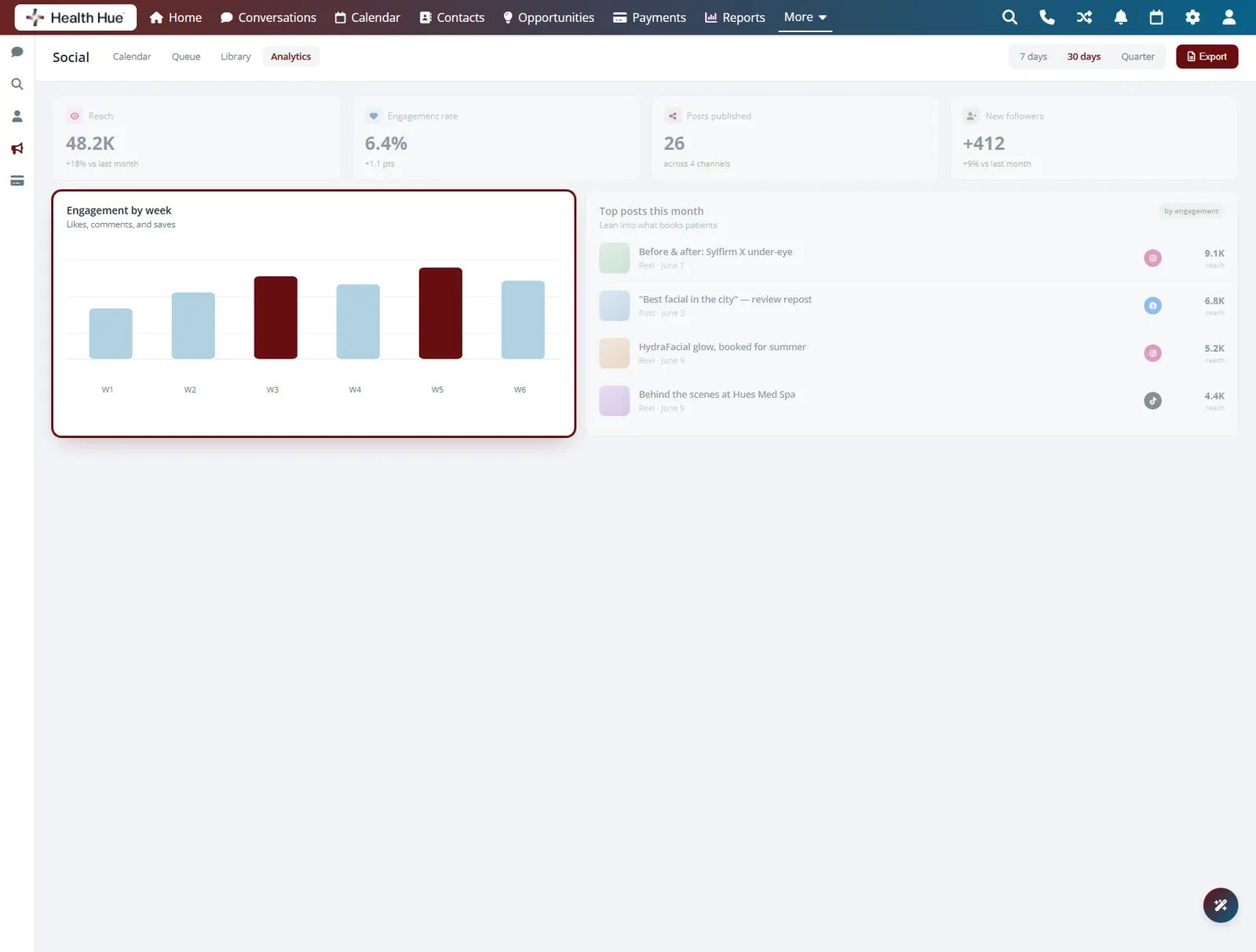
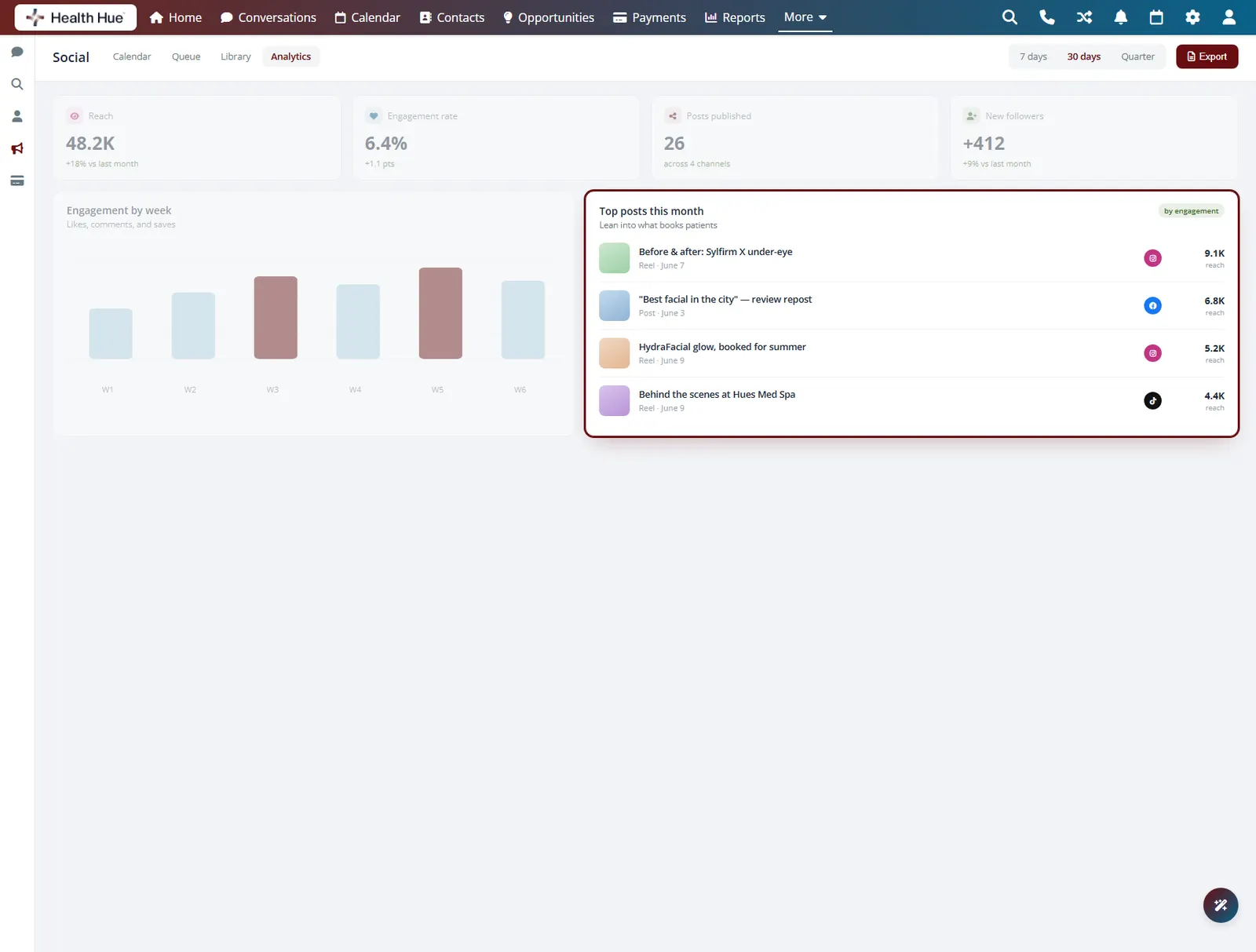
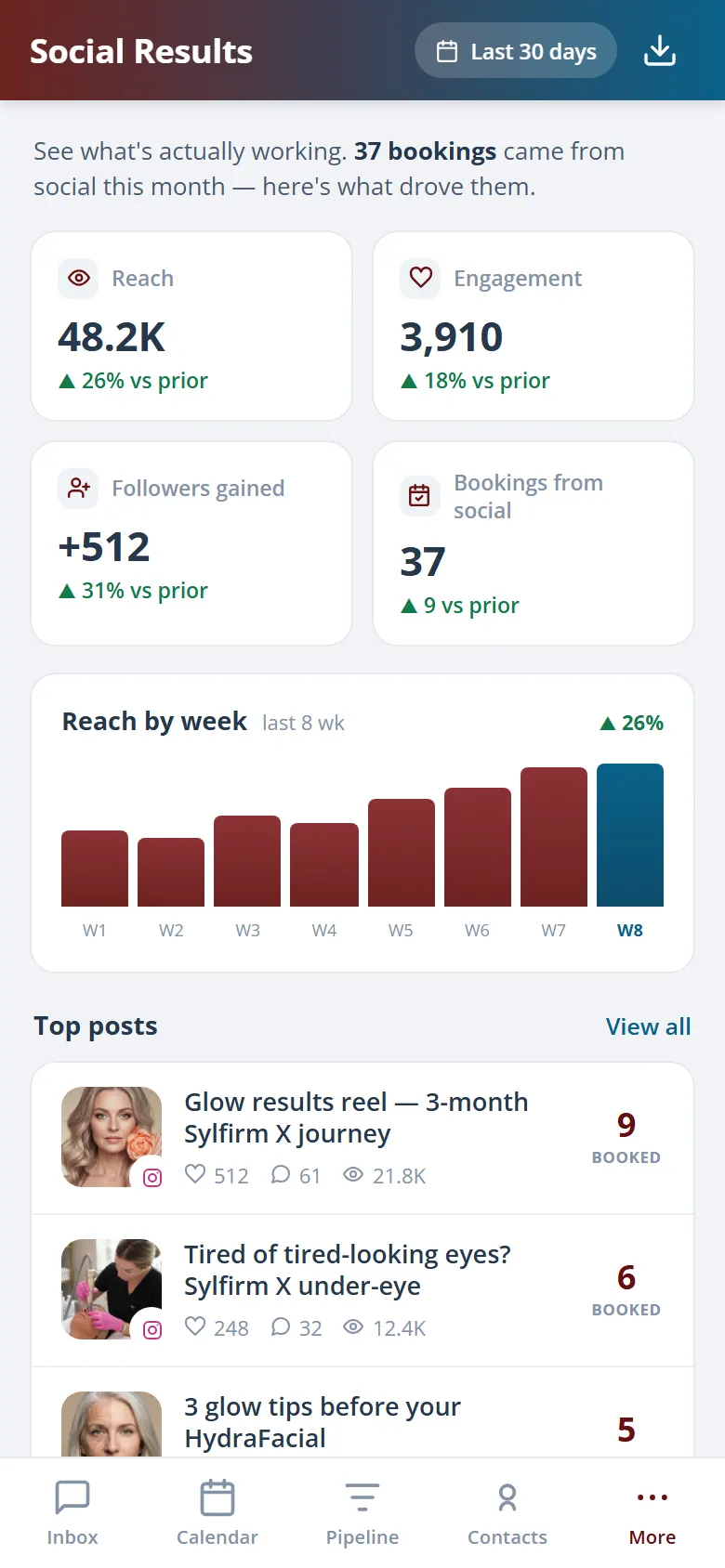
The Hub publishes on schedule and shows reach and interaction back in the same place you planned the post, so you can tell what your audience responds to without opening a separate analytics app. Over time you do more of what books patients and less of what just fills the feed.
Plan, publish, and review results in the same place.
See reach and interaction per post at a glance.
Lean into the content that actually drives bookings.
Secure, compliant, and clinic-ready
Every feature lives in a platform built for clinics from the ground up, with charting, consent, and payments native to the patient record.
PHIPA & HIPAA-aware
Patient data is encrypted and handled to Canadian health-privacy standards.
Consent & audit
Consents, signatures, and changes log to the record automatically.
Role-based access
Granular permissions keep charts and contact details on a need-to-know basis.
One source of truth
Scheduling, payments, messages, and records in one place. Nothing siloed.
Explore more of the Hub
Social is one part of the Health Hue Hub, your AI-powered clinic operating system.
Conversations
One inbox for SMS, calls, web chat, and DMs.
Patient Records
Every patient in one complete profile.
Calendar & Scheduling
AI booking, reminders, and provider sync.
Payments & POS
Text-to-pay, deposits, and fast checkout.
Memberships
Recurring revenue, packages, and perks.
Automated Flows
Triggers and multi-channel follow-up.
FAQ