Health Hue Hub · Creative Library
On-brand creative, in one library.
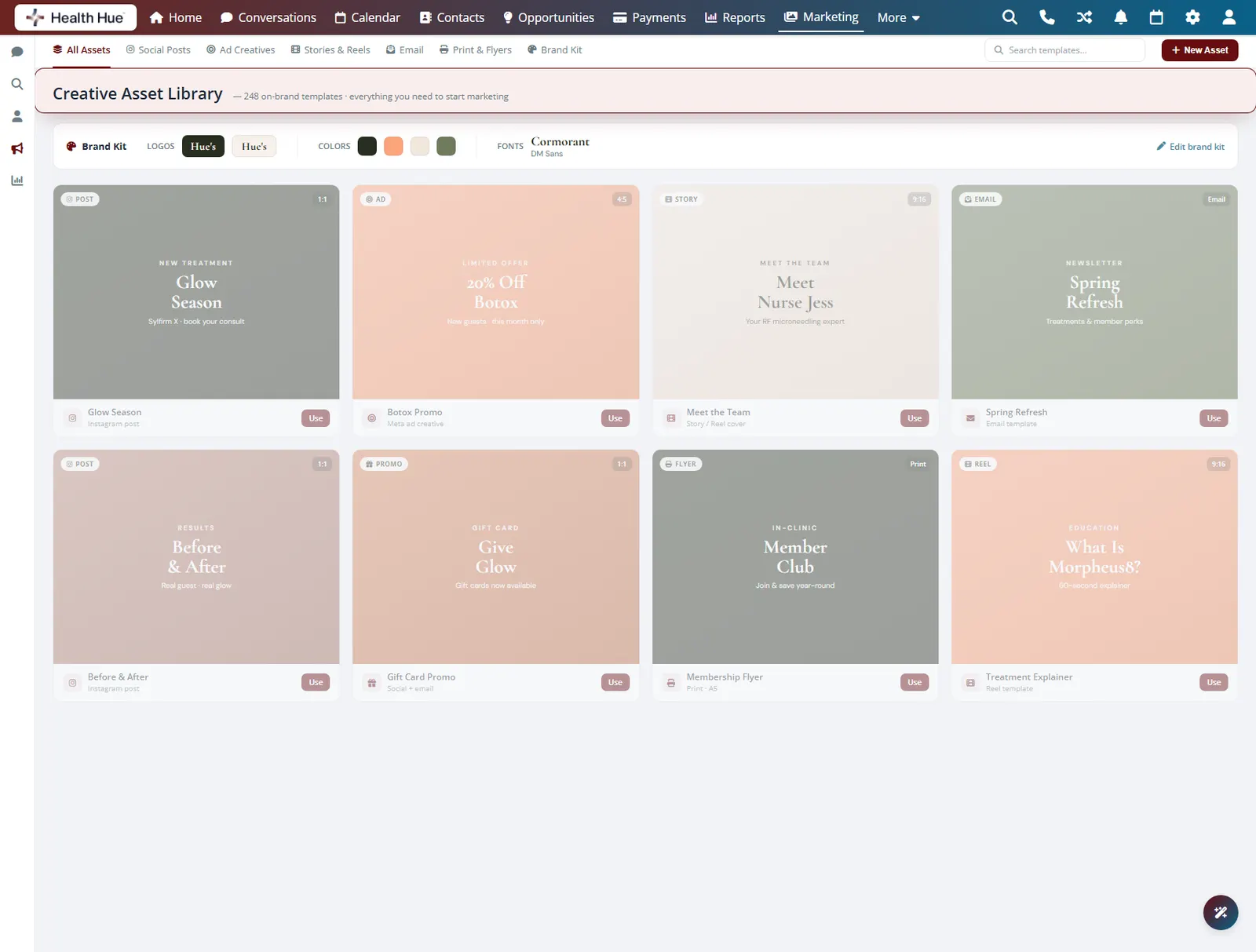
Your logos, colours, fonts, and ready-made templates live in one place inside the Hub, so every post and ad starts on brand. The whole team pulls from the same library instead of rebuilding assets across drives, phones, and DMs.
01 · On-Brand Asset Library
Every asset, where you expect it.
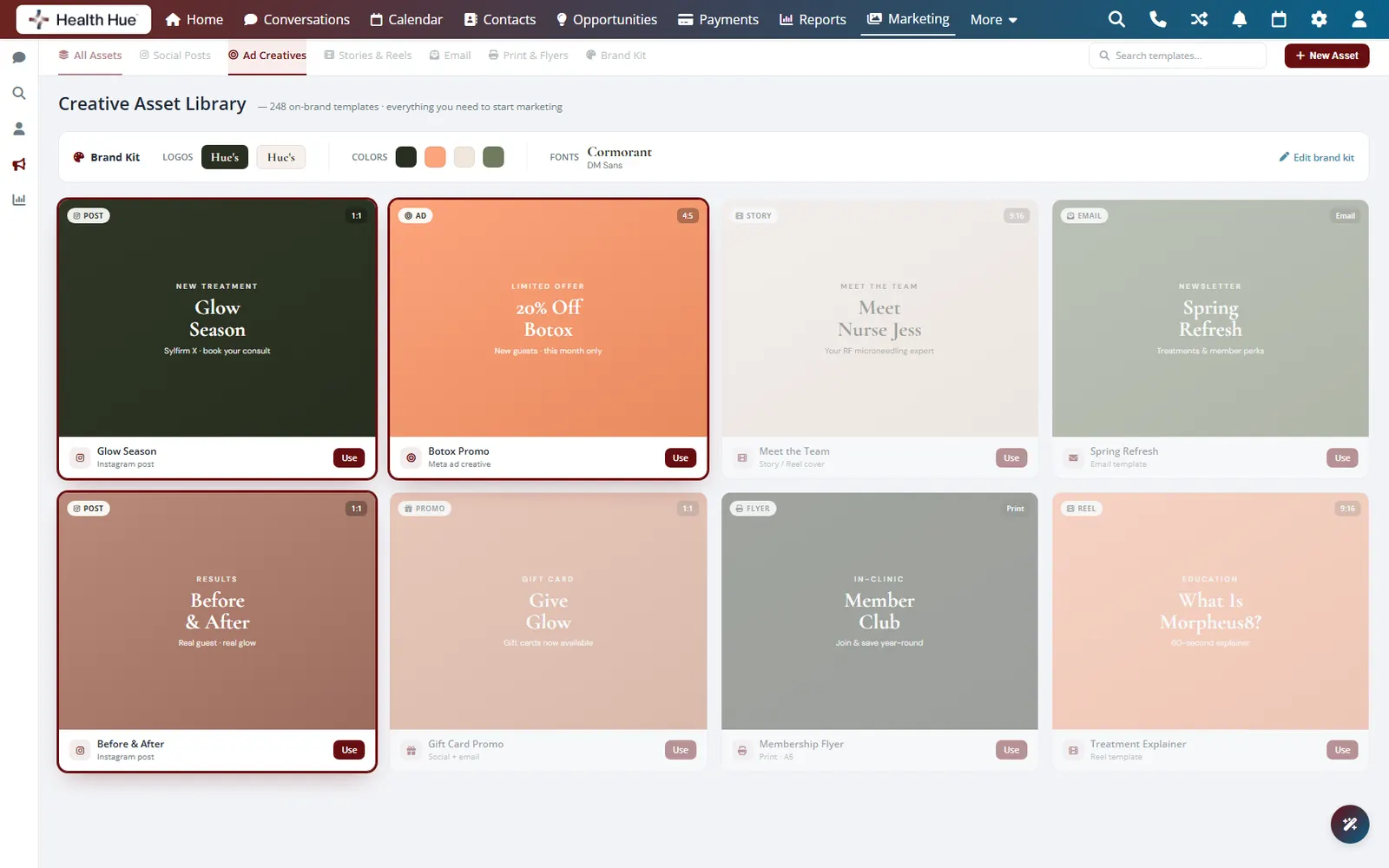
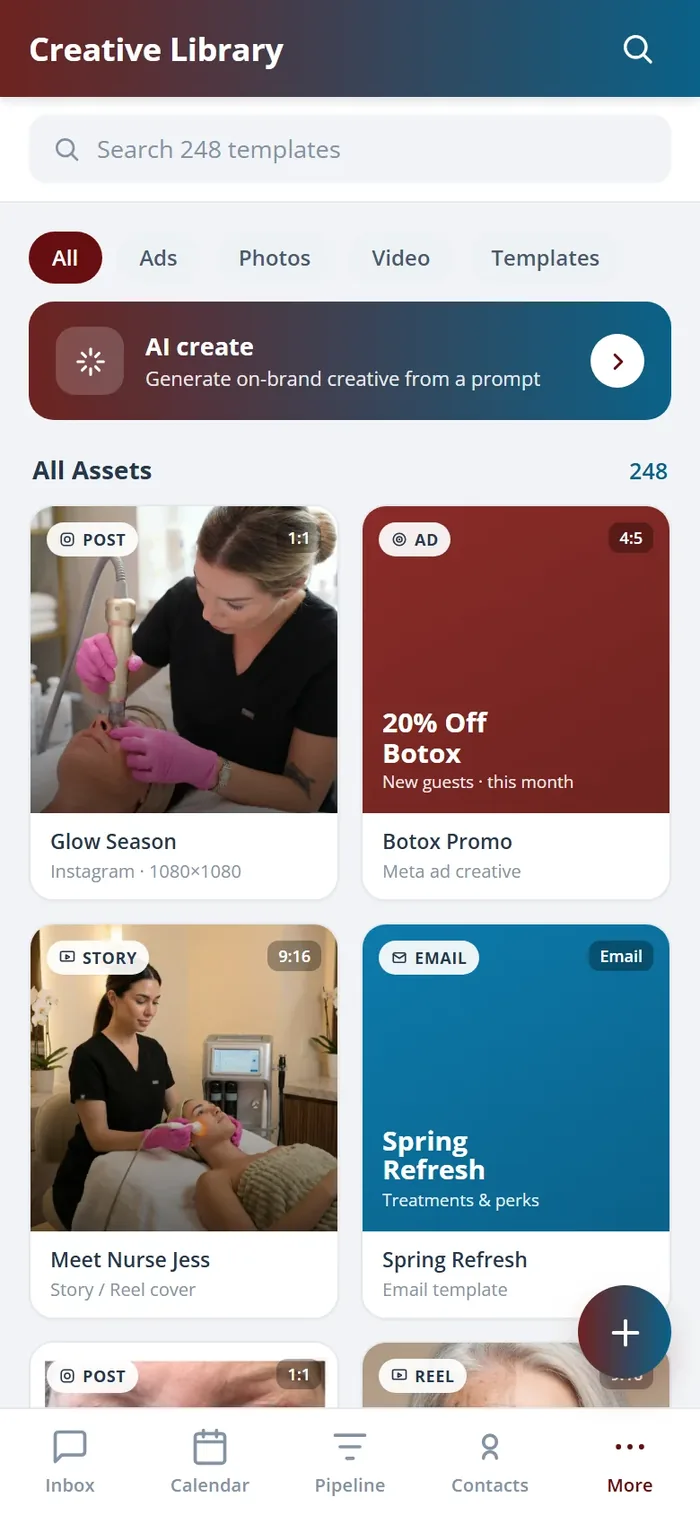
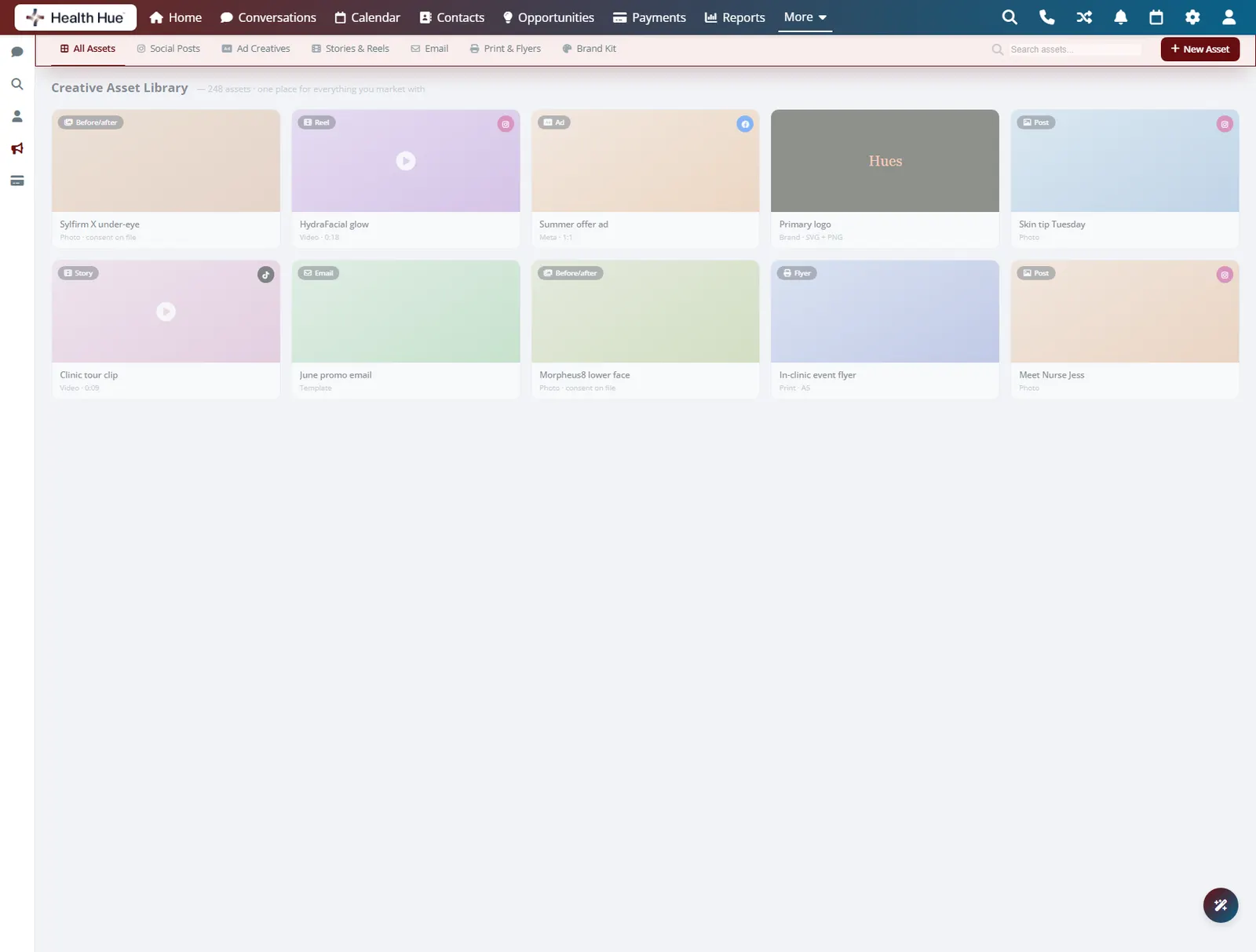
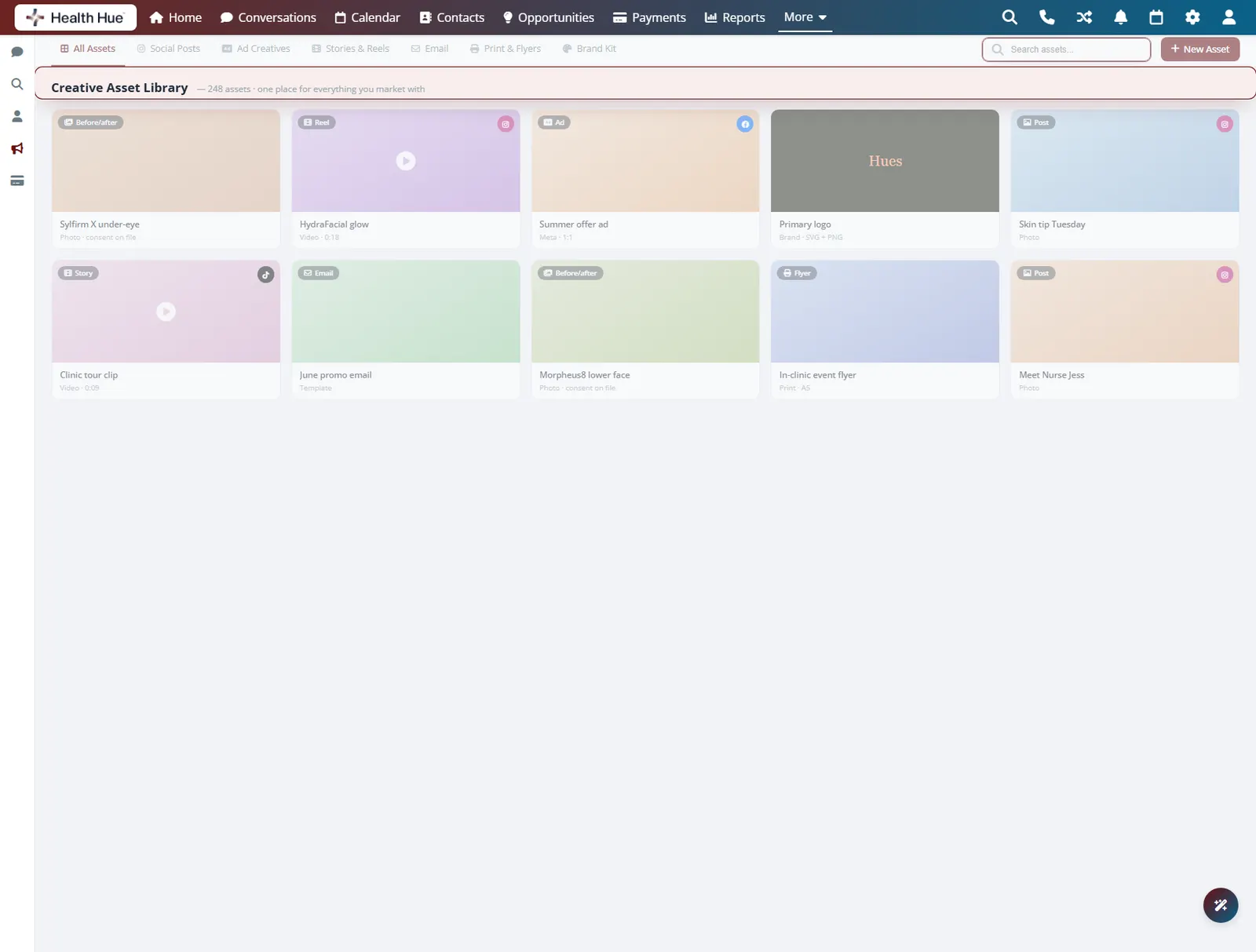
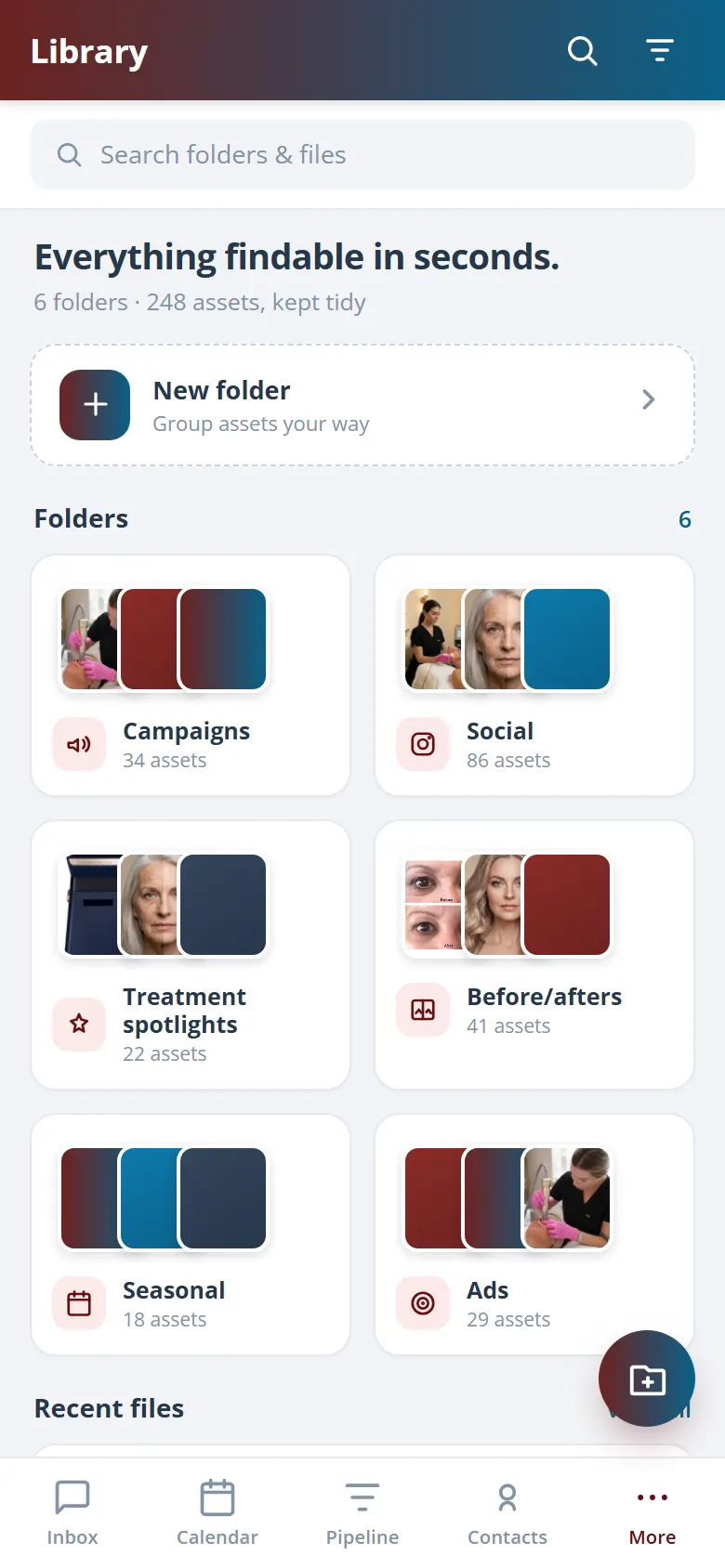
Ads, photos, logos, and finished posts live in one library inside the Hub, so the asset you need is where you look instead of buried in a phone, an email thread, or a designer’s drive. The clinic stops losing time hunting for files and stops re-shooting work it already paid for.
Ads, photos, logos, and content under a single roof.
Browse all assets, social posts, ad creatives, stories, and more.
Files stop disappearing into phones and threads.
02 · Brand Kit
Logos, colours, and fonts, locked in.
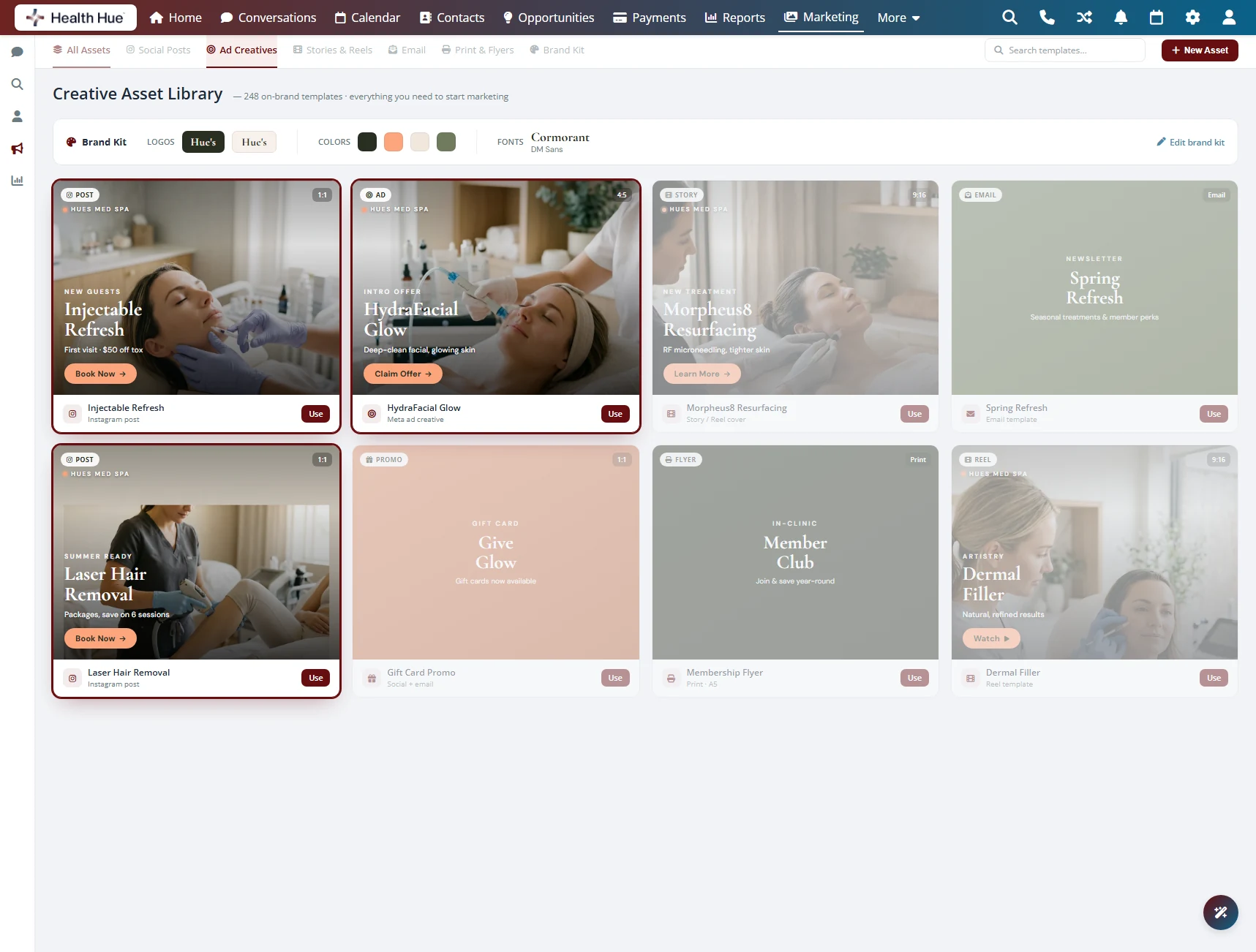
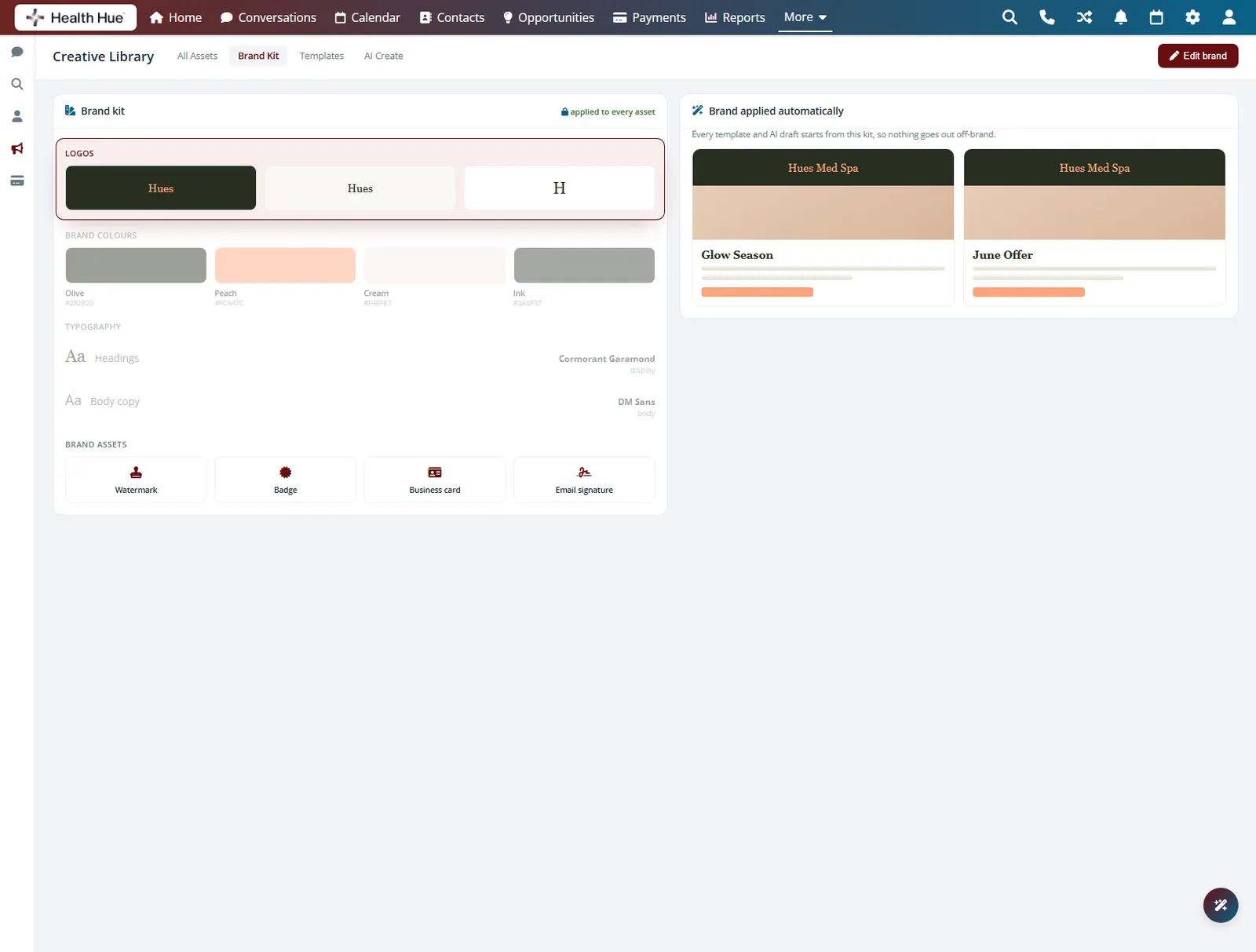
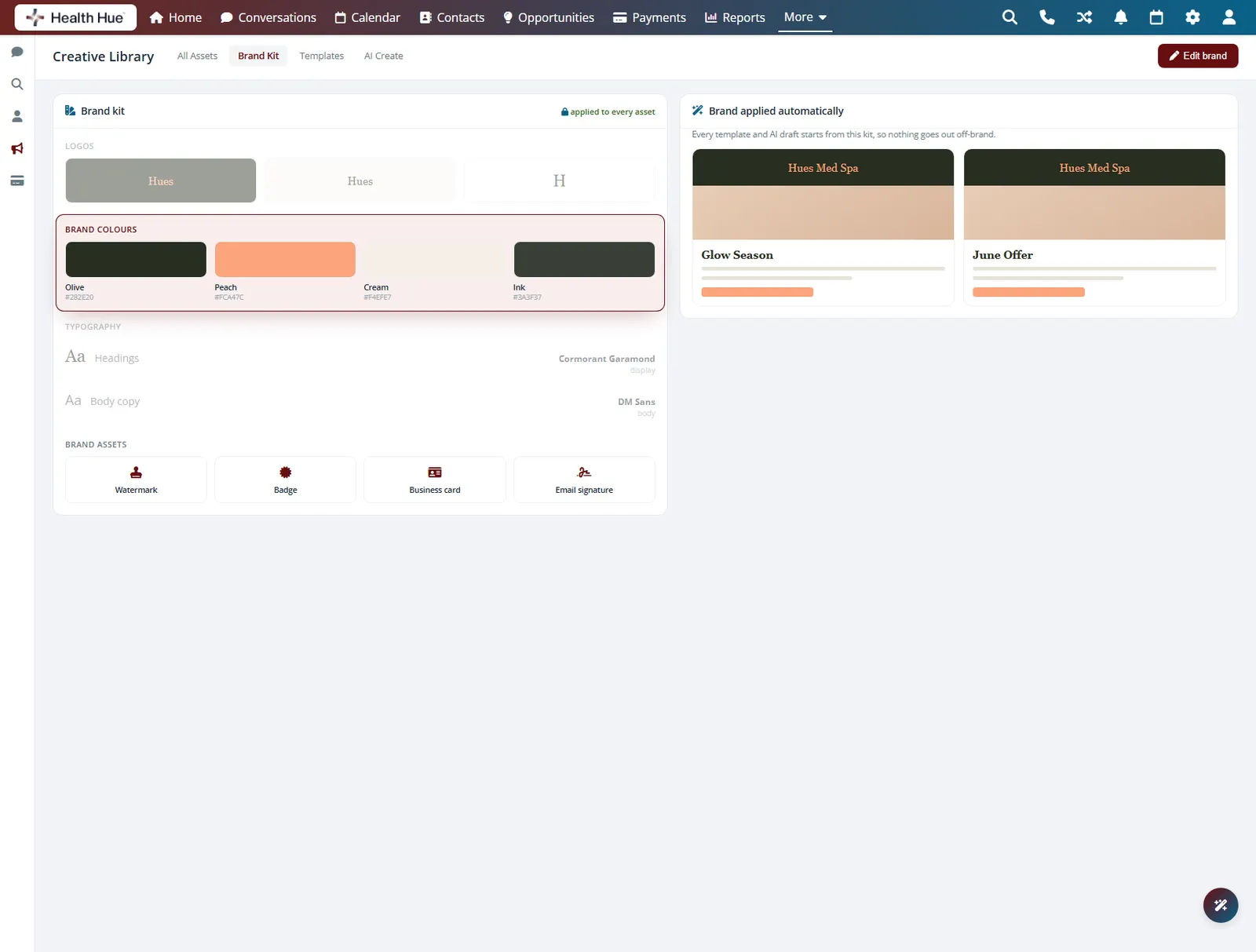
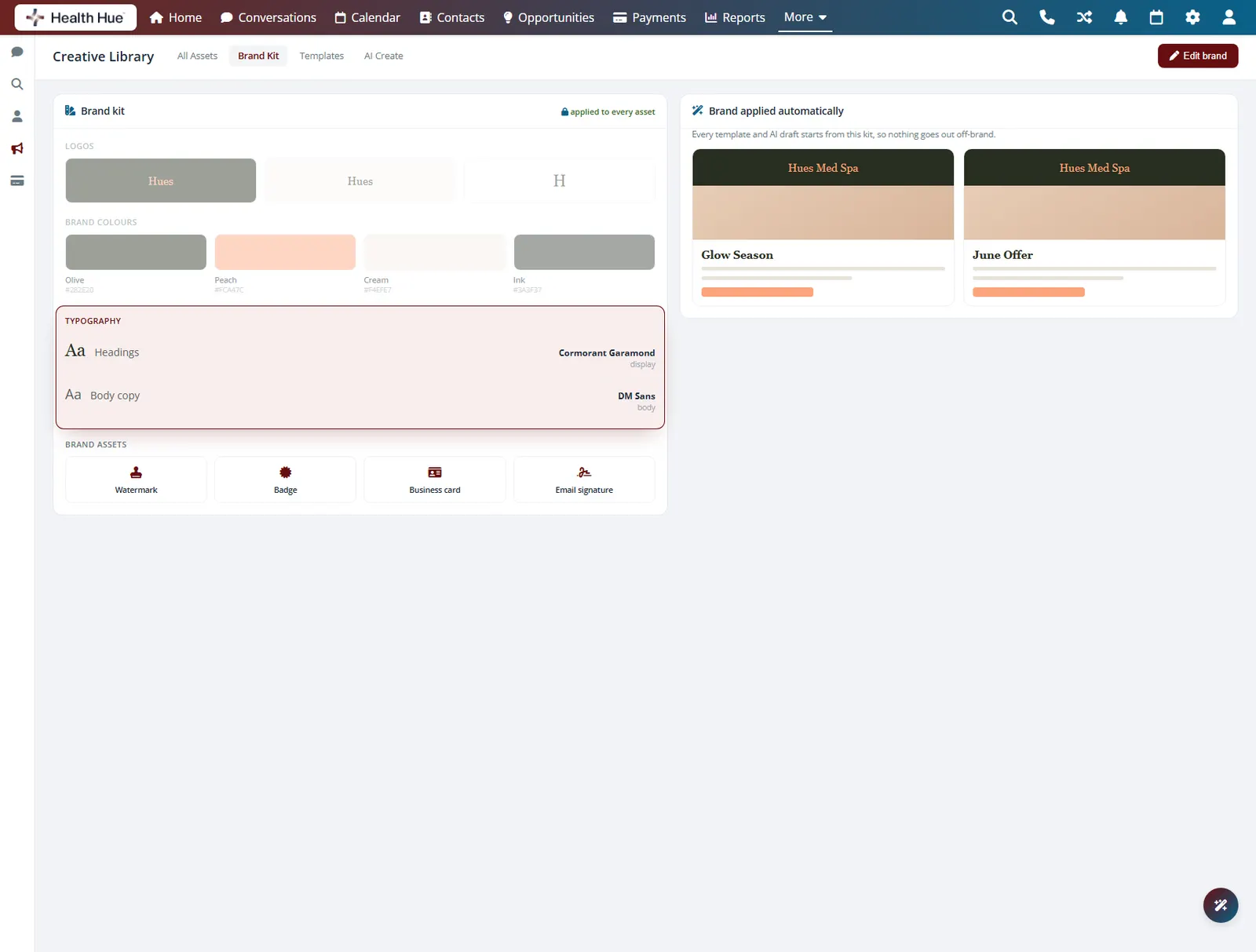
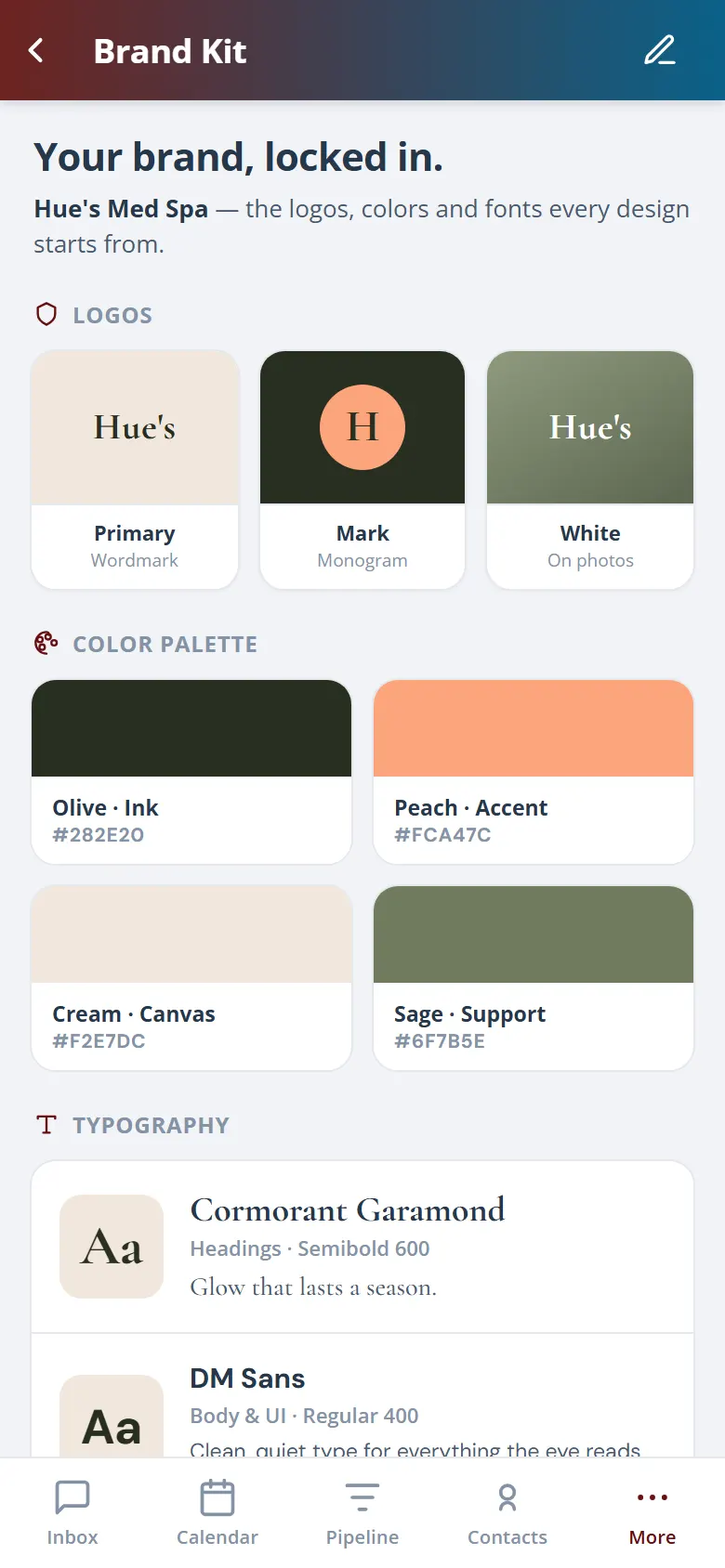
Your approved logos, brand colours, and fonts sit in one brand kit, so every asset starts from the right look instead of an old logo or an off-brand crop. The team picks from the kit and the creative stays consistent across social, email, and print without anyone policing it.
Approved logo files, ready to drop into any layout.
Brand colour swatches applied across every template.
Set the brand typefaces once and reuse them everywhere.
03 · Reusable Templates
Start from a template, not a blank page.
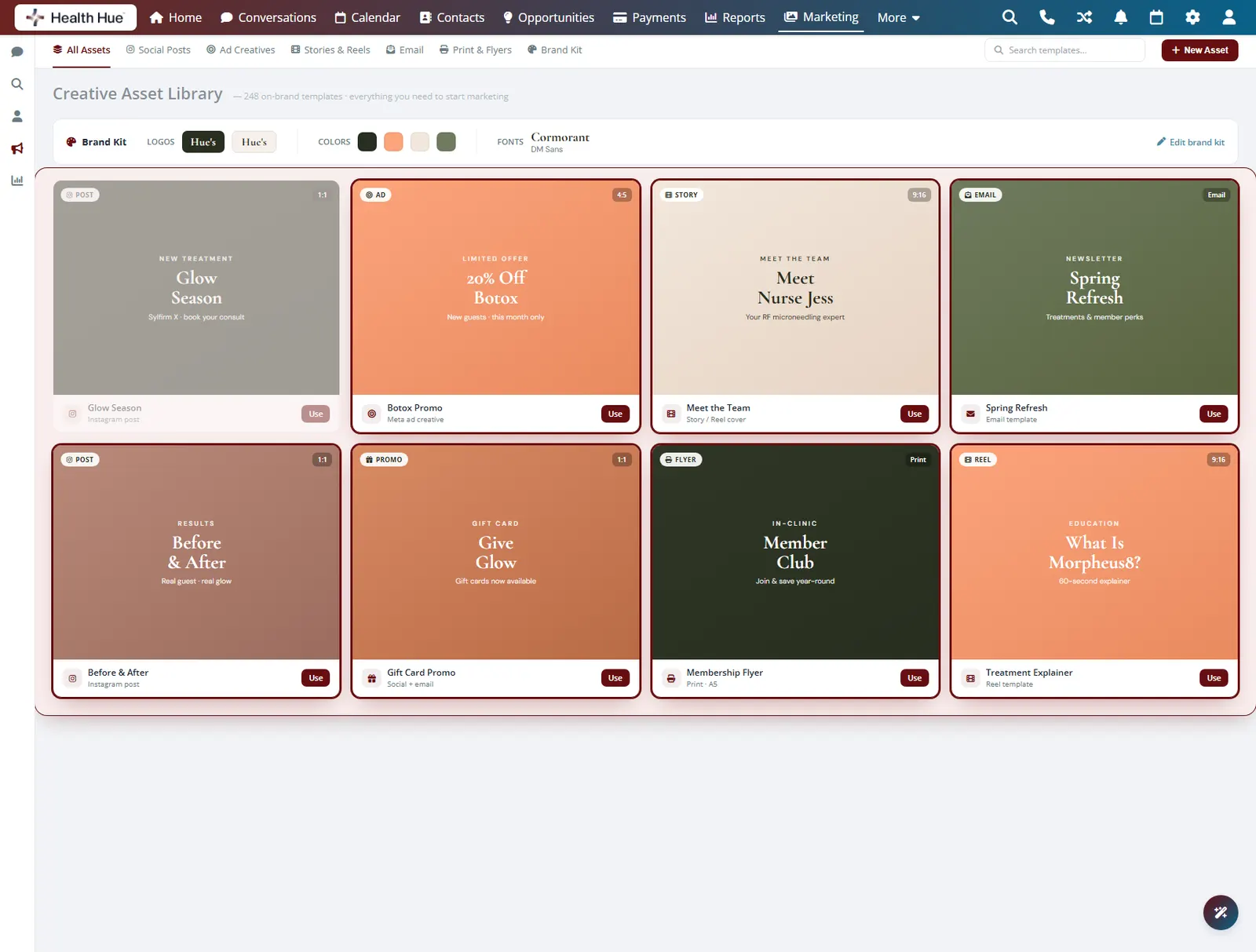
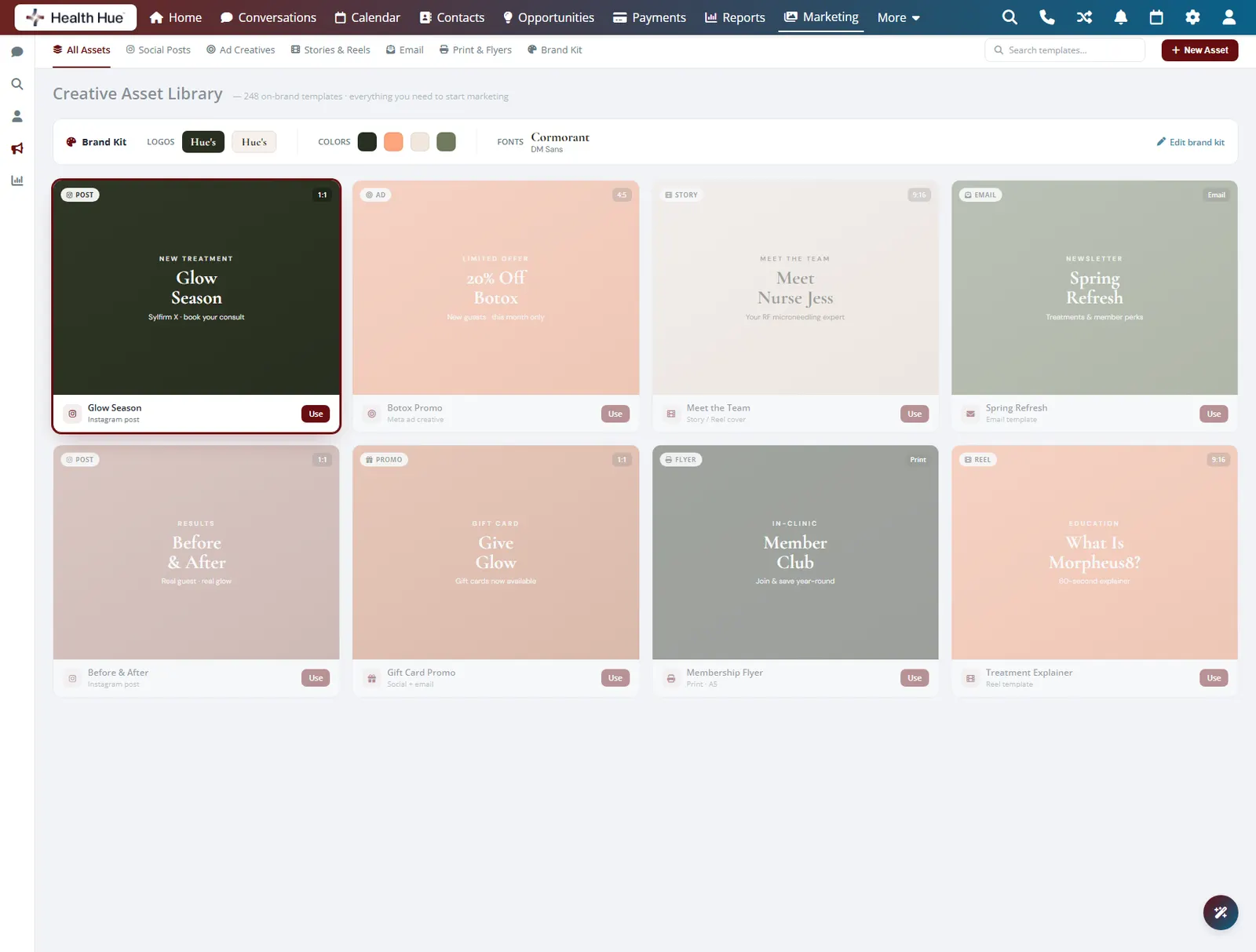
A set of ready-made layouts for posts, promotions, and announcements lets the team edit a template instead of building from scratch. When you run a Sylfirm X offer or a seasonal promotion, the layout is already there, on brand, and the next person to run it finds the same set ready to reuse.
Layouts for posts, offers, and announcements built in.
Swap the copy and image and the asset is done.
The next launch reuses a template instead of starting over.
04 · Social & Ad Creatives
Social posts and ads, ready to run.
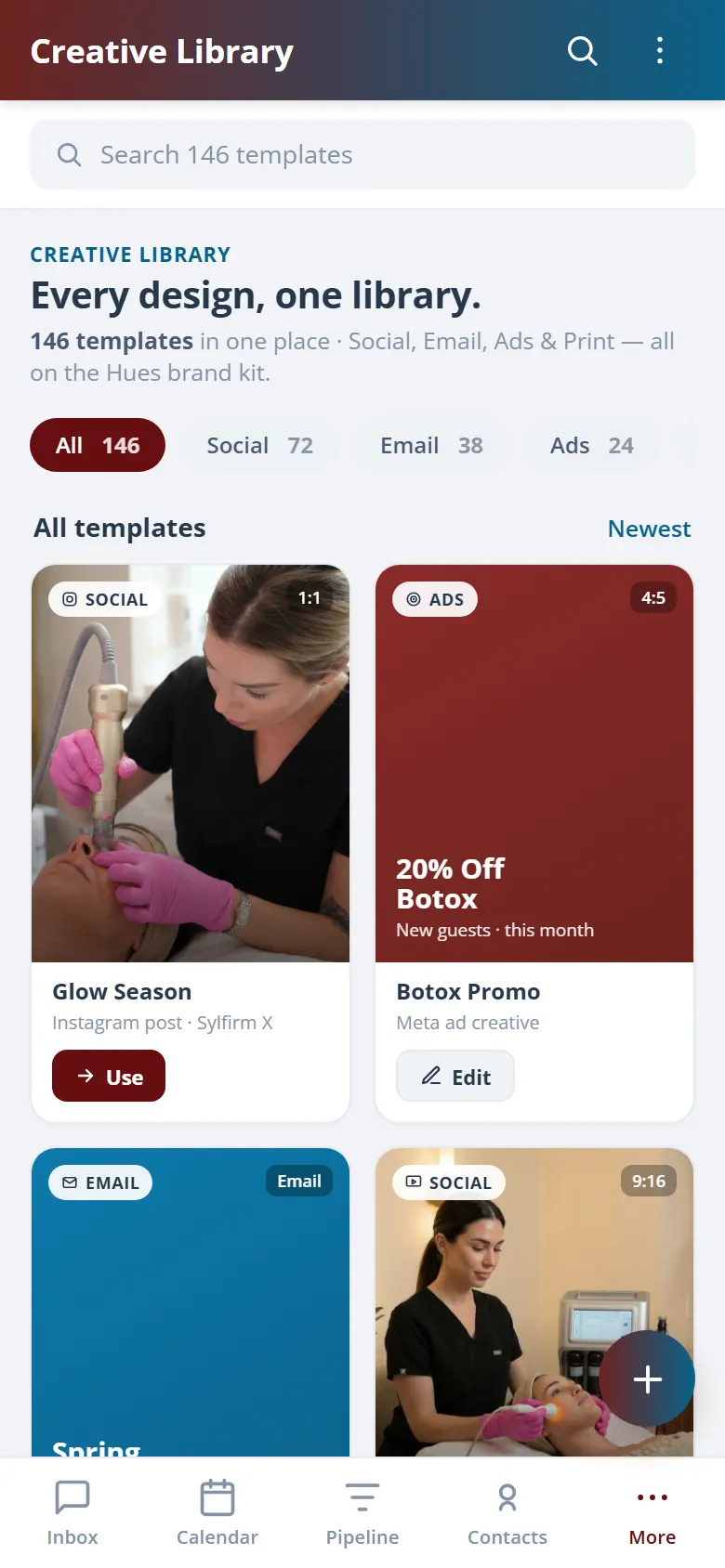
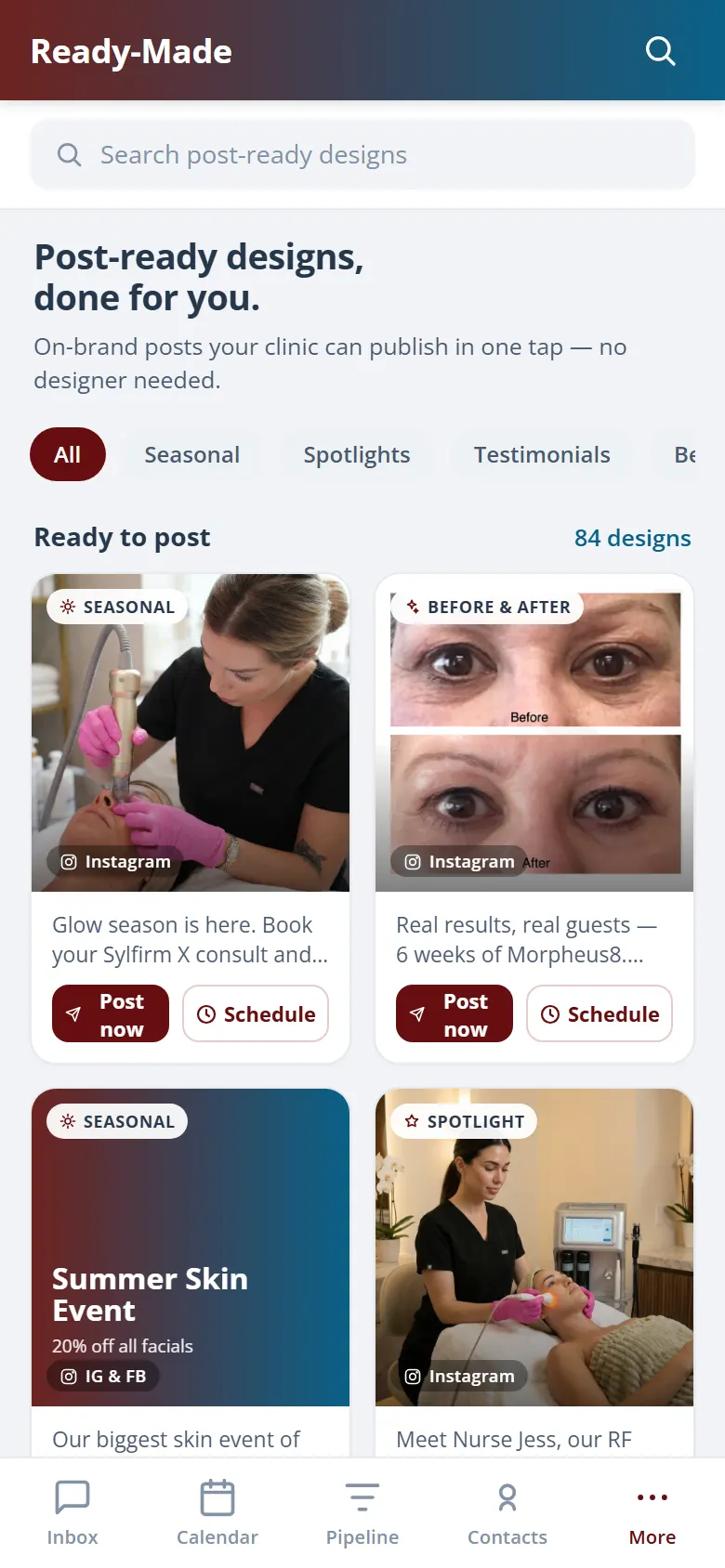
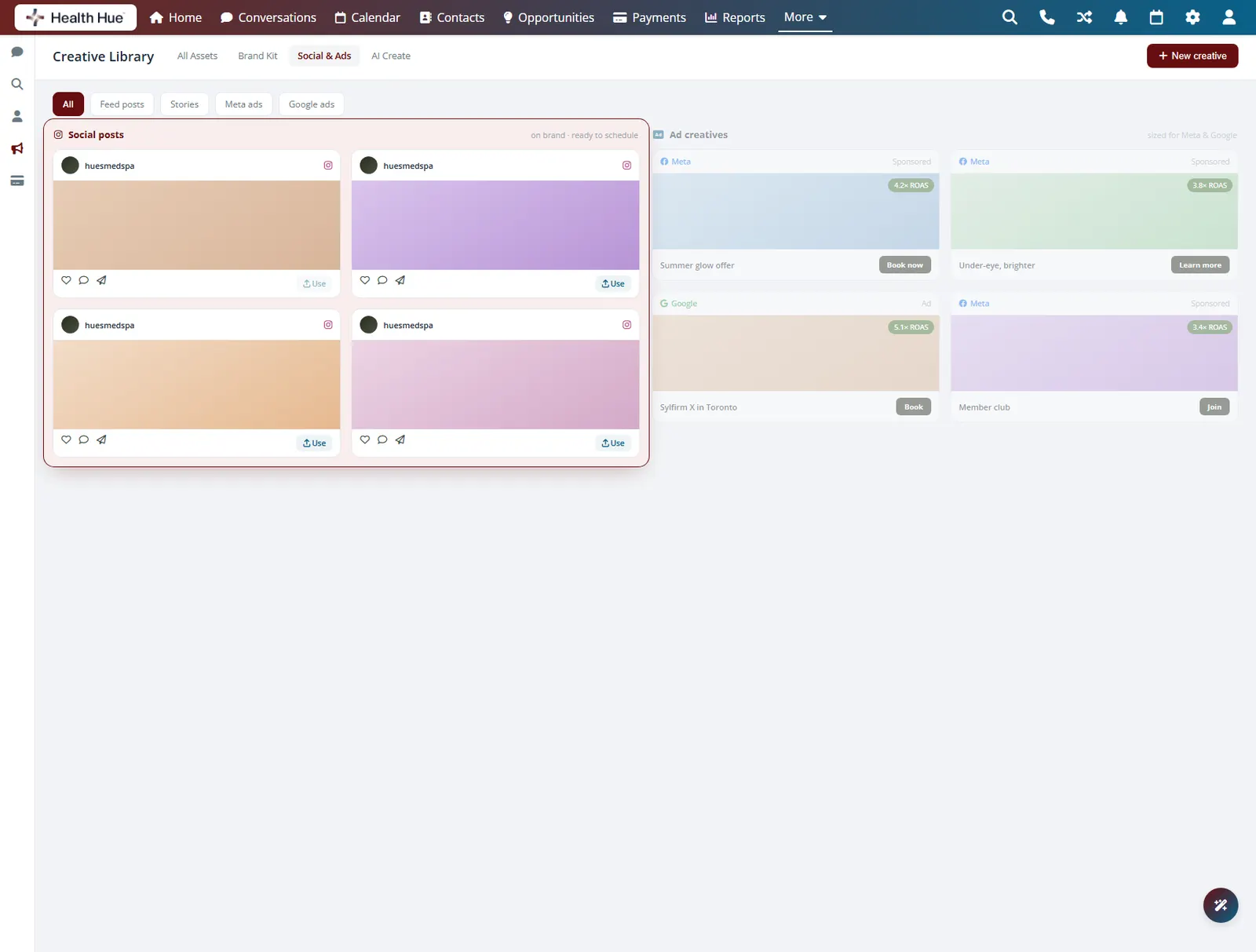
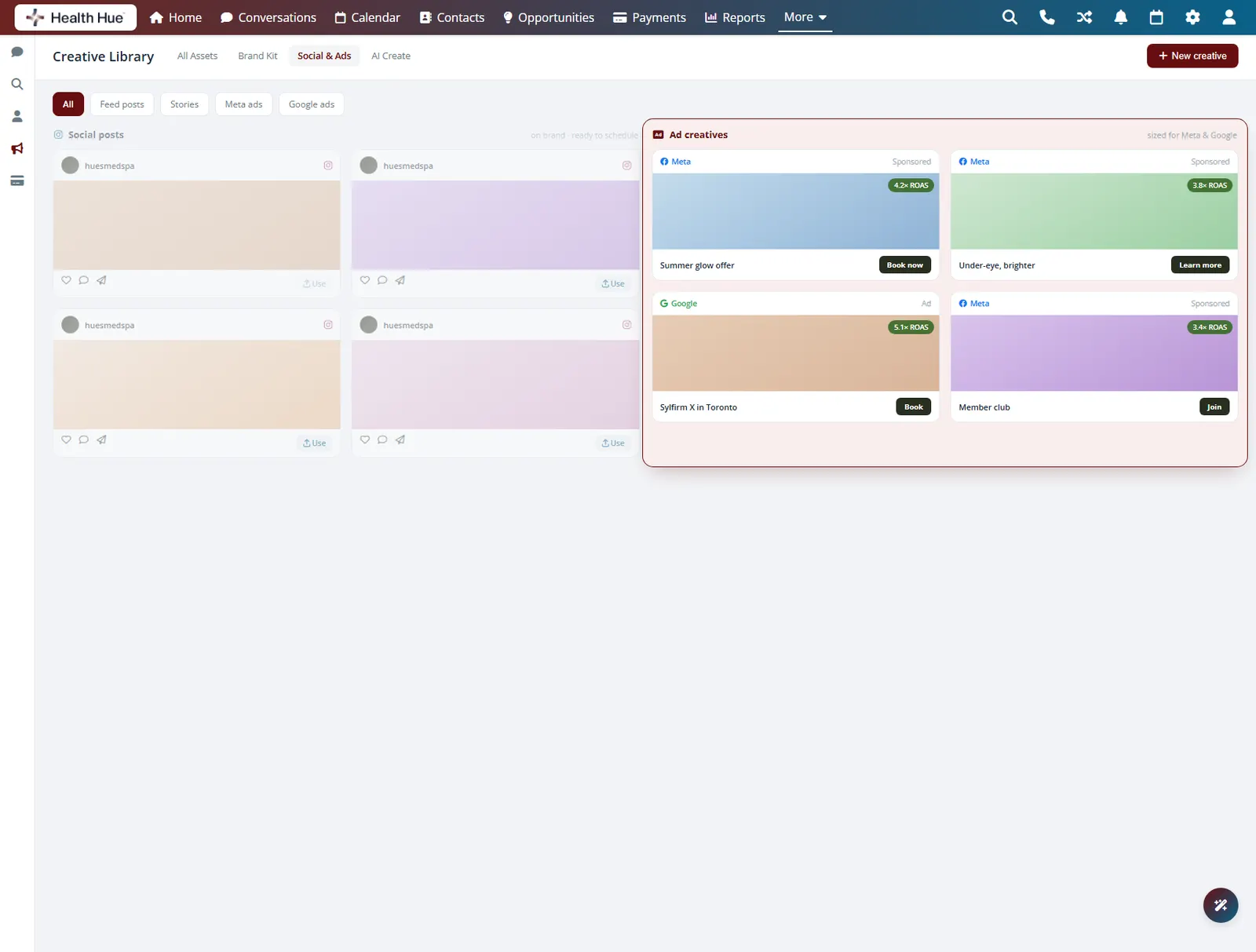
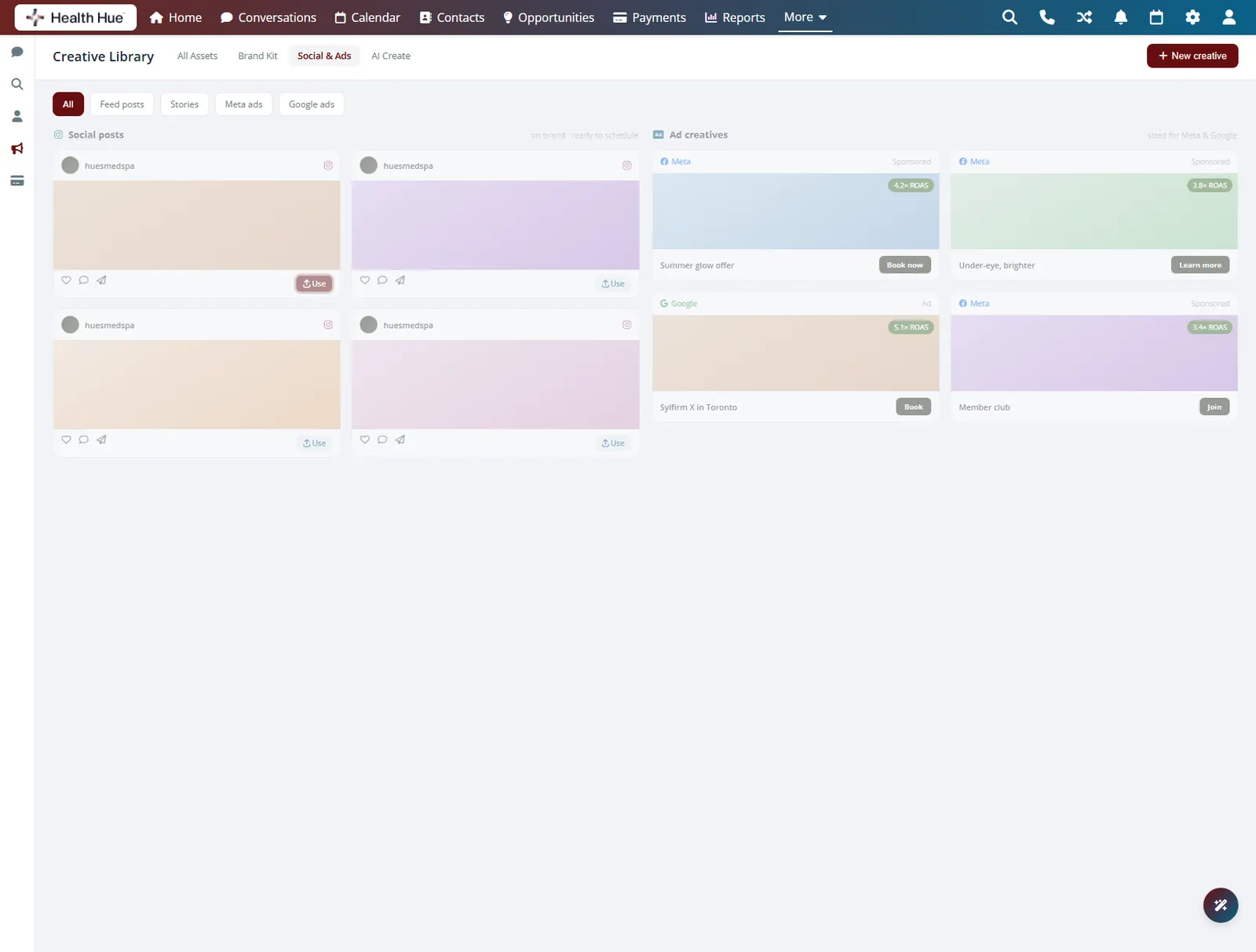
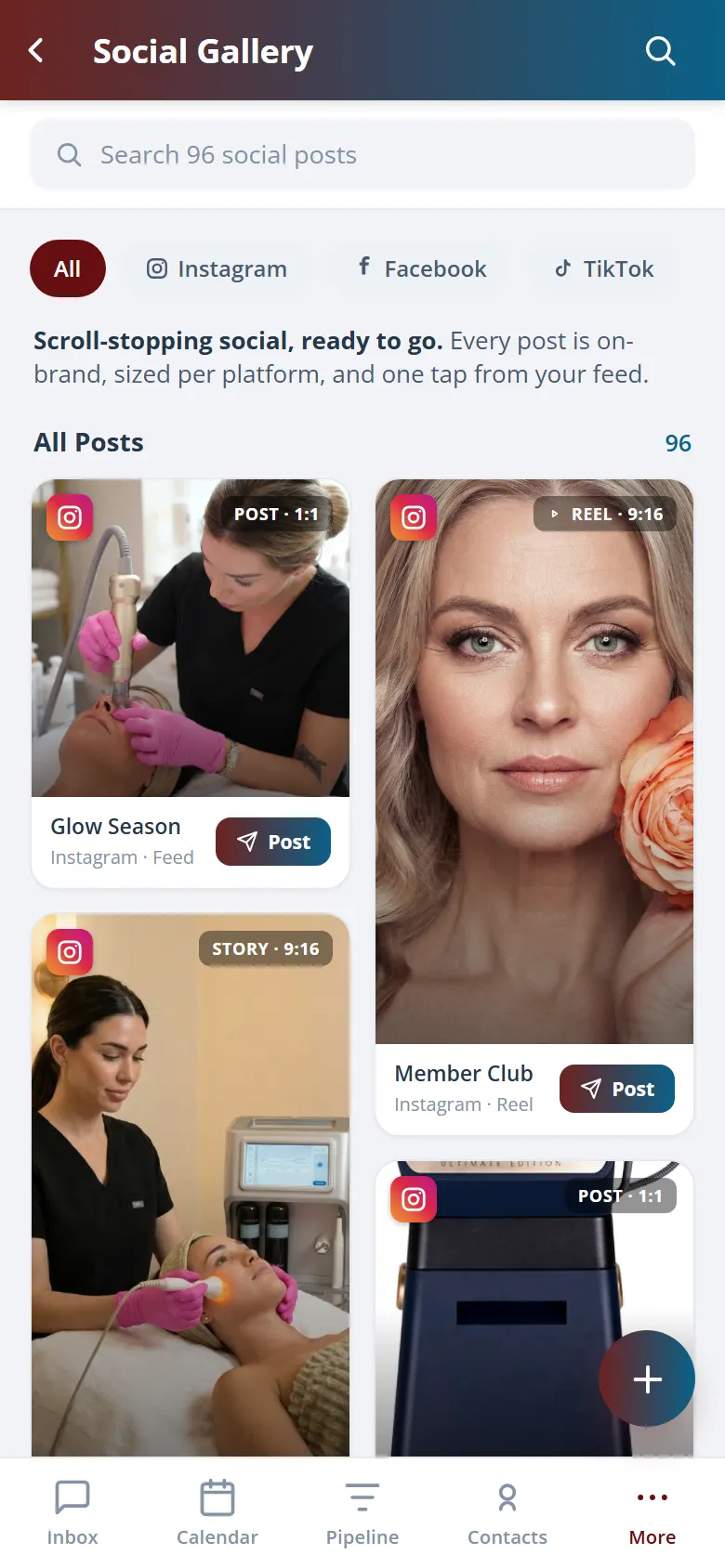
Social posts, stories, reels covers, and ad creatives sit in the gallery sorted by use, so building a campaign starts from a shelf of finished, on-brand work. Each tile is one click from a social post or an ad set, so good creative gets reused across channels instead of remade every time.
Feed posts and story covers ready for the planner.
Ad sets organised and on brand for every campaign.
Drop a tile straight into a post, story, or ad.
05 · AI-Assisted Creation
Draft new creative from your own kit.
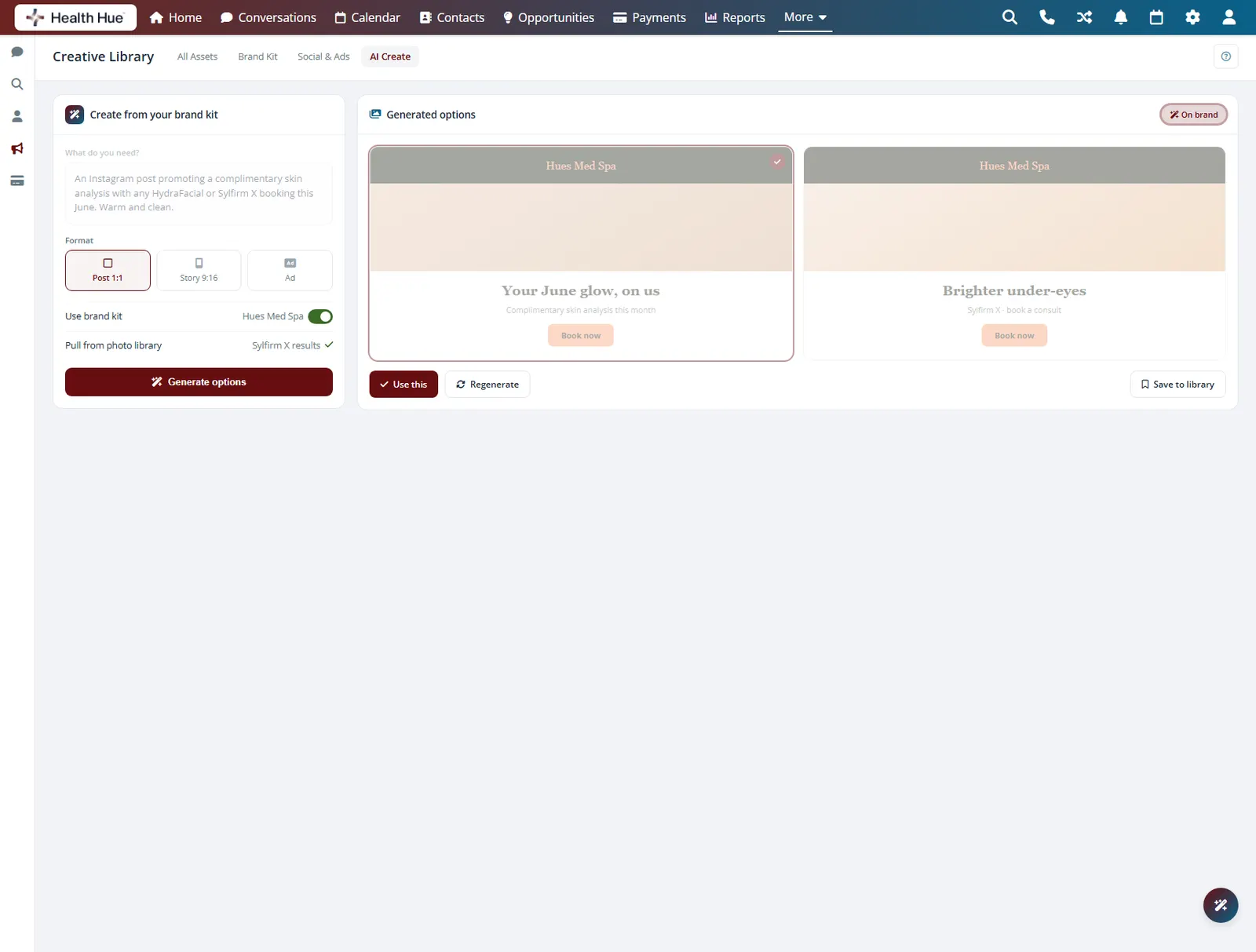
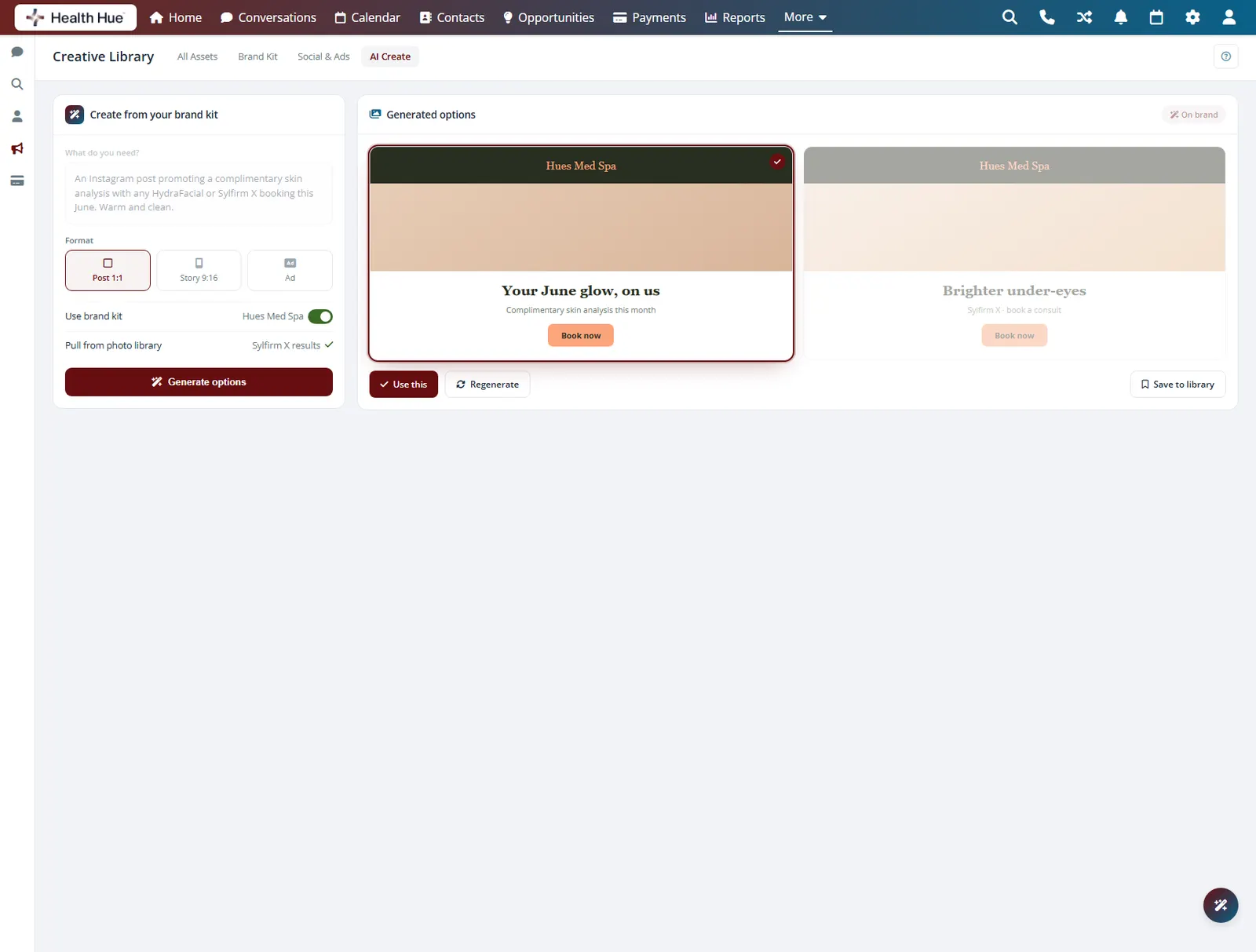
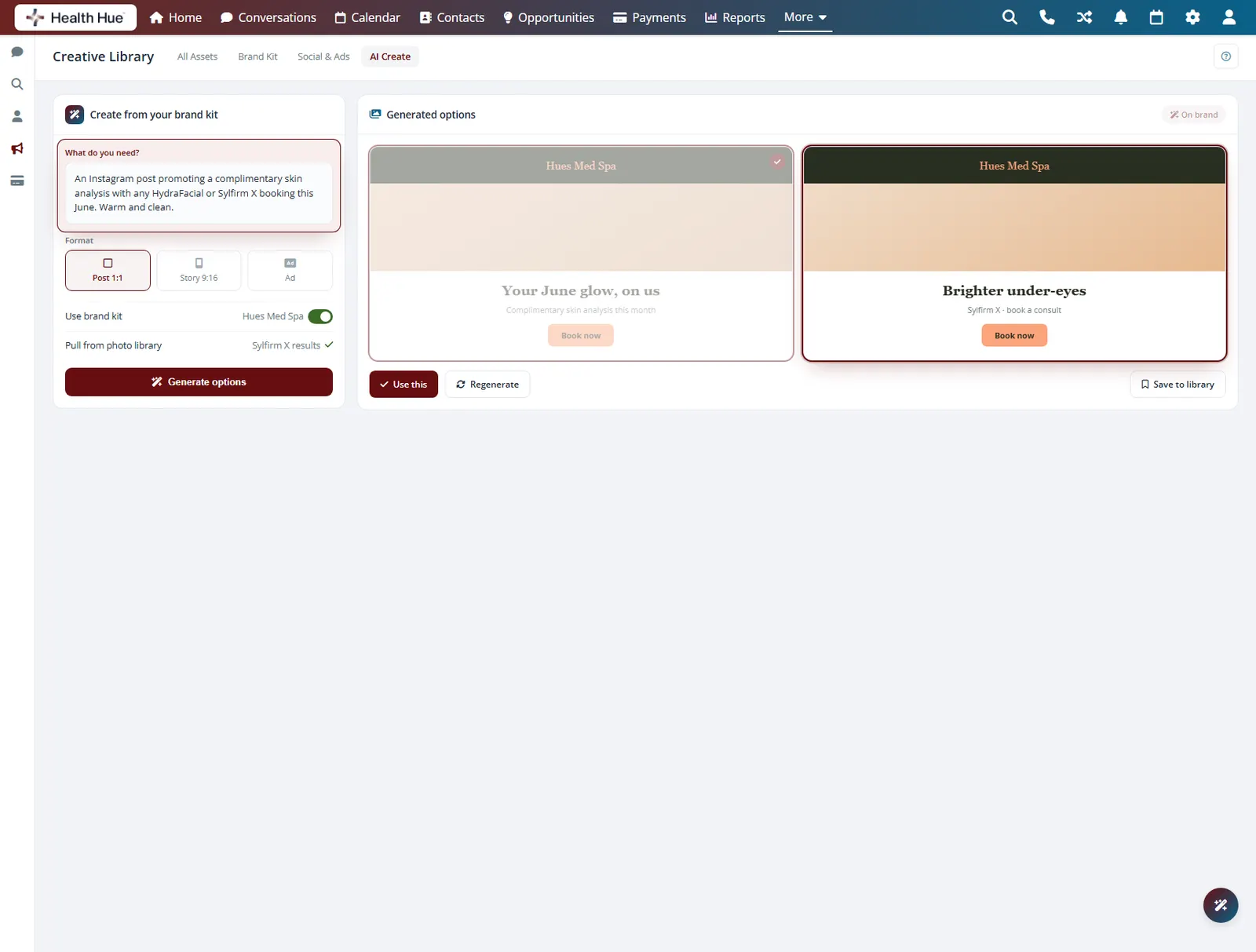
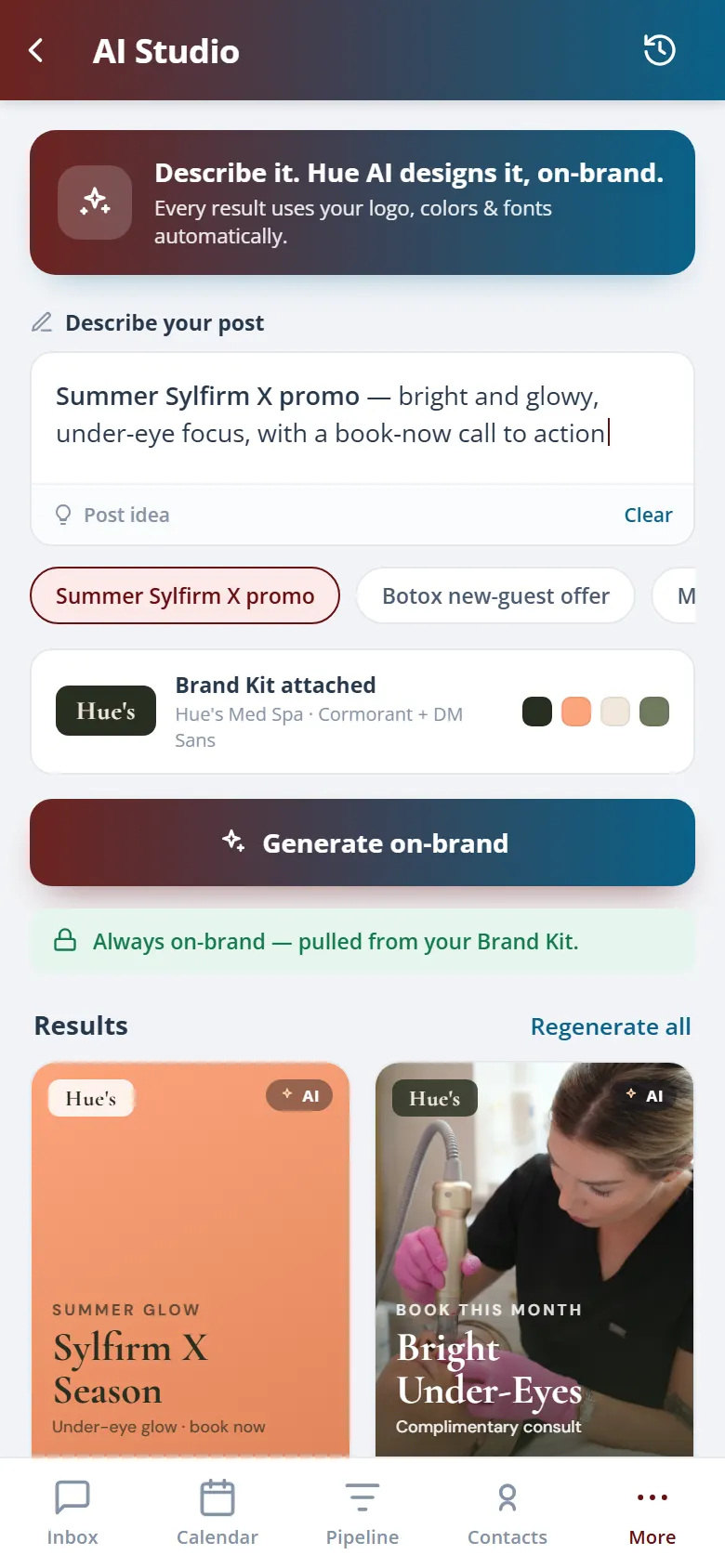
When you need something new, the Hub can draft copy and lay out a fresh asset using your brand kit as the starting point, so the result already matches your logos, colours, and fonts. You edit the draft instead of facing a blank canvas, and the on-brand look is built in from the first pass.
New drafts start from your logos, colours, and fonts.
Draft the words and the layout together in one step.
Review and edit every draft before it goes live.
06 · Organised & Searchable
Folders and tags find it in seconds.
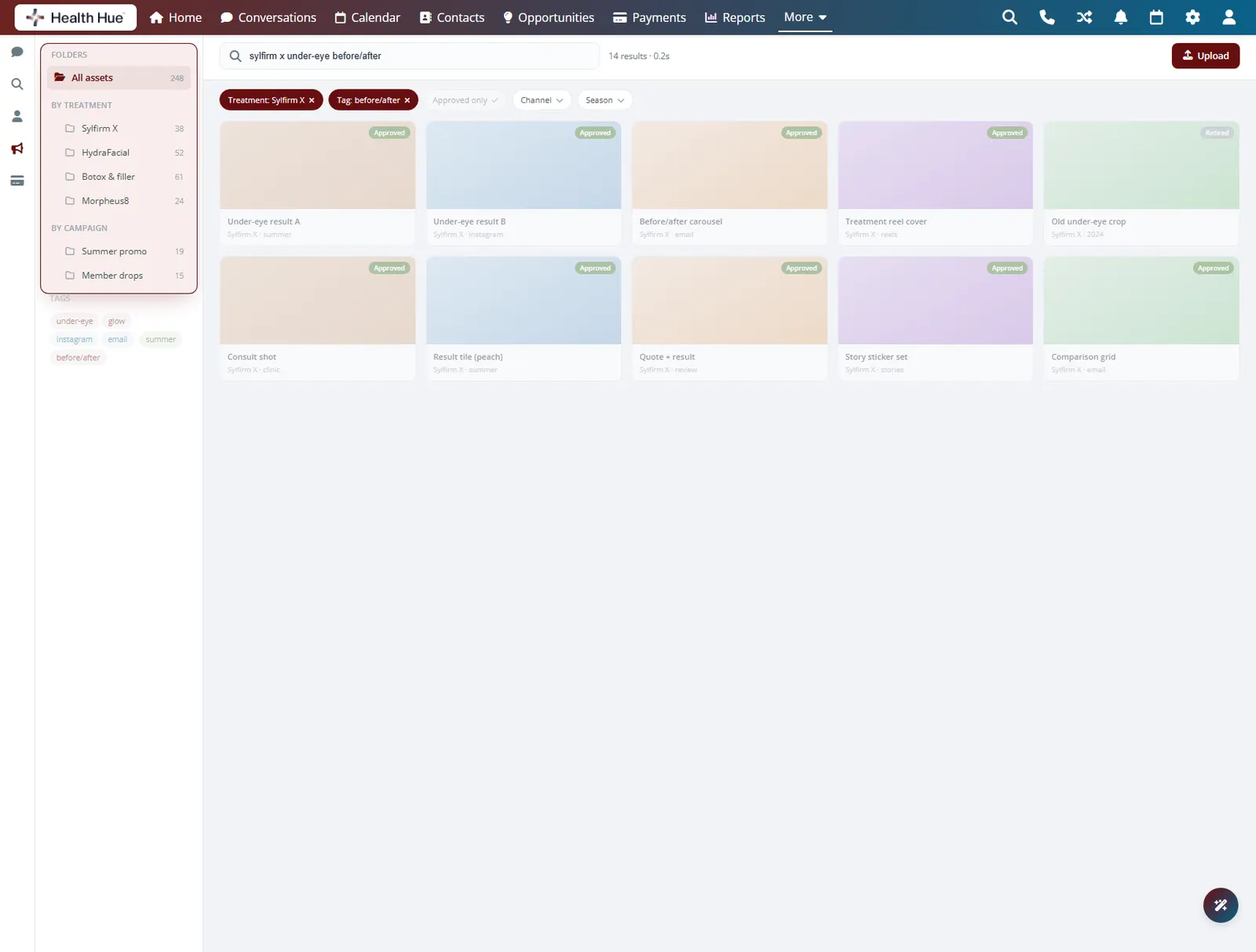
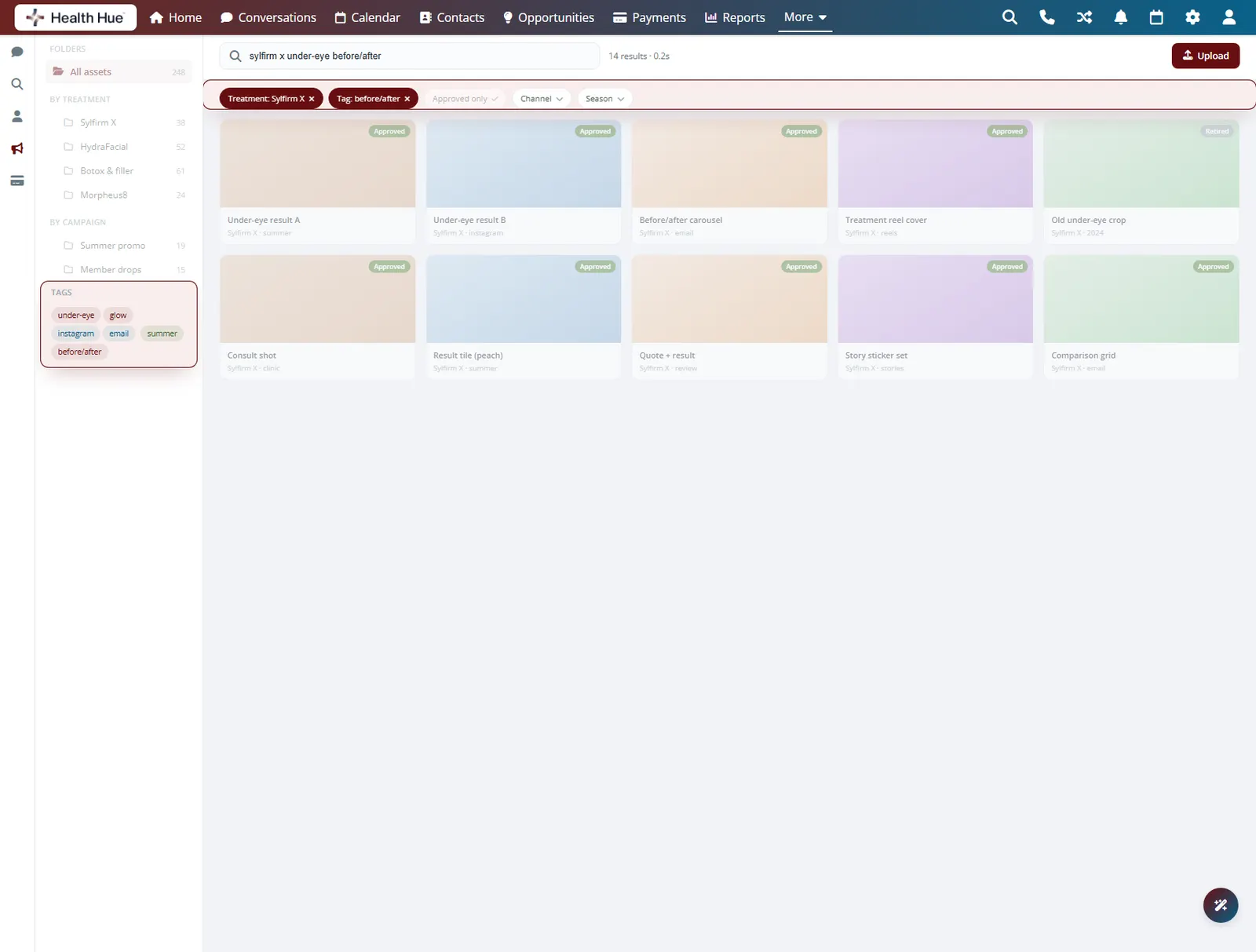
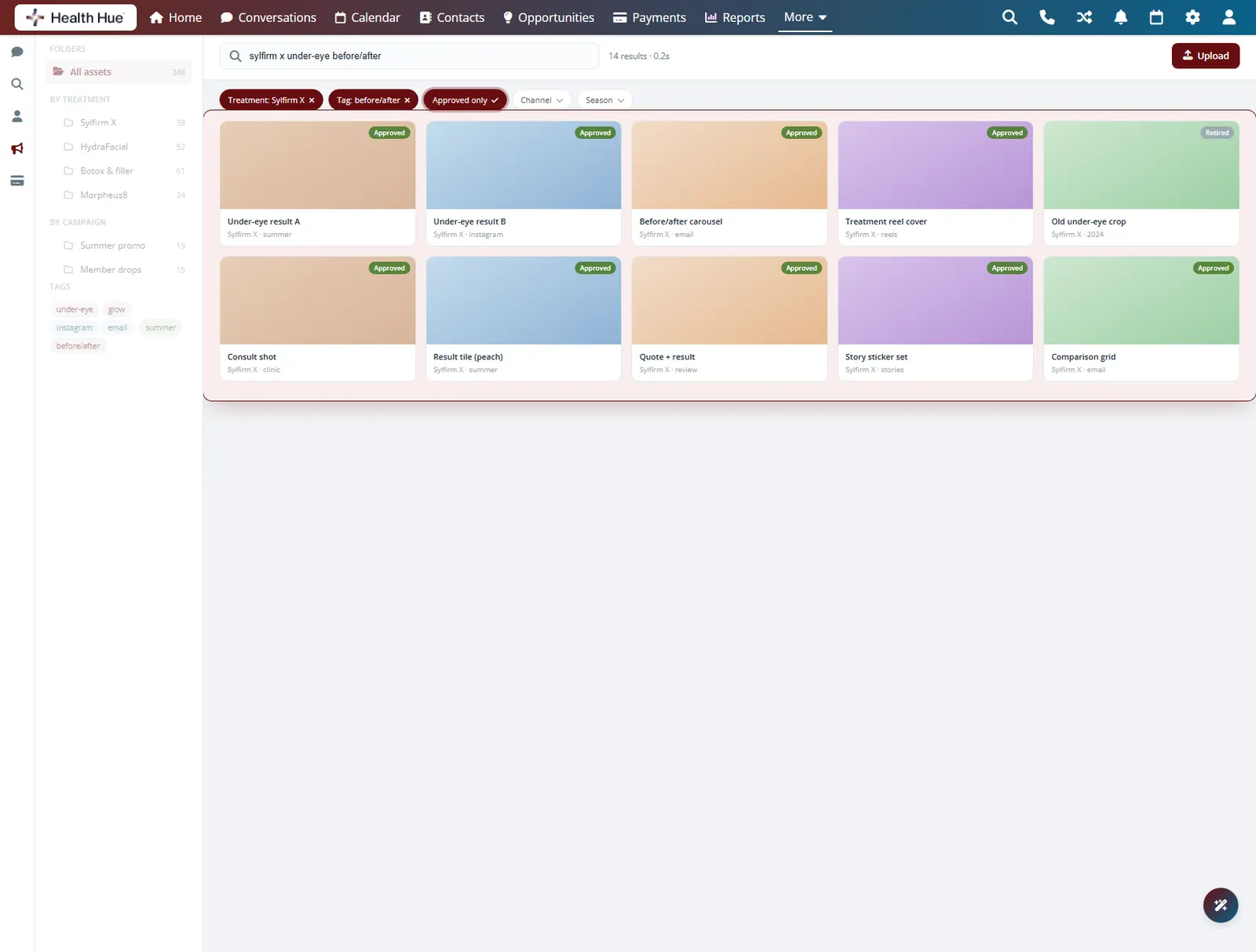
Group assets into folders by treatment, campaign, channel, or season, and tag them so the right file surfaces in a search instead of a scroll. Mark assets as approved or retired and the library quietly keeps everyone working from the current set rather than last year’s crop.
Sort by treatment, campaign, channel, or season.
Tag assets so a search surfaces the right one fast.
Retired creative stays out of the way of current work.
Secure, compliant, and clinic-ready
Every feature lives in a platform built for clinics from the ground up, with charting, consent, and payments native to the patient record.
PHIPA & HIPAA-aware
Patient data is encrypted and handled to Canadian health-privacy standards.
Consent & audit
Consents, signatures, and changes log to the record automatically.
Role-based access
Granular permissions keep charts and contact details on a need-to-know basis.
One source of truth
Scheduling, payments, messages, and records in one place. Nothing siloed.
Explore more of the Hub
Creative Library is one part of the Health Hue Hub, your AI-powered clinic operating system.
Conversations
One inbox for SMS, calls, web chat, and DMs.
Patient Records
Every patient in one complete profile.
Calendar & Scheduling
AI booking, reminders, and provider sync.
Payments & POS
Text-to-pay, deposits, and fast checkout.
Memberships
Recurring revenue, packages, and perks.
Automated Flows
Triggers and multi-channel follow-up.
FAQ